
Car screens - privacy and data
Now and then a driver asks me whether the screen he just fitted is listening to the car. I hear that one a lot, and the screen is the least interesting part of the answer. It's a small Android computer with a microphone, a storage chip and, on some builds, a cellular modem, and what leaves it is decided by the apps signed into it rather than by the glass you tap.
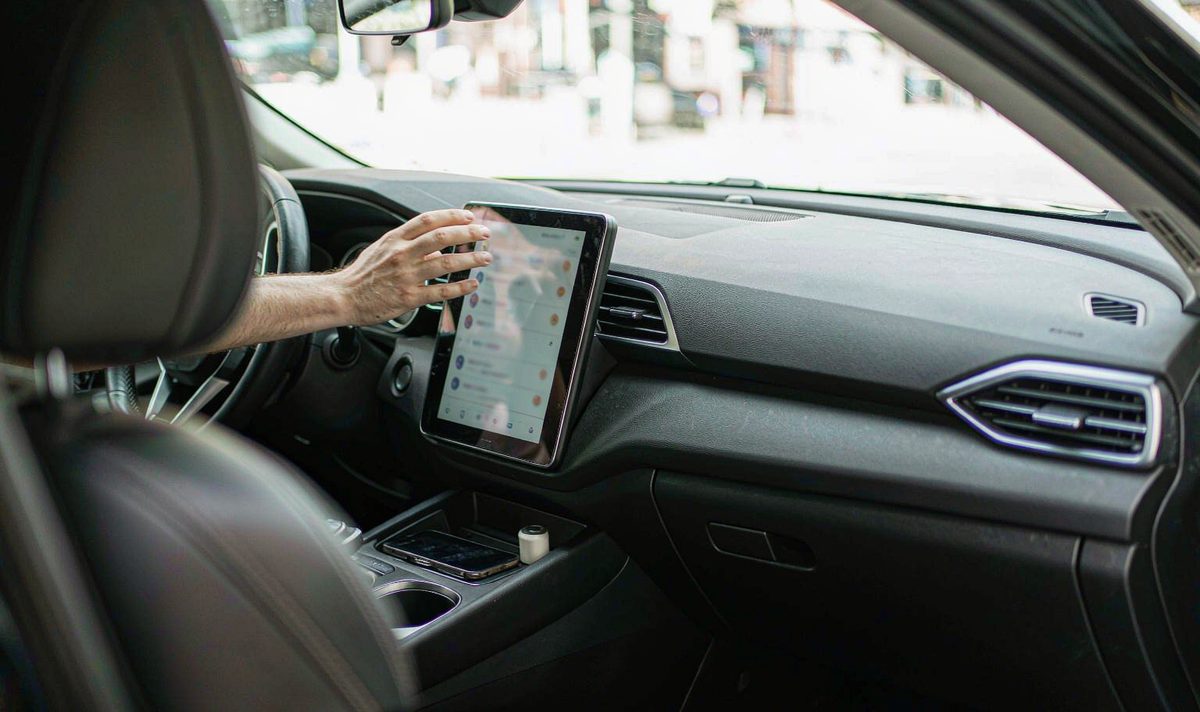
Here's the short version: a retrofit unit keeps a local copy of your phonebook and call log once you allow contact sharing, it stores whatever your apps keep, and it sends data out along one of three routes - your phone's connection, its own 4G link, or a card you pull out by hand. So which route is open on yours? That's the question, and you can settle it in an afternoon.
Pairing a phone is where the copying starts, and it's the part nobody mentions at the counter.
Android's automotive Bluetooth documentation spells it out. The Phone Book Access Profile downloads contacts and call histories from the connected phone, records go into the Contacts Provider, and each paired phone gets its own client state machine so two phones don't merge into one address book. Messages work differently: the Message Access Profile hands SMS to an app, and the same document says those messages aren't stored on the unit.
That page adds that a PBAP client clears the contacts and call history belonging to a phone when it disconnects. I'd read that as design intent in AOSP, not a promise about the firmware in your dash, because these builds start from that code and wander. A unit that forgets the pairing records is a different fault, covered in why an android head unit loses Bluetooth pairing records.
Then the quiet stuff: saved Wi-Fi networks from the afternoon you tethered in a car park. Accounts still signed in inside a music or navigation app. An index of the tracks on the USB stick you left in the port.
Here's what I find annoying about the whole subject: you bought a screen, and it turns out to be a phone with no owner's manual. The settings exist. Nobody told you where.
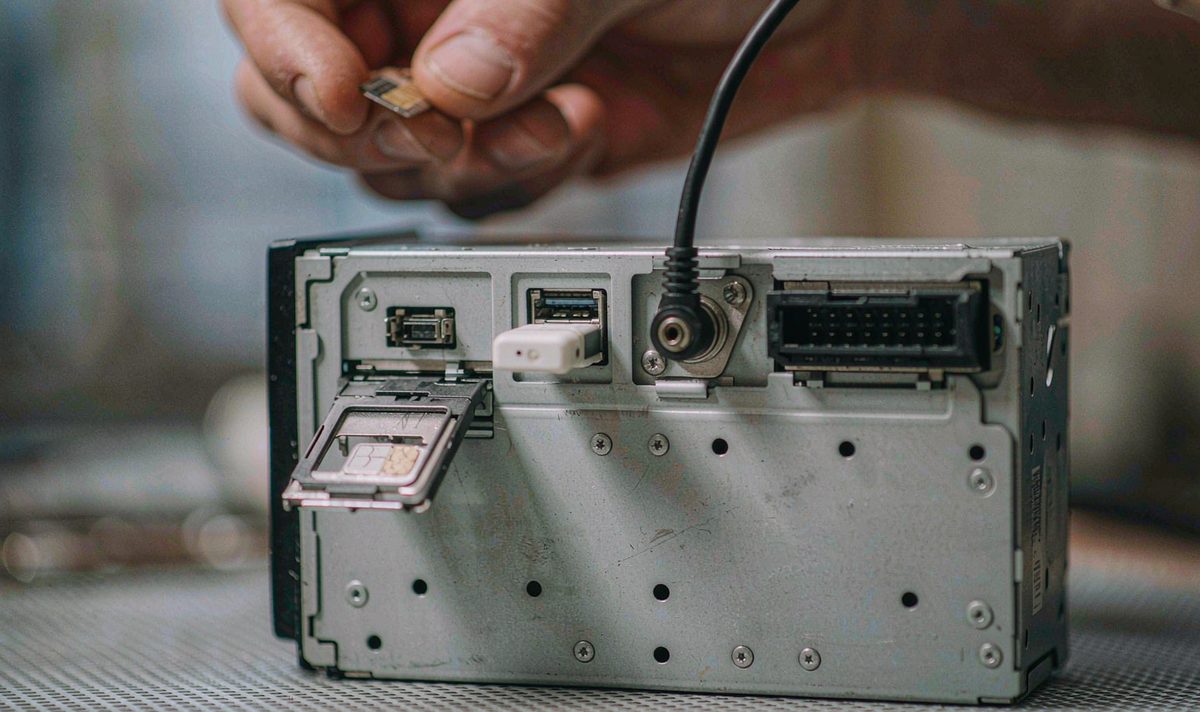
A head unit with no connection of its own can't send much anywhere. That sounds obvious, and it's the point half the privacy advice online misses, and why so much of that advice is rubbish: your unit borrows a connection far more often than people realise.
The first route is your phone. Tether over Bluetooth or a hotspot, or plug in a cable for Android Auto or CarPlay, and the traffic rides your phone's data plan. That's the ordinary case, and the phone still holds the account.
The second is its own link - the android head unit with 4G SIM card slot that plenty of buyers treat as a selling point. Fit a data SIM and your unit has its own address on the network, so it keeps working with no phone in the car. Pull the SIM and that route closes. Cheapest test you'll run, and it takes ten seconds.
The third is physical, and it's the one people forget: the card slot and the USB port. Anything you copy onto a card can be copied off it by whoever holds the card.
Screen mirroring sits between the three. With android head unit screen mirroring from phone, your phone renders and the unit displays, so the session mostly stays on the phone. Your unit can still see the mirrored screen, which matters if you mirror a banking app while parked.
| Route | Who holds the connection | What it means for you |
|---|---|---|
| Your phone, tethered or cabled | The phone, on your mobile plan | Goes quiet once the phone is out of range |
| Its own 4G SIM, or a USB dongle | The unit, on a separate SIM | Keeps uploading with nobody in the car, so the tray is the switch |
| Card slot and USB port | Whoever holds the card | Nothing crosses a network, but clips and logs travel by hand |
Read the middle column first. It separates a terminal on somebody else's connection from a device in its own right.
Android's been tightening this for years, and the version on your unit matters more than the badge on the fascia.
If your build is Android 12 or newer, one switch beats the rest of the list: when an app asks for location, grant approximate instead of precise. Approximate is a box about three kilometres across, useless for turn-by-turn and fine for weather or fuel prices. You can change it per app later, whatever the app was written for.
That version also added a privacy panel listing which apps touched location, microphone and camera, and when, plus a status-bar indicator while the microphone or camera is live. Older builds often lack it, so you read the app list instead - tedious, but not blind.
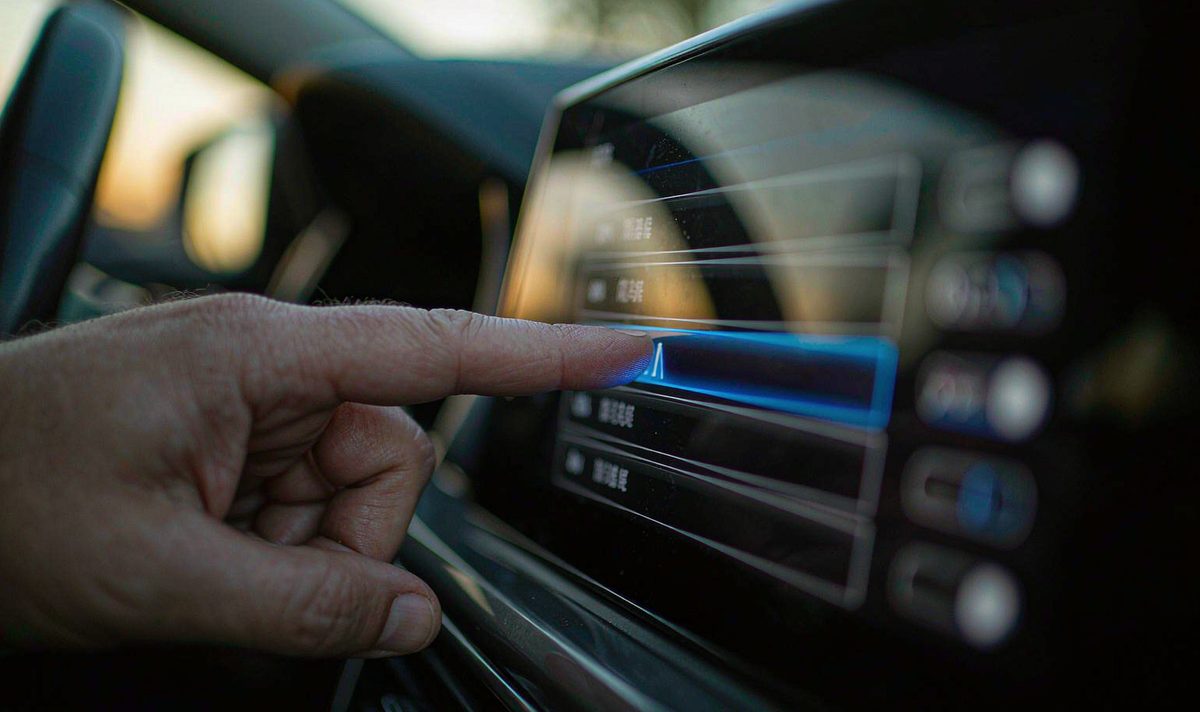
Identifiers are the other half. Since Android 10, apps can't read the IMEI or the serial number unless they're privileged system apps, so an ordinary app makes do with a resettable advertising ID, and opting out of ad personalisation zeroes that ID rather than flagging it. That's the platform behaving. What your firmware does with those APIs is a separate question, and the honest answer is that it varies.
Do this before you spend a penny. Four steps, no tools, nothing permanent.
Where does this audit go wrong? Step three: unchecking the box on the unit and leaving the phone alone. Both ends hold a permission, and either one keeps the door open, which is the annoying part.
Some of that fear is well placed; some is noise.
| The worry | What it usually turns out to be | How you confirm it |
|---|---|---|
| The unit listens to conversations | A microphone opening for an app, not a recording of the cabin | Watch the status bar on Android 12 or newer; on older builds, read the app list |
| It uploads my phonebook | A backup, dialer or contacts app somebody installed | Look for third-party dialer and backup apps, and remove the ones you didn't choose |
| It tracks where I drive | The navigation app and the account signed into it | Open that app's location history setting and read what's stored |
| The factory can see my car | A cellular build with a data SIM, plus whatever apps shipped on it | Remove the SIM, then check the data counter with the phone absent |
Location deserves its own paragraph, because the story changed in 2024. Google moved Maps Timeline off its servers onto the device, retired the web view, and set new entries to auto-delete after three months by default, extendable to 18 or 36 months, or off. For your car screen the consequence is narrower: the nav app writes locally, and what gets uploaded depends on the app and on whether you're signed in. If you want to see what it kept, exporting the route history it stores beats reading about it.
The reverse holds too. A unit with no SIM in the tray, runs a nav app you picked and keeps clips on a card you can pull is a quiet device. Buying a new screen to fix a worry you haven't confirmed is the expensive version of not checking.
There's a category of unit where the settings menu can't help, and it's worth spotting before you go hunting.
A retrofit android head unit for older car models often ships an AOSP build without Google Play services. That isn't bad on its own - it's lighter, and it doesn't tie your unit to an account. It does mean no Play Protect scanning, so an app installed from a file gets no second opinion. Treat anything sideloaded as unknown and check what it can reach.
Older Android versions are the second half. Android 11 and earlier have no privacy panel, no approximate-location switch and no microphone indicator, so you read the app list and the data counter. Frustrating, and slower, but it still tells you what's installed.
The third is the modem. Where the radio is inside the unit, the tray on the back panel decides whether it can reach anything, and it usually sits beside the USB port and antenna jack - no dash removal needed to pull a SIM.
Sign out, revoke contact access, set location to approximate, pull the SIM. Four moves, no money, and any of them can be undone.
Change the unit. That belongs at the end, once the settings are clean and the counter still moves without a phone in range.
What's left is the build itself: which apps ship on it, what they hold, and whether your firmware lets you take them off. Ask for that list in writing before you order, because a spec sheet doesn't print it. We keep ours per model for that reason, and a photo of your factory connector plus the build number is usually enough for us to say what a unit will and won't run.
If you're still choosing, the range is listed model by model: universal one and two DIN head units. We ship to Europe, North America and Australia, and the connectors differ by market, so tell us where the car lives.
The microphone is something an app opens, not a recorder running on its own. Look at two things: whether a voice assistant waits for a wake word, and which apps hold microphone permission. On Android 12 or newer the status bar shows an indicator while the microphone is live, so you can watch it for a drive and see who's asking.
Usually, yes - unpair the phone, or clear the phonebook inside the Bluetooth app on the unit. The label moves between builds. If the names return after you re-pair and revoke access, the copy sits in storage and a reset is the clean route.
Different, not worse. With a dongle the unit is a device in its own right and keeps working when your phone isn't in the car. With tethering it goes quiet the moment you walk away.
Yes, and pull the card while you're at it. A reset clears the accounts and the contact database. The card keeps whatever was written to it, camera clips included.
Which apps ship on a unit, what they can reach, and how to take them off are support questions, not sales ones. Send the model, the build number and what you found in the app list, and we'll walk through it with you.
Read the full support scopeZhuhai WITSON Industrial Co., Ltd. - Tel: +86-756-8120312, 8120211, 8120212.
