
Car infotainment - Bluetooth bonds and what survives a reboot
The phone paired fine on Monday, and by Wednesday the unit is asking you to pair it again while you're already rolling out of the driveway. That's rarely a Bluetooth chip on its way out. A pairing record is a small file the unit writes to its own storage, and when that write doesn't stick, or when the unit comes back up with a different address, your phone has nothing left to recognise. Re-pairing papers over it for a day or two, then the frustrating part repeats itself.
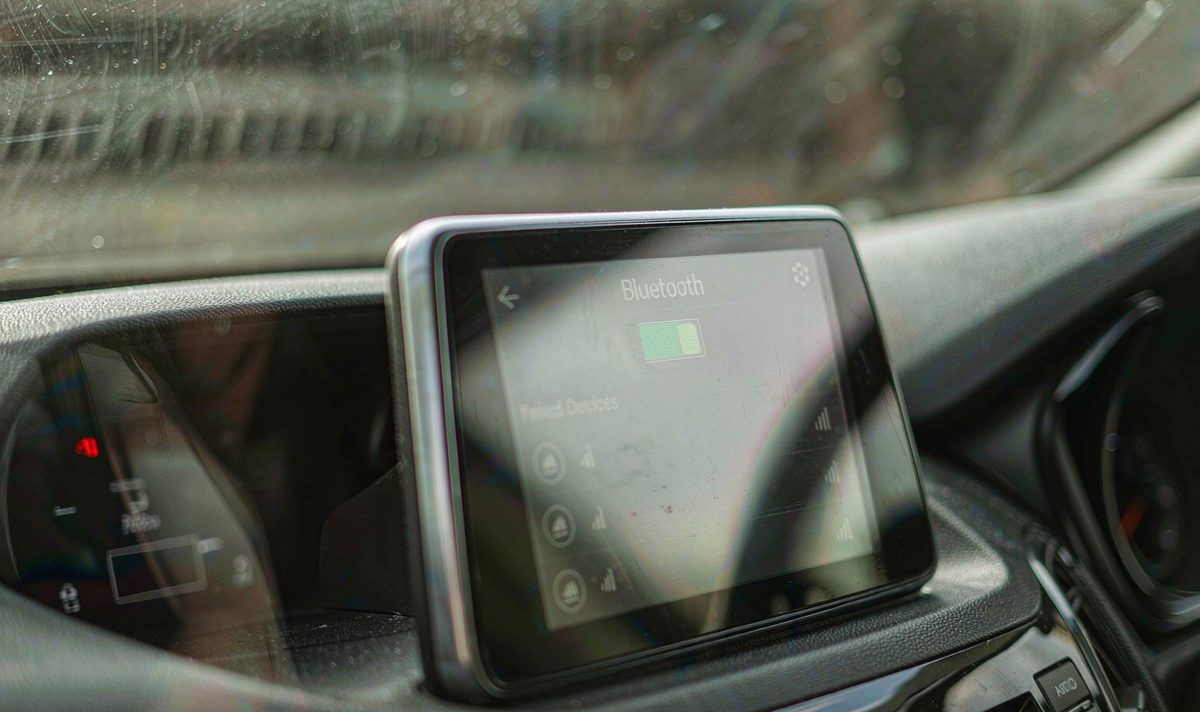
I hear this one more than almost any other Bluetooth complaint, and it arrives worded the same way every time: the car won't remember my phone. What I see is that you've usually re-paired three or four times by then, which makes the fault harder to read, because every fresh pairing writes a new record over the evidence.
Android's Bluetooth stack keeps its bonds in a plain text file, not in some sealed chip. On Android 6 and later it sits at /data/misc/bluedroid/bt_config.conf, and from Android 12 the stack moved to /data/misc/bluetooth/ with a per-user split. Inside, the file holds the adapter's own address and name, then one block per phone with that phone's address, its name, its device class, the link key and a timestamp.
Both ends of a pairing keep a record. Bluetooth pairing is an exchange of keys, and each side stores its own half, which is why "the car forgot my phone" and "my phone forgot the car" look identical from where you sit and are two different repairs.
The one property that matters here: that file's written at pairing time and is meant to survive a restart. Your average phone in a pocket proves the mechanism works. So when the list is empty again after an ignition cycle, only two explanations hold up. Either the write never reached storage, or the unit came back up looking like a different device.
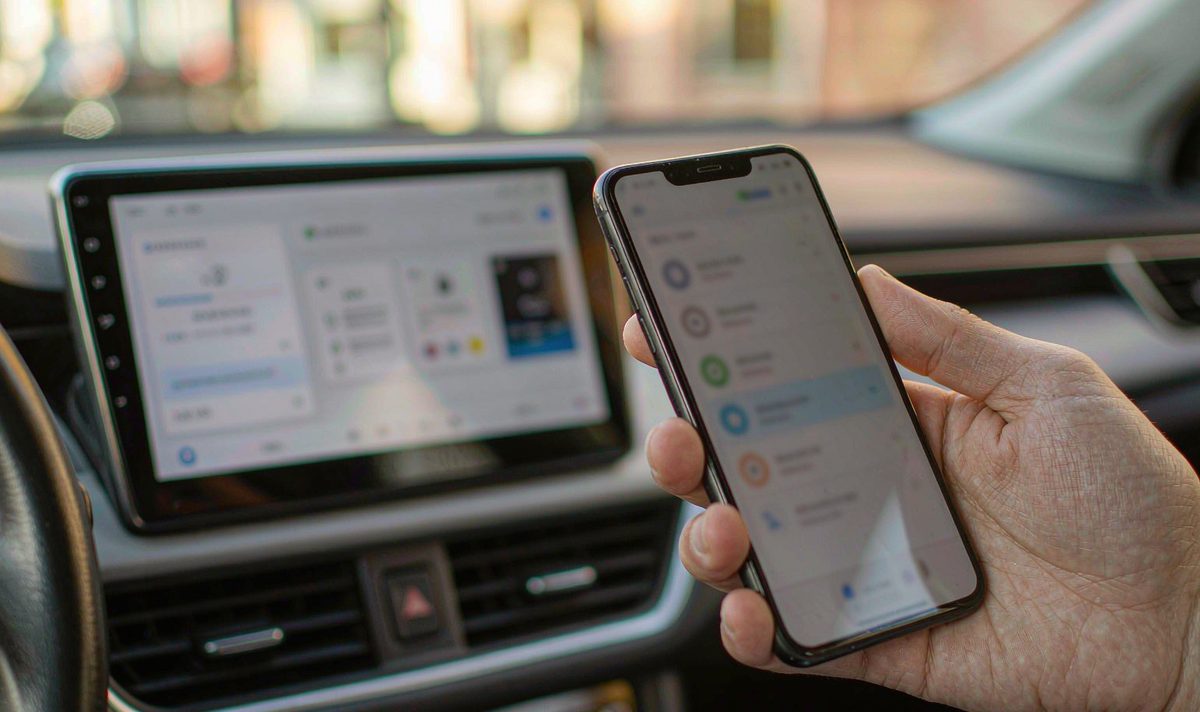
Nothing in that file is about sound quality. Music needs a codec agreed on top of the bond, which is a separate handshake and a separate failure; an android car stereo bluetooth audio codec mismatch gives you a connected phone and silent speakers, not a forgotten one. Keep the two apart and your diagnosis gets shorter.
Here's the version I run into most often, and it's the reason you end up buying a Bluetooth module you didn't need. Four unrelated faults end with the same prompt on the screen, and they're told apart by what the unit shows you, not by what it says. So which one have you got?
The bond is written, the phone works all evening, and the morning list is empty. Something is stopping the write, and on these units the usual suspect is the storage partition or the constant feed.
The bond is still in the file, but the adapter introduces itself with a new address after a reboot, so your phone treats the car as a stranger and keeps the old entry as junk.
An update, a reset or a cleared Bluetooth cache on the handset leaves the car paired and your phone blank. The unit's innocent and still gets the blame.
The system list shows your phone, the dialer app doesn't. That's permissions, not pairing. Android 12 put Bluetooth access behind a runtime permission in the Nearby devices group, and an app that doesn't ask for it can't read the bonded list.
The list on the screen is the witness. Open the unit's own Settings, not the app you use for calls, and look at what it says under paired devices. Empty list, one app missing the phone, or a phone that's listed but never reconnects: three answers, three different jobs.
Work down this list in order. Everything at the first level is free and takes ten minutes, and quite often it ends the job before you've picked up a screwdriver.
Before anything else, stop re-pairing. Every new pair overwrites the record you're trying to read, and it also resets the clock on how long the fault takes to show up.
Ignition off, wait, ignition on. Then open Settings on the unit and look under Bluetooth, not in the phone app. If your phone's gone from that list, the unit's losing the record. If it's still there, the record survived and your problem is elsewhere.
Settings usually shows it at the bottom of the Bluetooth page, sometimes as Bluetooth address or MAC. Note the six pairs of characters, reboot, and compare. Same address means the identity is stable; a changed one explains a phone that keeps asking you to pair.
Clock wrong, radio presets gone, Wi-Fi password forgotten? Then several settings died together, which points at power or storage rather than at Bluetooth.
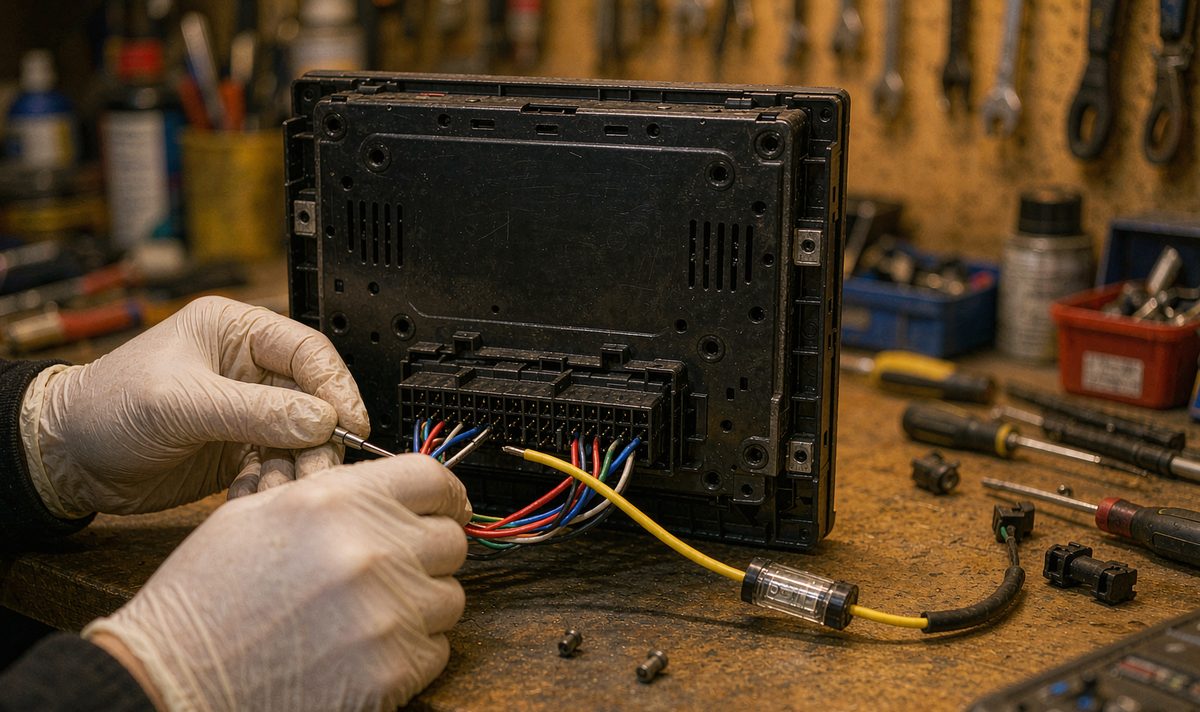
A head unit has two feeds for a reason. The yellow wire carries constant 12 V and keeps memory alive; the red one switches with the ignition. Swap them, leave the yellow disconnected, or blow the inline fuse on it, and the unit still boots and plays every time, so you'd never suspect the wiring. What gives it away is the company the loss keeps: clock, presets and pairings all resetting together.
An android car stereo wiring harness adapter is where this usually gets decided on a retrofit, because the adapter decides which pin in the factory plug feeds the yellow wire. If yours was spliced by hand, check that joint before you blame the radio.
Two numbers are worth reading here, and neither needs a diagnostic tool. Free space on the unit's internal storage is the first: a nearly full user partition is a common reason a small settings file can't be written. Firmware version is the second, because a build that mis-handles the config file is a fixed bug once you're on a later one, not something you can tune around.
Also settle what the Bluetooth actually is. An internal module and a USB dongle behave differently, and a dongle that enumerates fresh on every boot tends to hand out a new address each time, which lands you back in the second fault above. Look at your unit's own device list, then at the port on the back if you've got the dash open.
Do I need a new module? That's the question to ask last, not first, and only now does hardware come into it. If the address is stable, the free space is fine, the fuse is good and the record still vanishes, you're looking at storage that won't hold a write or a module that won't keep its identity, and that's a bench job or a warranty conversation rather than a setting. Regret usually shows up after the part is ordered, not before.
Read the middle column as a direction, not a verdict. Each row carries the check that settles it, and most of those checks cost nothing but a reboot.
| What you notice | Where it usually points | How you confirm it |
|---|---|---|
| Phone vanishes from the paired list after every reboot | The record isn't being written, so storage or the constant feed is the suspect | Check whether the clock and radio presets also reset; if they do, look at power and storage before Bluetooth |
| Phone is listed but never reconnects on its own | The unit's own address changed, so the phone no longer matches the car to its saved entry | Note the address, reboot, compare; a different address confirms it |
| System list is fine, the dialer app shows nothing | App permission or the app's own cache, not the pairing record | Grant the app access to nearby devices, then reopen it; the list usually fills in |
| Pairs, then drops a few seconds later | Radio interference, often the unit's own Wi-Fi hotspot sitting on top of the Bluetooth band | Turn the unit's hotspot off and repeat the connection at the same spot |
| One phone misbehaves, another pairs happily | The handset's half of the bond is stale | Delete the car from the phone's saved list, then pair again from scratch |
Find your row and run the test before you order anything. In my experience the first two rows cover these cars more often than not, and the fix at that level is a fuse, a joint or a setting rather than a new module. What's genuinely annoying is how often a module gets replaced while the yellow wire is still the problem. That's a silly way to spend money.
Two cases sit outside the head unit and get misdiagnosed constantly.
The first is the handset. If the car still lists your phone and the phone's Bluetooth page has no memory of the car, the bond is one-sided and fiddling on the screen won't fix it. Clear the car from the phone, then pair again. On a retrofit android head unit for older car install this happens more often than you'd expect, because your unit tends to get renamed or re-flashed during the job and your phone keeps a stale entry under the old name.
The second is app-level access. A phone can be bonded to the unit while an app still can't see it, and the symptom looks like a lost pairing because the app redraws its device list empty. Check the system list first, then the app's permissions. If the system list is correct, you're not chasing a Bluetooth fault.
One more distinction worth holding on to: pairing and audio are separate negotiations. The bond is remembered; the codec is agreed when a connection opens. An android head unit bluetooth codec support gap shows up as audio that stutters or goes silent on one phone while another plays cleanly, and re-pairing won't touch it.
If you're still choosing a unit rather than repairing one, ask two questions before you buy: does it keep its Bluetooth address across a full power cycle, and does it hold settings through an ignition cycle with the yellow wire disconnected for a minute. We ship to Australia, North America and Europe, and a question about fitment is quicker than a return.
The retrofit range, model by model: universal one and two DIN head units.
Because the record's a file, and a file needs a writable partition. Cut power to the constant feed, or fill the user partition, and the write at pairing time has nowhere to go. The tell is that the clock and the radio presets go with it, since those live in the same place and die at the same moment.
Yes. Put both lists side by side after a reboot and see which one is missing the other device.
It clears every record on the unit and gives you a clean start, which is worth doing once. If the phone still disappears after that reset and a couple of ignition cycles, the fault's in write access or power, and another reset changes nothing.
Sometimes, with a caveat. A dongle that keeps a fixed address and is supported by your firmware behaves like an internal module; one that re-enumerates on every boot gives the phone a new device to learn each morning, which is the fault you started with.
Zhuhai WITSON Industrial Co., Ltd. - Tel: +86-756-8120312, 8120211, 8120212.
If your unit still drops the pairing after the fuse, the joint and the reset have all been checked, send us the model, the firmware version and what else resets with it. We'll tell you whether it's a setting, a feed or a module.
Ask our support desk