
Android head units - system typography
Typeface questions come in about twice a month, and they always run the same way. Somebody's seen a car screen with a cleaner font, decided theirs looks dated, and gone hunting for the setting. Twenty minutes later they've scrolled the whole Settings app and found a font size slider. Nothing's broken and nothing's hidden. Android doesn't put a typeface picker in that menu, and the file that decides how your menus look sits where Settings never goes.
Two different things get called the font, and mixing them up is where your afternoon goes. The first is the system typeface, which the framework uses for the status bar, launcher labels and stock app menus. The second is whatever typeface an app brings along: your navigation app draws its own map labels.
Only the first is yours, and it doesn't live in a menu. Android keeps its fonts as files in /system/fonts and maps family names onto them in a configuration file that sits right beside the folder, which is why copying a file in never does anything by itself. On Android 5.0 and later that's /system/etc/fonts.xml; 4.1 to 4.4 used /system/etc/system_fonts.xml. The first family listed is the default, and Roboto's held that slot on stock Android for years.
That chain is why a dropped file changes nothing on its own: nothing references it. I've watched people move three files, reboot and blame the unit. Annoying, but it did what it was told.
What Settings offers instead is size. Display - Font size writes a scale factor Android applies to text in scalable units. That's a real control, just not a typeface.
Some brands add a picker of their own. If yours has Font style or Typeface, use it and stop reading, because none of this applies. If it doesn't, the entry was never removed. It was never there.
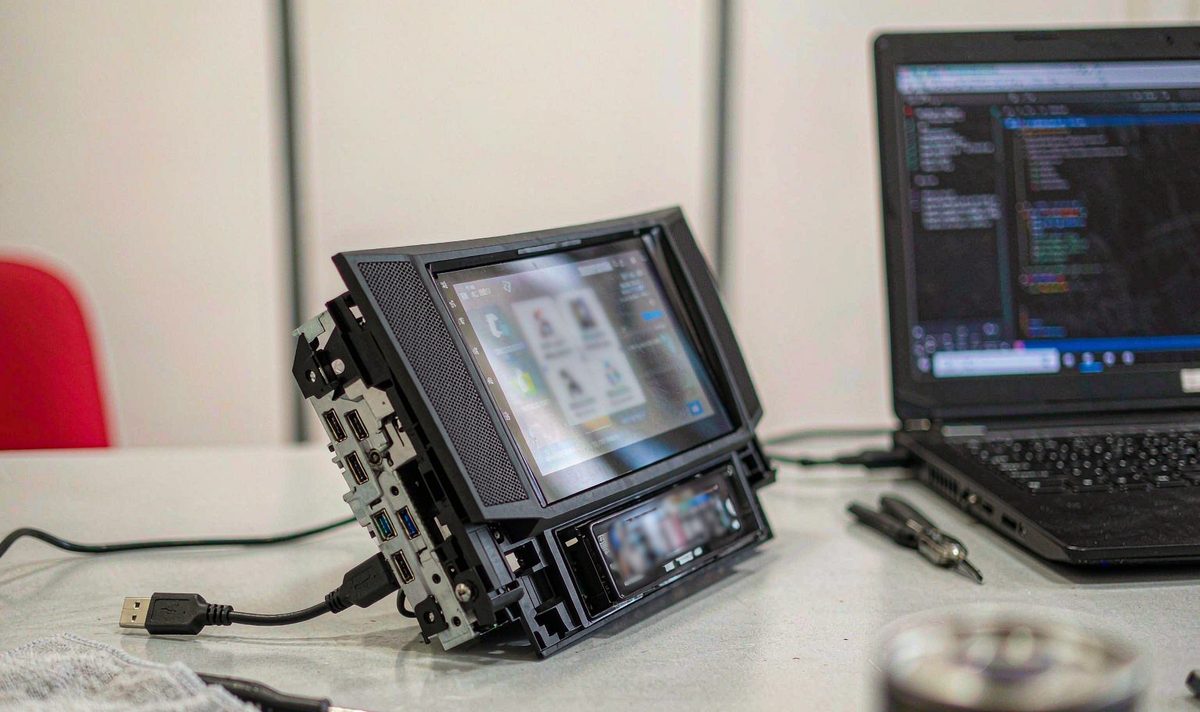
What's actually wrong with your screen? Start with the free answer. A good share of the complaints that reach me are about text too small to read at a glance, and the typeface's innocent. I hear it from owners in Europe every month. Move font size up a step in Display, then look from the driver's seat, not from six inches away.
Then work out which text you want changed. If it's one app, look there first: plenty carry a display setting of their own, and Android's got an app-level mechanism too. Downloadable Fonts, added in 8.0, lets an app request a typeface from a provider at runtime. It changes that app, nothing else.
If it's the whole interface, look for Font style in Display or in your unit's own settings app. Its absence tells you something: your firmware's plain AOSP here, and no amount of hunting will produce it.
Then reboot before you judge, because launchers cache typefaces and a change that looks like it did nothing usually turns out to need a cold start.
Map labels won't change: your nav app draws them, and on rendered tiles they arrive as part of the picture. If those labels are the problem, this job's the wrong tool.
Match your complaint to a fix before you go further. The four sound alike and none is the same job, which is what makes this frustrating. Which one are you chasing?
| What you want | What actually changes it | Reversible |
|---|---|---|
| Text you can read at a glance | Display - Font size, a scale factor | Yes, one tap back |
| A different typeface across menus and launcher | The font file plus its family entry | Only with a copy of the original |
| A different typeface inside one app | That app's display setting or font request | Usually yes, in the app |
| Different labels inside a map | Nothing you can install on the unit | - |
Find your own row and look right. The third row is where a five minute fix gets mistaken for a system job.
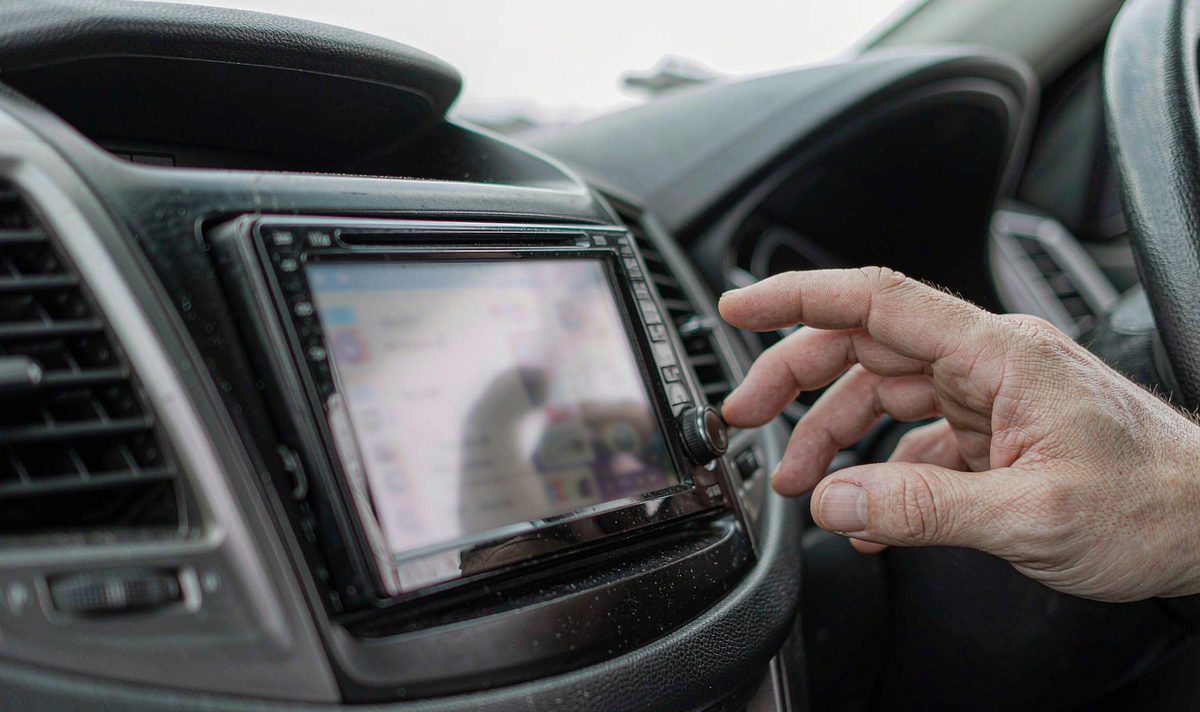
Everything past this point runs over ADB, the developer bridge Android exposes. You'll need a laptop, a data cable and a unit willing to talk. On a retrofit android head unit for older car builds, the USB leads at the back usually carry data as well as power.
Wi-Fi works too and saves pulling the dash apart: adb connect to the unit's address.
The first command is the one people skip: adb devices. An empty list means nothing else matters yet. Check the cable carries data, watch for an authorisation prompt, rule out a driver problem. This is where most attempts I hear about die, and they die quietly.
Once the unit answers, confirm three things: the Android version from ro.build.version.release, whether ro.build.type says user, userdebug or eng, and whether adb shell ls /system/fonts can read the folder at all. Those lines decide what's possible. Reading costs nothing; writing is where units get hurt.
Dump it and read it: adb shell cat /system/etc/fonts.xml. You're looking for the family the interface uses, generally sans-serif, and the files it points at.
Two honest routes exist. The narrow one replaces the file the family names and keeps the name, so there's no configuration edit. Test it and it fails visibly: where a family lists four styles and your file covers one, the framework fakes the bold, and fake bold on a wide typeface looks smeared.
The wider route adds your file and points a family entry at it, leaving the original as fallback. That matters when a menu shows a character your font lacks. Latin-only files are the common trap: Cyrillic, Greek or CJK text keeps drawing from the fallback chain, so half your interface changes and half doesn't.
Whichever route you take, match the permissions of the files already there, then reboot. Mismatched permissions are the common mistake, and a tedious one: the file's there, the mapping's right, and the framework still won't read it.
There's also a supported route that leaves the system partition alone. A runtime resource overlay is a signed package that swaps resource values for a target app. adb shell cmd overlay list --user current prints each with a status: an empty bracket is inactive, an X is active, three dashes mean errors, and cmd overlay enable --user current plus the package name turns one on. Building it is developer work, but it reverses cleanly.
Copy the original somewhere you can reach, and note every file you replace. That's the nightmare case: a unit that boots to a black screen isn't a five minute repair, and recovery on a car unit isn't recovery on a phone.
When it goes wrong, the symptom rarely matches the cause.
| What you notice | What is really happening | Stop-gap | Real fix |
|---|---|---|---|
| Nothing looks different after a reboot | The file went in but no family entry points at it | Cold start once more, in case a launcher cached it | Replace the file the family names, or edit the family entry |
| Menus changed, map labels did not | The map app draws its own labels from its own assets | - | Nothing on the unit side; go back to size |
| Bold text looks heavy and smeared | One weight supplied, the rest synthesised by the framework | Use a family with a lighter regular | Supply the weights the interface asks for |
| Some languages kept the old font | Missing glyphs, so the fallback chain took over | - | Pick a file that covers the scripts on your screen |
Read across, not down: rows two and four are where people keep editing a file that's already correct, and that habit turns a ten minute job into a frustrating evening.
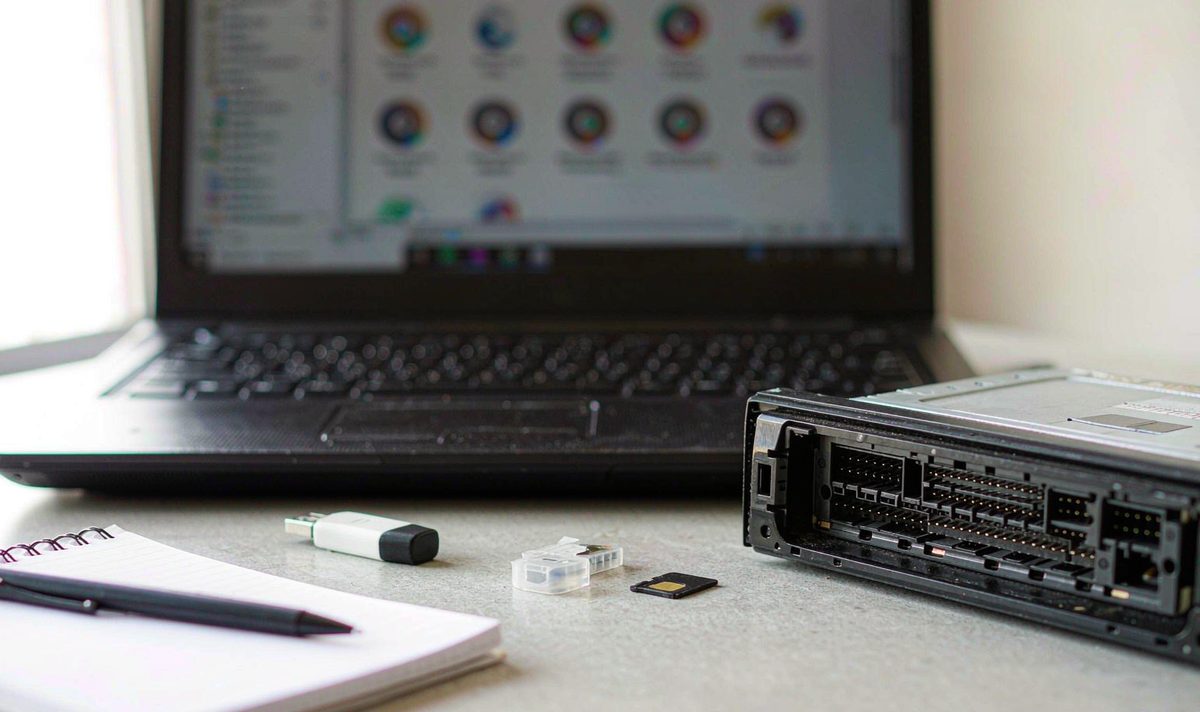
Whether you can write to /system is decided by the build, not the cable. Run that getprop line again and read the third value. A userdebug or eng build will usually let you remount; a production user build generally won't.
Android 10 made this harder. Dynamic partitions replaced fixed images with one super partition sliced at boot, and writable remounts now go through overlayfs, which sets up backing storage over the read-only layer and is why the old mount command fails. That path runs through adb disable-verity, a reboot, then adb remount. On a car unit that is a decision, not a step.
Firmware updates undo it: a system update replaces the image and takes your typeface with it, and an MCU update can wipe display settings the same way an android head unit can't save Bluetooth pairing records.
Density is the other thing people misread. On an android head unit 1280x720 screen resolution across a nine or ten inch panel, thin strokes break up, so a heavier open typeface reads better than a decorative one. If you want to compare panels on paper, the universal one and two DIN range lists size and resolution per model.
Storage isn't the constraint, whatever a listing implies. A typeface file is a few hundred kilobytes, and an android car stereo 4GB RAM 64GB storage unit has room for dozens. The limit's the partition and the configuration file, not the space.
By now, there's nothing to buy. No adapter, no dongle and no font box changes a system typeface. Font changer apps do one of two things: without root they restyle their own interface, and with root they do the same file swap you can do yourself, with less control and no backup.
If what you wanted was readable text, the size setting was the answer all along. If you wanted a typeface across the whole interface, it depends on your build: some units allow it, some don't, and those getprop lines tell you which one you own. That's the usual suspect here, someone chasing a typeface when a slider would've done.
Keep the goal in proportion. A car android system while driving gets read in glances, at arm's length, in changing light. Size and weight do more for that than any typeface, and neither puts your unit at risk.
Before you go near a partition, find out what your firmware exposes. Our support desk answers that one by build number, because WITSON models can ship with different firmware and menus.
The manual for your model lists the display and language settings that build actually ships with, which beats a forum thread that was written for a different revision.
Not across the whole interface. Without root you can change size and restyle apps with their own display setting. Replacing the system typeface means a read-only partition or an overlay package, and both sit outside a normal account. A userdebug build may allow it, so check with getprop.
Copy the file into /system/fonts, match its permissions to the files beside it, then either point a family entry in /system/etc/fonts.xml at it or replace the file that family already names. Reboot, then read a settings list. The copying's the easy half; the mapping's what makes it visible.
Because your map app draws its own labels, and on rendered tiles they're part of the drawing. A system change never reaches inside a tile.
Yes, and it's the first thing to try. Display - Font size changes a scale factor that Android applies to text, and on most builds it takes effect without a reboot. It also leaves the system partition alone.
Zhuhai WITSON Industrial Co., Ltd. - Tel: +86-756-8120312, 8120211, 8120212.
