
Car infotainment - navigation data
Owners ask me for the trip log far more often than for a bigger screen. A mileage claim, a logbook for the tax return, a record of which depot the van went to last Tuesday. So you open the navigation settings, scroll every menu twice, and still find no export button. That's when people decide the unit is hiding something. Wrong machine, most of the time.
Two different setups get called the same thing, and the export question splits along that line. Drive an android car stereo with wireless CarPlay, or Android Auto, or mirroring, and the route is worked out on the phone. The panel in your dash is only a monitor with a touch layer on it, a screen rather than a filing cabinet, which is why you can search those menus for an hour and come up empty.
The other setup is a head unit running navigation on its own Android, where the app decides everything. Some write a track log to storage as you drive. Others keep only a short list of recent destinations. Same menu styling. Completely different answer.
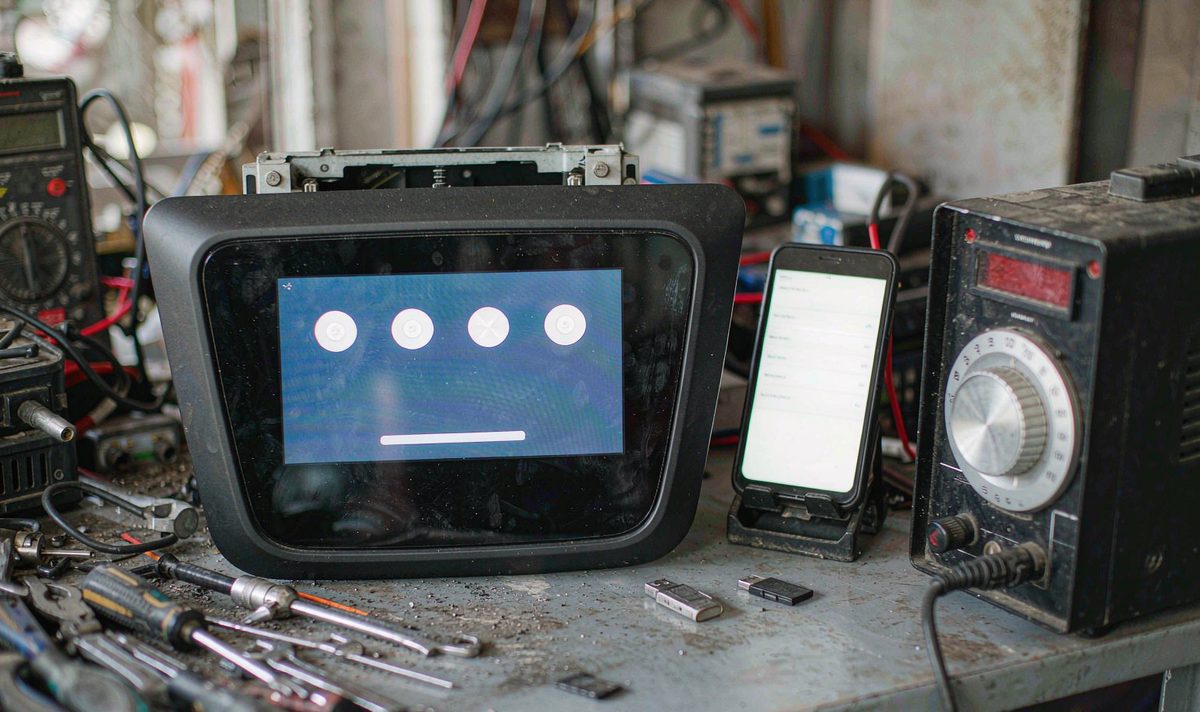
Google's own history moved too, and that's the part that catches people out. Timeline sits on the phone now, not in your Google account. There's no web version left. So the journeys you want are on the device that recorded them. Usually that's the phone in your pocket. Not the panel on the dash.
Ask what produced the route before you ask how to get it out. That's the question that saves the most time.
| Your setup | Where the record sits | Reachable without a PC | What you need |
|---|---|---|---|
| CarPlay or Android Auto from the phone | In the phone's navigation app and its account | Yes, if the app offers an export or share option | The phone itself |
| Unit running a nav app that logs tracks | A log file in the unit's own storage | Sometimes, through the app's export or share step | A memory card or flash drive to receive it |
| Unit running a nav app that only saves recent places | Inside the app's private data folder | No, the system won't let a file manager in | A laptop over USB, or nothing |
| No navigation app running during the drive | Nowhere | - | Logging switched on before the next trip |
Read it top to bottom and stop at your own row. Rows two and three look identical from the driver's seat and behave nothing alike. That gap is where the frustration comes from, and losing a month of records to it is maddening.
Before you go hunting for a cable, settle one thing. Was this journey ever written down? It costs nothing to check, and it decides everything after it.
Open the phone's navigation app and look at its history, then open the app on the car screen and look for a journey list, not a list of addresses. Then ask whether the app was running while you drove, because a screen sitting on a map records nothing, and if a memory card is involved, confirm it's mounted first.
Here's the confusion behind most of these emails. A list of recent destinations isn't a track log. It's a short cache of places you typed or searched, and no converter app turns that cache into a mileage record you can hand to an accountant. I see it constantly: people spend a whole weekend on tools for a file that never existed. It's tedious and annoying, and it's avoidable.
So can you recover a journey the app never wrote down? No. No accessory changes that either. What I'd do instead is fix the cause: pick a navigation app that logs tracks, switch the logging on, and test it on one short drive before you trust it with a whole month of business mileage.
That's why android car radio navigation while driving shows up in search so often. People go looking for the log after the trip. But the setting only helps if it was on before the first mile.
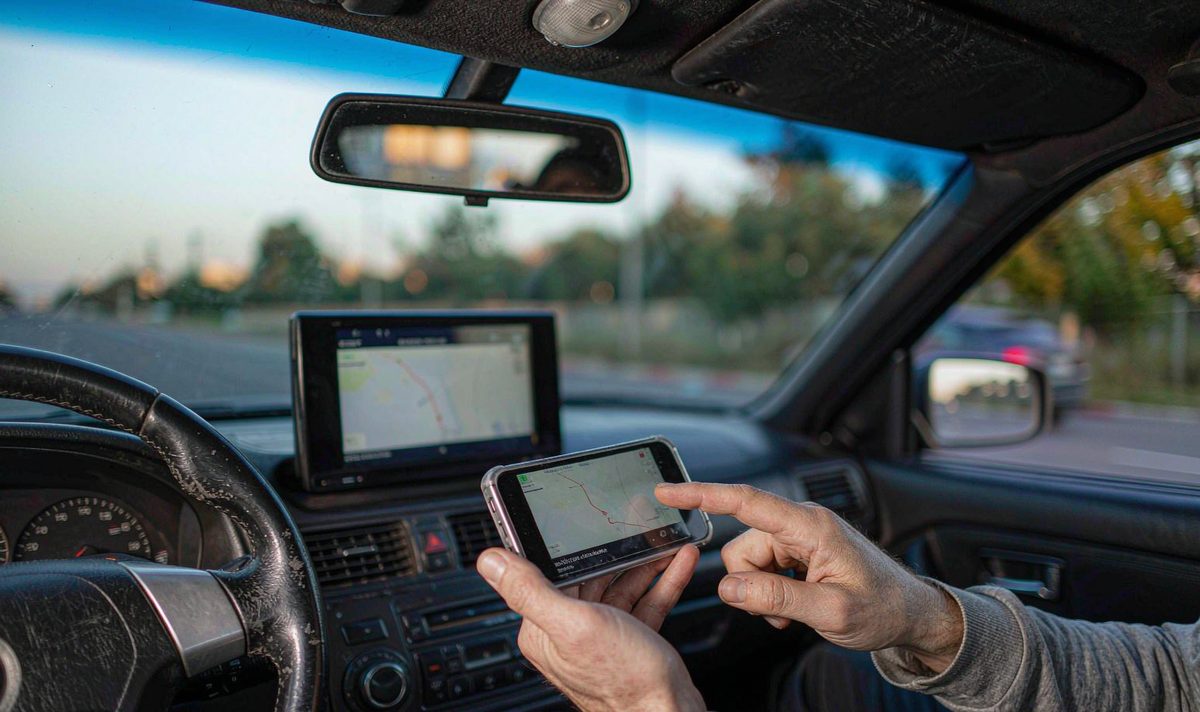
Once a record exists, the next layer is the account and the app behind it. History that belongs to a signed-in account travels with the account, while history that belongs to a device stays on that device and goes the moment the device does. If nobody is signed in on the car screen, there's no history being assembled there.
Plenty of aftermarket units differ from a phone here. A unit that was never certified for Google's services can still run a sideloaded Maps build, and it might even draw a map. That's the trap. The account layer that feeds history is the part that tends to misbehave, and no settings menu switches it on. Test it parked, with the unit online, before you build a workflow around it.
Syncing also needs a link. On the road, that means a hotspot or a data connection. An android head unit with 4G SIM card slot keeps itself online, and that's the difference between history that arrives on time and history that arrives when you next stop somewhere with Wi-Fi.
Then there's storage, and this is the layer that stops most people cold. On newer Android versions an app can't read another app's private folder, and the file-picker route that briefly worked was closed off in later releases, so a file manager on the car screen will show you nothing, however many folders you tap. What works is the app's own export or share step, which hands the file to a place the system allows. Or a laptop over USB.
Why does the same folder show up when the unit is on my bench and not when you tap around on the screen? Because the bench route goes through a different door. A computer over USB can read that folder, and another app sitting on the same device cannot, which is the whole reason the bench and the car behave differently.
If the first two layers were clean and you still have no file, write down what the unit is. Which Android version it runs, since that's what decides what a file manager can see, and which navigation app is installed, and whether it writes tracks to a folder you can reach or only to its own private one. Whether Google's services are present. And which storage is writable on your unit rather than the model beside it.
Storage gets over-thought here. Route files are small: a year of daily driving is a modest file, not something that fills a drive. An android car stereo 4GB RAM 64GB storage setup has room for those logs many times over. What matters isn't the headline capacity but whether the app has a folder it can write to that you can then reach, so confirm that model by model instead of assuming it's the same across a family of units.
One more check most people skip. Connect the unit to a network and leave it parked for a few minutes. If history is meant to sync, that's when it happens. If nothing lands, you've learned something useful without buying anything.
It takes out what was recorded. It doesn't rebuild a journey that was never logged, it can't tell us who was driving, and it doesn't hand you a ready-made logbook. Distances in these files carry noise, and a recorded route knows nothing about why you went there. So read the rows yourself before you file anything. Treat the export as raw material, not a finished record.
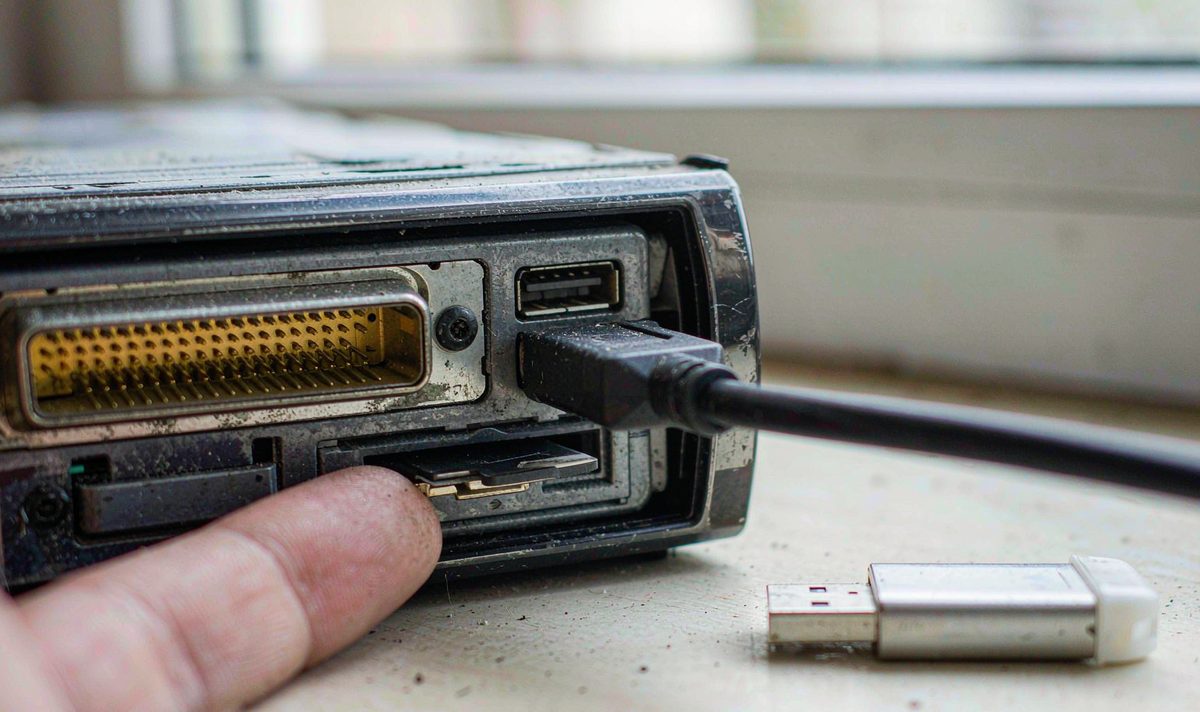
Only now is it worth buying anything, and the list is short. A memory card or a small flash drive gives the app somewhere to write, which is the point when it only exports to storage you can reach. A short USB extension lead pays for itself when the port hides behind the fascia in an awkward spot you won't want to unclip the dash kit to reach every month. For the folder only a computer can read, you need a data cable and a laptop. Not a part.
What I wouldn't do is buy a gadget to solve a record-keeping problem, because if the app never logged the trip, a bigger card changes nothing except the amount of empty space sitting in your glovebox. I hear it every week, and it's the common mistake in its most expensive form. The table below is the one to keep in mind, because the same complaint arrives with four different causes.
| What you notice | What is really happening | Stop-gap | Real fix |
|---|---|---|---|
| Recent addresses are there, journeys are not | The app caches searches, not tracks | Note the addresses by hand for this trip | Run a navigation app with track logging switched on |
| A log exists but no export button anywhere | The app writes to a folder another app cannot read | Photograph the screen before you clear anything | Export through the app's own share step, or pull the folder over USB |
| History was there, then a reset emptied it | Device-stored history went with the app data | Search your own backups and any earlier export file | Sign in, then export on a schedule instead of trusting it to stay |
| Nothing to export on the car screen at all | The route was computed on the phone you projected from | - | Export from the phone app |
I read this by finding my own row first, then looking left at the stop-gap. The top two rows are where nearly all the wasted money happens, and turning either into a parts order turns a small question into a nightmare.
If you'd rather not guess, the product pages carry the specification per model, and the universal range is a fair place to compare what a current unit supports: universal one and two DIN head units. What a spec sheet can't tell you is what a third-party app logs. Test that on the unit before you commit.
Only when the app on that screen produced the record. If the route came from a phone you projected from, the panel never held it and there's nothing on the car side to export. Check the phone app before you go through the car menus again.
Two routes. If the navigation app has its own export or share step, that's the clean one, and it will either save to a card or hand the file to an app you choose. If it doesn't, and the log sits in the app's private folder, no file manager on the same device can reach it, so a laptop over USB is the only path. We ship to Australia, North America, Middle East and Europe.
The on-device history export is JSON, and older archives also came as KML, so neither one opens as a table on its own. You feed the file to a tool that reads that format and lays out dates, start and end points, distance and duration. Read the rows before you use them, because the file can't tell whether you were driving or riding along.
Because those are two different things. Recently searched places are kept so you can tap them again quickly. A journey list only exists if something was logging while you drove, and clearing the cache won't produce one.
More from this series: 10.25 Inch vs 12.3 Inch Car Screen: Installation and Visibility Tradeoff.
If you're choosing a unit and want to know how these parts are built, four things let us answer properly: model and year, left-hand or right-hand drive, the factory system it replaces, and a photo of the centre console. Send them over and we'll check the fitment and the supported functions before anything ships. Look inside the WITSON factory
Zhuhai WITSON Industrial Co., Ltd. - Tel: +86-756-8120312, 8120211, 8120212.
