I get asked this at the oddest moments. A car is about to be sold, a lease is going back, a phone gets handed down, and suddenly the owner wants the screen to forget the places it has guided them to. Fair enough, because it's been keeping a record, and the dash isn't where all of that record lives.
Plenty of owners start in the navigation app's own settings, hunt for a button marked history, find nothing that reads like that, then either give up or wipe the whole app; that second choice usually costs an evening of re-downloading maps over a phone hotspot, which is tedious and rarely necessary. There's a shorter route, and it begins with knowing which of four copies you actually want gone.
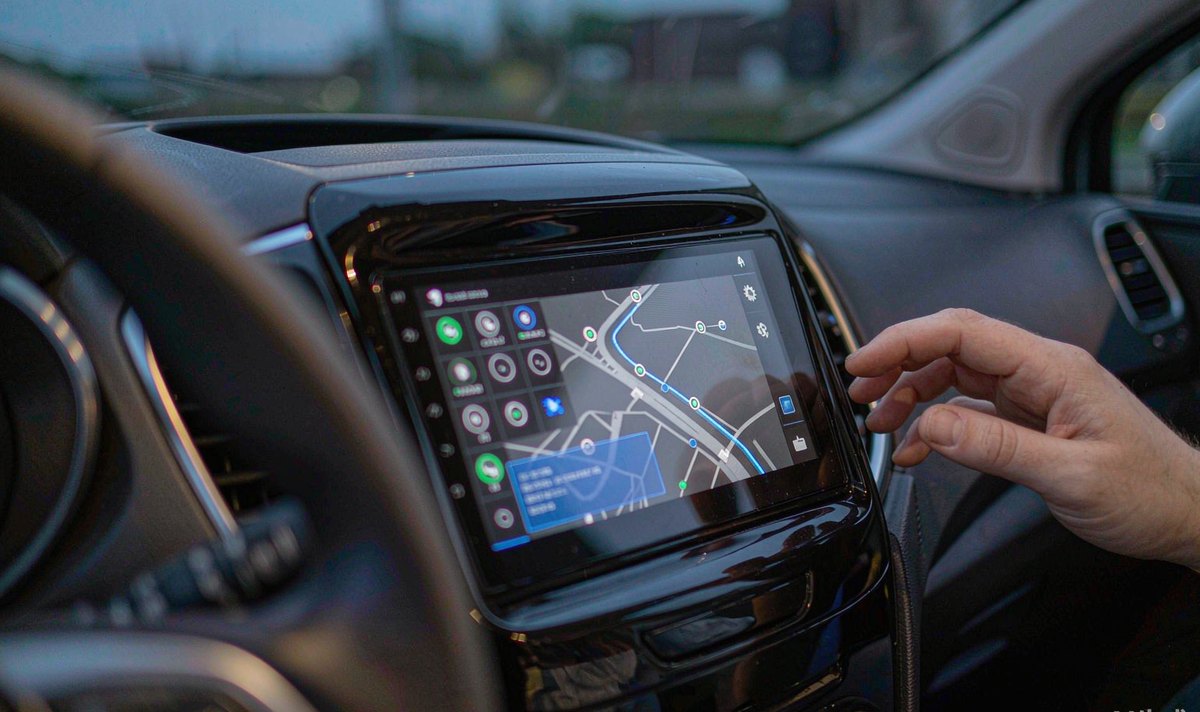
A navigation app is built to keep working when the signal drops, so it hoards: map tiles along your route, the last set of search results, place photos, voice prompts. On Android that material sits in the app's cache directory, a folder the system may empty on its own when storage runs low, which is what a cache is for and why cached map data can disappear without you deleting anything.
What isn't in that folder: recent destinations, saved places, a stored home address, and the token that keeps you signed in. Those live in the app's data directory, beside the app itself, and they survive a cache wipe, which is why Android gives you two buttons and labels them so casually.
I've found that this one distinction settles the argument. Clearing cache is housekeeping, and the app refills itself on your next drive. Clearing data is an eviction, and the app comes back in the state it was in the day you first opened it.
Before touching a button, check where a single trip can end up, because each column below is a different amount of deletion.
| Where the record sits | Clear cache | Clear storage |
|---|---|---|
| Cached tiles, place photos, voice prompts | Deleted, then refilled on the next route | Deleted as well |
| Recent destinations, saved places, sign-in | Untouched | Wiped, app returns to first run |
| Offline map packs inside app data | Untouched | Deleted, re-download over data |
| Search history and timeline in your account | Untouched | Untouched |
| Exported tracks or logs in shared storage | Untouched | Untouched |
Read the table as reach, not severity: the right-hand columns are the ones the screen controls.
The point of the last two rows is that a clean unit can still be a talkative one. If the account keeps a dated list of your searches, wiping the dash changes nothing that a buyer with your login could read, which is exactly the part people forget before a handover.
Here's how we trace a single destination from your fingertip to the place it's stored.
ONE SEARCH, FOUR FOOTPRINTS - THE SCREEN OWNS STEPS 03 AND 04
Step three is the folder that grows without asking and the one that's safe to empty. Step four is the one a buyer, a partner or a leasing company would actually care about, and it's smaller than people expect: a street name, a timestamp, sometimes a coordinate, sitting in a database the size of a photo.
If your unit runs a vendor launcher instead of Google services, the same split applies with different names: a local database inside the app, and a copy on whatever server the brand runs. The labels change; the line between temporary copies and stored records doesn't.
None of these costs money, and each one tells you something the settings screen won't.
What I see in practice is that step three gets skipped, and it decides whether the job's finished at all. Deleting on the unit while the account still holds a two-year trail is an awkward sort of tidy, and it's the one we hear about after the car has gone.
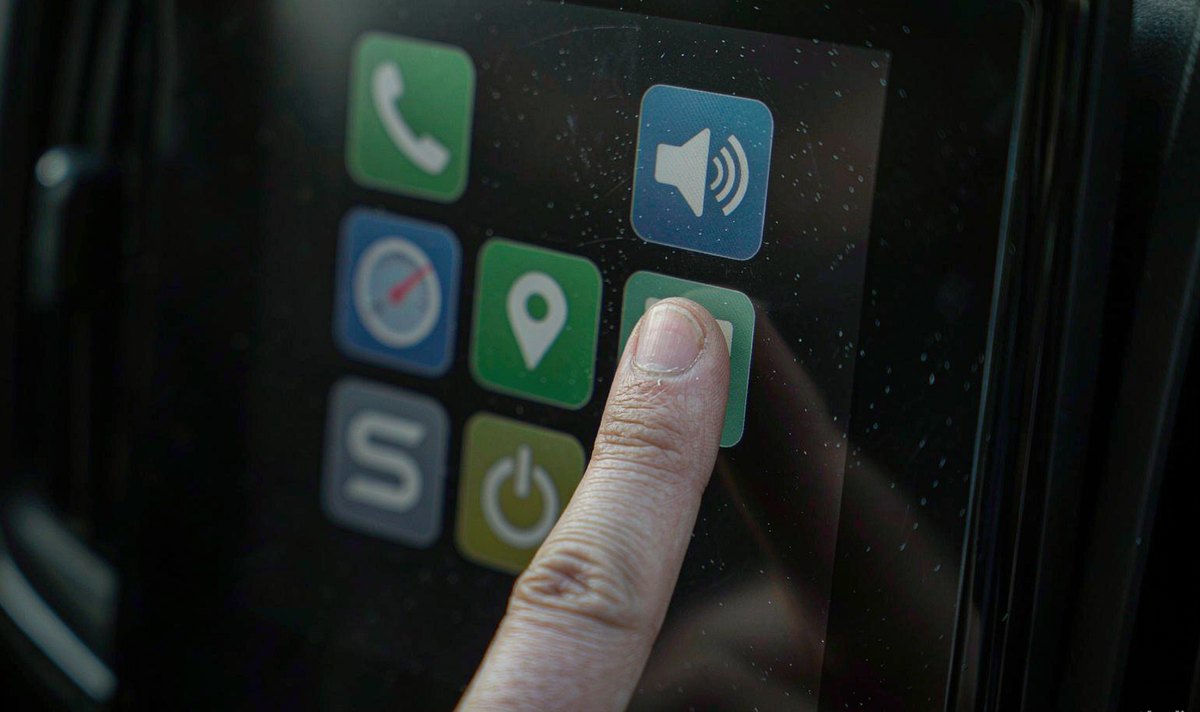
Clear cache first, before anything else, because it's reversible in the sense that matters: the app refills itself on the next drive, and you've lost nothing but a few minutes of prefetching.
Clearing storage is a different animal. It takes the sign-in, the saved places, the map packs and the preferences with it, and the app restarts as though the unit were new; on a car you're selling that's what you want, and on your own car mid-trip it's annoying. In our experience that's the moment the gigabyte of maps gets downloaded on a hotspot.
For a unit bought second-hand, I'd run it the other way round: clear storage, sign in with your own account, then type one letter and watch the suggestions. That's the test nobody runs. A car imported into Europe and resold often still carries a stranger's street in its recent list, and the new owner reads it as a fault rather than a leftover.
Three records outlive anything you do on the dash; what an android head unit collects names them.
The first is your account. Search history, timeline and saved places belong to the account, so they're deleted from a browser, not from the car; those screens are grouped by product and by date, which makes a month-by-month sweep the practical approach.
The second is the app brand's own servers. Plenty of brands publish a privacy page with a deletion route, and the retention window is written there rather than inside the app.
The third is the network. If the unit carries its own SIM, an android head unit with 4G SIM card slot rather than a phone tether, the operator keeps connection records whatever your cache does, and no menu on the glass changes that. It's also the honest answer to a climbing data bill: cached tiles save you megabytes, but the app still asks for traffic and route updates while you're moving.
A retrofit android head unit for older car usually has one extra layer, because the installer may have registered an activation or a vendor cloud account in someone else's name. Worth checking before the car changes hands.
In my experience, if you clear everything and the same destinations are back after a restart, you're no longer looking at a privacy problem; that's a storage problem, and it's silly to keep deleting apps over it.
Two patterns are worth separating. History that returns after a power cycle points to writes failing, with the old database restored from a partition that never took the change; on a unit with a removable card, that card is the first suspect. A unit that re-downloads the same map pack every week is usually out of room.
Both are hardware-level symptoms and neither is fixed by deleting an app; in our experience that points at the card or the board rather than a setting. If a card is involved, the failure mode is worth reading before you buy another one: why a microSD card keeps getting corrupted in a car navigation unit covers the write cycle side of it.
And if android car radio navigation while driving stutters only after twenty minutes on a route, the cache is a symptom rather than a cause: the app is being pushed out of memory while it works. Usually it turns out to be headroom, and the universal one and two DIN range is where I'd start comparing.
If the checks come back clean and the unit still behaves as though it's got no room to work, the limit is the storage or the memory on that board rather than a setting. The WITSON support desk can tell you what a specific model ships with, and what fits your car.
Firmware files, specification questions and fitting advice in one place.
Read the full support scope
01Does clearing the navigation cache delete my saved places?
No. Saved places, recent destinations and the sign-in token sit in app data, not in the cache folder, and the cache button leaves them alone. What you lose is prefetched map data, which the app downloads again as you drive. A cache wipe is the button for a unit short of space, not for a clean handover.
02Can I remove navigation history without losing offline maps?
Only if that history lives in your account. Delete it there and leave the device alone; app data and offline maps travel together.
03Why does the cache fill up again within a day?
Because the app is doing its job. Tiles along your usual routes, junction previews and place photos are pulled back the moment you drive, and the total depends on your zoom level, the traffic layer and how much of the map you've looked at.
04Is it safe to clear app data on a head unit I just bought used?
It's the right first move, and it also clears the previous owner's account and paired phones. Expect to sign in again and re-download offline maps.