microSD - navigation storage
A card that asks to be formatted after a year of service isn't a bad card. It's a card that was interrupted mid-write, and a dashboard is very good at interrupting.
I keep a small tin of dead microSD cards on the bench, and every one came out of a dashboard. What I see tells the same story every time: it worked for a year, then one morning your map opened blank, or your unit said no card, or the map reloaded the same junction until you wanted to shout at it. It's a silly little part, cheaper than the trim clips you broke getting the radio out, and it's blamed first. Your car is a hostile home for flash memory, and once you know which of the three failures you're looking at, you can stop guessing.
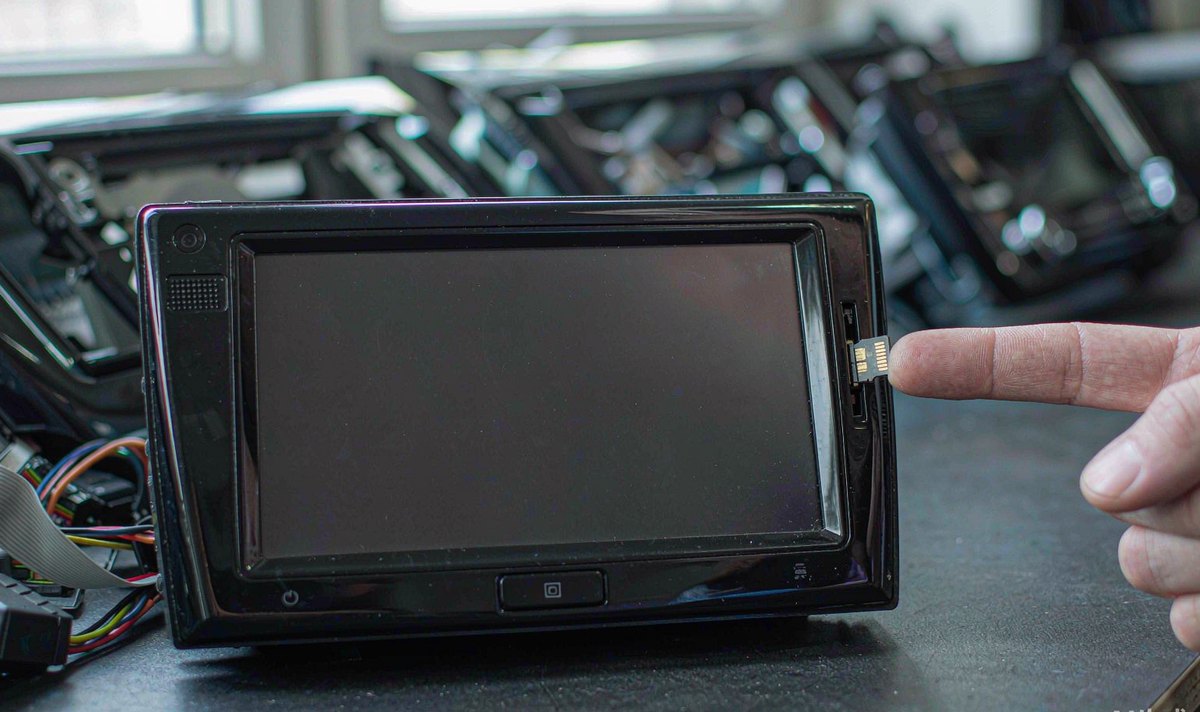
"Corrupted" is one word for at least three different problems, and they don't share a fix.
Your unit says there's no card. Nothing mounted, so the reader never got a handshake. A dusty slot, a spring contact that's lost its tension, an adapter that shifted a millimetre, or a card the reader can't address.
Your card mounts and your map is empty or a week stale. The file system came back and your data didn't. Directory entries survived, the clusters behind them did not.
The map runs, then throws write errors or loops the same junction. Sectors are failing, or the capacity was never real.
The first is a connection, the second is an interrupted write, the third is worn silicon or a card that lied about its size. A laptop tells them apart in about ten minutes. A retrofit android head unit for older car makes the first fault more likely, because the reader inside it was designed years before the cards you're buying now.
Four things punish your card in a car, and none of them are its fault.
Heat comes first. Your phone sits in a pocket at room temperature. A card in your dash sits behind a screen that warms itself, in a cabin that soaks sun all afternoon. Warm silicon writes more slowly, with less margin to move data, and a car touchscreen that responds slowly after high temperature exposure is the same problem one layer up.
Power comes second, and it's the one people miss. Android expects a shutdown; a car removes ACC and the rail collapses. FAT32 and exFAT are not journalling file systems, so a write cut off halfway can leave the allocation table pointing at a file that was never finished. The card isn't damaged. It's inconsistent, and the unit reads that as corrupt.
The write pattern comes third. Navigation writes constantly: tile cache, trip logs, last position, track history. Those are small random writes, and they land in the same blocks until the controller shifts them somewhere else. Cheap cards do that badly, and the bill arrives as a map that reloads in a loop.
The fourth is you. Pulling the card while your unit is awake is the same interruption, only by hand and faster. I've done it myself, and it's maddening how often that's the whole story.
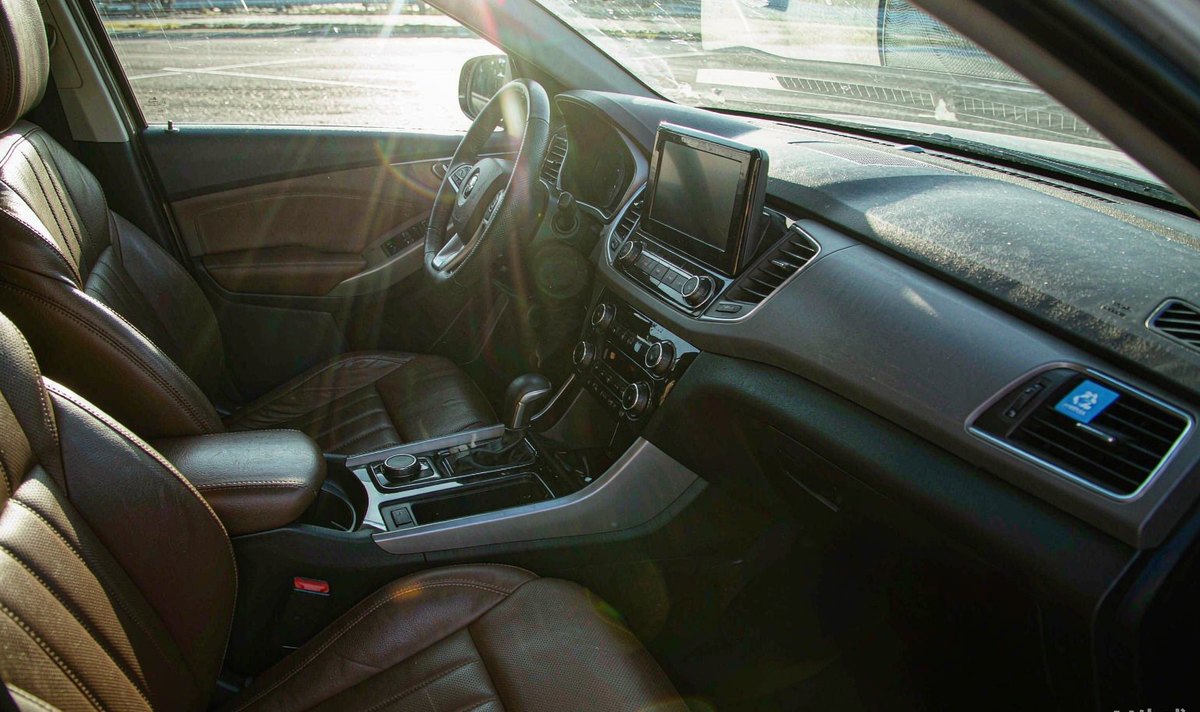
Do these in order, and change one thing at a time, or you'll learn nothing. A lot of buyers reformat, reinstall the map and swap the card in the same afternoon, which is tedious and tells you nothing about which fix worked.
If your laptop can't read it either, the card or the adapter is finished. If the laptop reads it and your unit won't, the fault is the slot or the format.
A free write-verify tool that fills every block catches a fake capacity card, the kind that reports 64 GB, accepts 8 GB and quietly wraps around. It corrupts every time you cross the real limit.
SDHC is FAT32 by specification, SDXC is exFAT. Use the SD Association's own formatter on a PC, then let your unit format it again if the navigation app asks for its own layout.
Ten minutes at a kitchen table, and you'll know which of the three faults you have.
Level two is the wiring, and in our experience that's where the repeat offenders live, which is awkward because the harness is the part you least want to open twice.
Watch the unit while you crank. If your screen drops and reboots while the starter turns, your card is being cut mid-write once or twice a day, and no card survives that for long. A tired battery and a cold morning make it worse, which is why it usually turns up with the first frost.
Then watch how it shuts down. Some units go dark the instant ACC drops; others run a shutdown for a few seconds and finish what they're writing. If yours is the first kind, your fix belongs in the harness or the settings, not in the card aisle.
Ground is next. A poor ground raises the reference for everything on that circuit, and resets follow. Clean your ground point, tighten it, and check the ACC and B+ joints while the radio is out, because an android car stereo wiring harness adapter that was crimped rather than soldered is a classic source of a unit that reboots on its own.
If your card lives in an extension cable, suspect that cable too. Whether your car is left-hand drive or right-hand drive changes none of this; the slot sits in the same place behind the trim.
Before you spend anything, read the marking on the pack. Much of it describes sequential speed, and that isn't what your map does all day.
| Marking | What it promises | What it doesn't |
|---|---|---|
| A1 | 1,500 read and 500 write IOPS, plus 10 MB/s sequential | Nothing about endurance or heat |
| A2 | 4,000 read and 2,000 write IOPS | Same silicon as an A1 card unless the maker says otherwise |
| U3 / V30 | 30 MB/s sustained sequential write | Nothing about small random writes |
| High endurance | A maker's claim about write cycles | It isn't a standard class; ask for the figure in TBW or recording hours |
| SDXC, 32 GB and up | exFAT by specification, no 4 GB file ceiling | An older reader may not mount it at all |
How I read it: for a card that holds maps and logs, the IOPS line and the endurance claim matter more than the big number printed across the front. A card sold for video is rated for writes it can finish, not for writes that get cut off mid-block.
Check the temperature range as well. What I see in plenty of listings is no range at all, and a card rated to 85 C sounds generous until you remember the dash behind it.
Only now is it worth talking about a purchase, and the habit you build matters more than the brand.
In our experience the returns counter saves you: buy the card somewhere you can return it, and test it before it goes into your car. That habit prevents more repeat failures than any label choice, because a counterfeit bought cheaply online fails exactly the way people describe it: another corrupted card.
Where the price gap is small, take the one sold as high endurance. Navigation writes on the days you drive, so the endurance figure is the number that reflects your use, and it's the one figure the front of the pack never shows.
Then set it up in this order: format on a PC, copy your map data, fit the card, let the unit index it once, and eject it properly one time so you know your reader and the card agree. Keep a second card with the same map set, because swapping takes a minute and downloading a continent doesn't.
The published specifications are the place to check the slot before you buy, and at WITSON we list the slot type and the format each model takes, because that one line decides whether your card mounts at all. An android car stereo 4GB RAM 64GB storage model with 64 GB on board may not need a card for maps at all, and dropping the card removes a failure mode instead of managing it. Many of the units we ship to Europe and North America leave with an empty slot for that reason: a card you buy locally is cheaper and easier to claim on locally.
This is the table I run through with a dead card in a bag: patch in the middle, cure on the right.
| What you see | Root cause | Patch that buys time | Cure |
|---|---|---|---|
| No card, or card removed | Slot, contacts, or a reader that can't address the card | Reseat it, clean the contacts, try another card | Replace the slot or replace the card |
| Map blank after an update | Write interrupted during the copy | Reinstall the map set | Clean shutdown, or move maps to internal storage |
| Write errors after 20 minutes | Worn blocks, or capacity that was never real | Full format, smaller map set | Tested card with a real endurance rating |
| Third card fails the same way | Power or slot, not the card | None worth doing | Fix the supply and the ground first |
How I read it: the last row is the one that saves money. If the third card dies the same way, stop buying cards and start measuring voltage, because the pattern is the diagnosis.
Sorting a fault into patch and cure also stops the argument at the counter. A reformat gets you through the week, and it's honest to say so, but it never explains why the card was cut off.
If a card has already died twice in the same unit, the slot and the supply are the suspects, not the memory. The warranty terms set out what is covered when the reader itself is at fault, and what to send with the claim.
Read the warranty terms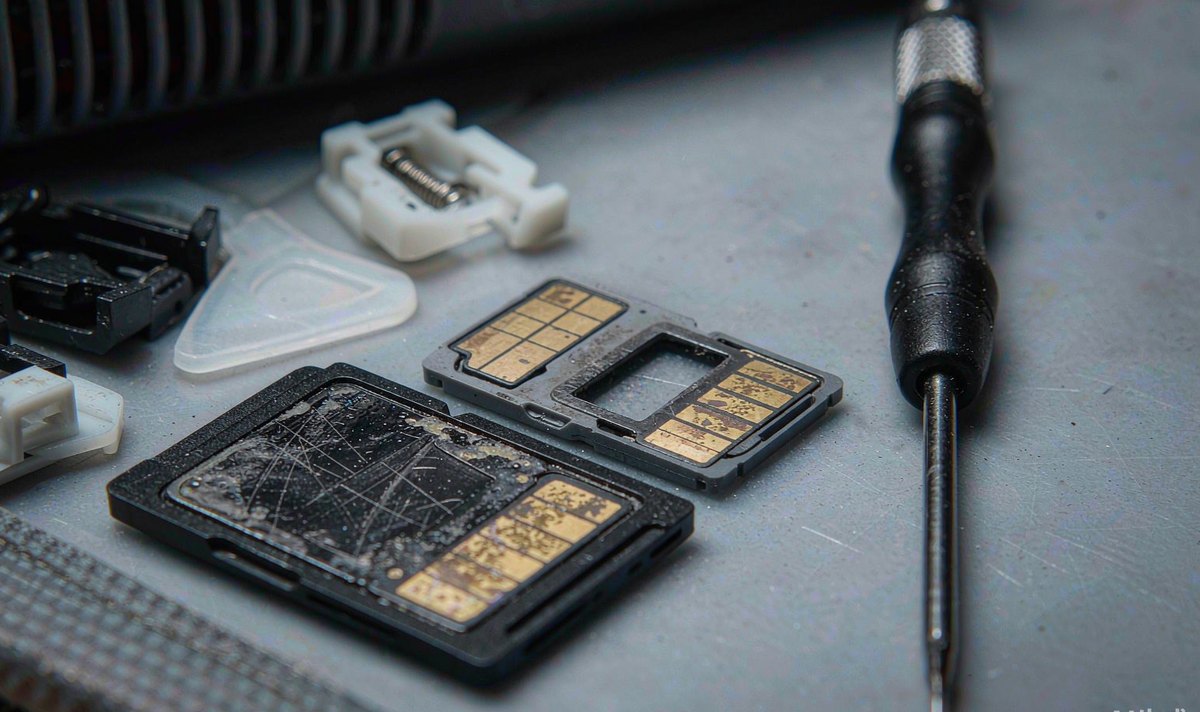
01Can I copy the map folder onto a new card and carry on?
Usually yes, if the maps are plain files in a folder. Some apps tie a download to an account, and then your copy opens empty even though the files are there. Format first, copy, then check the map version.
02How do I tell a fake capacity card from a real one?
Write to every block and read it back. A real 64 GB card accepts 64 GB. A fake accepts a few gigabytes, then silently wraps and overwrites the start.
03Is it possible to run a 128 GB card in an older unit?
It's the reader that decides, not the card. A 128 GB card is SDXC and arrives formatted as exFAT, and a reader built around SDHC may mount it as 32 GB or refuse it. Borrow a card and try it before you buy, and keep your map set under the file ceiling of whatever format the unit accepts.
04Why does mine only fail in summer?
Because heat is the variable that changes. A warm controller has less room to retire a bad block, and a card already near its write limit gives up sooner. Shade your screen, check the vents aren't sealed by trim, and prefer a card whose temperature range is stated rather than assumed.
05Do I need a special automotive card?
There's no automotive class for microSD. What exists is an endurance claim from the maker and a temperature range on the datasheet, and those two lines are what separate a card that lasts from one that doesn't.