Wi-Fi - hotspot auto-join
Almost every Android head unit can join a phone hotspot on its own, and it still fails on the first cold morning. The reason is simple: automatic isn't a switch you turn on, it's two devices arriving at the same moment.
I hear the same story every autumn. The hotspot is on, the screen is on, and the two still act like strangers. So you sit in the driveway, thumb through Settings, tap the network, wait for the key icon, then open the map again, and by the time the traffic layer has drawn you're at the end of your street. Nobody buys a screen for that, and it's maddening, because your unit is almost never at fault.
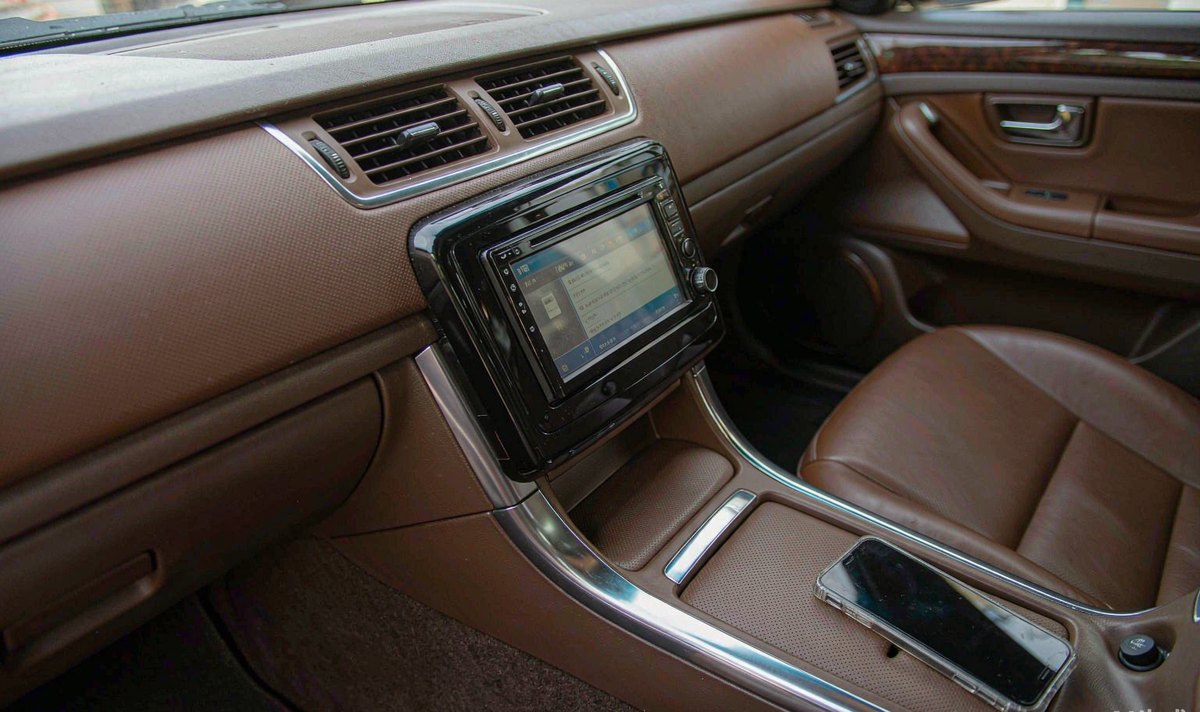
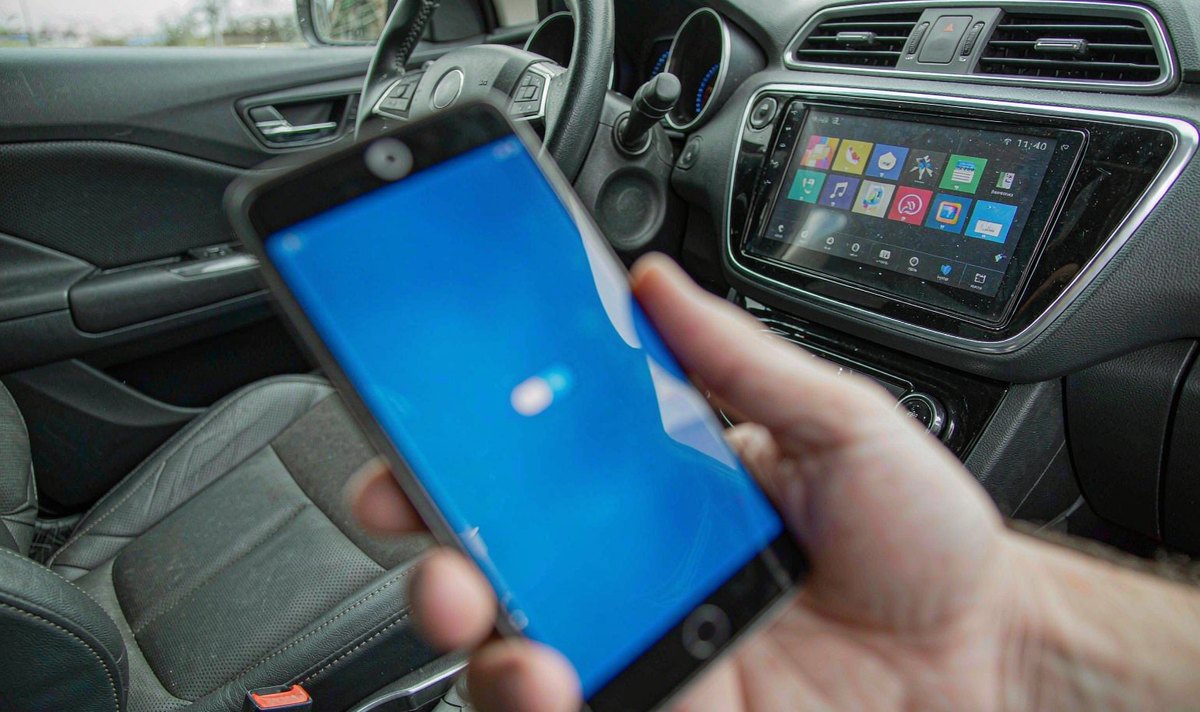
Tap Wi-Fi, tap the phone name, tap back to the map. Ten seconds, and it feels like a setting you never found. It isn't. You're joining a network by hand, which means the unit has no saved entry for that phone, or one it can no longer use.
They look identical from the driver's seat, so split them first. There are only three outcomes:
The name never appears in the list. The radio can't see the network. Band, broadcast or timing.
The name is there and says saved, but it won't connect. The profile is stale. The password changed, the security type changed, or the phone is rejecting the unit.
It connects and the map still has no traffic. The link is up and the internet is not, which is a different article about data, not Wi-Fi.
What I see most often is both faults in the same car, which is why owners give up on a five-minute fix.
Android keeps a list of saved Wi-Fi networks and rejoins one when it comes back into range, without asking you, as long as the saved entry still matches what your phone is offering. That's the whole trick, and it explains every failure here.
Four things line up, or the join fails. The unit's Wi-Fi radio is on, which sounds obvious until a firmware powers it down in standby. A saved profile exists with the same name and security type. Your phone hands out an address over DHCP. And Android checks whether the network reaches the internet; if it doesn't, the link is marked connected without internet, which some navigation apps treat as no network at all.
Now the timing. The unit's radio is up seconds after ignition. Your phone may be in a jacket, a bag, or low power mode, and its hotspot may come up later, or not until you unlock it. A scan before the hotspot exists finds nothing, and the next scan isn't immediate.
So automatic is a race between two clocks nobody synchronised. If the phone wins by ten seconds every morning, you get a screen that never connects, and it isn't broken.
Do these in order before you change a setting; each eliminates a different cause.
Switch the hotspot on first, leave the phone on the passenger seat, then start the car. If it joins, you'll know it's a timing problem, and section five is your fix.
Open the unit's Wi-Fi list and count what's in it. No name at all points at band, a hidden network or a hotspot that stopped broadcasting. A name marked saved points at the profile.
Parked, hotspot on, delete the old entry, join manually and type the password. Then shut the car down for a minute and restart without touching the screen. Rejoining on its own proves the profile is good.
A unit that still holds your home network or a phone you sold will try those first. Clear your list down to the one network you use in the car.
In our experience the order you turned things on is the fault in half the cases. Owners who change three settings at once learn nothing, and the testing is tedious.
All three live on the phone, which is why owners look in the wrong menu for an hour.
| Setting on the phone | Why it bites a car | What you see at the screen |
|---|---|---|
| Hotspot turns off when nothing is connected | Your car arrives long after the phone stopped advertising, and Android offers this switch in its own battery advice | No name on a cold start, name appears the moment you open the hotspot screen |
| Hotspot fixed to 5 GHz | Plenty of older units carry a 2.4 GHz radio only and can't see that band at all | The name never shows up, or shows up and fails within a second |
| WPA3-only security, or a hidden network | An older Android can't complete the newer handshake, and a scan doesn't return hidden names | Saved but never connected, or a password loop that accepts and drops |
How I read it: no name at all is a radio question, a name that won't connect is a security question, and a connection with no traffic is a data question. Fix them in that order and you stop guessing.
On an iPhone the band control is called Maximize Compatibility, and Apple's own guidance says it may reduce performance for the devices that join. That trade is worth it in a car: a slow hotspot that joins by itself beats a fast one you'll be tapping every morning.
On Android the band is part of the hotspot configuration, and many phones offer 2.4 GHz, 5 GHz or automatic. Choose automatic if it's offered, and 2.4 GHz if your unit is more than a few years old.
Do it parked, engine off, and give it ten minutes. It sounds silly, but the order matters more than any setting.
Name the hotspot, set the band to 2.4 GHz or automatic, choose WPA2 if the option list offers it, and switch off any timer that'll turn the hotspot off when idle.
Let the unit finish booting, delete the old network, join by hand, and wait for a map tile to load before you close anything.
Shut the car down, lock it, wait five minutes, then restart with the hotspot already on and the phone within a metre. Two clean rejoins in a row means it's done.
I've found the metre matters more than it sounds, and it's awkward to test properly. A phone in a bag in the boot is a weaker signal than the same phone on the passenger seat, and 2.4 GHz loses throughput through a car body. Test the way you drive, not the way you'd set it up.
If the checks are clean and it still needs a tap, the usual suspect isn't your phone; it's the radio.
The radio is 2.4 GHz only. A retrofit android head unit for older car often carries a Wi-Fi module from an earlier generation, and no phone setting will push a 5 GHz signal into it. Check the specification before you blame the phone.
The antenna is behind metal. The Wi-Fi antenna in a retrofit install sits inside a dashboard never designed to let radio through, and a metal dash kit or steel cage makes it worse. Your phone two metres away can still be out of reach.
The radio sleeps with the unit. Some firmware powers Wi-Fi down in standby and brings it up only after a full boot, so the scan runs before your hotspot exists, every morning.
The unit prefers its own data. If a 4G dongle is plugged in, the unit may keep that route as the default and treat the hotspot as a spare. Whether it does depends on the firmware, so pull the dongle and test.
None of this cares which side the wheel is on: in a left-hand drive or a right-hand drive car, the radio sits behind the same screen.
At WITSON we check which band a model's Wi-Fi module supports before it ships, because that single line decides whether automatic joining is possible at all, and it's the line most listings leave out. The published specifications are the place to look.
An always-on hotspot isn't free. Google's own hotspot help warns that some carriers limit tethering or charge extra for it, so confirm your plan allows tethering before leaving it on all day, especially on a prepaid SIM; a data-only plan bought for a week in Europe often leaves tethering out. Data security risks on an aftermarket head unit are a separate question.
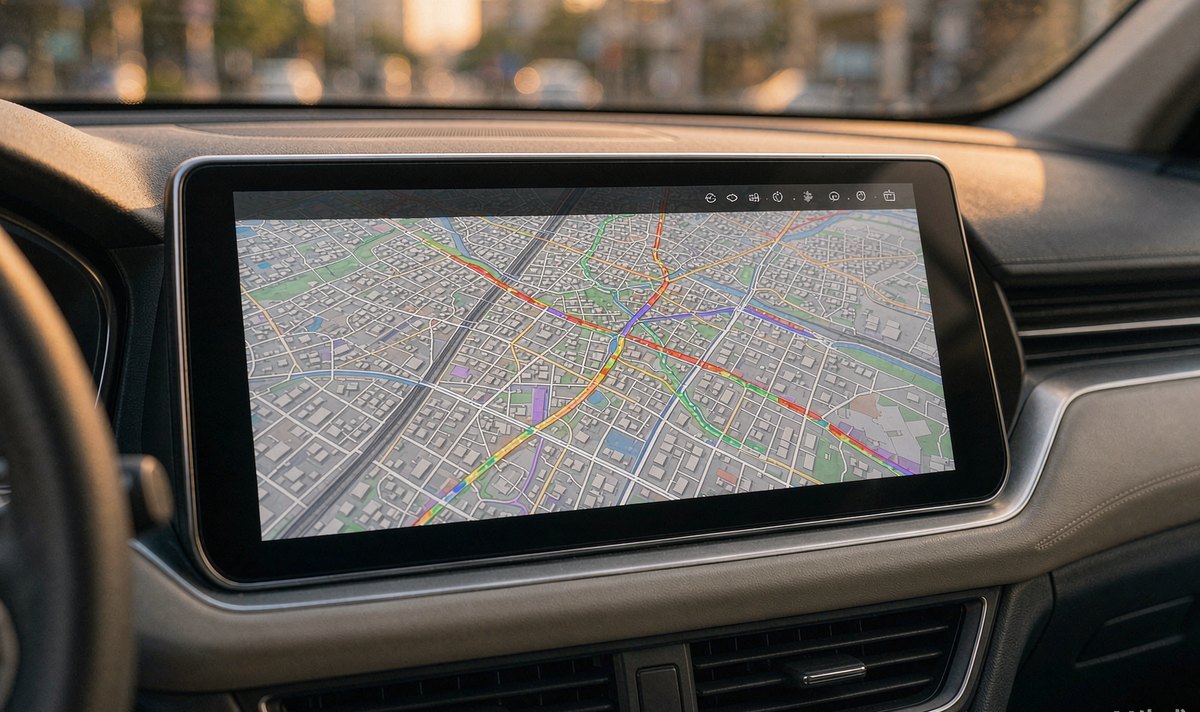
The traffic itself is modest. Android car radio navigation while driving pulls live congestion and reroutes rather than map tiles, and cached maps cover the rest, which is why offline maps plus a hotspot suits a trip.
Heat is the other bill. Your phone sharing a hotspot while charging in a holder on a sunny dashboard gets warm, and a warm phone throttles, then drops the hotspot to protect itself. In summer that's the common mistake: a throttling phone looks exactly like a failing car unit.
And the last option is worth naming: if the car is the only place you need data, an android head unit with 4G SIM card slot removes the handshake entirely, because the unit is the client and your phone stays in your pocket.
If the three steps above still leave you tapping the hotspot by hand, the limit is in the unit rather than in your phone. The operation manual for your model lists the Wi-Fi band and the network options it actually supports, and it's worth reading before you change anything else.
01Why does my car ask for the hotspot password again every few weeks?
Usually because the saved entry doesn't match what the phone offers any more. A changed hotspot password, a security type that moved to WPA3, or a phone update that reset network settings all leave you with a stale profile. Delete the entry on the unit and join once by hand with the hotspot already running.
02Can I leave the hotspot running all day so the car always finds it?
You can, and you'll pay in battery, heat and whatever your carrier charges for tethering. The phone also has to stay awake enough to keep broadcasting. A better compromise is turning it on before you start the car, not at the traffic lights.
03How do I know whether the problem is the band or the password?
Look at the list. No name means the radio can't see that band at all; a name that won't join means the credentials or the security type are wrong.
04Does a bigger Wi-Fi antenna in the car help auto-join?
It helps a weak link and can't invent a band the module lacks. Change the band on the phone first, then think about the antenna.