Cold weather - touch response
A screen that lights up but won't take a tap is the commonest winter complaint I get, and the fix is rarely a new unit or a menu setting: it's understanding that two parts of the same glass slow down at two different speeds.
I hear it during the first cold snap of the year: my screen is dead. Not cracked, not black. The icons are lit, the clock is ticking, and a tap on the map does nothing, so you stand in a car park at minus four, peel a glove off and tap harder, which can't help. Ten minutes later, heater on, your screen answers. Nothing was repaired in between, and that's the part worth understanding.
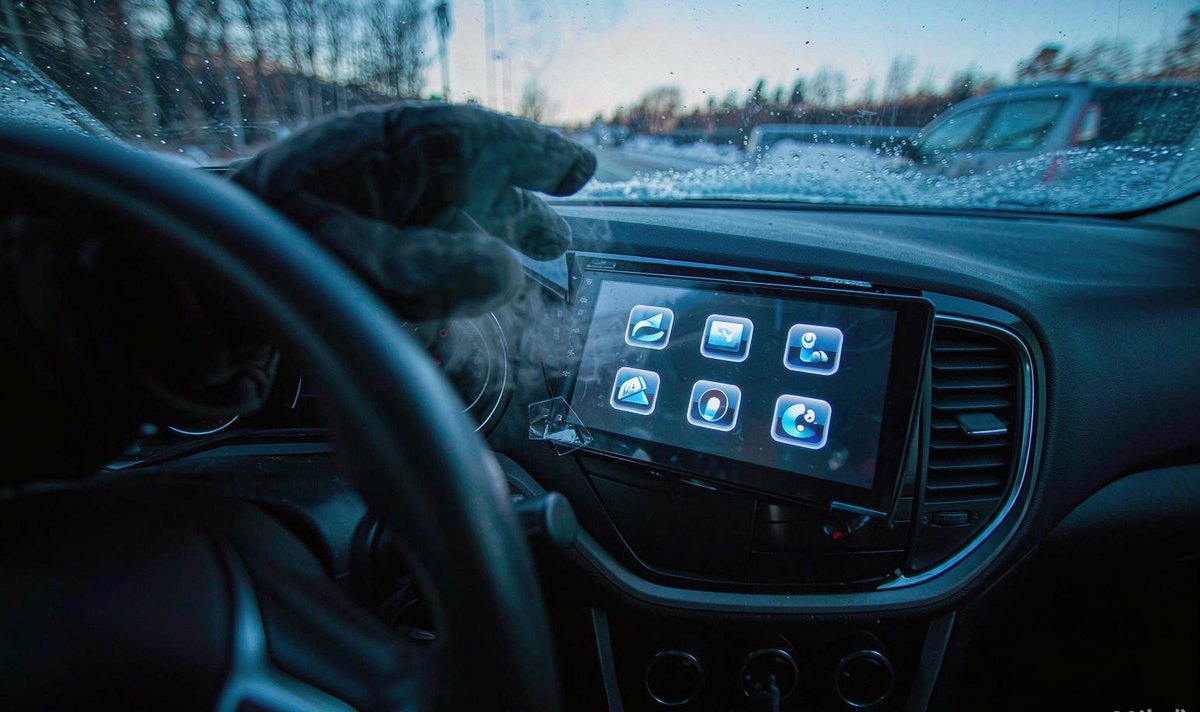
A head unit is a stack: cover glass, a sensor bonded under it, a controller that reads it, the Android board, and the LCD panel and backlight. Your tap travels through the first three, while the picture you're looking at comes from the last two, and cold doesn't treat them alike.
The sensor is analogue and threshold-based, so it watches for a change in capacitance and compares it with a firmware limit, while the panel is physical, because liquid crystal has to rotate before a pixel changes, and Android doesn't care until it gets a tap it can't place.
That's why the symptoms split. Missed taps come from your sensor and the controller. Smearing comes from the panel. A unit that reboots or goes black is neither, and section seven covers that.
What I see in winter is both faults together, which is what makes it feel like the whole unit has failed; it hasn't. It's just slow in two places at once.
Follow one tap and one frame through the same glass.
THE TAP PATH - nothing here depends on how hard you press
THE PICTURE PATH - this one is mechanical, and it's where the smear lives
A projected capacitive sensor is a grid of transparent electrodes, usually indium tin oxide, scanned many times a second; your finger carries a little capacitance, and when it comes close the field at those crossings changes enough for the controller to decide whether it counts.
Your panel is a different problem: nematic liquid crystal is viscous, viscosity rises as your glass cools, and the molecules take longer to rotate, which is why datasheets quote response time at 25 C, the reference condition rather than where your screen actually lives.
Fifteen milliseconds at room temperature can stretch into a grey trail you'll see on a scrolling list, and a cold unit registers your tap late, then draws the result later still. Two delays stack, and the second is physics, so no setting removes it.
Do these before you open a menu, because each separates a different cause and together they tell you whether this is weather or a fault.
What I ask owners to avoid is testing in three conditions and comparing: a cold start, a warm cabin and a phone in your hand are three experiments, so change one thing and repeat, even if that feels tedious.
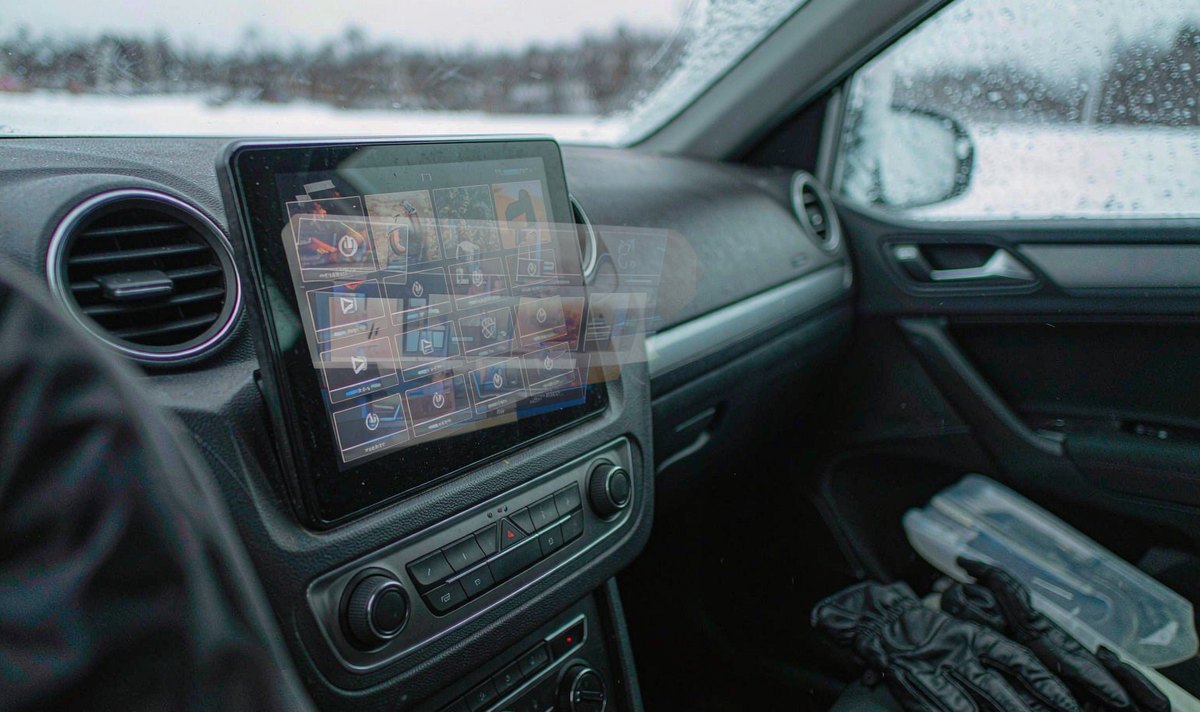
Half of the winter complaints I get aren't about the car; they're about the hand.
A capacitive screen doesn't sense temperature or pressure. It senses a conductive mass close enough to disturb your field, and a woollen glove holds your fingertip a few millimetres off your glass, so coupling drops below the threshold and your tap doesn't register; pressing harder won't help, because pressure isn't measured.
Dry indoor air makes it worse: cold, dry skin conducts less well than summer skin, and a cracked fingertip is the worst case, with less contact, less moisture and a weaker signal. If your taps work with a knuckle but not with a fingertip, that's the mechanism, not a failing digitizer, and it's why android head unit cold weather touch response gets searched every November by owners whose unit was fine in September.
Some units expose a glove or high-sensitivity mode, which lowers that threshold; it helps, and it costs you something, because a lower threshold also accepts things that aren't fingers, so expect false presses and jumpy drags. One step up, then a week of normal use, is where I'd stop.
Static is the other winter guest: a padded jacket on a dry seat can leave you charged, and the spark when you reach for the glass reads as a press, so if a phantom tap arrives with a small shock, touch metal first.
Most buyers read the operating temperature and assume it covers feel; it doesn't, and in northern Europe that gap shows up every January.
| Line on the sheet | What it actually covers | What it does not tell you |
|---|---|---|
| Operating range, -40 to +85 C | Power-up and function inside that range, following the passenger-compartment class in ISO 16750-4 | That response time, contrast or touch feel match a 25 C bench test |
| Response time, 25 C ambient | Pixel switching speed at the reference temperature | Speed at minus ten, where liquid crystal viscosity climbs steeply |
| Touch report rate | Scans per second at the controller's design point | The signal a cold, dry fingertip can still deliver across the glass |
| AEC-Q100 grade | The silicon is qualified for automotive temperature cycling | Anything about the cover glass, the optical bonding or your glove |
What I do: ask for the response condition, not the operating range, before comparing two units.
A 10.25 inch android head unit and a 1280x720 screen resolution panel are both glass over liquid crystal, and resolution has nothing to do with warm-up speed; a bigger stack warms slower, but the material and cell gap matter more.
A retrofit android head unit for older car often sits in a dashboard never designed for it, with less airflow behind it and a dash kit bezel pressing on your glass edge, and that makes a cold screen feel worse than the same panel in a factory slot.
Once you know which layer is slow, the useful moves are few, and they're cheapest and safest first.
In our experience, the owners who fix this stop at step two: a thick protector plus a wool glove fails at minus five and works at plus fifteen, and that sends people hunting a fault that never existed.
Some cold-weather failures are real faults in a winter coat. These are the patterns I use.
Dead when cold, alive after ten minutes. Measure supply and ground before you probe the panel, because a marginal connection or a battery that sags during cranking can leave your unit booting late, and a running engine hides it, so confirm the voltage at the unit while cranking.
One strip or one edge that never responds. That's a sensor or bonding problem, not temperature, and if the dead band stays put warm or cold, it won't heal itself.
Random presses with a clean picture. Sensitivity is too high, or your glass is wet; condensation inside the cover glass produces ghost touches until it dries, and wiping it with a damp cloth makes it worse.
Only in summer. Then it isn't this article: what to check when a car touchscreen is slow after heat.
Usually it's one of those four, and the fix is a connector, a bezel or a setting rather than a new unit; if the checks come back clean and your panel is simply slow below freezing, you're at the limit of that panel, and the universal one and two DIN range is where I'd start comparing.
If the checks come back clean and the screen is still slow below freezing, the limit is the hardware, not a setting. The WITSON support desk can tell you what a specific model is rated for in cold weather, and what fits your car.
Specification questions, firmware files and fitting advice in one place.
Read the full support scope
01Can I use my car touch screen with gloves on?
Only with a glove that has conductive fibre at the fingertip, or a unit with a sensitivity mode. Wool and leather insulate your finger and hold it off your glass, so the capacitance change falls below the controller threshold; a glove mode lowers it and raises the chance of a false press.
02Should I warm a cold screen with a hairdryer?
No. Local heat on cold glass is a thermal shock, and the bonded layers behind it expand at different rates. Warm the cabin and let the vents do it.
03Why does the screen work again after ten minutes?
Because the panel and the sensor warm up from cabin air and their own electronics: viscosity drops, pixels switch faster, and the touch baseline settles. That's thermal recovery, not a repair.
04Does a tempered glass protector make cold touch worse?
It can. The extra thickness adds distance to the sensor and glass conducts heat slowly, so your stack warms later; if taps get unreliable, take the protector off and test again before you change a setting.