
Car infotainment - CAN bus and vehicle data
Your trip computer says 8.4 litres per 100 km and the new screen says 84. Two numbers a decimal place apart, same car, same drive. Nothing has broken here. Your retrofit screen only prints what a decoder box in the loom was told to expect, and on a fresh install that expectation is a menu choice somebody has to get right.
The fuel figure is one of the few readings on a car screen that the screen doesn't calculate for itself. It arrives from the car as a message, gets translated by a small module on the harness, and is drawn on the display. That chain is where a wrong number comes from, and two of its three links are settings rather than parts.
The consumption value isn't measured by the radio. Your engine control unit works it out: it takes the fuel injection pulse width, multiplies that by the injector flow rate, and divides by the distance covered since the last reset. The answer leaves your car as a message on the network.
Your instrument cluster gets that message because it was built to listen. A retrofit screen wasn't, so something in the dash has to speak on its behalf. That's the decoder box. Once you see your screen as a translator rather than a meter, this fault stops being mysterious.
There's a second route onto your screen, worth knowing before you compare anything. An OBD-II app asks the control unit for standardised diagnostic parameters over a different protocol, on a different pair of wires. The standard parameter for fuel is a flow rate in litres per hour rather than litres per 100 km, and it's a rarely implemented one, so an app has to divide by speed itself. Two routes, two calculations, and both can be telling the truth.
| Route | Where the number comes from | What to expect |
|---|---|---|
| Car Info page on the screen | The car's own message, the same one the cluster reads | Close to the cluster once the profile matches the car |
| An OBD-II app | Standard diagnostic parameters on the diagnostic pair | A flow per hour, rarely implemented, so you convert it yourself |
| A dashboard app on the unit | Whatever the layer below it is willing to hand over | Slow to update, and only ever as good as its input |
Know which page you're reading before you change anything. A Car Info page is the car's own data. An OBD app is a diagnostic request you made.
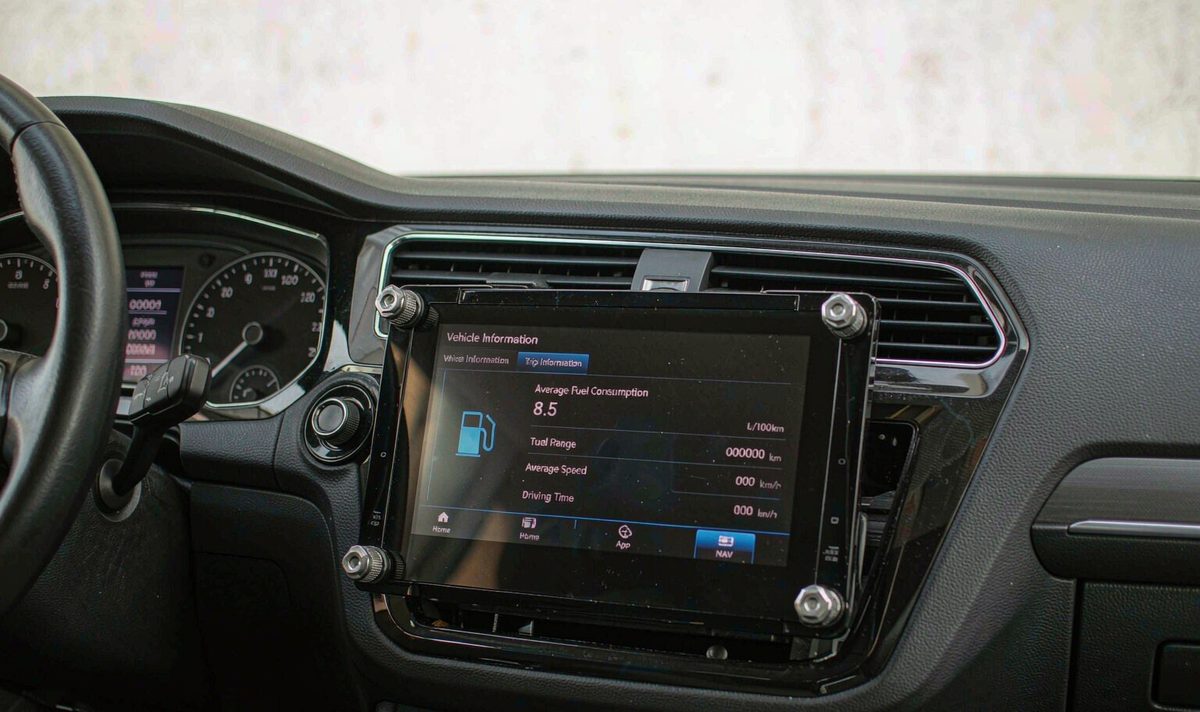
I see this weekly: a driver comparing the new screen against a memory of the unit they removed, then reaching for a shopping cart. It's frustrating, because the answer is usually already in the car. Run the three steps below first. They're free, and they'll tell you whether you're looking at a scale error, a units error, or a car that never had the value.
Compare the screen with the instrument cluster over the same trip, not with a memory of the screen you took out.
Litres per 100 km, kilometres per litre and miles per gallon are three scales, and switching between them can look like a tenfold error.
Clear the trip average on the cluster and on the screen, then repeat the route. Averages carry your older driving with them.
Look at the shape of the error, not its size. A reading that sits at a fixed multiple of the cluster's figure, ten times it or a tenth of it, points at the decimal place rather than a sensor, and that's good news, since a setting fixes a fixed factor. A wild value is a different animal. A pair of dashes is a second case. Dashes usually mean nothing arrived to print; a wild figure usually turns out to be a value read at the wrong scale.
An average the screen calculates and one the car calculates will drift apart slowly even when both work. That's maddening when you're hunting a fault. Compare instant with instant and average with average, or you'll spend an afternoon chasing arithmetic, not damage.
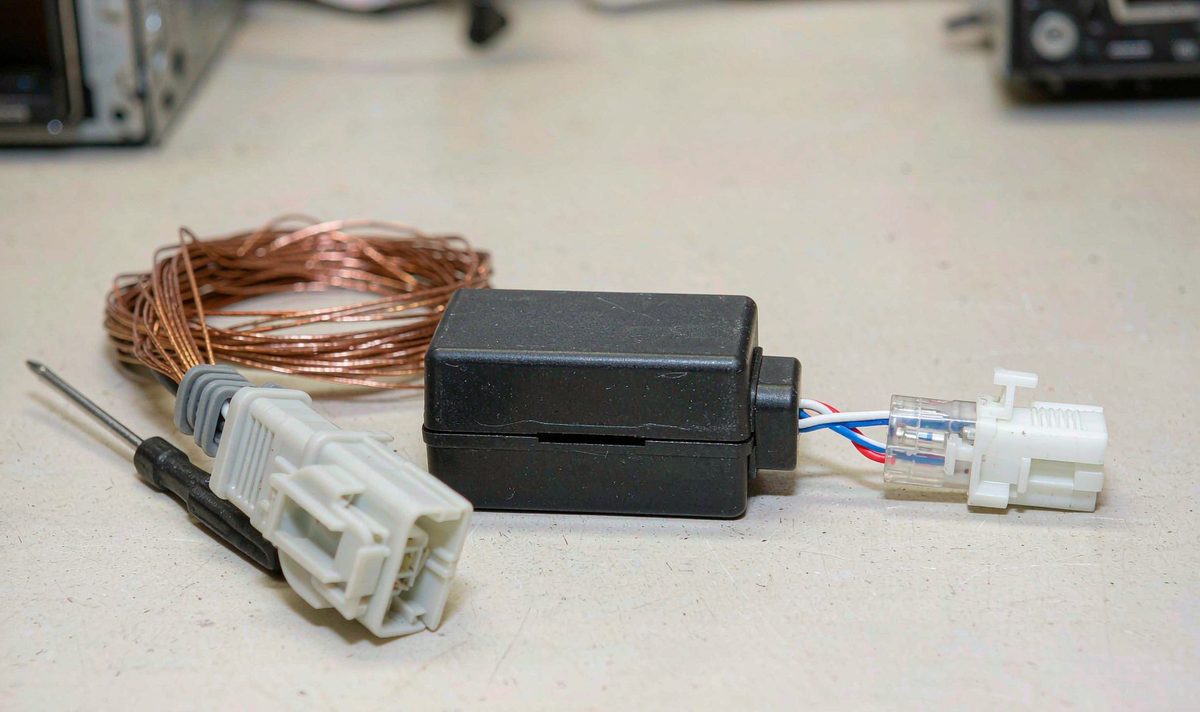
The decoder box is the part most drivers never see. It sits behind the dash as a small module on the harness, taking accessory power and translating vehicle messages for your screen. The android head unit CAN bus decoder box is the only reason door status and trip data appear at all, and the part a menu setting has to describe correctly, as covered in what a CANBUS decoder box is and which retrofit cars need one.
Do the wiring before the menus. A wiring fault looks exactly like a setting fault. Two of the wires that matter are a twisted pair, labelled CAN-High and CAN-Low, usually in a small white connector. A connector that isn't fully seated gives you nothing at all rather than a wrong number, and that's a clean symptom.
Then the bluntest test in the job, and the most annoying one to skip. With your ignition on, does the factory menu list a decoder at all? If it names one, the box is alive and talking. If it doesn't, every setting down that page is irrelevant until the wiring is sorted.
Ground earns its own few minutes. A android car stereo wiring harness adapter sharing a tired ground with your audio can produce a module that reports perfectly at idle and drops out the moment something else draws current. The usual suspects are the plug, the ground and the accessory feed, so confirm all three: box seated, real ground, power with the key on.
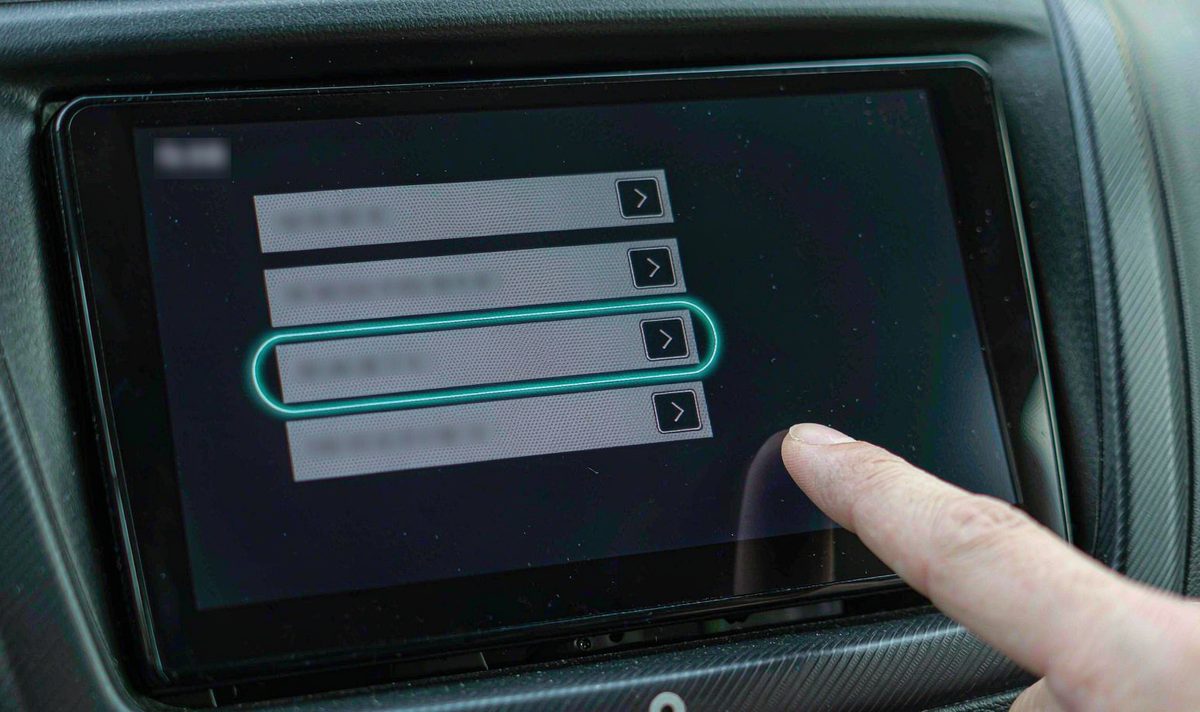
This is the part that changes the number, and it's the part people do in the wrong order. A decoder box doesn't work out which car it's plugged into. It gets told.
| Column in the profile | What it decides |
|---|---|
| Box manufacturer | Different modules speak in different dialects, so the wrong name is the wrong dictionary |
| Car make and model | Two models from one maker can publish the same value in different places, and at different scales |
| Year or trim | Later revisions and higher trims can add messages or move them, which is why the column exists |
| Decoder firmware | The module's own software maps bytes to values, so a corrected mapping arrives as an update |
The trim column deserves its own sentence, because it's the one people skip. On several brands that column ends in letters, and those letters aren't decoration: they select the message set for a base car, a mid car, a high car or an amplifier-equipped one. Choose by model year alone and you can end up with your climate display right and your consumption scale wrong. The common mistake is treating that last column as optional.
If your model isn't in the list, don't conclude that it's unsupported. On plenty of platforms the profiles are grouped by hardware rather than by badge, so a sister model is a sensible starting point. Write down what you tried and what changed. That log is the most useful thing to hand a supplier.
Two habits cover most cases where a setting fails to work. Reboot properly after a change, meaning a full restart of your unit rather than the screen going dark. Then check the decoder's firmware, because an update can expand the model list or correct a mapping. A retrofit android head unit for older car install carries one extra wrinkle: an older vehicle may publish fewer messages than the profile expects.
There's a useful signal buried in all this. Where the buttons travel through the box, the android car radio with steering wheel controls profile doubles as an indicator: if the buttons came back after your change, the module is talking and reading the profile you picked, even when the trip data isn't among the values it decodes.
Now the awkward part, and I'd rather say it plainly than sell you a module you don't need. On some vehicles the consumption figure never travels on a branch a retrofit can reach. The control unit calculates it, the cluster displays it, while the message stays elsewhere. A decoder can only translate what's present on the wire it listens to, so a value never published there can't be conjured up by any profile in the list.
I hear the same thing about climate. A car with manual air conditioning often has nothing digital to report, so there's nothing for the box to pass on and no setting will invent it. That's a limit of the vehicle rather than a defect in the retrofit.
So how do you tell a wrong profile from a value that was never sent? Compare a second signal from the same box. If door status and the steering wheel buttons work while the consumption field stays blank, the module is alive and the car isn't offering that value where it listens. If nothing works at all, suspect the profile or the wiring first.
Keep the levels of the fault apart, because that stops you buying the wrong thing. The symptom is a wrong or missing number. The root cause, in the cases settings can fix, is a profile that doesn't match the car. The cheap fix is the correct profile and a reboot. The lasting fix, once the profile is verified and the value is still absent, is a decoder matched to your exact model and trim.
I wouldn't replace a working module because one figure looks strange, and in our experience a lot of money goes on hardware for a fault that lived in a menu. I'd also settle the fascia question before ordering: confirm whether your car is left-hand drive or right-hand drive, because the dash kit and the harness connectors differ between the two, and that includes the branch your decoder needs.
If the profile is right, the wiring checks out, the rest of the module works and the trip data is still missing, the mismatch is between the decoder's coverage and your car, not between you and the menu. Units built for retrofit work ship with the harness and decoder chosen for your vehicle, and we confirm that match before shipping, the point at which this question is cheapest to settle. If you'd rather check the fitment list first, the range is on the universal one and two DIN head units page. We ship to Australia, North America, Middle East and Europe.
If the profile is right and the reading is still missing, the mismatch is between the decoder and your exact car, not between you and the menu.
Tell us your car, we will check what fitsBecause the value was read with the wrong scale for that vehicle, which is a profile problem rather than a sensor problem. Re-check the make, model and year columns, then restart the unit completely and compare again.
You can on some cars, though the parameter you get is a flow rate per hour, not litres per 100 km.
Yes. On some models the message stays on the cluster's branch of the network and never reaches a retrofitted listener. Door status and the steering wheel buttons working while the fuel field stays blank is the pattern to look for.
Not for a reading that is wrong by a fixed factor.
Zhuhai WITSON Industrial Co., Ltd. - Tel: +86-756-8120312, 8120211, 8120212.
