
Car infotainment - storage and specs
Two head units, both listed as 64GB, both at the same price. One opens the map before you've left the driveway; the other sits and thinks about it while you wait, and that's the annoying part, because the number on the box was identical. Capacity isn't what you feel. The storage interface is, and you can measure it on the screen you already own.
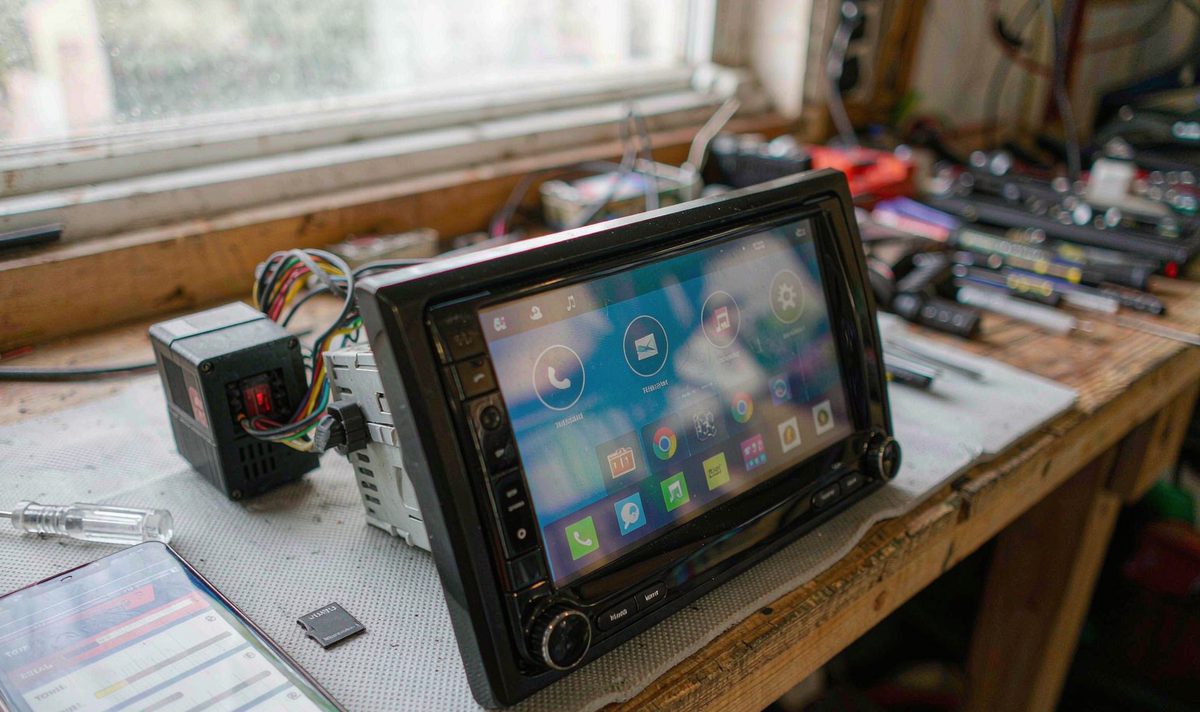
Storage is the one specification that arrives without a speed beside it. You get a capacity, 64GB or 128GB, and capacity says how much fits, not how fast it moves. Settings won't tell you which chip is soldered inside either, so the practical route is to measure the unit you already drive.
The same capacity behaves differently from one car to the next because the pathway behind it is capped at different speeds, and that cap comes from a standard rather than a tuning choice.
eMMC has been frozen for a decade. Version 5.1 was published by JEDEC in 2015 as JESD84-B51, and nothing has replaced it since. Its ceiling is 400 MB/s, set by an 8-bit parallel bus running at double data rate.
Then there's UFS, which put the same NAND flash behind serial lanes instead. UFS 2.1 runs two lanes at 5.8 Gbps each, roughly 1,200 MB/s of interface; version 3.1 doubles the lane rate to 11.6 Gbps for about 2,900 MB/s; and UFS 4.0, published as JESD220F in August 2022, moves to 23.2 Gbps per lane, which JEDEC quotes as up to about 4.2 GB/s.
Plenty of comparison pages get one thing wrong: command queuing isn't the divide, because eMMC 5.1 added a queue as well. The structural difference is the bus. eMMC shares one set of wires, so a read and a write take turns; UFS has separate transmit and receive lanes and carries both at once. That's why a unit copying map data can still answer a tap on your glass.
| Interface | Bus and lanes | Ceiling | Read and write at once? |
|---|---|---|---|
| eMMC 5.1 | 8-bit parallel, one shared bus | 400 MB/s | No, the bus takes one direction at a time |
| UFS 2.1 | Serial, 2 lanes at 5.8 Gbps | About 1,200 MB/s | Yes, separate lanes |
| UFS 3.1 | Serial, 2 lanes at 11.6 Gbps | About 2,900 MB/s | Yes, separate lanes |
| UFS 4.0 | Serial, 2 lanes at 23.2 Gbps | JEDEC quotes up to about 4.2 GB/s | Yes, separate lanes |
Read the ceiling column first, then the last one. That last column is the part you feel when the unit is busy.
How do I test this without pulling the dash apart? With an app, or with a stopwatch. Both are free.
Install a storage benchmark on the head unit. AndroBench is the one phone reviewers leaned on for years, and it reports the four rows a spec sheet would: sequential read and write, then random read and write. Run it once cold, then again after twenty minutes with the screen bright and maps open. If the numbers collapse when it's warm, you're looking at a heat story rather than a storage story.
The row you care about isn't the big one. Sequential read gets quoted in reviews, yet it's the least useful number for how a car screen feels. App launches, boot and map tiles are random reads. A current UFS part reports tens of thousands of random read operations a second, an older eMMC part a fraction of that, and that fraction is what you sense when you tap an icon and nothing happens.
If you'd rather not install anything, do it the blunt way. Copy a two-gigabyte file onto the internal storage and time it with your phone, then time the unit from key-on to the home screen, cold and again after a long drive. Write both numbers down before you compare them, because memory is generous.
Two traps. A benchmark on a hot dash measures heat as much as storage, since these boards throttle. And a nearly full drive writes more slowly, because the controller runs short of free blocks. Do you need a laptop or root access for any of this? No, which is what makes the test worth doing rather than a tedious job you'd put off.
A car screen has more than one place to put a file, and they aren't equally fast. On plenty of retrofit units the map package sits on a removable card beside the display, while the internal flash holds the system and your apps. On others the maps live inside. Which one yours uses decides your bottleneck, and the card is usually slower by a wide margin: two cards in the same slot can differ by more than the two head units you were comparing.
So test the paths separately. Point the benchmark at internal storage, then at the card. If the card is the slow one, you've just saved the price of a head unit. Where the maps sit on a card, the file is only as quick as the card holding it, the same ground covered in how to store offline maps for a road trip.
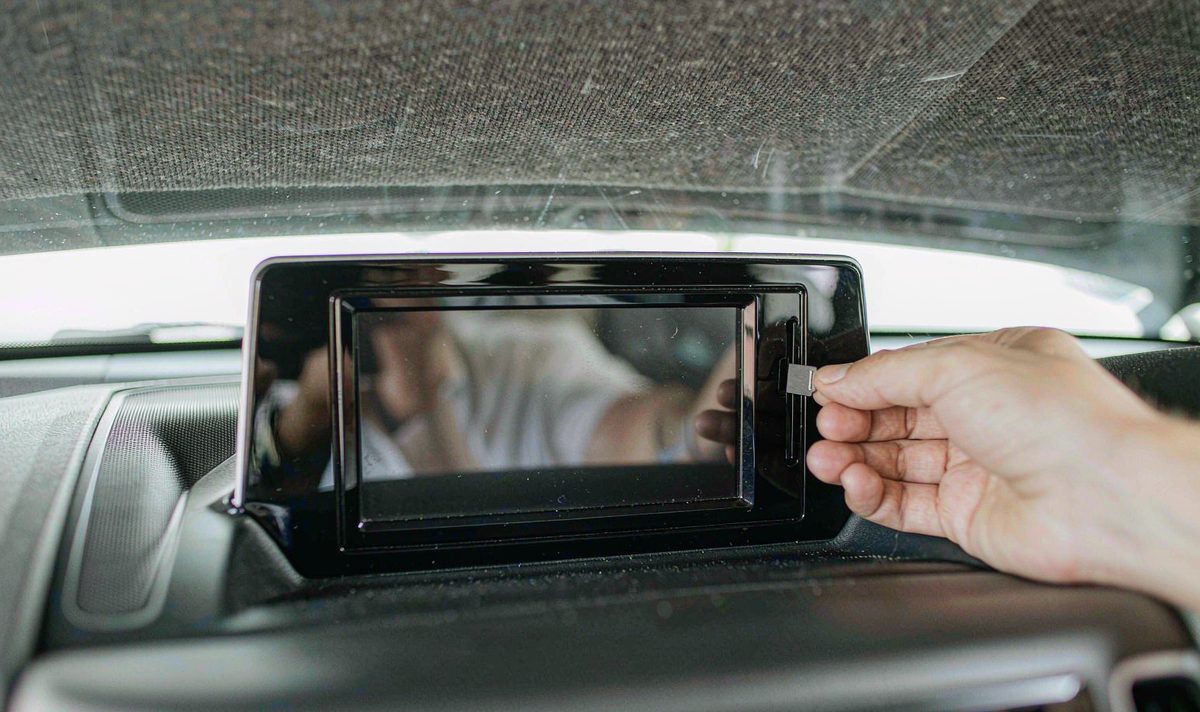
Load is the other thing you meet. Map tiles get read while a route recalculates, and if the same unit is writing at once, whether that's a camera recording or a music library being indexed, reads and writes compete for one bus on an eMMC part. Running maps and video side by side on an android car radio with split screen multitasking layout, with an android head unit front and rear camera recording behind it, comes close to the heaviest storage load a car screen carries.
I see this one constantly: measuring the card, then blaming the unit. The mirror of it is just as common, and just as frustrating: measuring internal storage while a tired card sits in the slot for another five years. Anything you plug into a USB port is a third path, and the slowest of the three.
Capacity is not the interface. A listing that says 64GB and stops tells you how much room there is, and nothing about how fast it moves. Two units with identical capacity can sit four generations apart, and UFS 2.1 against UFS 4.0 is roughly a fourfold difference. So ask for the generation, not the acronym. UFS alone isn't an answer. Which version is it, and can they put that in writing.
Then check that the platform can use what it's given. A UFS part runs only on a chipset that carries a UFS controller, a call made when the mainboard is laid out rather than bolted on at the end. That decision doesn't appear on a spec sheet, and it takes longest to get right.
Read memory alongside it. An android car stereo 4GB RAM 64GB storage head unit isn't automatically quick, but a machine short of memory makes its own storage traffic as it swaps, landing in the same place you were measuring. If lag is your real complaint, the steps in how to reduce android head unit RAM usage and prevent lag are worth an hour before you blame storage again.
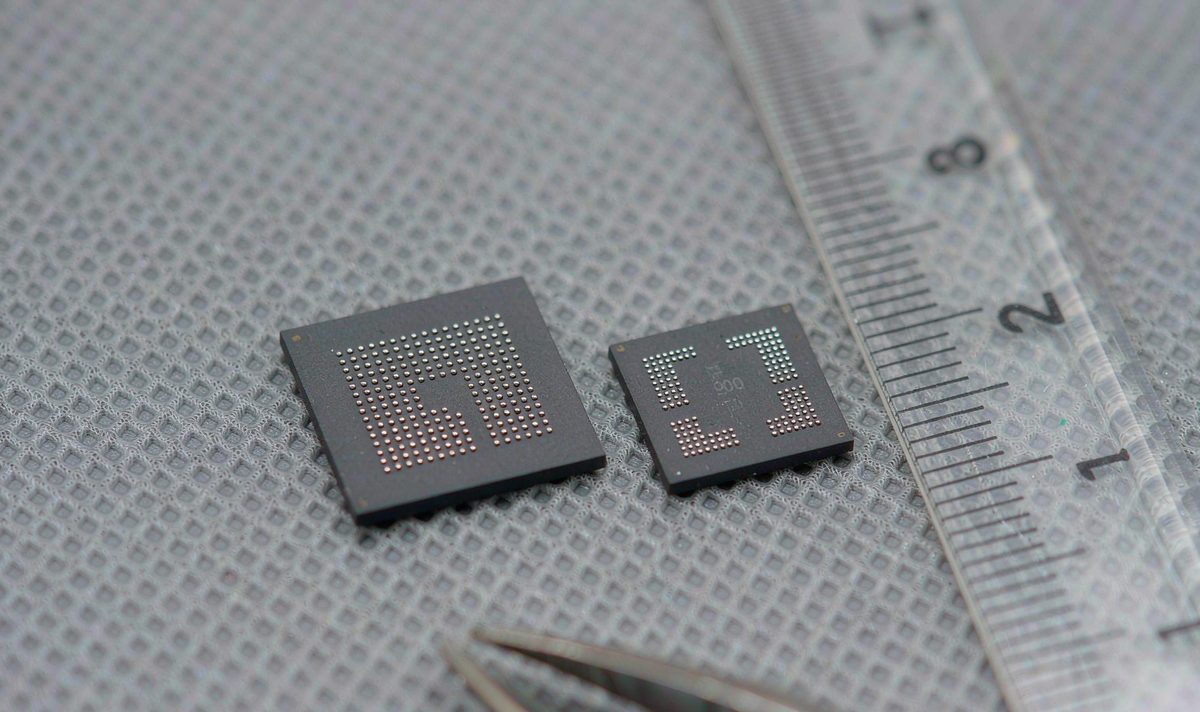
Temperature grade is worth a question too, because two parts carrying the same interface name aren't the same part. Automotive-grade flash carries AEC-Q100 qualification and a wider operating range, while commercial parts are narrower and throttle sooner.
Firmware is the last variable. The storage scheduler and the file system live in the build and change between versions, so note the Android version and build number before you ask whether a newer build exists for your unit.
Sometimes. Less often than the marketing suggests.
| What gets blamed | What it usually turns out to be | How you confirm it |
|---|---|---|
| The eMMC chip | A slow card in the slot, or internal storage that's nearly full | Run the benchmark twice, at internal storage and then at the card, and compare the two |
| A unit that's worn out | Thermal throttling on a hot afternoon, or a background app writing | Repeat the same test cold and warm, then again with the background app closed |
| The processor | Random read speed, which is the row no listing quotes | Look at the random read figure rather than the sequential one |
| The word UFS on a listing | The generation, since 2.1 and 4.0 sit about four times apart | Ask for the version number in writing before you order |
Find your row, then take the confirmation step before the shopping step. The first two rows cost nothing to fix, and I hear them far more often than the last two.
For a car screen, storage is rarely the limit. A 1080p video file streams at a couple of megabytes a second at most, and even a frozen eMMC 5.1 part clears that many times over. What you notice storage on is boot time, app launches, map redraws, and anything writing quietly in the background.
Clear space on the internal storage, because a nearly full drive slows down and freeing space costs nothing. Then test the card and replace it if the card is slow. Then check the build number.
Swap the unit itself. That's the costly step, so it belongs at the end, after the numbers come back poor on internal storage alone with a good card in the slot and cool hardware.
What I wouldn't do is buy a screen because a listing says UFS and stop reading, or pay a premium for a storage generation the platform can't use. Nor would I replace a working display over a benchmark number that has never shown itself in daily driving.
Before you order anything that mounts in the dash, confirm whether your car is left-hand drive or right-hand drive, because the fascia and the harness connectors differ between the two. Send the model year, the factory system you're replacing, the Android build number and your benchmark figures, and we'll tell you what's normal for that unit. We ship to Australia, North America, Middle East and Europe.
If you'd rather compare specifications first, the range is listed model by model: universal one and two DIN head units.
Because a boot is mostly random reads, and random reads are the weakness of older flash. The system pulls hundreds of small files rather than one big one, so a part with weak random performance spends a while over it, which is maddening when you wait for a reversing camera. Time the boot twice, cold and after a long drive, then compare both figures with your benchmark results.
Yes. A benchmark app installs like any other app on the head unit and needs no special access.
Not for that. Maps and music are light work for eMMC as much as for UFS. It's the combination that bites, with map tiles being read while a recording writes to the same storage, which is where the older interface shows its age.
Realistically, no. The flash is soldered to the board, and the board was designed around it. You can move work off it, onto a faster card or a USB drive, or free space by clearing caches. That's why the question belongs at the buying stage, not afterwards.
Capacity is the line a listing prints. The interface is the line a lot of them leave out, and it's the one that decides how your unit feels in year three.
Zhuhai WITSON Industrial Co., Ltd. - Tel: +86-756-8120312, 8120211, 8120212.
