
Car Android - daily use
Most lag on a retrofit head unit isn't a shortage of memory. It's Android doing what it's built to do when memory gets tight: freeze what it can, kill the least important process, and let your map start again from scratch. The lever you actually have is what you leave running, and the two biggest offenders cost nothing to remove.
Retrofit units get blamed for being slow when the hardware is fine. The honest split is this: lag on a car Android unit is usually memory pressure, sometimes heat, occasionally storage. All three feel identical from the driver's seat - a tap that lands late, a map that redraws, an app that opens as if for the first time. Work out which one you're in before you spend anything, because only one answers to settings.
Android watches its own memory and reacts to the squeeze. The process doing the watching is the low memory killer daemon: when pressure passes a threshold it kills the least essential process, not the largest. The app you're looking at survives. A started service sits in the middle. Cached apps sit at the top, kept only to restart quickly - and they go first.
That's the part I hear owners miss. When your unit kills a background app, nothing warns you and nothing looks broken. You find out later, when you tap the map and it loads as if you never opened it - slow, and maddening when you're already moving. What you're feeling isn't a weak processor working hard. It's a process thrown away having to be rebuilt, and rebuilding costs more than resuming.
So why does a reboot fix it for an afternoon? A fresh boot starts with nothing cached and nothing running, so the system has room. An hour later you've opened a map, a player, a video and the settings, and the room is gone.
Two other things produce the same complaint. Heat: a unit baking behind a windscreen clocks itself down to protect the chip, and everything feels heavy until the cabin cools. Storage: cheap flash reads slowly, and a nearly full drive makes it worse. The split is easy - slower the longer you drive means heat; slower the more you've opened means memory.
Here's the awkward part: the resident apps on a car unit are the ones you never think about. A live wallpaper, in our experience, is the usual suspect - not a picture but a service that keeps drawing, and services sit above cached apps in the killing order. It survives the trim that would've reclaimed your map.
Widgets are the second quiet cost. Each one inflates its own views and holds at least one bitmap; a live map or a weather animation holds more. Nobody counts them, which is exactly what makes them annoying.
Then there's the app you actually use. Routing for android car radio navigation while driving is the heaviest job on most units: it keeps the map view, the tile cache and the traffic layer alive at panel resolution. Pictures are what eat memory. A bitmap costs four bytes per pixel, so one full-screen image runs to several megabytes - and a map is thousands of small ones.
Audio can quietly take a slice too. Run android car stereo dual zone audio and the rear passengers stay on a different source while you listen to something else, which means two media sessions and their decoders alive at once. A fair trade if you use it. Waste if you set it up in 2023 and forgot.
Finally the auto-start crowd: a shopping app, a second launcher, the unit's own app store, a phone-mirroring helper. Each keeps a service or a scheduled job. Six of them is a different unit.
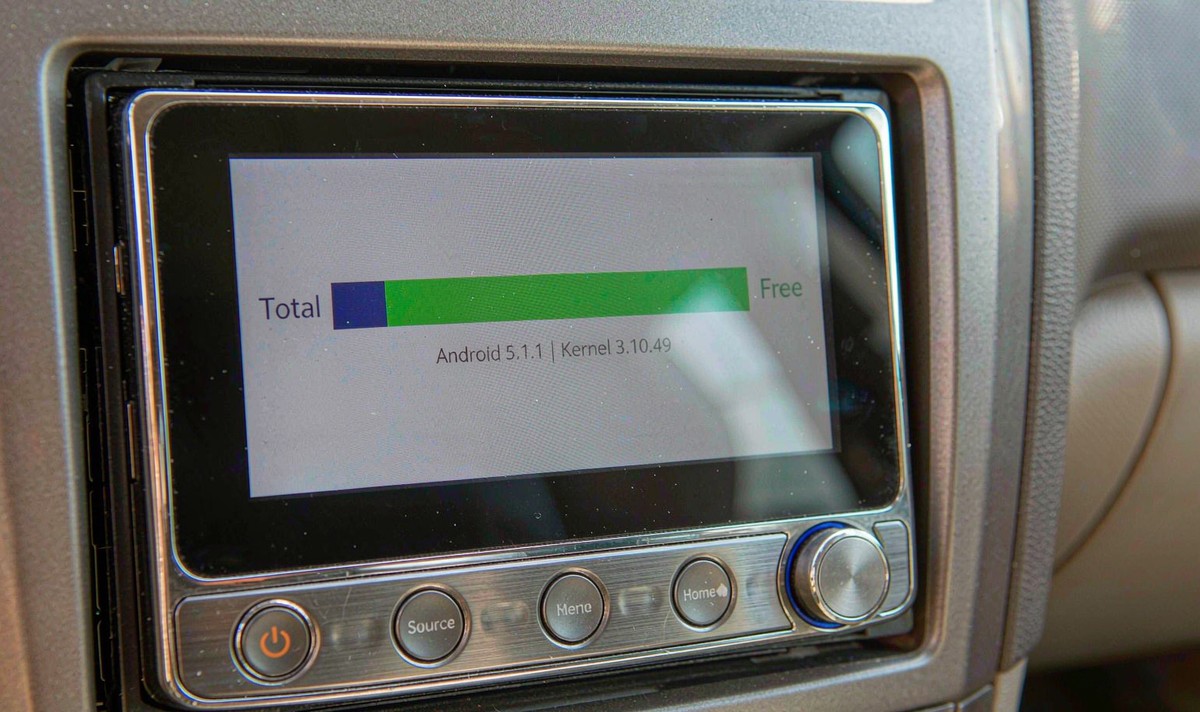
You don't need a diagnostic app. Most builds hide a memory screen in settings, and the proportion matters more than the exact figure - if it sits near the top before you open anything, the argument is over.
Nothing here costs money, and the first two are worth more than any cleaner app you can install. The common mistake is spending money first.
Two things to skip. Clearing the cache frees storage, not memory, and Android rebuilds it within a day - worth doing when the drive is full, not as a weekly ritual. And "free memory" buttons mostly force the restarts you were trying to avoid, which is frustrating to watch.
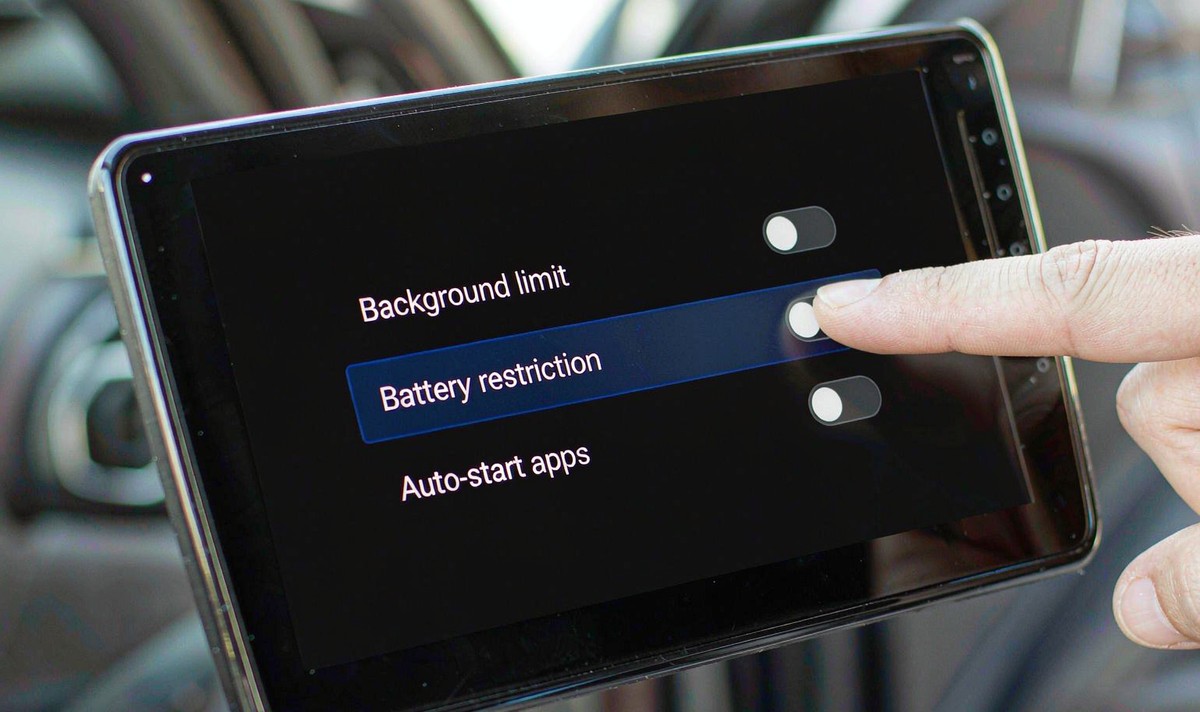
So what does change the figure? Two levers: how many apps may run by themselves, and how much of the screen the launcher keeps alive. Nothing else counts.
Memory-booster apps work by killing background processes, and that idea hasn't aged well. Since Android 14, the API they rely on - killBackgroundProcesses - only affects the calling app's own processes. Pass it another package and nothing happens but an error line in the log.
"Android is designed to keep cached apps in the background and kill them automatically when the system needs memory."
Android 14's behaviour-change note is blunt about why: the system keeps cached apps on purpose and kills them itself when memory is needed, so an app that kills other apps unnecessarily makes the device slower and thirstier - those apps then start from scratch.
The same notes add a line worth reading twice: a third-party app can't improve the memory, power or thermal behaviour of an Android device, and apps claiming otherwise risk the Play policy on misleading claims. That's the platform telling you the category is empty.
Test it rather than take my word for it. Install a booster, run its clean-up, then time how long your map takes to become usable on the next tap, and compare with a day when you left the unit alone. What I see on units that come in for this complaint is a restart loop - the cleaner kills a service, the service comes back, and each cycle costs more than doing nothing.
There's a second reason I'd skip them. A monitoring app that stays resident to watch for memory pressure has just become another resident app. If the cure needs a service of its own, it isn't a cure.
If the unit's own memory line is small, settings can only tidy the edges. Two numbers decide how a car unit feels after an hour of use: how much RAM it has, and how fast its storage reads.
RAM sets how many apps the system can afford to keep cached. Android 14 raised the ceiling on cached processes so devices with more memory keep more apps alive, and the same notes put the resulting drop in cold starts at up to thirty percent. Read that as a buying rule: extra memory isn't a speed figure, it's the difference between your map resuming and your map restarting.
| What you're reading | What it decides | How to check it |
|---|---|---|
| Memory (RAM) | How many apps stay cached, and how often something restarts | The memory line on the individual model page, not the family page |
| Storage size and type | How fast maps and media come back, and how early the drive fills | Storage line plus the storage screen once the unit is running |
| Model number | Which of the two figures actually applies to the unit you get | Send it to the seller and ask for both lines in writing |
This is where most searches go wrong. The phrase android car stereo 4GB RAM 64GB storage is what people type when they compare listings, and the figure they find often belongs to the top model in the family rather than the one at the price they liked. Read the memory and storage lines on the exact model page.
On our side, the universal one and two DIN head units are listed by model number and screen size - 7, 9, 10.1, 10.88 and 12.3 inch versions all live in that range - and the memory and storage figures belong to the individual model, not the category. So the honest answer to "how much RAM does it have" is a per-model question: send the model number and ask us to confirm it in writing.
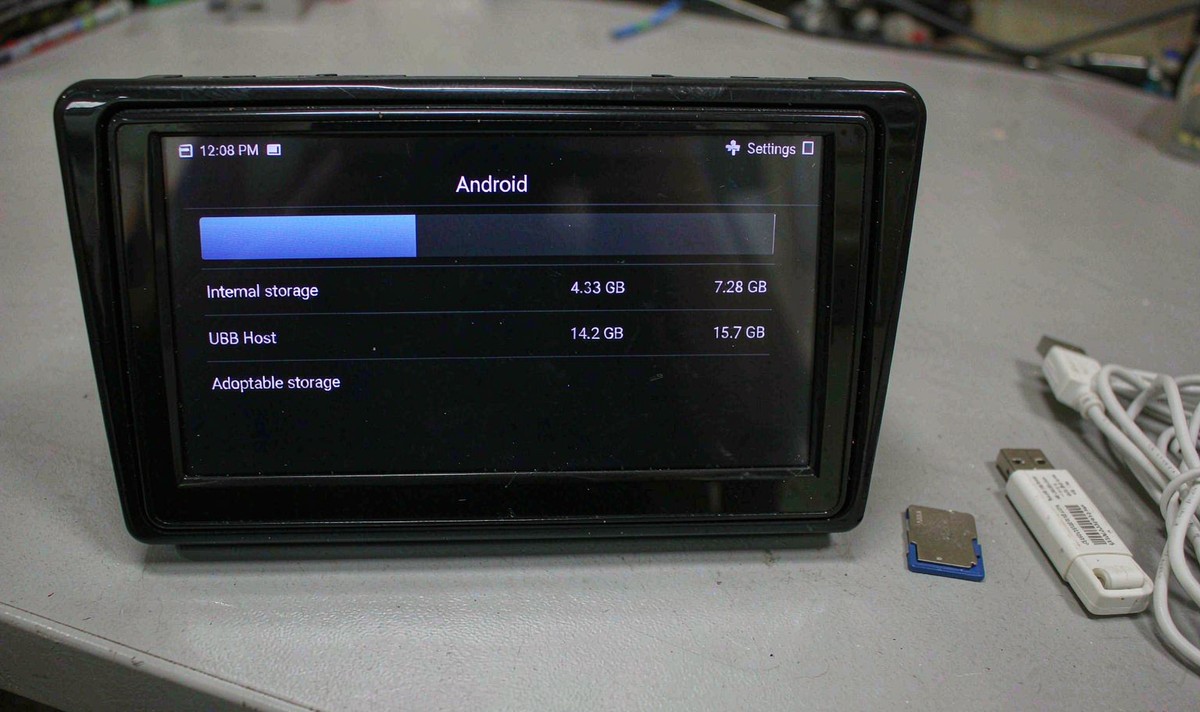
One more thing before you buy on memory alone. Heat will still slow a well-specced unit on a hot day, and cold weather will still make some panels sluggish. More RAM buys back the restarts. It doesn't buy back physics.
Every setting above lives a couple of levels down, and the names change between firmware builds. The manual for your own model is the honest place to start.
Zhuhai WITSON Industrial Co., Ltd. - Tel: +86-756-8120312, 8120211, 8120212.
No. It removes the part caused by processes being thrown away and rebuilt, which is the bulk of it on a small unit. Lag from a hot dash or slow storage stays exactly as it was.
They kill background processes, and on Android 14 and later they can only kill their own. Killing the rest makes your unit slower, because a restarted app costs more than a cached one.
Heat, not memory. The chip slows itself down on purpose to stay inside its temperature limits.
No, and the habit may cost you. Cache is stored data, not memory, and Android rebuilds it - so you trade a small amount of space for slower first loads. Clear it when the drive is nearly full, or when one app misbehaves.
