wireless CarPlay - mobile data
Cutting the cable does not upload your music to the car. It changes the route your data takes, and on some installs it changes who pays for it.
I hear it about once a month: "since I went wireless, my data bill doubled." Sometimes the number is real, and the link is almost never the reason. Your phone doesn't hand your music to the radio and take it back again, so what you're really asking is which route those files take and which SIM pays for them - and that answer isn't the same on every car.
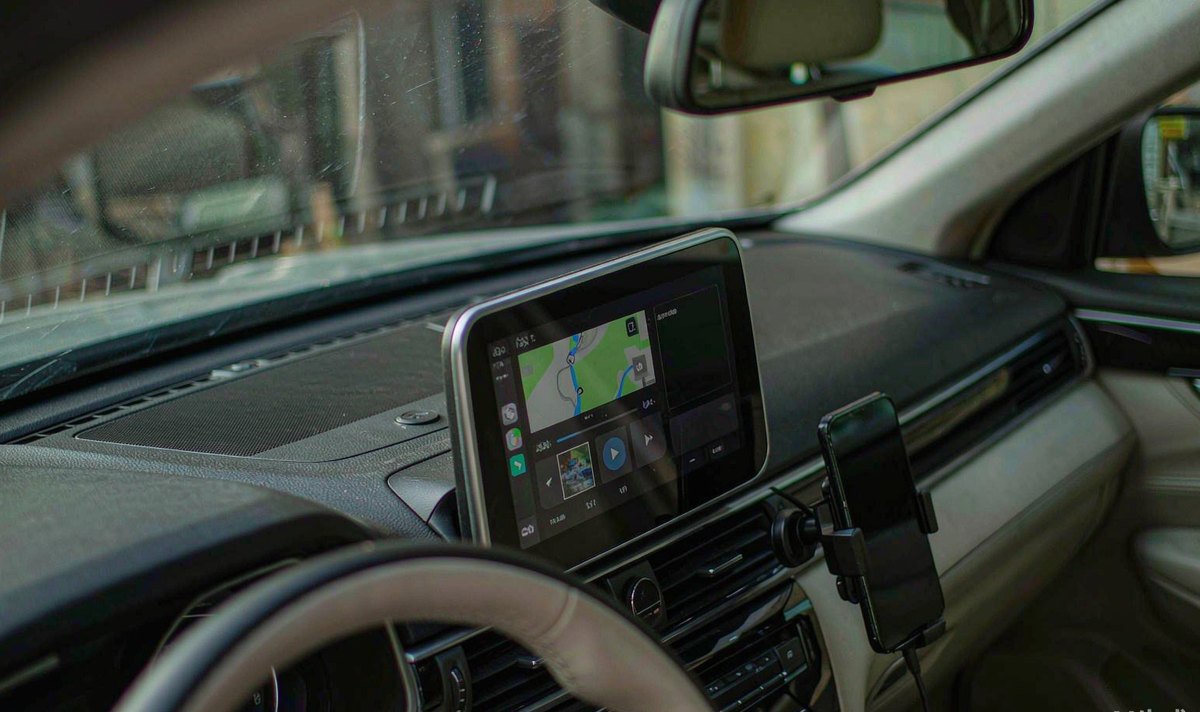
A wired connection is a USB cable doing two jobs at once: charging and moving data. The phone keeps its own cellular link for anything that needs the internet, so maps, traffic and music arrive over your mobile plan exactly as they would with the phone in your hand.
Wireless is two radios working as a pair. Bluetooth finds the phone and handles the handshake, then the screen content rides a Wi-Fi link to the unit. Apple's CarPlay troubleshooting page says it plainly: on a wireless connection you need Bluetooth on, Wi-Fi on, and your phone set to auto-join the CarPlay network. That network is a private link to the radio. It isn't an internet service, whatever the Wi-Fi icon on your phone suggests.
The same song, route and app move the same payload either way. The wireless overhead is housekeeping: setup, cover art, a resync after a drop. That's not nothing, but it won't empty a plan on its own. An android car stereo with wireless CarPlay adds a Wi-Fi link to your phone's life, and that link has rules.
Before you time anything, look at what streaming costs per hour. The arithmetic is dull, and it'll settle most arguments in a minute.
| Streaming setting | Published bitrate | One hour | Ten hours |
|---|---|---|---|
| Low | About 24 kbit/s | About 11 MB | About 108 MB |
| Normal | About 96 kbit/s | About 43 MB | About 432 MB |
| High | About 160 kbit/s | About 72 MB | About 720 MB |
| Very high | About 320 kbit/s | About 144 MB | About 1.4 GB |
| Lossless FLAC | Up to 24-bit / 44.1 kHz, 1.5-2 Mbit/s recommended | About 675-900 MB | About 6.7-9 GB |
How I read it: the step from Normal to Very high is the whole difference between a modest month and a heavy one, and it's one setting. android car stereo spotify lossless playback earns its traffic on decent speakers and wastes it on a rattling door card.
Maps are the other half, and the volume depends on how far you zoom out rather than on the radio. Satellite view is the quiet offender, and it leaves people furious at their own bill because it looks like the map they already had. Downloaded offline areas remove most of that traffic, so it's a storage decision more than a connection one, and carriers in Europe and North America bill it the same way - only the size of your bundle changes. android car radio navigation while driving with live traffic earns its data, and the rest is optional.
If usage really did climb the month you cut the cable, one of these happened, and none is the link spending your money.
Some units ship with a 4G module and a SIM slot, and offer a hotspot. Your phone sees a Wi-Fi network with internet, auto-joins because that's what phones do, and every megabyte leaves through the car's SIM; your phone's own counter then looks innocent while the car's plan empties, which is the most annoying kind of bill.
This is the one nobody spots. Spotify keeps separate quality for Wi-Fi and cellular, and a wireless link presents itself as Wi-Fi. If your Wi-Fi tier sits at Very high and your cellular tier at Normal, wireless quietly upgrades every song, and a cable doesn't. What I see most often is that one line explaining a doubled bill, and I've watched people buy a new head unit before they'd checked it.
Apple's Wi-Fi Assist is on by default and hands an app to cellular when the Wi-Fi it uses is poor. It doesn't fire while you're roaming or for background downloads, but a car hotspot fed by a car SIM at the edge of coverage is exactly its case: the phone keeps playing, over cellular, and you never see the handover.
How do I tell these apart? Two numbers do it: the phone's per-app list, and the unit's own data settings. There's a smaller fourth effect too: a link that keeps dropping. Each reconnect restarts the session and some apps refetch artwork and library pages, which won't add gigabytes, but it's what makes a flaky install feel expensive. If your phone keeps re-joining the car's hotspot, the hotspot that rejoins by itself is a separate problem with separate checks.
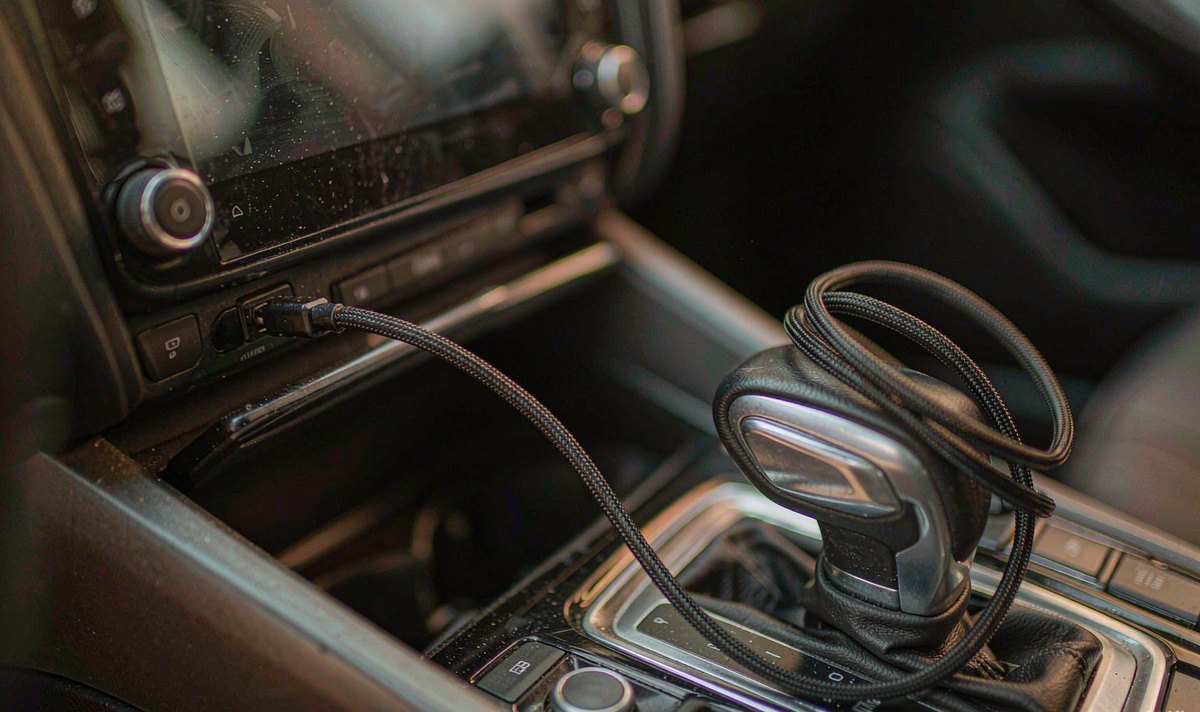
Start here. These four are free and reversible, and this order stops you buying a cable you didn't need. Change one thing at a time or you'll learn nothing.
Settings, Cellular, then the per-app list. Reset the counter on your billing date, or the number doesn't mean much.
Same commute, one week on the cable and one wireless, same quality settings. Anything else and you're guessing.
It's under Settings, Cellular, near the bottom. If usage drops, you've found the fallback, not the link.
Profile, Settings and privacy, Media Quality. There are separate rows for Wi-Fi and cellular. Set both.
One more free move: if your phone joins the unit's hotspot, turn Low Data Mode on for that network. It tells iOS the link is metered, which is exactly what it's doing. Read the number, compare the two weeks, and you'll know whether you're chasing a setting or a fault.
If the free tests point at the connection rather than your habits, the fault is usually physical. In our experience this is where repeat problems live, because nobody looks at a cable until it stops charging, and by then you've usually blamed the radio twice.
The cable. A charge-only USB cable has no data lines, so it'll top up the phone and never start CarPlay. A worn connector is worse: it connects, drops on a bump and reconnects, and each of those cycles restarts the session and reloads what was already fetched, which is tedious to watch. Test the cable before you pull the radio out.
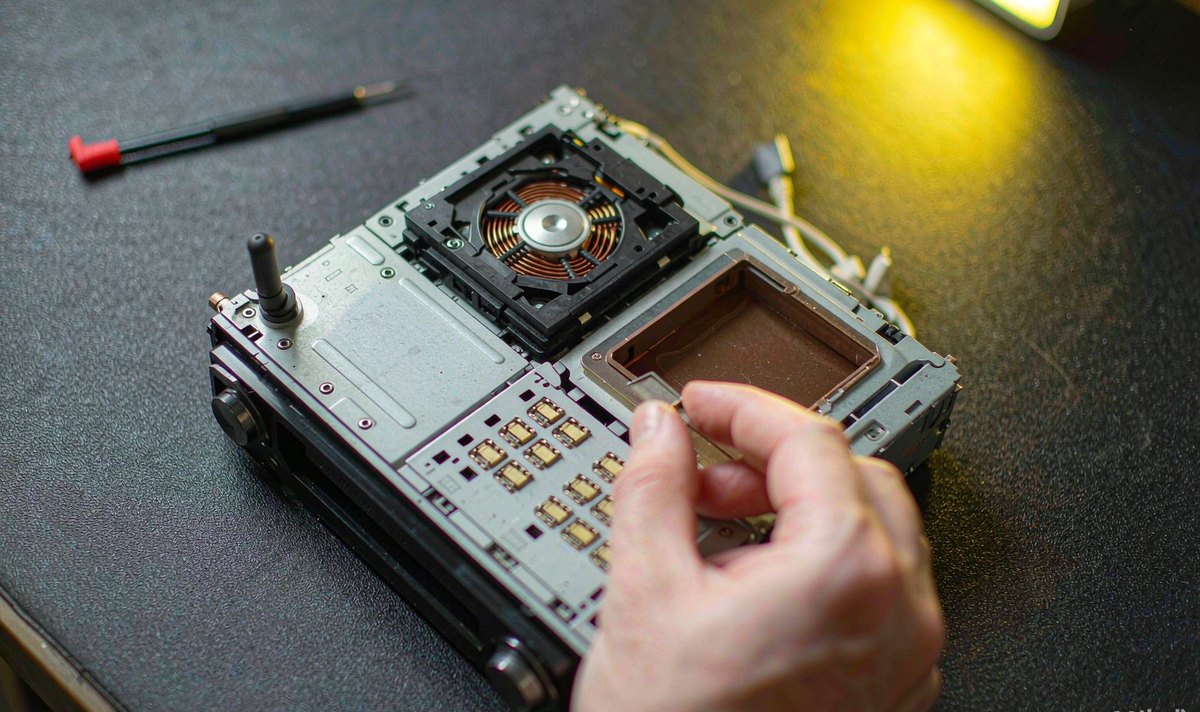
The port and the pigtail. Retrofit looms are long, and the USB extension often ends up coiled against a metal bracket behind the radio, where vibration works those joints loose over months. With the radio out, flex the extension, pull gently on the plug and watch the screen.
The Wi-Fi antenna. On the wireless side the antenna is a short stub on the back plate, and it is the first thing an installer folds flat to make room. Folded against the metal cage it loses range, and every drop costs you a re-buffer you didn't budget for. Where that stub sits depends on whether your car is left-hand drive or right-hand drive, because the cavity mirrors with it, so look before you tape it down and don't fold it flat.
Now the hardware, because two units with the same size screen can sit at opposite ends of this problem.
Does it have a SIM slot? If it does, you'll want to decide which plan carries traffic. An android head unit with 4G SIM card slot can be the deliberate hotspot, with a cheap data SIM in it, rather than the accidental one.
How much storage? A unit with android car stereo 4GB RAM 64GB storage holds a continent of offline maps and weeks of downloads, which turns most of a long trip into zero-data driving. Storage is the cheapest data plan you'll ever buy.
Which band? A 5 GHz link dodges the congestion of a busy car park, while a 2.4 GHz-only unit competes with every phone hotspot around it. A crowded channel shows up as drops rather than a bigger bill, and the reconnects cost you, so measure before you blame the app.
Does screen size matter? Not for data: CarPlay video is generated by the phone and the panel only displays it.
If the settings are sensible, the cable is known good and the antenna is clear, the hardware is the answer. For the lowest bill, a wired-only unit and a cable that carries data is hard to improve on: no Wi-Fi link for an app to treat as unmetered, and no hotspot for a phone to join by accident. The cost is a cable, which is awkward if you'd rather leave the phone in your pocket. If you want wireless, buy a unit whose hotspot behaviour is documented, so you know whose SIM carries the car before it happens silently.
At WITSON we list the SIM slot and the hotspot behaviour on the model pages, because that line decides whose plan runs the car. If you already own one of our units, the network chapter of the manual is the quickest way to see what your build exposes.
The menus named here have matching pages in the operation manual, including the network and data settings most buyers never open.
01Does wireless CarPlay use more data than wired for the same music?
At the same bitrate, no. The link adds handshake and artwork traffic, which is small next to the audio. What changes is the quality tier your app picks.
02Why did my usage jump only after I went wireless?
Two answers cover most of it: the app moved to its Wi-Fi quality tier, or the phone auto-joined the unit's hotspot and the car's SIM paid. Check both on the same day and the two stories separate immediately.
03Do I need a special cable for wired CarPlay?
A data cable rather than a charge-only one, with a connector that still grips. Very long, thin cables drop voltage and reconnect under load.
04Is it possible to keep wireless CarPlay and still cap the data?
Yes. Set both quality tiers to Normal, turn Low Data Mode on for the network that carries your traffic, and leave Wi-Fi Assist off if your hotspot is weak. You keep the convenience, you lose a little streaming quality, and you stop guessing.