
Car infotainment - reversing camera
The photo I get asked about most after a screen swap is a car park that reads back to front. The kerb that should sit on your left is over on the right of the picture. Here's the part that surprises people: a reversing picture is supposed to be mirrored. Left and right are flipped on purpose, so the screen matches your door mirrors. So the flip you're staring at may not be the fault at all - it may just be in the wrong state. Park the car, give me ten minutes in the camera menu, and plenty of these sort themselves out.
The camera sits at the back of the car and points backwards. You sit at the front and face forwards. Show that picture raw, with nothing flipped, and the camera's own right-hand side lands on the left of your screen, because the two views face opposite ways. That's why it gets flipped before it reaches your eyes.
That isn't folklore either. Honda's rear camera system manual says the picture on the monitor is the mirror image, "the bilaterally symmetric image just like the picture you look in the rear view mirror or door mirror of a car". Subaru's owner's manual is shorter - the image is horizontally reversed, as it is with the rear-view mirror. Mazda's manuals are blunter still: images from the rear view parking camera are reversed images, mirror images. Three makers, one shared convention.
Which changes how you read the problem. On an android head unit with reverse camera input the flip can sit in more than one place, and a screen swap changes at least one of them:
So what decides which way the picture comes out? One stage in that chain. That's why this is nearly always a setting rather than a dead camera.
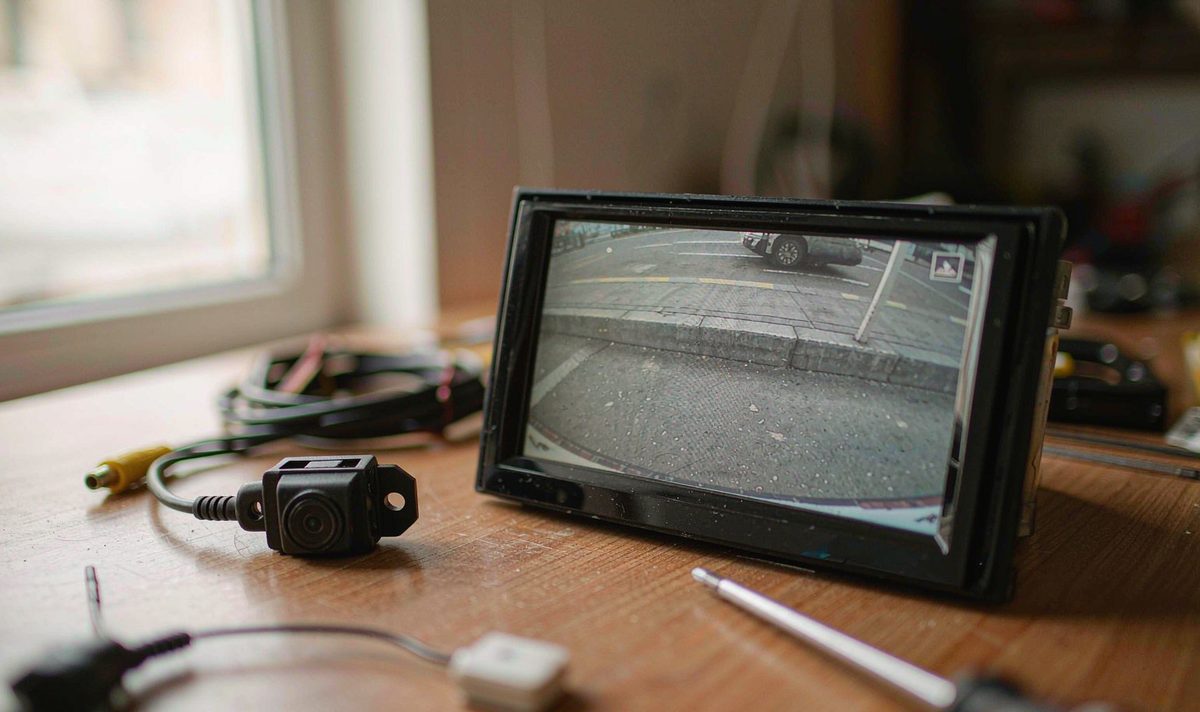
Before you change anything, work out what you're looking at. I hear this every week from drivers who've just had a screen fitted. Park with a kerb, a painted line or a wall on your own side, put the car in reverse, and study the screen with the car still.
Then read what you see:
One thing worth clearing up: none of this depends on which side of the car you sit on. Left-hand drive and right-hand drive cars both want the same mirrored rear view, for the same reason: the camera faces the opposite way to the driver, so anyone telling you a right-hand drive car should reverse left to right is guessing.
One flip is correct. Two flips cancel out and hand you a picture that looks perfectly sensible and is exactly wrong for reversing.
Nothing on that screen is a reason to stop using your eyes. The manuals quoted above treat the monitor as an aid only - Mazda's wording is that it's a visual assist device and the images may differ from the actual conditions. Use the picture to line up, then check your mirrors before the bumper gets close.
Work down this list from the free end. I've watched drivers strip a tailgate over something that was sitting in a menu.
Open the camera or rear-view settings and hunt for the entry that changes the picture: Mirror, Flip, Rotate, Reverse image - the wording moves between brands. On a retrofit android head unit for older car install it's usually filed with the camera settings. Change one entry, leave the camera view, come back in, and re-run the kerb test.
Units that carry two cameras keep a separate row for each, and editing the front row doesn't do anything to the reversing view. If a toggle changes nothing, which usually turns out to be the row rather than the unit, you've been on the wrong one - awkward after paying for an install.
Toggle the mirror entry and watch the parking lines: if they flip with the picture, they came up the wire as part of the video, and lines that stay put mean the unit draws them after the flip stage. That tells you which end of the car to look at.
When a factory camera was kept, its signal normally runs through an interface box, because the car's camera and a universal head unit input don't speak the same language. Some of those boxes carry their own mirror setting, usually a jumper on the wiring harness adapter. If the screen's entry makes no difference, the box is the usual suspect.
Wiring comes last, and it's a dead end here. Look up an android head unit reverse camera wiring diagram and you'll find three things: the video lead, the reverse trigger, and ground - none of which choose the mirror stage. A reversed picture proves the video is arriving fine, so chasing wiring for it is annoying and usually pointless, because a bad ground or a dead trigger gives you a rolling or blank picture instead.
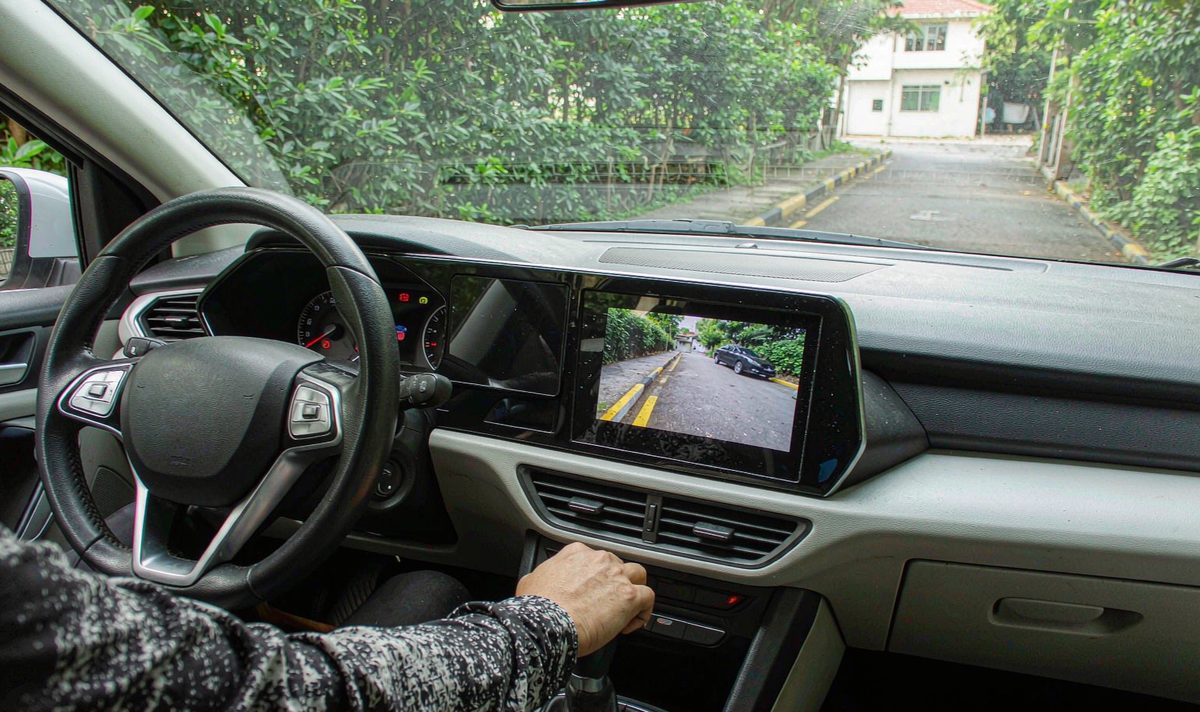
Once you know which way your picture reads, the flip can only be arriving from a handful of places. I see the double flip catch people out more than anything else, and naming the stages makes it far less maddening.
The camera's own default. Cameras are built with an orientation baked in: one batch ships mirrored, another doesn't, and the listing rarely says. A camera sold for front duty and one sold for the back can look identical and behave opposite ways.
The double flip. This is the one that eats whole afternoons. If the camera already delivers a mirror image and the screen adds a second one, they cancel out into a plain picture. Why does toggling it sometimes make things worse? Because you aren't choosing between right and wrong - you're choosing between one flip and two.
The middle hop. A retained factory camera often runs through an interface box, and on plenty of those the mirror is a jumper rather than a menu. If the screen's setting changes nothing, look there next.
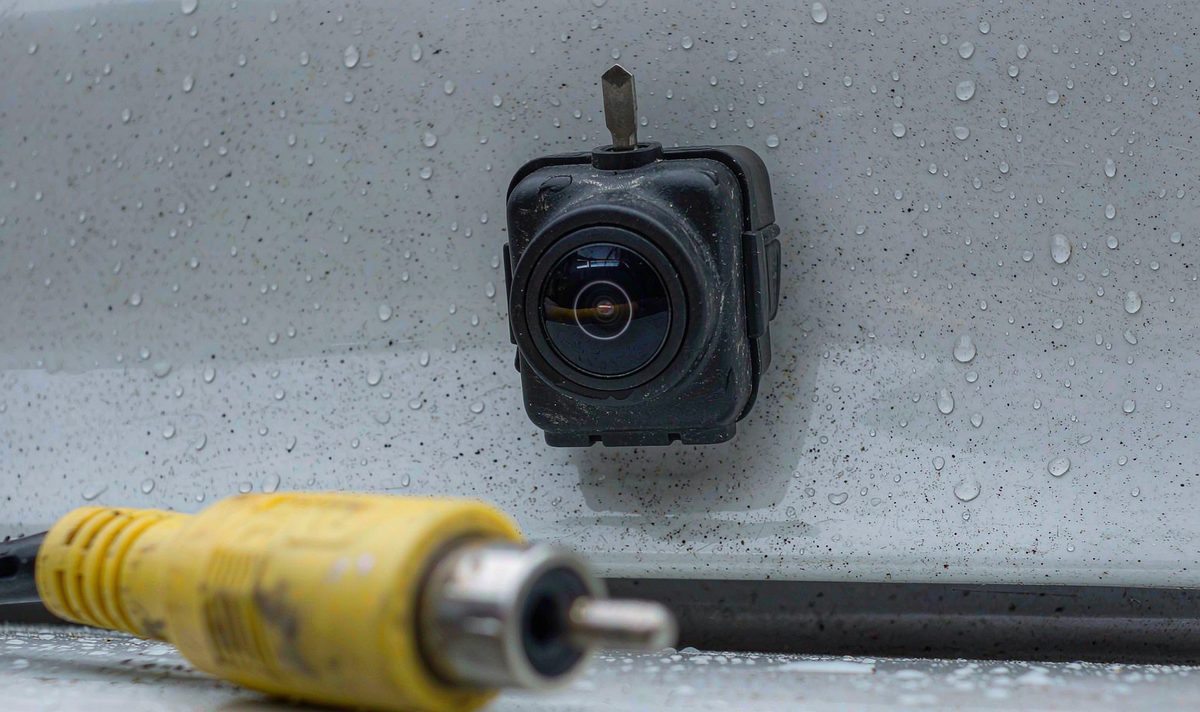
The mount. A camera fitted with its bracket the wrong way up, gives a 180-degree rotation. Upside down means mount, side to side means mirror - and the two get blamed for each other constantly.
| What you see | What's really happening | Stop-gap | Real fix |
|---|---|---|---|
| The kerb shows up on the wrong side | The display is handing you a plain, non-mirrored picture | Reverse on your door mirrors and your own eyes | Get one mirror stage switched on, then re-run the kerb test |
| Upside down as well as reversed | The camera is rotated 180 degrees, or a rotate entry is on | Nothing you'd want to park with | Correct the mount or the rotate entry first, then check the mirror |
| It looked right on the screen you took out | The old and new units apply the mirror in different places | Photograph the old menu before anything comes apart | Set the new screen so the view matches your door mirrors |
| The guide lines bow the wrong way | The lines were drawn before the flip stage | Ignore the lines while you sort this out | Fix the mirror stage - the lines follow the picture |
| The picture rolls, flickers or never appears | The video isn't arriving cleanly - a lead, ground or format problem | - | Check the video lead and the reverse trigger; this is a different fault |
Find your own row and stop there. Rows one and two need opposite answers - one is a menu, one is a bracket - and guessing between them turns a ten-minute job into an afternoon with the trim off.
Sometimes both states come out wrong and nothing you can reach will settle it. Then somebody has to find out which stage is applying the flip, and that means a test monitor on the camera's own output with the camera powered. Where a factory camera is still in place, that's a bench job with the trim off, and it's one I'd hand to a shop. Half an hour of that beats buying a camera to guess with.
Two things to know before you spend anything: if the picture changed after a firmware update rather than after the swap, remember that updates move menus and restore defaults, so note the setting before and after. And don't count on a factory reset - it restores the firmware's own default mirror state, which may not be the one your old screen used.
A menu entry decides how a picture is shown. It can't undo a flip already baked into the camera's output, nor change where the lens points. If both mirror states leave you with a view that reads wrong, the flip is arriving from the camera or the box - a parts question, not a settings one.
One last thing from experience: the units that give the least grief here are the ones that let you set the camera input, the signal format and the mirror state separately for each camera, and that's the spec worth checking. The universal one and two DIN head units list what each model accepts, which is the quickest way to check whether a replacement screen can settle this in software before the dash kit comes apart.
Usually, yes. Change one entry, leave the camera view, come back, and check it against a kerb. If it reads the way your door mirror reads, you're finished. If it still reads back to front, you've found a second flip rather than the first one.
Because a plain photograph looks normal to everybody. A non-mirrored rear view is a perfectly sensible picture laid out the opposite way to your mirrors, and it only shows up when you're lining up against something. Two flips cancelling out look exactly the same, which is the tedious part - the menu gives you no clue which of the two you're looking at.
Not for a reversed picture. A flip is a display decision and the camera is feeding a clean signal, so the fault sits in whichever stage is doing the flipping. The exception is a camera whose mirrored output is fixed in hardware, with no second input to compensate. We ship to Australia, North America, Middle East and Europe, and a fitment check comes before any order.
Watch the guide lines. A test monitor on the camera's own output settles it properly.
More from this series: How to choose a backup camera with dynamic parking guide lines.
If you've tried both states and the view still won't read like your door mirrors, the flip is arriving from the camera or the box rather than the screen. Tell us the car, the model year, whether it's left-hand or right-hand drive, and which camera sits on the back - a photo of the old menu helps too. We'll tell you what a current unit expects from the camera before you order anything.
Ask our support deskZhuhai WITSON Industrial Co., Ltd. - Tel: +86-756-8120312, 8120211, 8120212.
