
Car screens - cabin lighting
Ten at night, no street lights, and the dashboard is the brightest object in the car. The road is a dull grey band; the screen by your hand is a torch aimed at your face. What I see in this trade, over and over, is a driver who has tried every theme in the menu and still squints, when the answer was three settings and one unconnected wire.
Night mode isn't one switch. It's a backlight value, a tint, a theme and, on most cars, a signal from outside saying the lights are on. Miss the signal and the other three fight each other. So this is my order: your eyes, the free tests, the wire, the settings, and the panel last.
Here's what I've found. A screen that's comfortable at noon can be painful at midnight, and nothing about the panel changed - your eyes did. In daylight your pupils are narrow and the cones do the work; in the dark they open wide and the rods take over, and rods are slow. Textbooks put full dark adaptation at twenty to thirty minutes.
Now put a bright rectangle in that cabin. You glance at the map, your eye re-adapts to a luminous surface, and the road is under-exposed for a moment when you look back. Opticians split that into discomfort glare, where you squint, and disability glare, where scattered light inside the eye washes out what you were trying to see. A night screen produces both.
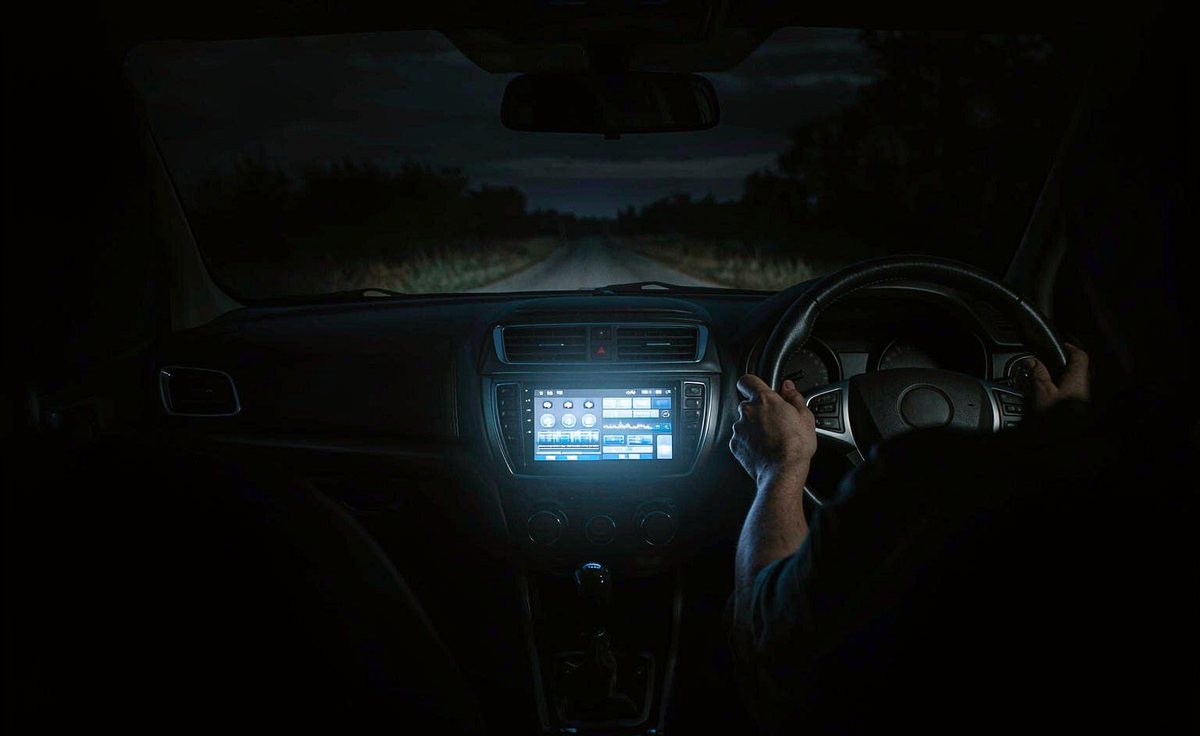
Age makes it worse in a way that surprises people. The lens yellows and the pupil can't open as far, so you need more light to see, while the light from the screen is the thing you can't tolerate. Add white text on pure black, a live map and a clock bar, and you're lighting half the cabin rather than a corner of it.
You can't fix dark adaptation with a theme. You can only stop the screen from undoing it.
Do these parked, on a road with no street lights, or in a garage with the door shut. Write your brightness number down first; you'll want it back.
Glance at the screen, look back at the road, and count until the road looks normal again. More than a second and the screen is winning.
Stand five metres in front of the car. If a rectangle of glow shows on the windscreen, the panel is throwing light back at the driver.
Photograph the windscreen from eye level in the driver's seat. It's tedious, but the camera sees the reflection your brain edits out.
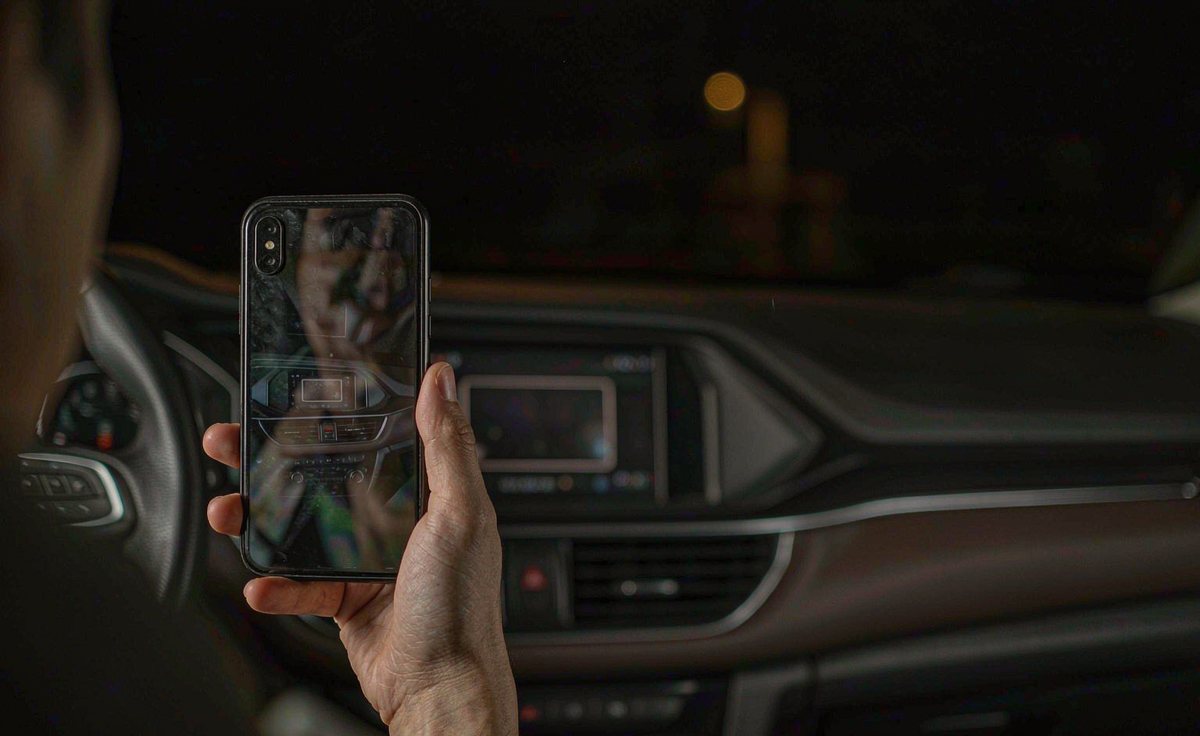
All three measure one thing: total light leaving the panel, and only the backlight changes it. In our experience that's the step people skip.
A retrofit head unit has no idea it's dark. It learns the headlights are on, either from a dedicated illumination lead in the harness or from a CAN bus message.
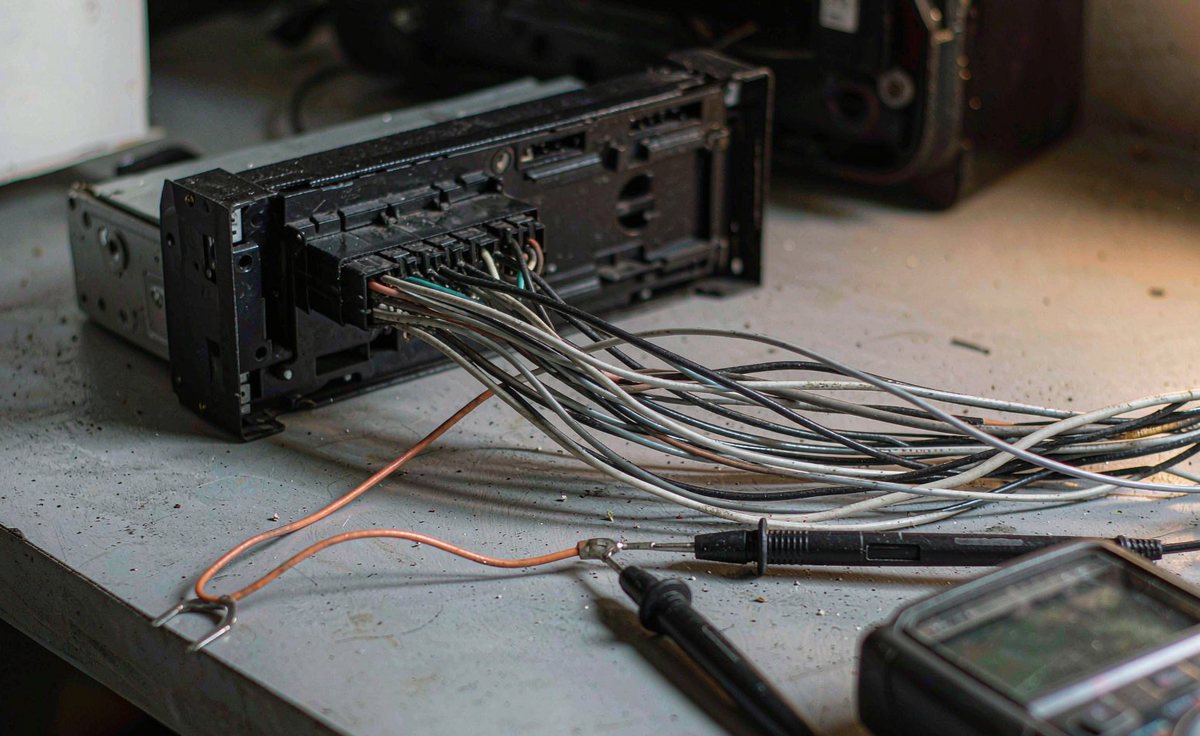
If your unit never dims by itself, suspect the wire before the firmware. An android car stereo wiring harness adapter for a base-model car may not carry the illumination pin at all, and that lead is annoying to leave loose. It's usually the one the harness maker colours orange; check it against the pinout sheet, not a forum post.
Two minutes with a multimeter settles it. Back-probe the lead with the headlights off, then on. You're looking for a change - twelve volts one way, near zero the other, or a pulsed signal on cars that dim by pulse width. If nothing changes, it isn't connected, and no menu will help. A quick look usually turns out to be worth more than a long guess.
The CAN route is neater and harder to diagnose. The android head unit CAN bus decoder box reads illumination off the bus, so the screen dims when the cluster does. Configured for the wrong vehicle profile it reports nothing, and the symptom looks like a dead dimmer. A lot of European cars feed the cluster and the radio from one illumination circuit, which gives you a free comparison: if the dials dim and the screen doesn't, the split is inside the car.
Check the ground while you're there too. A shared ground with the audio loom shifts the reference the dimmer reads, and the result is a flickering half-dim.
Android stores the backlight as an integer from 0 to 255, and the settings app writes to exactly that. Two consequences: there's no hidden night level that's magically right, and near the bottom the range is compressed - the last twenty steps often look identical.
Daylight
Full backlight. The cabin is brighter than the panel.
Lit town
Street lights and traffic. One or two steps down.
Unlit road
Set this with the one-second test, not with taste.
Parked
Reversing or waiting. Brightness can come back up.
Four stops, one ladder - and the third rung is the only one most drivers ever calibrate.
So which order? This one, and resist starting with the theme:
| Step | Setting | What it really changes | What I would try |
|---|---|---|---|
| 1 | Backlight | The only value that changes how much light leaves the panel | Down in steps of five until the test passes |
| 2 | Contrast | How hard white text blooms against the black | Down, not up. Turning it up to compensate makes the halo worse |
| 3 | Colour tint | Comfort, not luminance - an amber cast is easier to look at | Mild tint if the unit offers one, then retest |
| 4 | Theme | How much of the panel is lit and how bright the text sits | Dark grey on near-black, and fewer lit widgets |
Read it from the top and stop when the road looks normal. Start at step four and you'll pick a theme you like, then spend a week wondering why your eyes ache.
Two things catch people out. A pale theme is the biggest mistake at night: a light page is a lamp however low the backlight goes. And if you run android car radio with split screen multitasking while driving, two panes is roughly twice the lit area; dropping to one at night does more than any tint.
While you're there, look at what else draws light. The android car radio navigation while driving view is usually the brightest thing on the panel, so check that your map app has its own night style and that the unit is applying it after dark.
The automatic curve isn't one number. It's a table of ambient light breakpoints with a matching list of backlight values, and the panel interpolates between them. Whoever built the firmware chose the bottom of that table, and on retrofit units it was often chosen for a showroom rather than a country road.
Then there's where the sensor sits: on the face of the unit, looking at the cabin. A courtesy light, a passenger's phone, a white bag on the seat - all read as daylight and hold the backlight up. So the screen stays bright exactly when you need it dim, which is maddening until you know why.
An ambient light sensor measures the cabin. After dark the cabin isn't the problem - you are.
Test it in a minute. Cover the sensor for ten seconds. If the panel steps down, the sensor works and the curve is holding you up; if nothing moves, you're at the bottom of the range. If your automatic mode runs off the illumination signal rather than a light sensor, keep it - it's reacting to the right thing. Lux-only units are usually happier on a fixed manual night level.
One geometry note before blaming hardware. The sensor's position relative to the driver changes with left-hand drive or right-hand drive, so confirm which your car is. In my experience, on one side your own shoulder shades it, on the other it catches the street lights.
Sometimes you've done the lot and the screen still glows. That's where hardware stops being a setting, for two reasons.
The first is a minimum luminance the panel won't go below. Firmware can only ask for what the backlight driver supports, and a narrow driver has a floor. When the last twenty steps do nothing, you've found it.
The second is flicker. Most of these panels dim by switching the backlight on and off and varying the on-time, not by lowering current. At high brightness the pulses are wide and invisible; near the bottom the on-time gets very short, and some people see the strobing while others only feel tired after an hour. IEEE 1789-2015, the recommended practice for modulating current in high-brightness LEDs, sets out two limit curves for exactly this, and a panel that dims by shortening the pulse sits at the wrong end of both when you push it low.
You can check without instruments: point a phone camera at the screen and watch the preview. Flicker your eye integrates away often shows as banding or rolling stripes.
What's the honest order? Wire, settings, curve, then unit. If a clean illumination signal and a settled backlight still leave you squinting, what you need is a panel with a wider dimming range that doesn't strobe at the bottom - and that's a shopping question, not a settings one. In our experience it's worth asking before you order. WITSON builds retrofit screens, so tell us the model year, whether the car is left or right-hand drive, and the roads you drive at night: our universal one and two DIN range is the place to start if your car takes a standard cage.
Most of the settings above sit one level down in the unit's own menus, and the manual is the shortest route to them.
Because the panel hasn't changed, your eye has. In the dark your pupil opens and the rods take over, so a surface that was ordinary at noon becomes the brightest thing in your field of view. Your iris is also slow to come back, which is why the road looks flat for a second after you glance down. That's why a night level has to be set at night, and judged by how quickly the road returns, rather than by how the menu looks while you're staring at it.
You can, but it cuts light and contrast together, so text gets muddier while the halo stays.
No, and confusing the two is why some drivers never get comfortable. A dark theme changes what the panel draws; night mode changes how much backlight is behind it. A dark theme at full backlight is still a lamp in a dark cabin, and a well dimmed screen on a pale theme is still a pale sheet of paper. Set the backlight first, then choose the theme that suits it.
Usually not. Check the illumination lead, the CAN decoder profile and the manual level first.
