Car screens - touch panels
A tap that does nothing is an annoying way to convince yourself your screen is finished. Usually the panel is fine and your finger is the problem: it's wearing a glove, it's cold, or the panel underneath is the other type. Two minutes of testing tells you which, and that decides whether you need a part or a habit change.
A resistive panel senses pressure: two conductive layers meet and the controller works out where. A capacitive panel senses electricity: your finger disturbs a field and the controller works out where. Capacitive brings multi-touch, a glass face and no calibration. Resistive takes any object you press with, glove or fingernail, but it tracks one point and eventually needs calibrating.
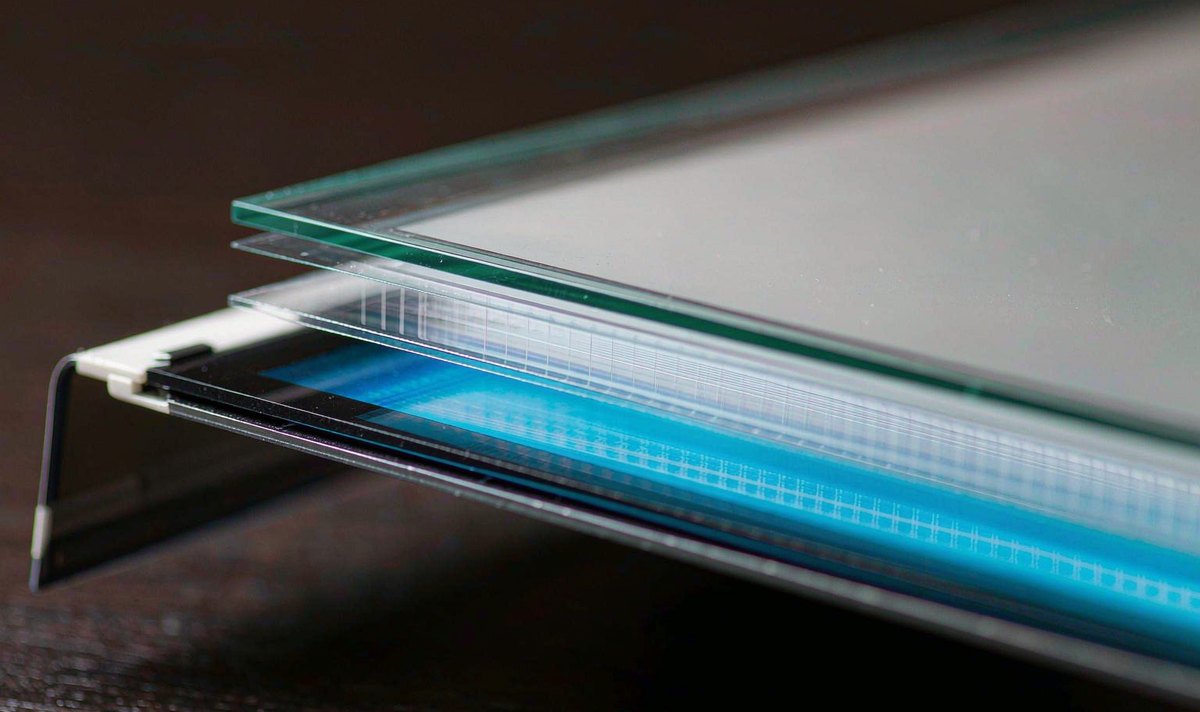
I'll start under the glass, because every practical difference between the two families comes from what sits down there. A resistive panel is two transparent conductive layers held apart by a scatter of tiny spacer dots. Press the surface and the layers touch. The controller applies a voltage, reads the divider on both axes, and turns that pair of numbers into a position. Most car units of this kind use four or five wires, hence the labels.
A capacitive panel doesn't care about force at all. A grid of transparent electrodes sits under the cover, driven and read in pairs. Your finger carries a small charge and steals a little capacitance at whichever crossing it's nearest. The controller scans the grid dozens of times a second, so it knows where the contact is and can tell two fingers apart because two crossings change at once.
That mechanical difference explains the rest. A resistive panel's top layer has to flex, so it's a plastic film. A capacitive one only has to be touched, so it can be glass, and glass takes a harder knock and a sharper scrape. It also explains the light: a resistive stack adds a film and an air gap over the LCD, and every extra boundary reflects more sky back at you, while a capacitive panel can be bonded straight to its cover glass.
And it explains the thing you notice first: a capacitive panel tracks several fingers, while a resistive one only tracks the single point you pressed.
You can identify the panel without opening anything and without a single tool. I've found four checks are enough, and they go in this order.
Guessing from the price is a silly mistake, and the one I see most often. Two of those four will settle it. If all four disagree, you're probably looking at a damaged digitizer, not a design difference.
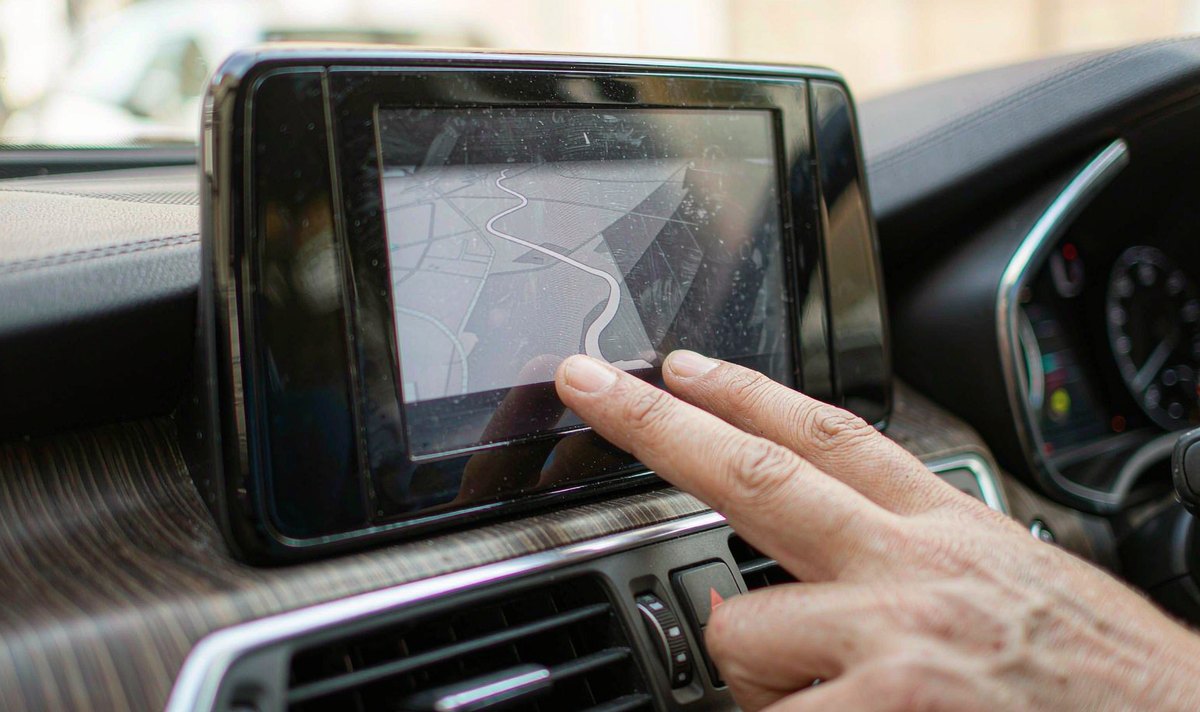
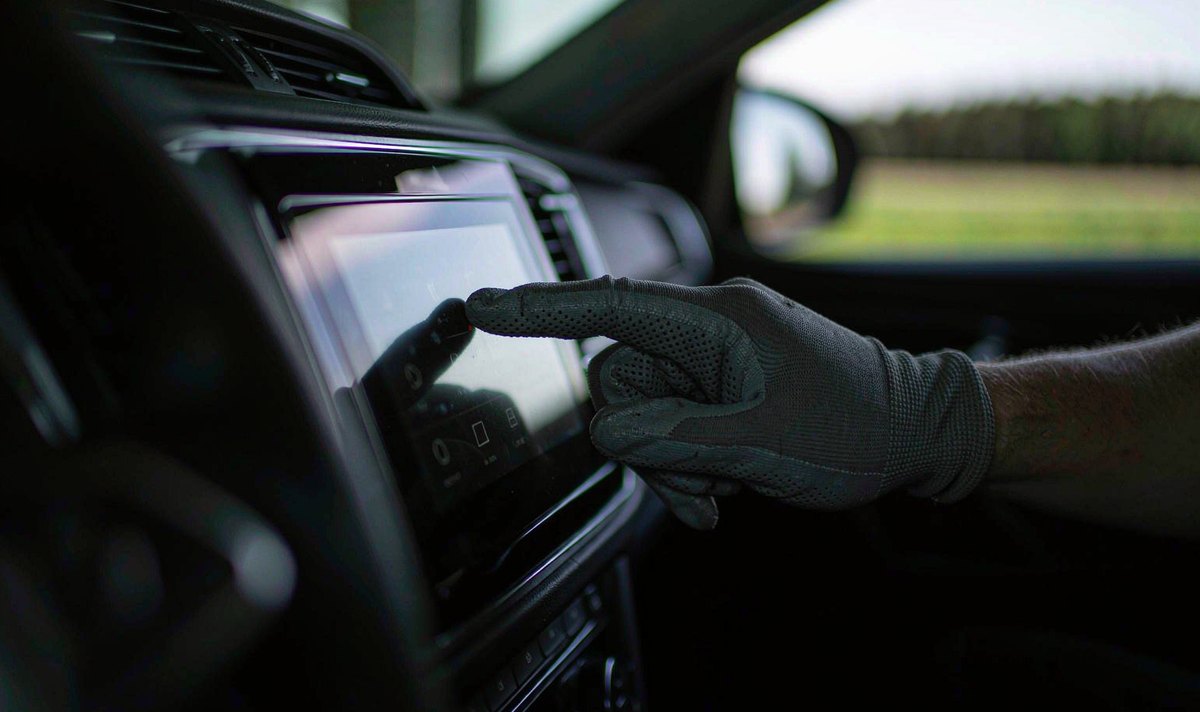
Gloves are where most of the frustration lives. A capacitive panel needs a conductive path to your skin, so a thin leather glove sometimes works and a thick wool one almost never does. If you buy a screen for northern Europe or Canada, ask about glove mode directly: some controllers can be tuned to a higher sensitivity threshold, and a few expose that as a setting. If it isn't there, pressing harder won't help, and the maddening answer is to pull a glove off at the lights.
Sunlight is the second complaint, and it isn't about touch at all. More layers mean more internal reflection, so the screen you were happy with in the garage turns into a mirror at noon. Cold is the third, and it's the one that gets misdiagnosed most: a panel that feels sluggish at minus five is usually a controller or firmware question rather than a property of the technology, so compare the same screen warm and cold rather than blaming the panel, and ask about android head unit cold weather touch response if your car sleeps outside.
A resistive panel is the quieter choice. Any glove, a stylus, a frozen fingertip: it all presses. You trade the glass face and pinch-zoom for a screen that never argues in January.
A capacitive panel is the better daily companion. Pinch, swipe and a quick tap all behave like your phone, and the glass shrugs off keys and rings. You give up glove input and take on more glare.
Here's the comparison I use when someone asks which screen to buy, and the rows are ordered by how often they affect your week rather than by how impressive they sound on a spec sheet.
| Point | Capacitive | Resistive |
|---|---|---|
| What it detects | Change in capacitance from a conductive object | Physical contact between two layers |
| Fingers at once | Five or more on most controllers | One, plus a second in a few special designs |
| With gloves | Rarely, unless glove mode is offered | Yes, any glove or stylus |
| Top surface | Glass, sometimes chemically strengthened | Flexible plastic film |
| Glare in sun | Lower, especially when bonded | Higher, because of film and air gap |
| Calibration | Set at the factory, normally no user routine | Four-point routine, drifts with age and heat |
| Wear pattern | Scratches on glass, cracks if hit hard | Scuffed film, cracks in the conductive coating |
| Where you meet it | Most current aftermarket screens | Budget units, work vehicles, industrial builds |
The bottom two rows cost you money later: a scuffed film can sometimes be replaced alone, while a cracked cover glass means a new assembly.
When your screen stops responding, the temptation is to order a replacement the same day. I go the other way, cheapest test first, because plenty of the dead panels I hear about aren't dead.
Level one costs nothing. Restart the unit properly, not just the display. Clean the glass with a dry microfibre cloth, since sun cream or screen-wipe residue is enough to confuse a capacitive panel. Check whether a protective film is still fitted; plenty ship with one and a thick one blunts sensitivity. Then map the dead area: a single strip that never answers points at the digitizer, a whole screen that ignores you at the controller or the connection.
Level two is the connection. The touch panel talks to your main board over a flat ribbon, and once your dash has been apart, that ribbon is the usual suspect. Reseat it, look for a crease at the bend, and check the ground. A floating ground makes a capacitive panel behave as if it's had a drink: taps land in the wrong place or nowhere, and the fault comes and goes with the air conditioning.
Level three is configuration. Resistive panels need a calibration pass, and the four-point routine usually lives in the factory menu. Sensitivity and glove mode hide in the same menu, and re-running the routine is tedious but free. Firmware matters more than you'd expect, because a controller tuned for one panel can ship with settings written for another.
Level four is parts. Only now is a new digitizer or a new screen the answer, and by then you know which part you're buying.
A listing shouts about resolution, memory and processor, and stays silent about the sensor underneath. That's the gap you fall into.
Resolution is a display figure. A sharp LCD can sit behind a tired digitiser. They're different parts from different suppliers, matched by whoever assembled the unit.
So ask before you pay. If the seller can't name the touch technology, they're describing a picture, not a screen you'll be poking for five years.
Four questions, and you want a specific answer rather than a friendly one. Which touch technology is it? Is the top layer glass or film? Is there a glove mode or a sensitivity setting, and what is the menu called? Can the panel be calibrated without a PC?
On an older car the questions shift a little. A retrofit android head unit for older car project usually keeps the original fascia, so the panel has to sit behind an aperture that was never designed for it. Confirm whether your car is LHD or RHD before ordering trim. Don't let resolution decide it either. An android head unit 1280x720 screen resolution tells you how many pixels the LCD draws, not how well the sensor reads your finger, and I've used 720p panels that felt quicker than sharper ones because the controller was better matched to the glass.
One more thing: a screen you have to stab at is a safety question, because at 80 km/h the seconds you spend poking at a track change are metres you've already travelled. Three presses isn't a panel-type problem any more.
Sometimes, and it depends on the glove. Thin leather may register because it holds enough moisture and sits close to the skin; thick wool generally won't. Look for a glove mode before you buy, and test with the gloves you actually wear in winter, not a bare hand in the shop.
They measure different things. A phone panel is capacitive and reports a position fixed by the electrode grid, so the mapping stays valid. A resistive panel reports an analog voltage that gets translated into a position, and that translation drifts as the film ages and the temperature moves. The four-point routine is you re-teaching it the corners.
Yes, mainly on cheaper aftermarket units and on vehicles where gloves are normal, like work trucks and off-road builds. It survives because it's cheap, it accepts any object and it keeps working with a scratched surface that would ruin a glass panel. Don't assume a unit is capacitive because it looks modern, though: test it.
Not in any practical sense. The panel, its controller and the cover glass are one bonded assembly, and the main board expects that controller. Swapping one layer means swapping the display stack and the firmware that reads it, which costs more than a different head unit.
If you're weighing a retrofit, the universal range is the place to start.