
Car screens - home media
A message lands in my inbox twice a month, and it's always the same shape: a NAS in the study with four terabytes of films on it, a new screen in the car, and a folder that stays stubbornly empty however many times the owner taps refresh. So, can an Android head unit reach a home NAS at all? Yes, and the part that fails is almost never the hardware you paid for.
Yes, as long as the unit is on your home network when you test, the app you install speaks a modern file-sharing protocol, and the film's bitrate fits the link. A car that lives on a SIM card never sees your NAS, whatever you install.
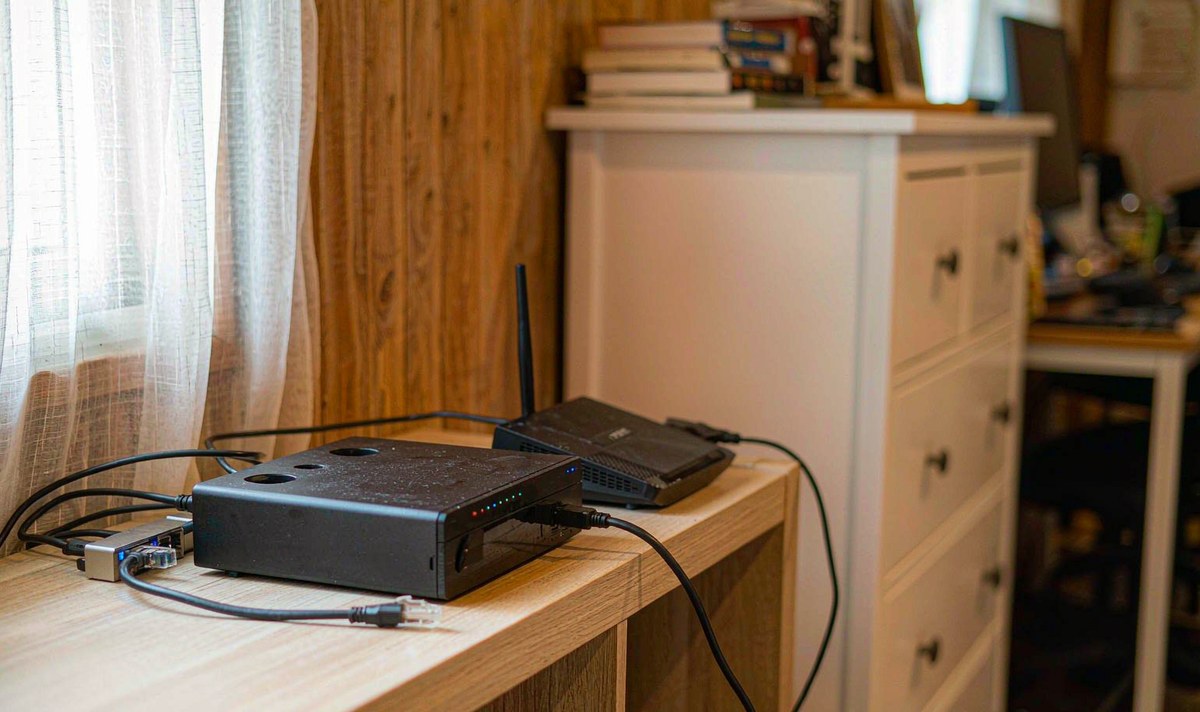
Start with the boring bit, because it explains most of the failures I hear about. A NAS is a machine sitting on your home network, and it answers to addresses inside that network. Your car leaves that network every morning. So the first question isn't which app to install; it's whether the unit is on the same network at the moment you're testing, parked in your driveway with the engine off.
Here's where it usually goes wrong. Plenty of screens sold across Europe and North America arrive with a SIM slot and nothing else, so the unit is on a mobile network somewhere and your NAS has never heard of it, however strong that signal bar looks. I've found this behind a surprising share of emails where the owner swore the car was online. It was, just not on his network.
Discovery is the second trap, and the usual suspect once the Wi-Fi link is fine. Browsing for a server leans on multicast: the unit broadcasts a search on UDP port 1900 to the group 239.255.255.250, and devices answer. Routers don't pass that between subnets by default, so the moment a travel router, a VPN or a second network sits in the path, the network folder stays empty while a typed address works perfectly. Why does typing an IP work when the browse list is blank? Because one is a broadcast that needs permission and the other is an ordinary connection that doesn't.
None of that is a defect. Once you accept it, the rest of the job becomes methodical instead of maddening.
Do these in the driveway, in order, and don't skip ahead. Each one rules out a whole layer, and none costs anything.
If step two opened the folder, you've got a working path and everything after this is player settings. If it didn't, stop and fix the path first. Installing four apps to get around a missing route is the tedious, silly version of this job, and it doesn't end.
Three protocols cover nearly every home NAS, and they aren't interchangeable. Here's the comparison I'd look at first, because the middle column is where your weekend goes.
| Route | What you get | Where it trips | Suits |
|---|---|---|---|
| SMB (TCP 445) | Folder browsing with accounts, subfolders, subtitle files sitting next to the video | Guest-only shares, servers left on SMB1, signing mismatches | Films you browse like a drive |
| DLNA / UPnP (UDP 1900 discovery, HTTP stream) | No login, most media apps detect it, music libraries index well | Flat lists, weak seeking, subtitles often ignored | Music and background listening |
| NFS (TCP 2049) | Low overhead, steady on very large files | Fewer players speak it, access is granted by host address | Big remuxes on a player that supports it |
Same NAS, three doors. Pick the one your player handles natively rather than the one with the loudest reputation.
Read it this way: SMB if you want to browse folders and keep subtitles beside the film; DLNA if you mostly play music and can live without a proper seek bar; NFS only when your player lists it and your films are large. What you shouldn't do is install three apps and hope one works, because then you never learn which layer failed.
The number that matters is bitrate, not file size. A 1080p H.264 encode usually runs somewhere between 5 and 8 Mbps, a full-quality remux of the same film can sit at 30 to 60 Mbps, and a UHD copy goes higher still. A network that streams happily to a TV next door can choke once the client is a car's Wi-Fi chip a wall and a steel body away.
Real throughput on 2.4 GHz often lands in the 20 to 40 Mbps band once the neighbours are counted, and that budget is shared with every phone in the house. The 5 GHz band gives you more room but less reach, and a car parked on a driveway is about as far from ideal as a client gets. What do you change first? The file, not the router: play a lower-bitrate copy from the same folder and see whether the stutter follows the link or the file.
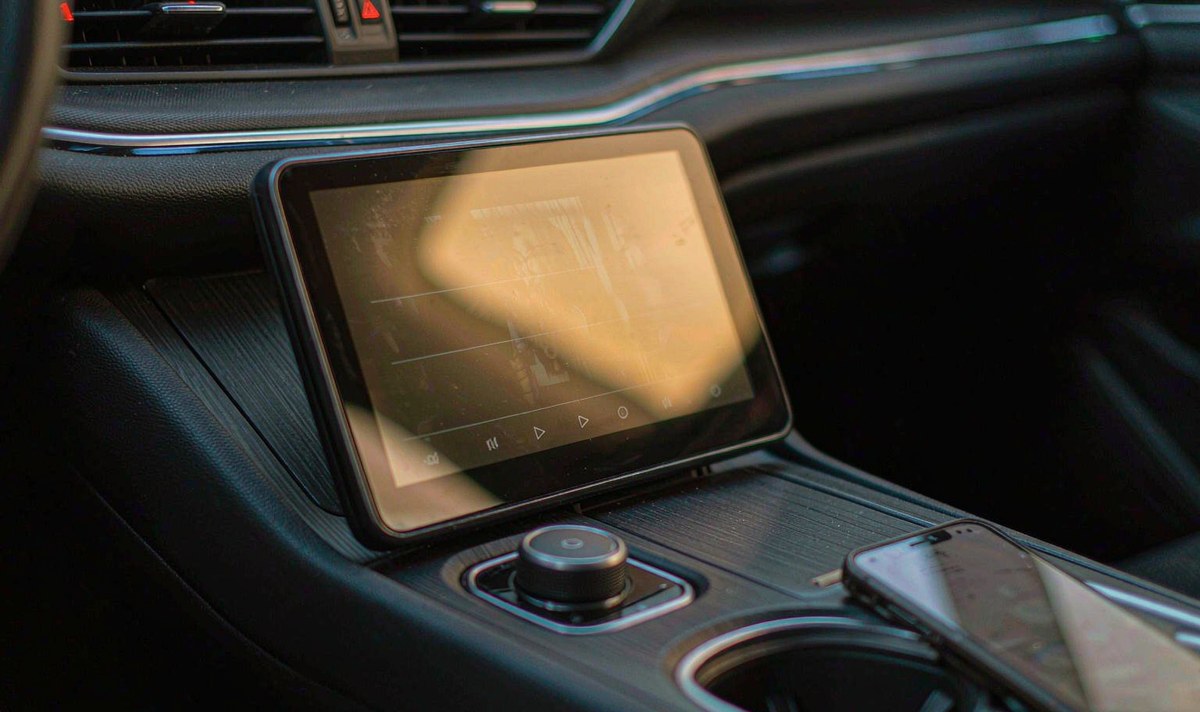
Test with a known file, not a favourite. Take something heavy and play it twice: once parked close to the router, once where you normally park. If the first run is smooth and the second stutters, you've measured the link rather than the server, and no setting inside the unit will fix a radio that's short of signal.
Once the path is good, the next limit is software. Android itself doesn't ship a full network file browser, and AOSP has never included an SMB client, so each player carries its own code for talking to a share. That's why two apps on the same screen behave differently against the same NAS, and why a firmware update can take a working setup away overnight.
Codec support is the other half of it. An MKV file can carry video the unit decodes easily and audio it can't: AC3 and DTS tracks often need a licence and hardware the box doesn't have, so you get a picture with silence, or a downmix to stereo that sounds thin. If a film plays on a laptop and not in the car, try a copy with an AAC track before you blame the network.
Permissions matter more than they used to. Scoped storage and per-app media permissions can leave a folder visible but empty, and the fix is the least awkward one in this article: check what the player is allowed to read, then reopen the source.
A line that says the unit supports network shares tells you very little. It doesn't say whether the player speaks SMB2 or SMB3, whether it can seek inside a 40 Mbps file, or whether it will pick up a subtitle file sitting beside the video.
It says nothing about your house either. A protocol is a contract between two machines; the speed is your walls, your router and your parking spot. Buy for the app and the radio, then test the path yourself, because that's the only part of this that's actually yours to control.
Only now is shopping sensible, and only if the free tests pointed at hardware. In order: dual-band Wi-Fi instead of 2.4 GHz only, enough memory to buffer a large file, which is where an android car stereo 4GB RAM 64GB storage configuration earns its keep, and a USB port you can reach so a handful of films can be copied before a trip.
Then ask about software in writing. Which player comes preinstalled, does it handle SMB2 and SMB3, and can it seek? A unit that plays files pushed from a phone over android head unit screen mirroring from phone is not the same thing as one that browses a share, and shops often blur the two. If casting from a phone is your fallback, how to fix AirPlay mirror lag when casting videos to a car screen covers that path. If you run rear screens as well, ask about android car stereo dual zone audio, because two zones pulling from one share is a heavier job than one.
And be honest about how the car gets online. An android head unit with 4G SIM card slot is a sensible choice for maps and streaming, but the SIM is a different network from the one in your study. Settings won't bridge the two; joining your home Wi-Fi will, and that's the only version of this that plays films off the NAS.
WITSON builds retrofit screens for a long list of cars, and this is the first question we ask: is the unit on your home network, or on a SIM? If it's a SIM, we'll say so before you buy rather than after. The universal one and two DIN range is where most of these conversations start.
Send us the unit's network page and the exact error you see, and we'll tell you whether the limit sits in the app, the share or the radio.
Read the full support scopeNot for a first test, and not for most homes. What does break is a saved shortcut: if the router hands the NAS a new address after a reboot, the entry in the player points at nothing. Reserve the address in the router's DHCP table before you save the connection, and you won't be retyping it every few weeks.
Rarely, and not on a stock unit. Android doesn't mount a network share as a storage volume, so apps that show one are reading it through their own code. If a player insists on a local path, copy the films across instead.
The link may well hold, but the screen usually won't: most units lock video above walking pace for road-safety reasons, and that lock isn't something to defeat. Rear passengers are the exception where the hardware supports two zones.
Permission or protocol, almost every time. A share your account can read but not list looks like an empty folder, and so does a server left on SMB1.
