CAN bus / the settings that live outside the head unit
The profile that makes your steering buttons, climate readout and door chimes work isn't a file you can drag onto a USB stick. It's a short list of choices held inside the decoder box and the car app.
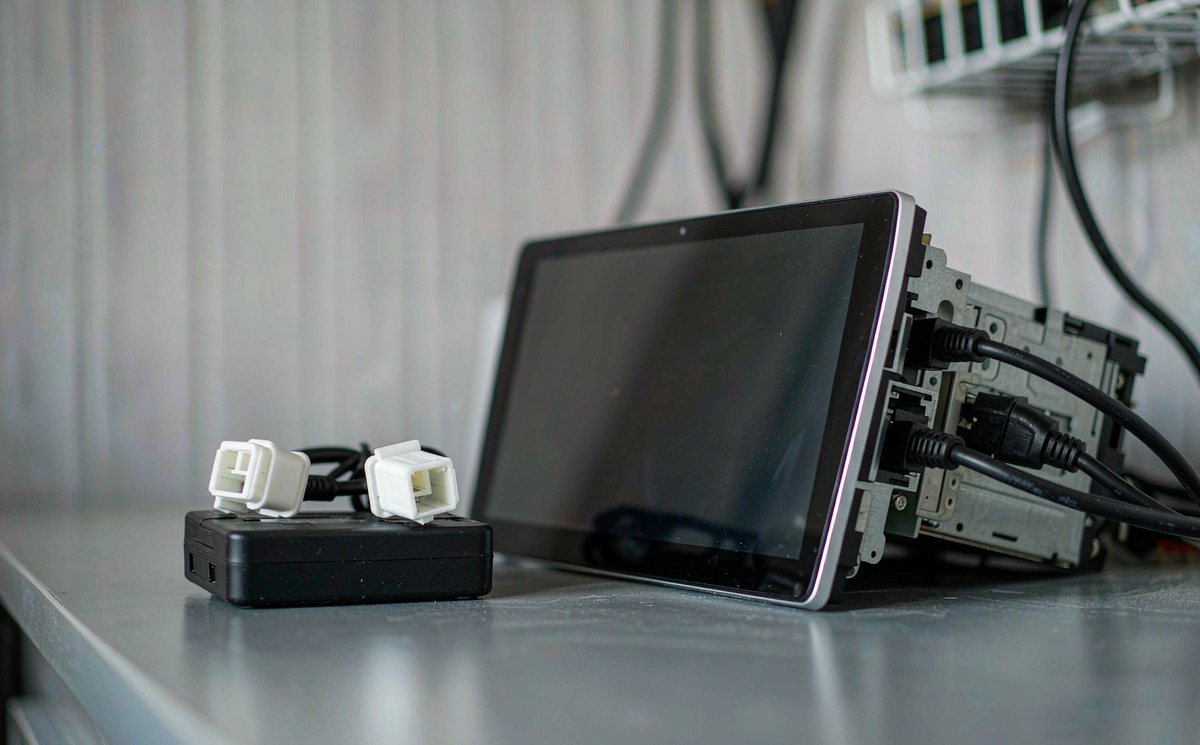
I've watched this go wrong in a workshop more than once, and it starts with something harmless: a firmware flash to cure a Bluetooth complaint, or a dead decoder box someone swapped on a Friday afternoon. The car comes back to life with a screen that no longer knows what it's sitting in.
Volume works. The steering buttons don't. The climate strip is blank, the door graphic stays dark, and the reverse camera doesn't trigger when you select reverse. Nothing's broken in the hardware sense. The unit has fallen back to a default profile that matches no car in particular, and nobody wrote down which one it was running before.
Then comes the tedious part, because the vehicle list holds dozens of entries and the one you need is a number nobody recorded. Twenty minutes of notes would've saved you that afternoon. What I hear most often is that the photos were taken and then never kept, which is the annoying bit. So what do you do when the list runs to sixty entries and none of the names are yours?
A retrofit Android head unit can't read the body computer directly, so it uses a decoder, often called a CAN box, that sits on the bus and translates what the car is saying into button presses. If you've never opened one, what a CANBUS decoder box does in a retrofit car is where I'd start.
The bus isn't a database. CAN, defined in ISO 11898, is a two-wire differential bus where nodes broadcast short frames and the others decide whether to listen, so there's no master copy to download from and you can either read the traffic or write to it; the diagnostic socket itself has been mandatory in the United States since 1996 and in Europe from 2001.
What you're really saving is the decoder's interpretation layer: protocol dialect, vehicle profile index, feature switches, and a learned table of steering key codes. It lives in two places at once, which is the part that catches people out.
Frames from the body computer, climate panel, steering column and gear selector. You can log them, but there's nothing here to restore. It's live traffic, not a setting.
Protocol name, vehicle index, feature switches, learned key table. That's what you back up, and it fits on a sheet of paper.
You'll find those values in a dedicated car app, or in a factory menu behind a passcode. Write the passcode next to your notes, because a backup you can't reach isn't a backup.
This is the free version, and for a single car it's the one I'd trust for your own car. Photograph each screen while the car still works, then email them to yourself so they're not only on the phone you'll replace next year.
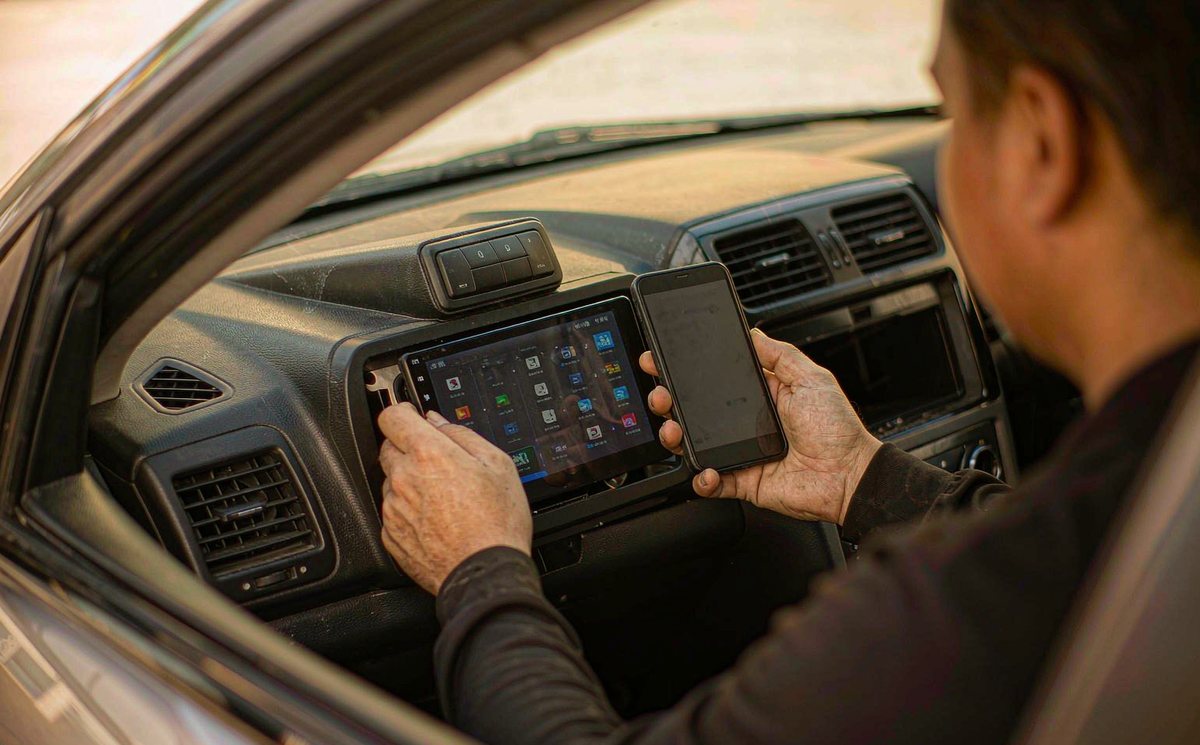
Add the decoder label while you're in there: part number and connector count. What I see most often is people shooting the model name at the top of the list, when three or four entries share it and the index is what the unit actually reads. It's a silly mistake and it costs an afternoon.
Whether you get a real export button depends on the firmware, not on the price of the unit. Some factory menus write a small file to a USB stick; some have nothing at all. The table below is what each route actually captures.
| Route | What it captures | What it misses | When I would use it |
|---|---|---|---|
| Phone photos | Protocol, index, switches, key table | Nothing that matters for one car | Every install, before the first update |
| Factory menu backup | The car app's stored preferences | May not include the decoder's own parameters | If the menu offers it; test a restore first |
| Android backup over USB | App data, when the app allows it | Apps that opt out, and all MCU settings | Bulk work across identical units |
| Written profile card | The same values in text, readable by a human | Nothing, but someone has to type it | Fleets, rental cars, dealer stock |
Read the middle columns together: a backup is only as good as what it leaves out.
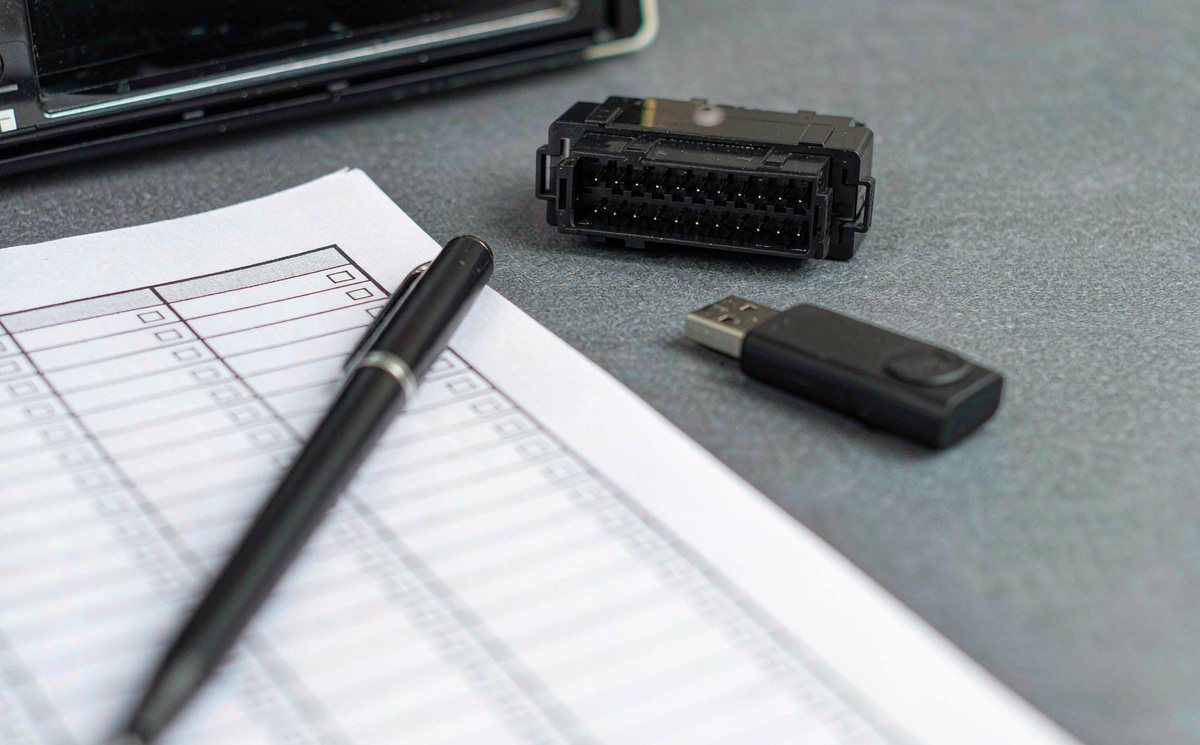
Test the USB route before you trust it. Change one harmless setting, restore the file, and see whether the change reverts on your unit. If it doesn't, the file covers the app's preferences and not the decoder, and you've learned it in five minutes, not on a customer's car with the dash apart.
The Android route is narrower than it sounds: developer options and USB debugging on, apps free to refuse inclusion, and recent Android releases have trimmed the old command-line backup path. That's not a general answer you can hand to a shop floor.
Restoring is a sequence, and the order is the difference between ten minutes and an afternoon, so test after each step, because two changes at once hide which one worked.
Keep the old decoder in the new box until the car has done a week of normal driving. If the replacement is the wrong variant, you've got a known-good part that proves where the fault sits.
Before you write anything to the bus: a decoder app that sends custom frames isn't a toy. The bus is shared, and a frame that wakes a module at the wrong moment can set a fault code in a system that has nothing to do with your screen. Read, log, change the profile. Don't poke at addresses you can't identify.
The symptom tells you which layer to check, so write down exactly which functions died. That list separates a settings problem from a wiring problem, and it stops you buying a part to fix a menu. Why does the same box work perfectly in one car and report nothing in the next?
Free checks first. Reboot, reselect the profile from your notes, confirm the box is seated. If the profile holds until the next cold start and then reverts, that's a stored-parameter problem, not a bus problem.
Then the wiring. The decoder needs a constant feed, a ground, and the twisted CAN pair. A poor ground shows up as intermittent behaviour that changes with temperature, which is maddening to chase. The pair should read about 60 ohms across CAN-H and CAN-L with the power off, because two 120 ohm terminators sit in parallel. An android car stereo wiring harness adapter that was crimped rather than soldered is a common place for that pair to go high-resistance.
Then the parameters. Check protocol, index and box part number against your notes. Two boxes that look identical can be built for different model years, and the label is the only honest answer. On retrofit android head unit for older car projects the year split matters most, because one dashboard shape often spans two bus generations.
Parts last. If protocol and index are right, the ground is solid, and the box still reports nothing, a replacement decoder is the reasonable next step. Note whether your car is left-hand drive or right-hand drive and confirm it rather than guessing: the key table, the door the display calls the driver side, and the climate layout all flip with the market, so a profile copied from another car can look correct and behave backwards, which is a frustrating afternoon.
Dead buttons with no vehicle shown at all is a narrower case, covered in a CANBUS decoder with no signal and dead steering buttons. Our units ship with the profile set for the car they were ordered for and the decoder documented in the box, which is what makes a backup easy to keep. An android head unit CAN bus decoder box is only as good as the profile inside it, and an android car radio with steering wheel controls is only as good as the learn table. The line-up is on the WITSON product pages if you want to see which harness ships with a model.
If an update or a box swap has left your unit without steering controls, send us the model, the build year and the protocol from your old profile. Support can tell you which index belongs in that car and which harness the decoder needs.
Read the full support scopeSometimes. It depends on whether your firmware includes a backup entry in the factory menu, and that varies by unit rather than by price. Test it before you rely on it: change one setting, restore the file, and see whether the change reverts.
Set the protocol first, then the vehicle index, then reboot with a full power cycle. Match the index you photographed, or the entry whose year range contains your car, and test the steering buttons first because they'll answer immediately.
An MCU update rewrites the decoder's own parameters, and the stored profile is one of them. An Android-only update usually leaves it alone, but that isn't worth betting a customer's car on. Photograph the screens before any update.
Switch the ignition off and let the unit shut down fully before you unplug it, so the box isn't writing when power drops. If the decoder is hard to reach, disconnecting the negative terminal is the safer habit.