Bluetooth MAP - SMS - text to speech
A radio that plays music and takes calls can still ignore every text you get. Messages travel down a separate pipe with four joints, and the fault's almost always at a joint.
A customer rang me from a car park last month with his engine off. New 10-inch screen, calls fine, playlist fine, and not one word about the six texts two feet away. He'd have ordered a replacement by Friday. Nothing's faulty; his phone's never been allowed to hand messages over.
SMS read-aloud needs four things at once: your phone exposes its inbox over Bluetooth, your radio asks for it, something turns text into speech, and the audio path's alive. Music working proves none of that.
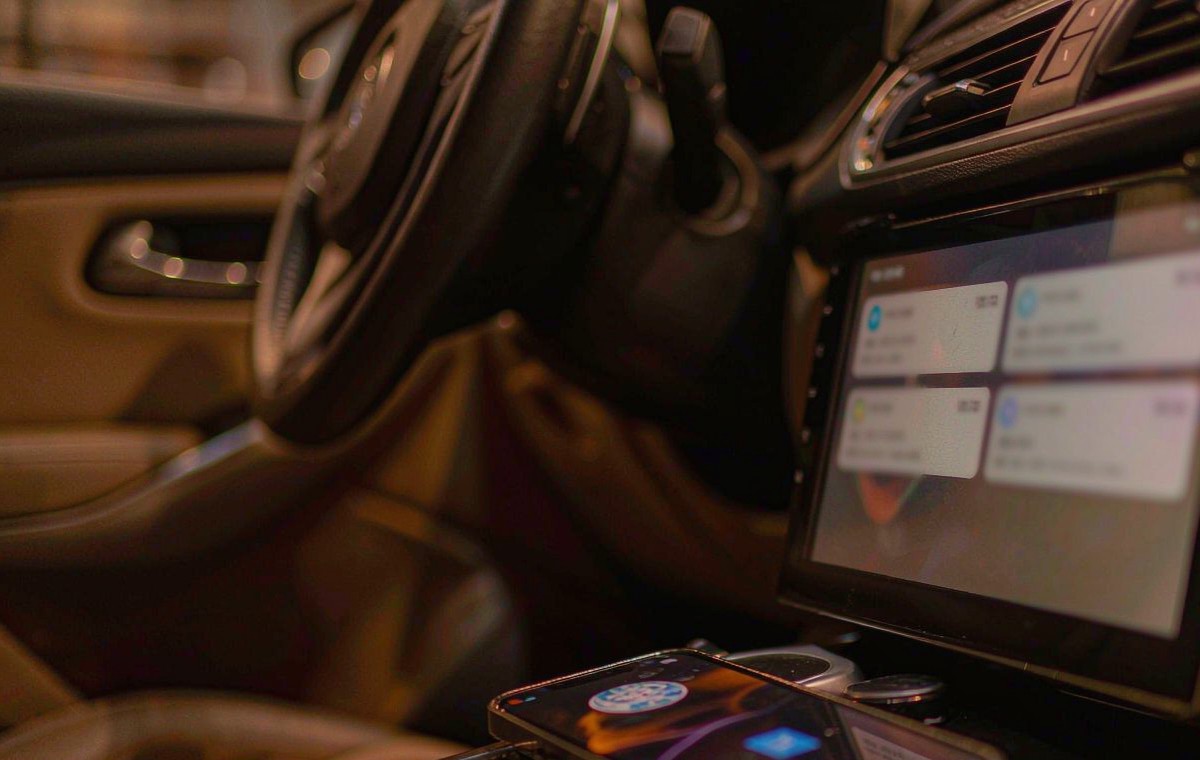
"My texts don't work" covers three separate faults, and owners describe them the same way - which is why people buy a new unit to fix a checkbox.
Silence at the source: your message never leaves the phone, so the screen's empty. A crossing without a voice: the text lands in your radio's list and nothing reads it. Speech with no audience: your radio talks and you'll catch half a sentence, because the voice's on a channel your amplifier never sees.
There's a fourth pattern that catches people out: it works on your phone and stays mute on your partner's, which is maddening until you know why. Nothing's broken; iOS and Android differ.
Work out which one you've got before changing anything, because what's actually broken is rarely the radio.
Bluetooth runs several conversations at once, as separate profiles rather than one pipe: calls HFP, music A2DP, contacts PBAP, messages MAP - standardised in 2009.
Each label marks a joint that fails on its own - and the dead-looking stage usually isn't the guilty one.
Your phone's the server, the car's the client, and the client has to ask for everything it gets - which is why a radio can't pull from a phone that never advertised the service, and both halves must work before you touch a setting.
In our experience the protocol's rarely the problem. What I see most often is the switch that lets it run: Android normally asks for message access while you pair and plenty of people don't read it and tap deny, while on the Apple side the same choice ships switched off.
Walk this list before you test anything; it's cleared most of what I hear about.
One asymmetry wastes weekends. An iPhone hands over texts that arrive while it's connected, then stops: iOS won't let a car send an SMS over Bluetooth, or replay earlier messages. Android's more permissive, so reading your Android and staying mute on an iPhone is normal - awkward, but normal.
Park up, engine running, and grab a second phone to send from.
Six tests, one message on screen, no sound? You've narrowed it to one joint, and that's where people start blaming hardware.
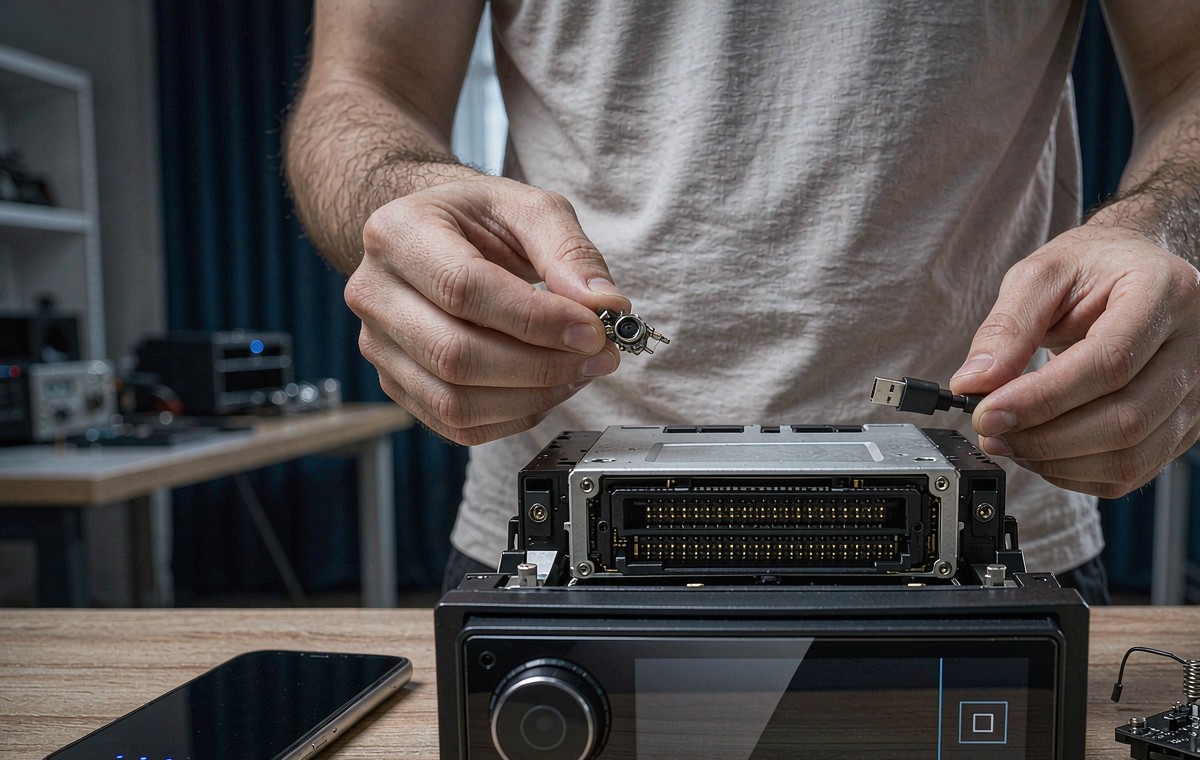
Wireless sounds like it has no wiring, and that's the trap. Three connections still sit in your path, and all fail the same way: it'll work for a week, then it won't.
The antenna's first. Plenty of aftermarket units run Bluetooth from a small lead a careless install pinches behind the cage - a weak link that'll drop mid-sentence instead of failing outright. It reads as a software bug and it's tedious to chase, usually eating an afternoon.
Then power. A unit that sags at crank reboots its Bluetooth stack and your session's gone with it. If messages fail only in the first minute after start-up, check ACC and ground; a loose ground bolt on a retrofit android head unit for older car install is a classic.
Then audio. If speech is mixed onto a channel your factory amplifier never sees, the radio talks into a disconnected room - and the usual suspect is a skipped amp turn-on lead or preamp pair.
A firmware update feels like action and changes nothing, because the permission's on your phone. Reflash last, and write down what changed.
Once the cheap checks are done, capability is a spec question, and the line that matters is rarely in the advert - which is why I ask for the profile list before screen size.
| Specification | What it decides | How to verify before buying |
|---|---|---|
| MAP client in the firmware | Whether an inbox can exist on the radio at all | Ask for the Bluetooth profile list; MAP must be named apart from HFP and PBAP |
| Text-to-speech engine and language pack | Whether a crossed message becomes speech, and in which language | Open Text-to-speech output on a demo unit and play the example |
| Notification access model | Which apps on the unit may read an incoming alert on recent Android builds | Look for notification access in settings, not just app permissions |
| Audio mixing for prompts | Whether speech ducks the music or gets buried under it | Play music, trigger a prompt, listen for the duck |
How I read it: the first line's a yes or no, the other three decide how pleasant the yes feels after a month.
Two quirks look like failures but aren't. A unit with its own android head unit with 4G SIM card slot receives texts on that SIM through its own app - a path separate from MAP, no phone needed. On a dual-SIM phone, send a test text to each line and don't assume both reach the car.
These four boxes stop you buying parts to solve a settings problem, which is silly and annoying.
Symptom: no message ever appears. Cause: message access never granted, or the alert suppressed. Plaster: none worth having - reading texts off your phone at the lights is worse than nothing. Cure: re-pair, accept message access, confirm the profile's on.
Symptom: message appears, nothing spoken. Cause: no engine, no language pack, or read-aloud off. Plaster: a voice command can force a one-off read. Cure: install the engine and tick the toggle.
Symptom: two seconds of speech, then silence. Cause: audio focus - a call or a nav prompt takes the mixer back. Plaster: turn the media down. Cure: route prompts properly.
Only then do I look at hardware, and the honest case for spending money is narrow: firmware with no MAP client at all. The options are a replacement with a real client, or phone projection where the assistant reads for you. Either way, confirm whether your car is left-hand drive or right-hand drive first - the button on android car radio with steering wheel controls isn't in the same place in a right-hand drive car.
WITSON lists Bluetooth profiles per model for Europe, North America and Australia, so you can check for MAP before paying; our published specifications are the place to start.
Once it speaks, the rest is manners. A reader that shouts over your music and mangles names is worse than a silent screen, and it makes you switch the feature off.
Start in the engine's settings: speaking rate a notch below default, the right language, a voice you can stand. Then watch it mid-song: ducking your music is right, cutting it dead is jarring.
Privacy deserves a minute: read-aloud's read to everyone aboard, and a group chat can deliver a dozen in a row. Most readers announce the sender only, which makes the commute bearable.
Then pair it with voice reply. Using android car radio voice control while driving to answer keeps your hands on the wheel. Short replies work; long ones get mangled.
If your manual never mentions MAP, the operation manual for your model shows where the Bluetooth and voice settings sit, and which engine the unit ships with.
01Can I get texts read aloud without Android Auto or CarPlay?
Yes, if both halves exist: a phone exposing its inbox over MAP, and a radio with a MAP client plus a text-to-speech engine. Factory systems did it that way long before projection arrived. The catch: your radio's own phone app must include a reader, and a hands-free module that only takes calls won't show anything.
02Why does my iPhone show nothing while my Android phone works?
Show Notifications is off for that car, or the test message went out before your phone connected - iOS only passes on messages that arrive while it's linked.
03Do I need a data plan or a SIM in the radio for this?
No. SMS travels on your phone's cellular service and the text crosses over Bluetooth, which doesn't need data. A unit with its own SIM slot gets its own messages through its own app - a different path.
04Is it possible the message is read but I still hear nothing?
Often, yes. Spoken prompts ride their own audio stream, and if it's muted, or mixed onto a channel your amplifier doesn't receive, the radio talks into silence. Raise the volume during the prompt, then check the amp turn-on lead.