Daily use - when the picture fades instead of the film ending
Forty minutes into a film your picture goes grey, or black, or dies the moment you pull away. A timer, one wire and a warm panel account for most of it, and you can test each of them tonight without buying a thing.
Your film's forty minutes in, the picture fades to grey, and the sound keeps going, so you assume the unit is dying. I hear a version of that a few times a year, and your screen is usually innocent.
What fades is light. Your decoder keeps decoding and your file keeps playing; the panel has just been told to turn its lamp down or switch it off. Find the instruction, and the cure is a menu, not a part.
I've seen this go wrong three ways that look identical in a photo: a timer, a brightness curve, and a signal telling the unit your headlights are on. Add heat, plus one behaviour that isn't dimming, and you've got the main suspects.
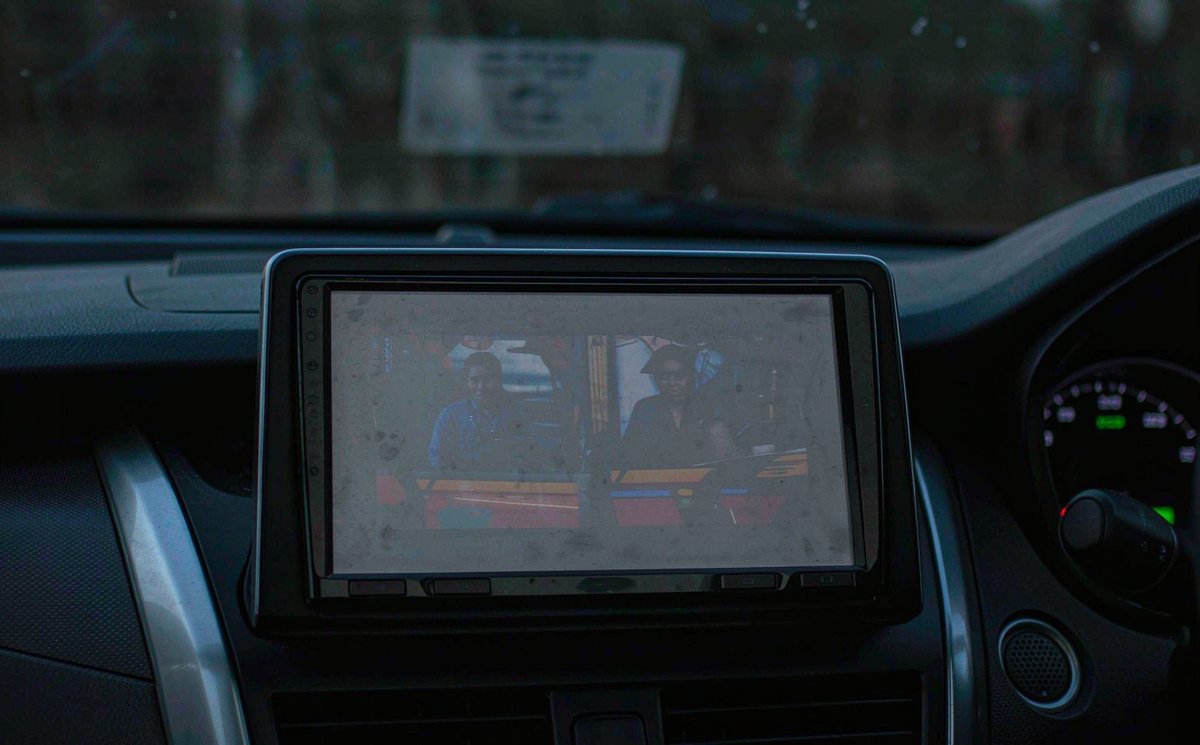
Android keeps brightness, sleep and day mode in separate places, and aftermarket firmware layers its own logic on top of each one. That's why "your screen dims" can mean any of these:
One Android detail explains most of the confusion, and it can save you the price of a new unit. An app can ask the system to keep the display on while it's in the foreground, so players that ask finish the film and players that don't hand your screen back to the timer. Same unit, two apps, nothing broken.
If the sound keeps playing, your screen is asleep. If the sound stops too, you're looking at the app or the timer, not the lamp.
| What you see | What it usually is | First test |
|---|---|---|
| Black at a fixed count | Screen-off timer | Set the timeout to Never, replay the same clip |
| Slow fade to grey | Auto brightness or video mode | Switch auto brightness off, set the slider by hand |
| Dim only after dark | Illumination signal | Toggle the dash dimmer and watch the screen |
| Dim after a long session | Thermal backlight cap | Aim a vent at the unit for one trip |
| Blanks when moving | Parking brake interlock | Play the same file with the car parked |
Two of those five aren't brightness faults, which is why swapping hardware rarely fixes a fade.
Four menu checks, ten minutes, no tools, and each removes a branch of the fault tree, so run them before you take anything apart.
Settings, then Display, then whatever your build calls the timeout: Sleep, Screen timeout, Display off. Set it to Never if your firmware offers that, otherwise the longest value on the list. Photograph the page first, because some builds hide the way back.
Turn it off and set the slider by hand. Plenty of aftermarket panels have no ambient light sensor, so the curve guesses from a fixed table, and a dark film scene reads to the unit as a dark room. Your screen dims because the movie is dark, which is the annoying part.
Many players carry a keep-screen-on toggle of their own, separate from your system timer. If the timer is off and the picture still fades in one app, look inside that app rather than the display menu.
Some builds start a clock or a logo after a few minutes of what they think is idleness, and a static film shot can trigger it. Tap your screen: if the picture's back instantly, the saver fired.
Then run the cheap comparison: the same clip with the engine running, and again on accessory power alone. If it only goes dark on accessory, your unit's following power management, and no timer setting will save you.
If the fade arrives with the headlights, stop reading video settings. Your unit has been told it's dark outside, and it's obeying.
On a car that still does this with wires, the message comes down an illumination lead, usually orange or orange with a white stripe, and two things go wrong with it. Tied to a permanent live, your unit thinks it's night at noon and stays dim in daylight; left floating, some units run at full brightness after dark while others read the light status from the CAN bus.
That's the distinction that matters in Europe: on a lot of cars the light switch is a bus message rather than a wire, so your cure is a setting, not a splice.
Find the day/night entry and set it to manual, or to follow the headlights, whichever matches how you drive. On many builds the same switch recolours your map, so a black map at dusk is the second symptom of one problem.
A poor ground at the dash makes the dim signal flicker, and a flickering backlight gets misdiagnosed as a failing panel more often than it should. Before you chase it, confirm whether your car is left-hand drive or right-hand drive: the harness route and the fuse panel sit on opposite sides, so the connector you find on one side isn't where the other one lives.
This is where I'd hand the car to a shop. Chasing an illumination lead means pulling trim and metering a live circuit, a tedious place to learn on a car you need in the morning.
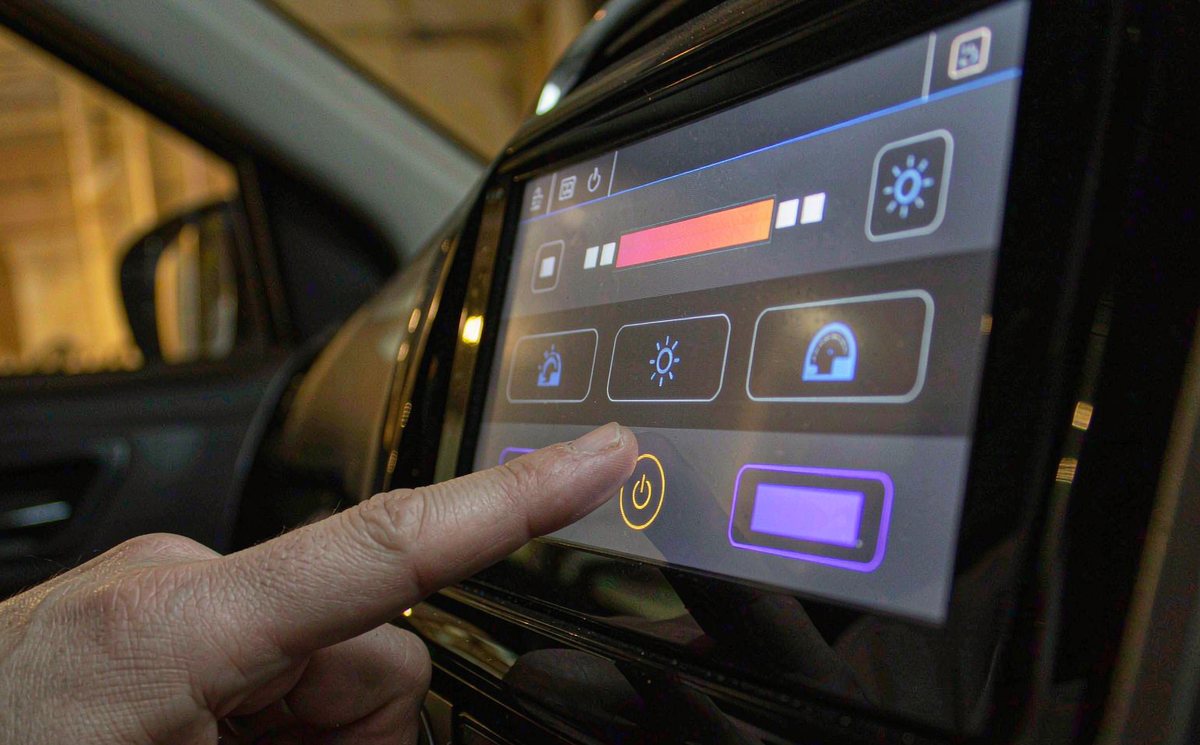
Three things behind the glass can't be fixed from a menu, and you can rule them out in order, because only the last one costs you money.
Panel brightness is quoted in nits, and many aftermarket units sit between 300 and 500, so your phone is brighter than your dashboard. Put a 400 nit panel in direct afternoon sun and it looks washed out; no update changes physics. Cup your hand over the screen: if the picture comes back, the panel is fine and the light is the problem.
An LCD and its backlight make heat inside a closed box behind the dash, and firmware can protect your panel by capping the backlight once the internal sensor passes a threshold. In our experience the signature is timing: forty to sixty minutes of video on a warm day, a visible drop, then normal after the car sits. Point a vent at it for one trip and you'll see whether the fade moves; the same heat also makes a touchscreen respond slowly.
Some builds ship a video or low-power mode that trims brightness whenever a player is in the foreground, worth a look before you blame the glass. If you update, use the exact build for your model and board from whoever sold you the unit; a mismatched image is an awkward way to lose your touch input.
Two of these three produce the same complaint. That's where timing helps. Dim from the first minute is a panel. Dim at minute fifty is a temperature.
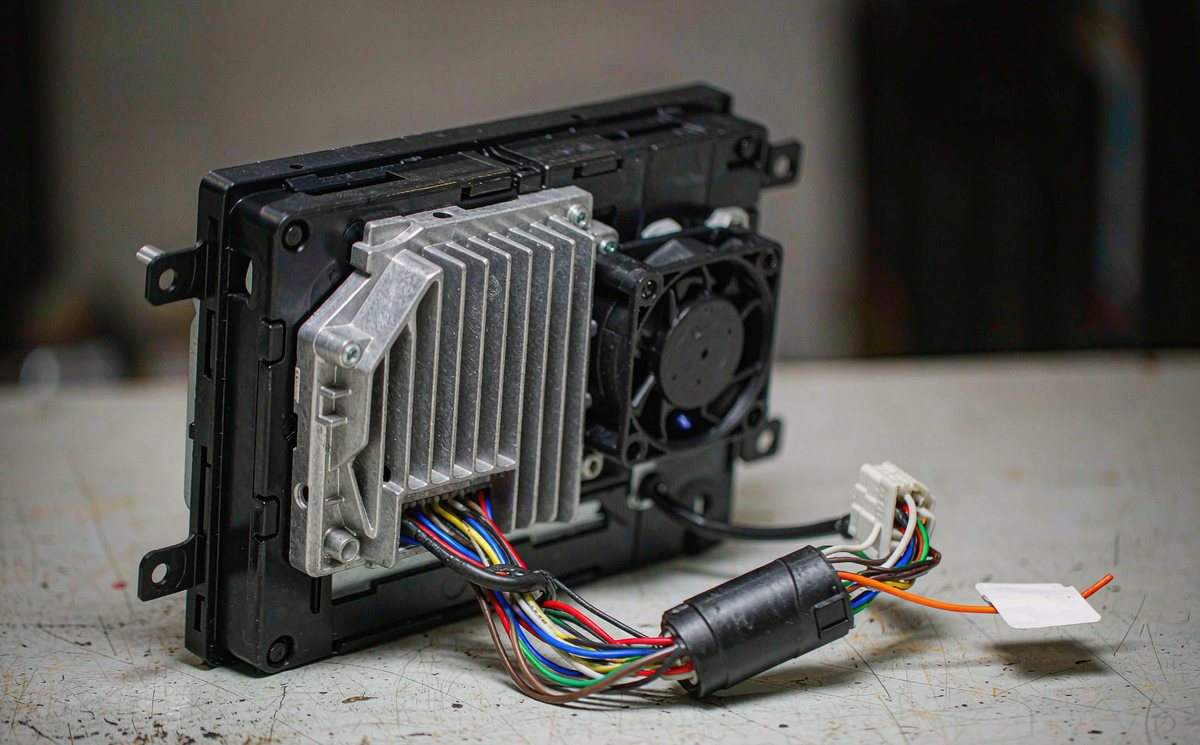
Only after the timer, the curve, the wire and the heat have been ruled out does a purchase make sense. The common mistake I see is a panel bought before the timer was checked, and you don't want to be that customer.
Hardware is where the argument ends. WITSON units carry a cast aluminium heatsink and a fan on the back of the board for this exact reason: a panel that runs cooler holds its brightness longer, and the range we build shows the layout before you decide anything.
One more case gets mislabelled as dimming. A passenger screen blanks while the car is moving, and you assume the fade has spread. It hasn't: that's a lock, and a display setting won't talk it out of anything. It belongs with android auto restrictions while driving, which exist because a moving car isn't a cinema. If your car runs an android car stereo passenger screen video setup, that screen's manual tells you where the rule applies.
Every menu named here has a different label on different firmware. The manual for your build lists the exact path, and it's a free download.
01Why does my car screen go dark while a video is playing?
Because your screen-off timer fired. Android keeps the audio running while the backlight switches off, so it looks like a playback fault when only the display went to sleep. Set the timeout to Never, then check whether your player has its own keep-screen-on switch.
02Can I turn the screen timeout off completely?
On many builds, yes. Your display menu offers Never at the end of the list, or a long value close to it.
03Do I need a CAN bus decoder to fix dimming at night?
Only if your car sends light status as a bus message and the decoder you have doesn't pass it on. Check the day/night setting first, then the orange lead. A decoder won't help a two-minute timeout, and it won't brighten a panel that's dim by design.
04Is it possible to keep video playing while the car is moving?
Some units expose that choice, some don't. The lock is deliberate, because video in your line of sight is restricted in many places, and that's a road regulation rather than a player setting. The android head unit video lock while driving isn't a bug to defeat. For passengers, a rear or passenger screen is the cleaner route.