Android launcher - home screen shortcuts
Putting an OBD app and a camera app one tap from the home screen takes a minute, and it's worth that minute. What the shortcut won't do is skip the adapter handshake or the camera permission prompt, and that gap is where people feel cheated.
You're parked outside a parts shop with an engine light on, or about to back into a bay the width of a shopping trolley, and you're thumbing through the drawer hunting for the one app you use. Two screens of icons, and by the time it's up you've forgotten the reading you wanted. On a phone that's annoying. On a dash screen with the engine idling, it's silly.
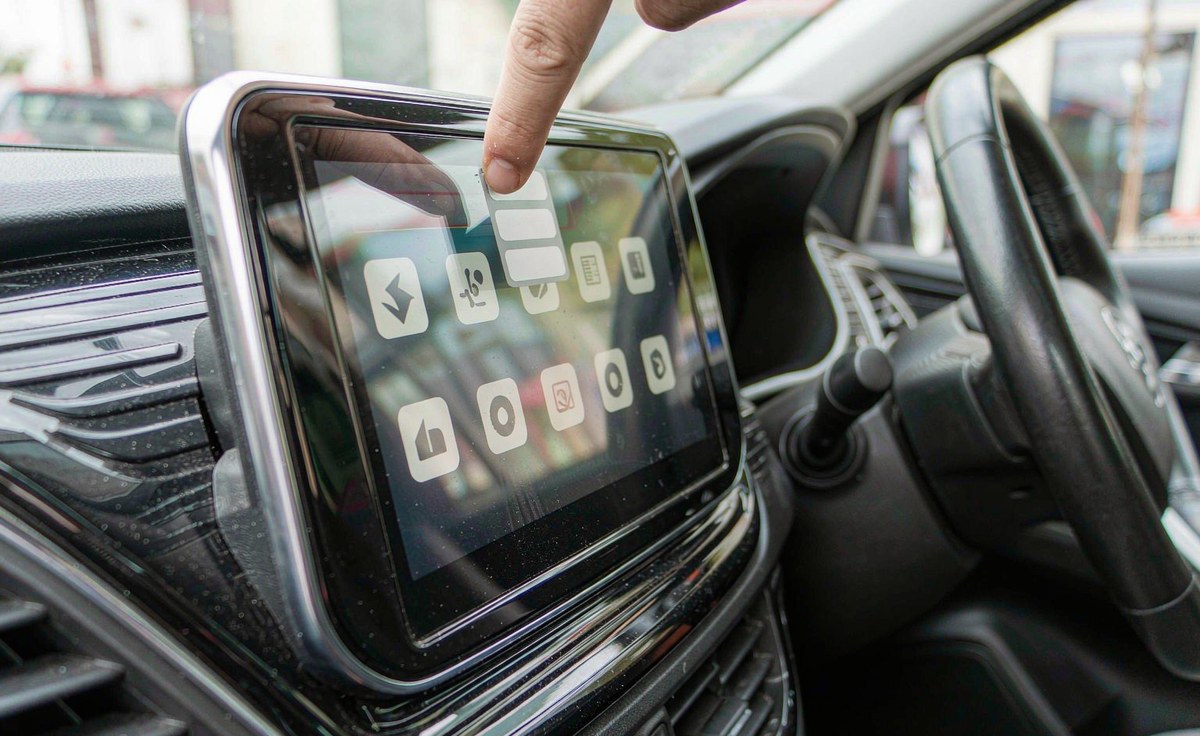
A shortcut's a launcher entry: a name, an icon, and an instruction telling Android which app screen to open. It carries no settings, no connection and no login, so when you tap it the launcher just hands the request over and steps out of the way.
Since Android 7.1, apps can publish their own shortcuts - the list that appears on a long hold. Google's developer documentation caps it at five per app, static and dynamic combined, and the launcher decides whether to show them at all. Hold the icon and nothing happens? That's the launcher, not the app.
A pinned shortcut is the same object with its own home: the app asks the launcher to place it, you confirm, and it behaves like any other icon. You can keep as many as you'd like.
Which do you want? For a live gauge a widget beats a shortcut because it draws data without opening the app, while for a weekly settings screen a shortcut is lighter - and on a 2 GB unit that difference shows.
Park the car and let the unit boot. The order runs from least fussy to most durable.
Open the drawer, hold the app, drag it to the top edge. The page should turn and the icon should land. If it springs back, your home screen is locked.
Hold the icon for a second. Some OBD apps publish entries like a dashboard or a live data screen; drag one out and the launcher asks you to confirm.
Long-press empty space, pick Widgets, find your app. A two-by-two gauge skips the splash screen and opens straight into the data.
I've found the drag-out method fails most when firmware locks the home screen, and the switch that unlocks it isn't labelled clearly. If your icon keeps springing back, skip to section six.
Here's what the shortcut can't touch. The adapter under your dash doesn't talk to the app directly - it talks Bluetooth, and pairing happens in system settings, not inside the app you tap.
Your dongle draws power from the diagnostic socket, live with the ignition on and usually dead with it off. A cold car means a cold adapter, so an app that scans straight after boot finds nothing and retries later. That wait looks like a slow shortcut. It isn't.
Permissions sit on top of that. From Android 12 an app needs Nearby devices to read the paired list. Decline once and your app opens to an empty list, however clean your icon looks.
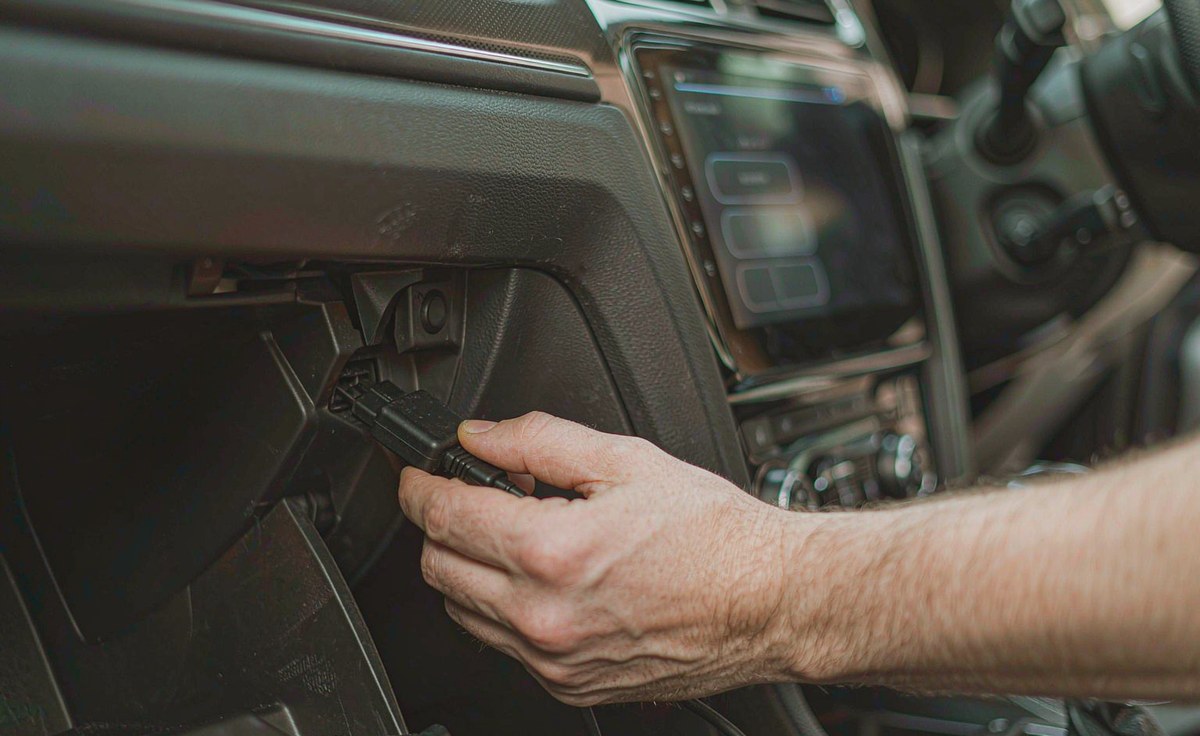
Here's what good looks like: open your app by hand and count. Under twenty seconds to a live reading is healthy, and the shortcut is doing its job. A minute, or a list that stays empty, is the usual suspect for a pairing or permission fault - no icon's going to fix that.
Two habits pay off: pair the adapter once in system Bluetooth with a name you'll recognise, so last-device memory has something to grab, and switch on the app's reconnect-on-start option, which is the difference between a tap that works and one that waits.
Camera apps disappoint hardest, and I see why: access depends on the app being in front of you. Android treats the camera as a while-in-use permission, and since Android 11 a foreground service needs the camera type declared - and still can't reach the lens if the system started it from the background.
In plain terms, an app woken behind your back can't grab the camera; something has to be on screen. A shortcut that fires the camera at ignition runs into the operating system, not your hardware, which is frustrating when nobody warns you.
USB cameras add a second gate: the first plug-in asks whether this app may use this device, and the answer's remembered per device by the system. Reflash the firmware or swap the port, and the prompt returns; until someone taps allow, your preview stays black.
A rear camera differs. It's triggered by your reverse wire, and the picture appears because the unit's switched inputs. Recording rather than viewing is where an android head unit front and rear camera recording setup is worth understanding before you buy.
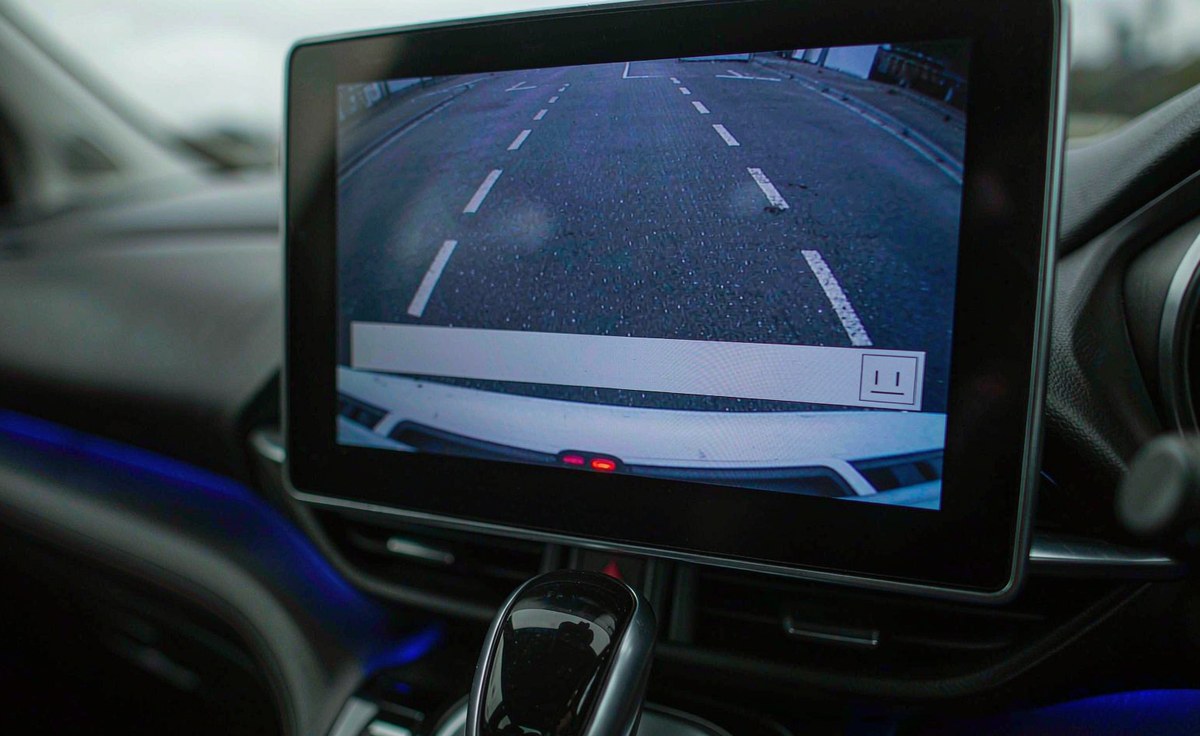
One thing that gets read as a fault is a second of grey while exposure catches up, and calling that a dead camera is the common mistake - judge it by whether the picture arrives, not how fast.
Work down this list before you change a setting or spend a cent: free tests, then connection, then specs, then shopping.
| What you see | Most likely layer | Next check |
|---|---|---|
| Icon disappears after a restart | Launcher storage or a firmware reset | Re-add it, reboot, and see whether it sticks twice |
| OBD app opens with an empty device list | Pairing record or Nearby devices permission | Pair in system Bluetooth, then reopen the app |
| OBD app connects, then drops every few minutes | Adapter power or a cloned chipset | Test with the engine running, then with a second adapter |
| Camera preview stays black | USB permission, port, or input not selected | Replug, approve the prompt, then check the input source |
How I read it: launcher trouble breaks the icon, permission trouble breaks the device list, and power trouble breaks the connection after it starts. Three fixes, and the shortcut owns the first - the part that usually turns out to be the launcher rather than the app.
The table's short on purpose: rows I couldn't tie to a mechanism got cut.
Aftermarket units don't ship the launcher a phone has. Many use a home screen built for a landscape dash: big tiles, fixed widgets, a lock on the layout. Fine in a shop demo, maddening when you want your icon in the corner.
Is it possible the launcher ignores shortcuts entirely? Yes, and older builds are where you find one. A retrofit android head unit for older car on Android 8 or 9 can have a home screen that ignores the hold gesture, and no app update changes that.
Two workarounds I'd try first: install a normal launcher and set it as default home, and if the firmware allows it you get the phone behaviour you expected. Or skip the home screen and use android car radio with split screen multitasking - OBD on one side, the map on the other.
Updates reset layouts too, so vanishing icons after an update are a reset, not a broken app. And none of this cares which side the wheel is on: left-hand drive or right-hand drive, your launcher sits in the same place.
Almost nobody needs hardware for a shortcut. Plainly: if the icon opens the app and the app then waits, the money question's about the adapter or the camera, not the screen.
An android head unit with reverse camera input already has the video path; what it may lack is an app that handles your camera well. Cheaper than a new unit, and usually the real fix, is a dongle or camera whose behaviour other owners have documented. Ask which Bluetooth chipset a dongle uses before ordering, because clone batches differ.
A new unit earns its place in three cases: an old Android build with a locked launcher, a 1 GB unit that redraws the home screen constantly, or a port that can't power a camera and a dongle together. Even then, change the cheapest part first.
I hear this from drivers in Australia to Germany, and the answer doesn't move with the postcode: the shortcut's easy, the handshake's the work.
At WITSON we publish the Android version and memory of each model, because those two numbers decide whether a custom launcher and a camera app behave; the published specifications are worth a look before you blame your unit.
Send us the model, the Android version, how the adapter or camera is connected, and a photo of the screen when it stalls. That's enough to tell you whether it's the pairing, the permission or the hardware - before you spend anything.
See what our support desk covers01Can I make one icon that opens the OBD app and connects to the adapter at the same time?
Not with the shortcut itself - it only names a screen to open. The reconnect belongs to the app, and most OBD apps can connect to the last device on start.
02Why did my shortcuts all disappear after a firmware update?
The update reset the saved layout, so re-add the icons and check they survive two restarts.
03Do I need root to add a shortcut on a locked home screen?
No, and root won't help. A locked home screen is a launcher setting, not a permission the system can grant.
04Is it possible to see live gauges without opening the app at all?
Only if that app ships a widget and the launcher supports widgets. When both are true a gauge updates without a splash screen, which is as near instant as a car unit gets.