Video decoding / where the spec sheet goes quiet
Hardware decoding hands the video to a dedicated block inside the chip. Software decoding makes the processor do the maths. One runs cool and drops nothing; the other opens almost any file and warms the box while it does. Your unit picks between them without asking, and that's why the same clip can look fine on your phone and awful on the screen in front of you.
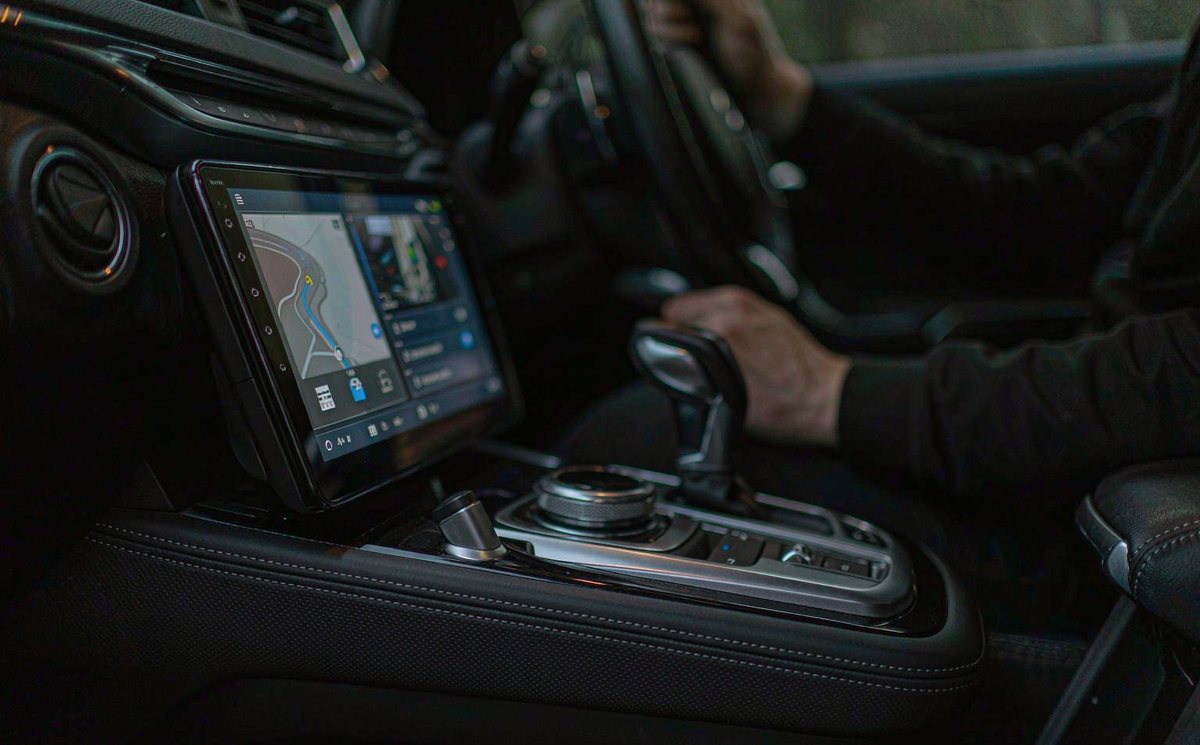
A container isn't a codec, and that's where most of the confusion starts. An .mp4 or .mkv file is only a box. Inside it sits a stream compressed with H.264, HEVC, VP9 or AV1, and something still turns that stream back into pictures. Call that the decoder, and it comes two ways.
A block of silicon built into the system on chip for exactly this job. Android reaches it through MediaCodec, the same interface the player on your unit talks to. Because the block does one thing, it's quick at low clock speed: a 1080p film might cost a couple of watts instead of a dozen, and your processor stays free for the map.
Your processor runs the decode as ordinary work. It's flexible, it isn't fussy about the file, and it's why a player can open a format the chip's never heard of. What it costs you is heat, headroom, and the frame rate you'd wanted in the first place.
Android labels both for you. Since Android 10, MediaCodecInfo.isHardwareAccelerated() tells you which side a decoder sits on, and the AOSP MediaCodec documentation describes the naming habit: software decoders usually carry a c2.android. or OMX.google. prefix, hardware ones carry the vendor's. So why do two units with the same RAM, the same panel and the same price behave so differently? Usually because one board has more decode blocks awake than the other, and nobody printed that on the box.
Your phone is a bad reference point. It's newer, it's got a bigger power budget, and its chip was designed to decode 4K in a pocket. A car unit's built to survive a dash for a decade, and its chip usually trails your phone by a generation or two. Same file, different silicon, different result, and there's no menu on your unit that fixes that.
Level is where the paperwork gets thin. H.264 at 1080p60 needs decoder level 4.2, while a decoder rated to 4.0 handles 1080p30 and gives up above that. HEVC adds profiles, and Main 10, the 10-bit one, is what's catching older silicon. When the block can't take the stream, Android looks for a software decoder and hands the job over. That's the moment your film turns into a slideshow and the map behind it stops following your car.
| What the listing says | What it tells you | What to check |
|---|---|---|
| Plays 4K video | A resolution claim, not a decoder spec | Which codec, which profile, which level |
| H.265 supported | One codec named, no profile or level | Main or Main 10, and 8-bit or 10-bit |
| Eight-core processor | Core count, not decode ability | A hardware HEVC entry in the codec list |
| 4 GB RAM | Room for apps and buffers | RAM helps multitasking, it doesn't decode |
A sheet that says 4K without naming a codec, a profile and a level is describing the panel, not the decoder.
None of these needs a laptop, and each one's quicker than re-encoding a film. What I'd do is run the same clip four ways and watch which way breaks. The usual suspects are the file, the stick and the decoder, roughly in that order.
Play the file in a player that names its decoder. MX Player and VLC both let you force hardware or software decoding, and the gap between those two runs tells you whether the block is there and willing. Smooth on hardware, stuttering on software, is a healthy unit with a heavy file.
Read the codec list. A codec-info app prints each MediaCodec entry on your board, name by name. Vendor prefixes mean hardware; c2.android. or OMX.google. mean software. If there's no HEVC entry, your unit has no hardware HEVC, whatever the listing promised.
Run two streams at once. An android car radio with split screen multitasking is decoding a map and a film on the same chip, and hardware decoders only support a limited number of sessions at a time. Open the second stream and see whether the first one starts dropping frames.
Feel your unit after twenty minutes, then open the map. Software decode shows up as warmth around the screen and a frame rate that sags the moment you ask the processor for something else.
What we see on the bench is three symptoms, in a fairly fixed order. A software decoder isn't broken, mind you. It's a fallback, and fallbacks are meant to be slow. The annoying part is that it fails politely: the film keeps playing, the frames just arrive late, so you end up blaming the file instead of the path.
Heat is the first bill, and it's the one I see most. Your processor decoding 1080p in software runs near its ceiling for the whole film, in a sealed cavity behind the fascia with no fan and no cool air. In Europe a parked car can push that cavity past 50 C before you set off, and the decode load lands on top of that. The unit doesn't shut down, it throttles, and throttling looks exactly like a bad file, which is frustrating, because you'll spend an evening re-encoding a film that was never the problem.
Sound is the second. When frames drop, some players let the audio run and the picture catches up in jumps, so the lips drift off the voice and come back. Your speakers are fine. The third is the second stream: a rear screen on an android car stereo dual zone audio setup, or a passenger watching something while the map runs, doubles the work on a chip that may only run one session in hardware.
Which brings up the case I hear misdiagnosed most often. If the picture only breaks in local playback, and an android head unit screen mirroring from phone session plays the same clip without a stumble, your unit isn't the problem. In mirroring the phone's doing the decode and the unit only draws pixels. Same story with Android Auto and CarPlay, where the phone does the work and the screen's just a display. Local files are the only place your unit's own decoder gets a vote.
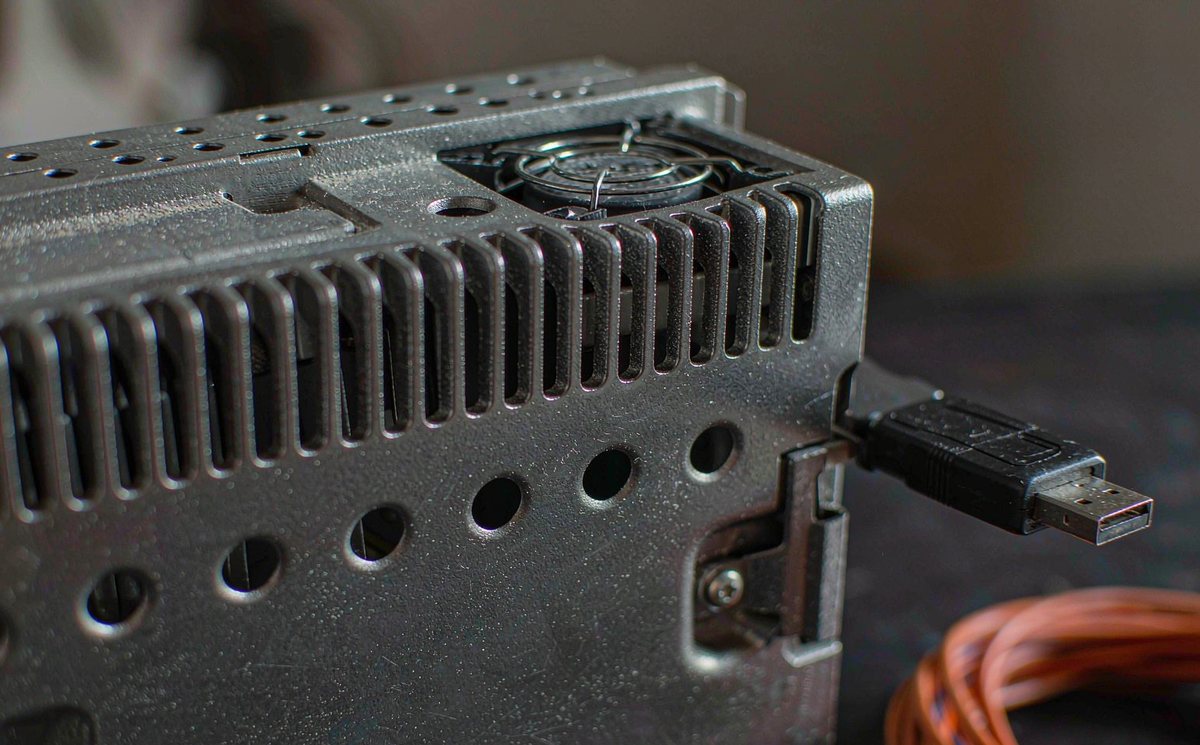
Work down this list in order. The common mistake is buying a faster unit at level four when the real problem was a tired USB stick at level two, and the silly part is that the new unit stutters on the same file.
Three questions settle most of it. Which codecs does the hardware decoder handle, and at which profile and level? How many decode sessions can run at once? And what happens when a second stream starts, does the first one drop to software or stop dead? A seller who can answer those three is selling you a board, not a photograph.
This is also the part of the spec that gets flattened. Two units can share a shell, a panel size and a price and still ship with different boards inside, so decode support belongs to the model you pick, not the family. That's what we check before a unit goes in the box: which decoder sits on that board, and what the panel and RAM can carry alongside it. The range is listed at the WITSON product pages, model by model.
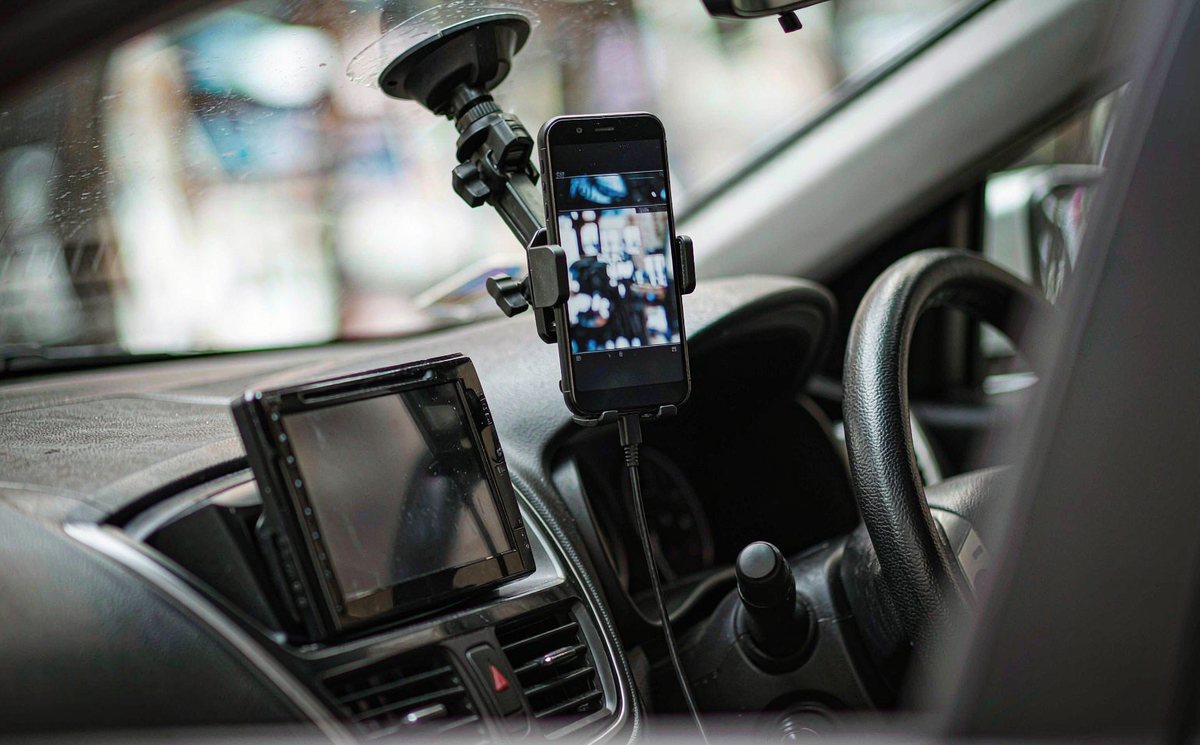
No, and that's the part buyers regret. The decoder is part of the system on chip, so a firmware update can't create one. What an update can change is which decoder your player is allowed to use, which is why a software decode problem sometimes shifts after a firmware release.
No. In both systems your phone decodes the video and sends a finished picture, so the unit's decoder isn't involved. If projection is smooth and local files stutter, your phone's fine and the unit is doing the extra work.
Because the block is rated for the smaller stream. Four times the pixels at the same frame rate needs more throughput, and a 10-bit stream needs more again. The player falls back to software, your processor saturates, and frames arrive late.
It doesn't burn anything out on a normal film, but it keeps the processor near its limit and the cavity warm for the whole run, and warmth is what shortens the life of everything else in there. Long sessions in a hot cabin are the ones I'd skip, since a unit that throttles today is the unit that stutters and reboots next summer. If your film folder is mostly 4K HEVC, software decode is the wrong tool for the job, and no amount of cache clearing will change that.
Not sure whether your model decodes HEVC in hardware? Send the model number and the files you play, and we'll check the codec list on that board rather than the family brochure.
Read the full support scopeModel, year, panel size and the file that stutters - those four get you a straight answer.