Menus and localization / the setting that hides three others
A unit came back last month with the menu in a language nobody in the shop could read, and its owner spent a week tapping icons by shape. Changing the language is a two-minute job when the list is honest. It's tedious when the list is short, and it's maddening when your choice slides back to English after every restart. Here's what I've learned about why it does that, and what you can do about it.
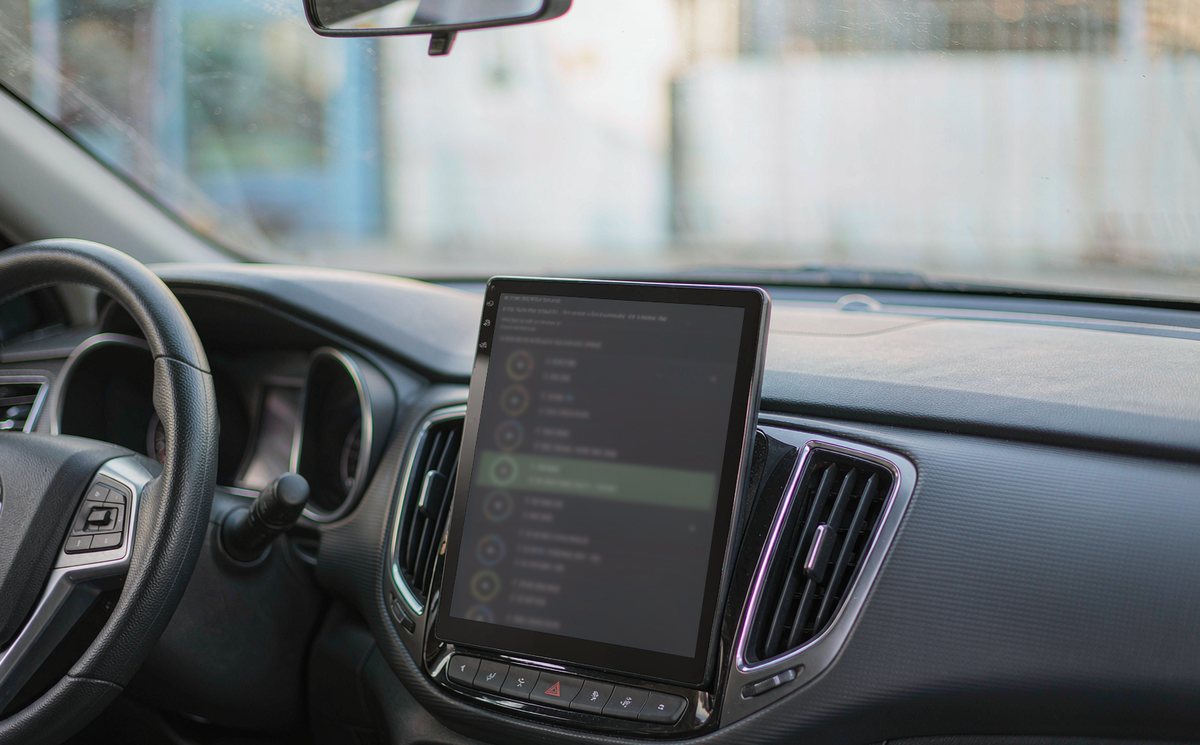
Here's the part that annoys people. A head unit doesn't have one language setting; it's got a stack of them, and the switch you found only moves the top layer. The others sit inside the preloaded apps, inside the keyboard, inside the voice engine, and inside the phone that feeds CarPlay. Move one and the rest stay put, which is why a unit you've just set to German still tells you there's no SD card, in English.
Take that stack apart and it stops being mysterious. The system interface is the layer everyone means: settings labels, the status bar, the launcher, the date format. Under it, each preloaded app carries its own strings. Then comes the keyboard and the voice engine, each with its own language list and downloads. Then the navigation app, which quietly ignores the system and asks you again. And on top sit CarPlay and Android Auto, where your phone decides and the unit only draws pixels for you.
A table helps here, because the wrong layer is where your afternoon disappears.
| Layer | What it decides | Where you change it |
|---|---|---|
| System interface | Settings labels, status bar, launcher, date format | Settings > System > Languages |
| Preloaded apps | Radio, video player, file manager, their built-in strings | Same list, the app follows the system |
| Keyboard | Which letters you can type, autocorrect dictionary | Language and input > Keyboards |
| Voice engine | Spoken replies, pronunciation, voice downloads | Language and input > Text-to-speech |
| Navigation app | Spoken directions, street names, buttons in the map | Inside the app, its own settings |
| CarPlay and Android Auto | Everything on that screen, because the phone sends it | On the phone, not on the unit |
Read it left to right: name the layer that's still wrong, then go to the place that owns it. In the shop, that complaint lands on row two or row four far more often than on row one.
On a stock Android build between 8 and 13 the row lives under Settings > System > Languages and input. Vendor skins move it. Some put a Language tile on the second home screen, some bury a locale list in a factory menu behind a four-digit code, and I've seen units where the only English word on that screen is Language itself. If you can't find the path, search the settings for the word instead of trusting a guide that was written for somebody else's firmware and another market's build. I've watched that cost a whole afternoon, which is silly when the word is in the search box.
Android 13 added per-app language preferences, so a unit on 13 or newer can keep the system in English and the radio app in Polish. Older builds can't do that, and no launcher trick fakes it, so check your Android version first, because it decides how much of this page even applies to your box.
The list of languages isn't the list of translations. A firmware image carries resources for the locales the vendor actually localized, and the rest are stubs that fall back to English. So you pick Spanish, the settings screen turns Spanish, and three screens later a dialog's back in English because nobody wrote that string. Buyers in Europe run into this constantly: a unit built for one market often ships with that market's locale set and very little else, and you find out once it's in the car.
The second reason's lazier. The launcher doesn't always reload. The choice gets written, the framework restarts, and the home screen keeps its cached strings until the next cold boot. If half of it's still in English, power the unit down completely instead of letting it sleep, wait ten seconds, and look again. In our experience that fixes it more often than buyers expect, and it's free.
The third one wastes evenings. Apps with their own language row win over the system, and that includes the map. So why does the map still speak English when your menu is in German? Because it has its own switch and doesn't answer to the system one. What I see in the shop is a customer who's certain the unit is faulty, when the only fault's a setting three taps inside Google Maps. The same happens when you mirror a phone: an android head unit screen mirroring from phone session keeps the phone's language, since the panel only draws what it's sent.
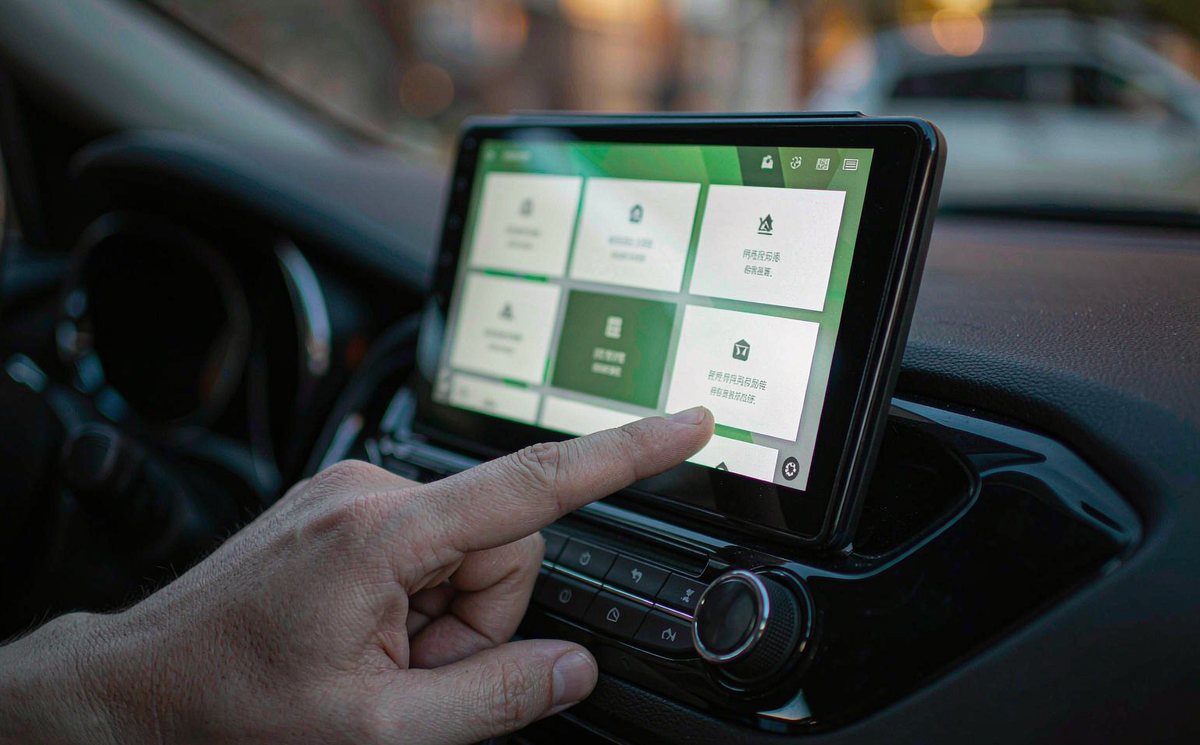
The menu changes in two taps. Everything that stays English afterwards is the part nobody warns you about.
This is the failure I see week after week. You set the language, drive to the shops, start the car, and it's English again. Why does it forget overnight when a reboot in the driveway was fine? Because the write never landed. Work down these four levels in order; skipping to the last one is how people buy a new unit to fix a settings problem.
Four words get mixed up in these conversations, and keeping them apart saves an argument with a customer. A stopgap's what you do on somebody's driveway at six in the evening. A cure's what you do once, properly, and it's cheaper than a third visit.
Symptom
Menu in a language nobody reads, half the dialogs in English, or the choice back at English after a restart.
Root cause
Switch moved on the wrong layer, resources missing from the image, or the setting never written because the unit loses power.
Stopgap
Change the language inside the app, cold boot the launcher, download the keyboard pack, pick a neighbouring locale that's fully translated.
Cure
An image that carries your locale, plus a stable battery feed and a clean ground so the choice survives the night.
Three questions settle the argument. Which locales does this image actually carry, do the map and the keyboard have their own packs, and does the language survive a battery disconnect? A seller who answers those is selling you a firmware, not a photograph of one.
Projection is the easy part, and it's worth knowing before you blame the unit. With an android car stereo with wireless CarPlay the phone sends a finished picture, so the language you see is whatever your phone uses, no matter what the unit is set to.
Navigation is the other place people get stuck. Spoken directions come from the app and from a voice pack it has to download, which is why an android car radio navigation while driving setup can speak English over a Spanish menu for weeks. Change the language inside the map app, then pull the voice pack down over Wi-Fi at home before you set off, because a big download on mobile data at the roadside is how that map goes silent halfway.
What we see before a unit leaves the bench is dull: the locale list on that particular build, and whether the choice survives a power cycle. You won't find either printed on the box, because they belong to the firmware rather than the family. The range and the model list sit on the WITSON product pages.
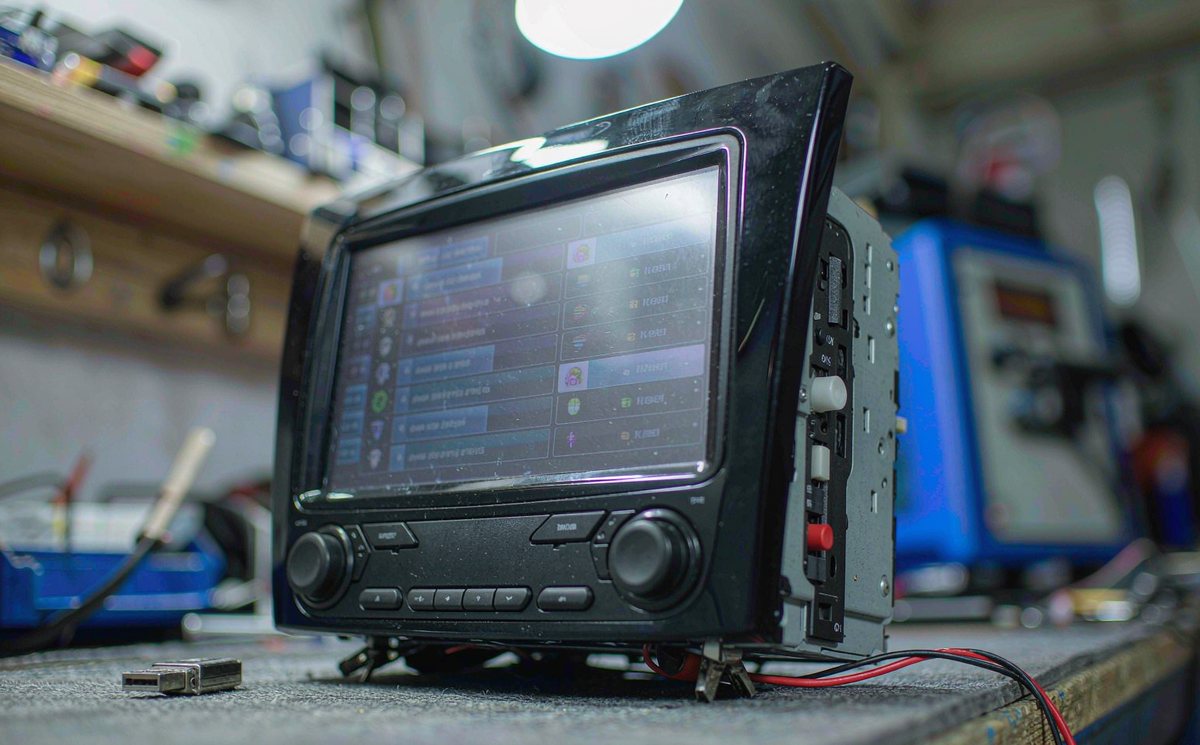
Not from the menu, and that's the part buyers regret. The list is compiled into the firmware image along with the translation files and the fonts those languages need, so no app-store download adds a system locale. What can change is the app layer: a keyboard, map app or media player may bring its own pack. If the system language you need is missing, you're looking at a different firmware build, and the seller is the only one who can tell you whether one exists for your board.
Because the map has a language setting of its own, and it doesn't follow the system. Open the app, find its settings, change the language there, then download the matching voice so the spoken directions change too. Your menu and the map are two separate switches.
No. A normal language change is a settings write, and it takes seconds. Reflashing only comes into it when the locale is missing from the image, when the setting refuses to stick after the power checks, or when a seller sends you a build for the right market. If a guide tells you to flash first, close it.
On Android 13 and newer, yes in a limited way: the system stays in one language while selected apps use another. On older builds the system language is global, though the keyboard can hold several layouts and you can still set the map independently.
Stuck on a menu you can't read, or not sure which locales your build carries? The step-by-step walk-through of our units, including the language and input screens, is in the operation manual.
Model, Android version and the language you need - those three get you a straight answer.