Daily use - what your screen does after the key comes out
A screen that never really sleeps will flatten a healthy battery in a week or two, and it does it quietly. Four settings, one wire and a five-dollar test will tell you which of them you're dealing with.
The first cold morning, the battery is the usual suspect, not the radio. You blame the one you bought last spring, then the alternator, then the weather. I hear that order a lot, and it's backwards. If the car cranked fine before the screen went in, the new box behind the dash is the first place to look, not the last.
Here's the part that catches people out: "off" is doing a lot of work there. An aftermarket unit can be off in four different ways, and only one of them is actually off.
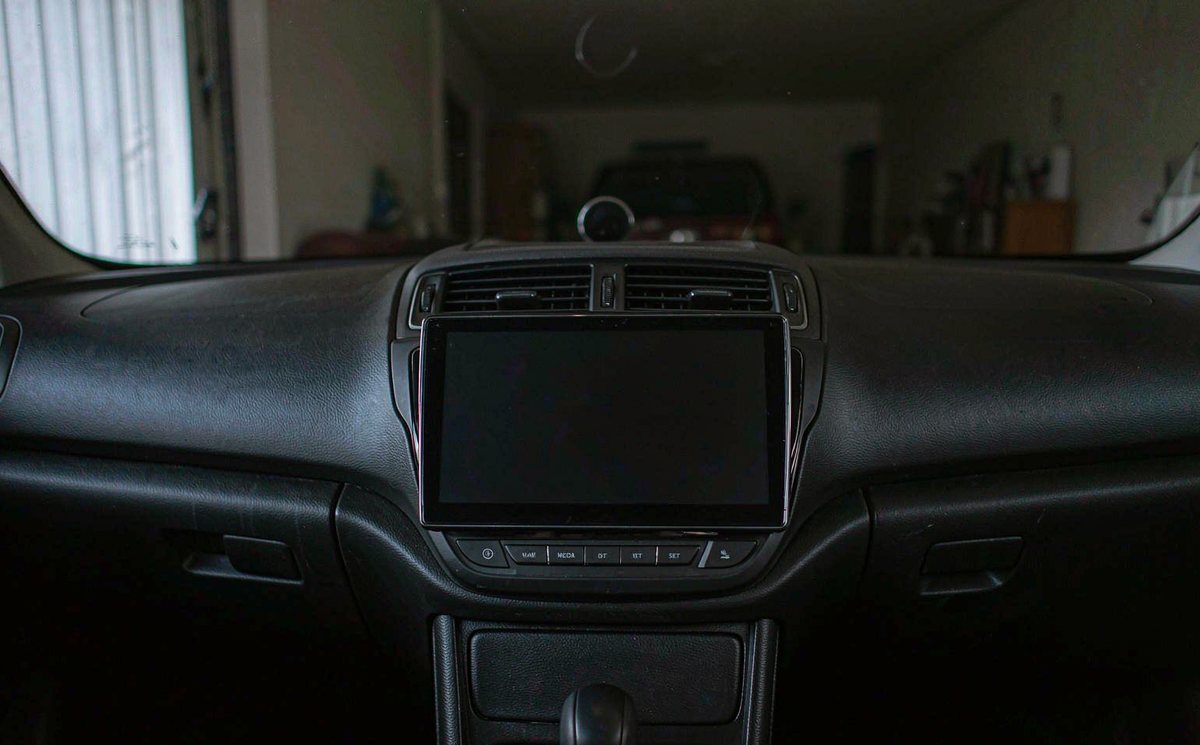
Android keeps display, power and boot state in separate places and the aftermarket layer on top adds its own timer, so when the panel goes black one of these has happened:
The giveaway is how it comes back: a unit that shows the home screen before your hand leaves the key never went to sleep, it's only pretending. Some builds do that on purpose, because a two-second resume sells better in a showroom than an honest twenty-second boot.
Your unit's own cellular modem gives it one more reason to stay awake: the module registers on the network and wakes the system for messages. That's normal behaviour, and it's why a android head unit with 4G SIM card slot can sit slightly higher on the meter than the same box without one.
| State | What stays powered | How it comes back | Who decides |
|---|---|---|---|
| Hard off | Nothing but the clock circuit | Logo, then home screen | Ignition feed, or the low-voltage cutoff |
| Deep sleep | Memory, wake input | A second or two, screen resumes | Sleep mode in factory settings |
| Standby | Processor, network, audio path | Instant, already on | Fast boot switch, or a decoder that won't sleep |
| Screen off | Everything the app needs | Tap and the picture returns | Display timer, or the player itself |
Only the first row is free. The other three cost current, and the meter is the only honest referee between them.
Before you buy a meter or take a panel off, spend ten minutes in the menu. Three entries decide what your unit does at key-off, and two of them ship set to the wrong thing.
Also called ACC off delay or power off timer. Thirty seconds to ten minutes is normal. A value of Never is what kills batteries, and it's the first thing I check.
Fast boot keeps the board awake so the screen is instant. Sleep parks it and costs you a couple of seconds. If you park outdoors for days, pick sleep.
The unit shuts itself down when the battery sags below a set figure. Set too low, it protects nothing; set too high, it reboots on every cold crank.
The cutoff number deserves a sentence of its own: a rested lead-acid battery at about 12.2 V is roughly half charged, so a cutoff near that figure leaves you enough left to crank. Some builds offer 11.8 V or lower, which keeps the radio happy while it quietly borrows the current you needed for the starter.
Change one setting at a time and give each change a night, because two changes in one evening tell you nothing, which is the frustrating part of this job.
Guessing costs more than measuring, and you need one number: how many milliamps the car pulls once everything has gone quiet. That figure decides whether you're chasing a setting or a fault.
A DC clamp around your battery's negative cable reads the whole car without breaking a connection. Check that yours does DC current, because plenty of cheap clamps only do AC and will read zero forever. This is the one job I'd hand to a shop if you don't own the tool, since a live battery terminal is a silly place to learn.
No clamp? Pull the fuse that feeds your head unit, lock the car, and compare the battery voltage after a night with the fuse in and out; it's crude, but it isolates your unit.
Modern cars keep modules awake for ten to forty minutes after locking, so your immediate reading means nothing. Take your reading after an hour, keys away, doors shut. The common mistake is reading it too early, and I see more false alarms from a two-minute check than from a real fault.
| Draw | Per day | Days before half charge | What it usually means |
|---|---|---|---|
| 10 mA | 0.24 Ah | About 100 | Deep sleep, and a healthy one |
| 50 mA | 1.2 Ah | About 20 | Normal car electrics, unit asleep |
| 150 mA | 3.6 Ah | About 7 | Unit in standby, or a decoder awake |
| 400 mA | 9.6 Ah | Under 3 | Board fully awake with the screen dark |
| 800 mA | 19.2 Ah | About 1 | Something is running, not sleeping |
Divide 25 by the daily figure and you get the days. Cold weather shortens all of them: a battery that's already five winters old, the kind parked outside through a northern European February, has less margin than the table assumes.
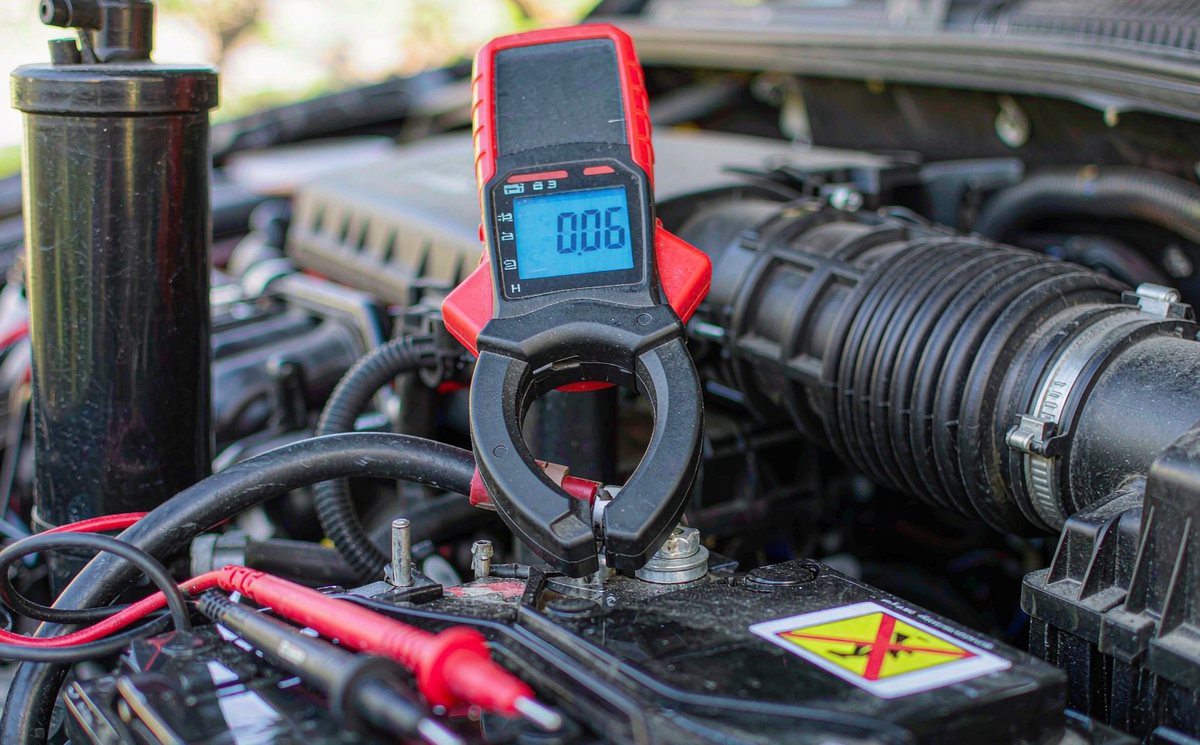
If the menu is right and your meter still reads high, the next layer is the harness. Two mistakes account for most of it, and both are visible without a wiring diagram.
The red wire is the ignition feed and the yellow is permanent 12 V. Join both to a permanent live, a shortcut some installers take when a car has no convenient ignition wire, and the unit never gets the message that the key's come out. It just keeps running until the cutoff trips, or the battery doesn't. On a retrofit android head unit for older car jobs, where there's no bus message to fall back on, that red wire is the only signal the unit gets, so it has to be right.
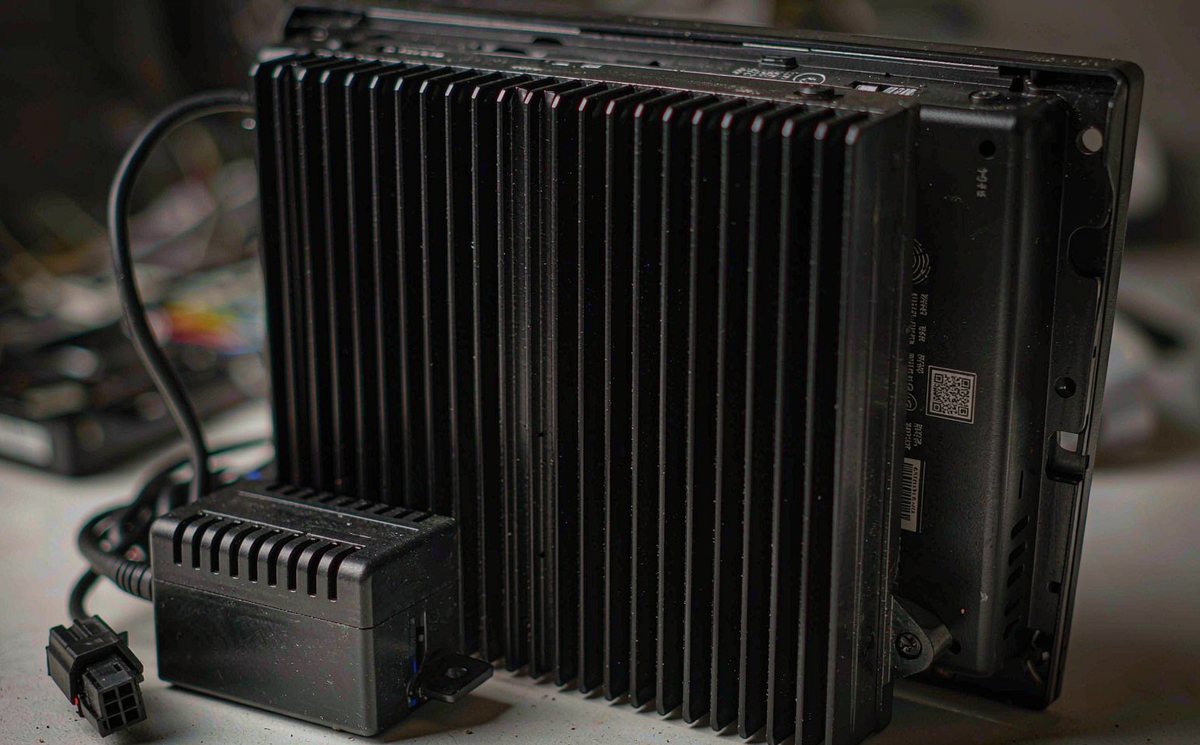
On a car that sends its sleep command over the bus, the android head unit CAN bus decoder box is what passes that message on. Wrong protocol, stale firmware or a box that simply doesn't implement the message, and the unit sits there listening all night. Feel the box half an hour after locking: warm means awake, and awake means it's on your battery.
A poor earth at the dash makes the ignition sense line float, and a floating line reads as "key still on". That's a five-minute fix for a shop and a maddening afternoon for an owner. Before you go hunting for the fuse panel, confirm whether your car is left-hand drive or right-hand drive, because the panel and the harness route sit on opposite sides and the layout in one guide won't match the other.
One more path worth checking, because it gets misdiagnosed as a drain: a reverse camera feed tied to a permanent live holds the unit in reverse mode, screen lit, all night. Pull that wire and you'll see it on the meter.
If you're replacing a harness, a android car stereo wiring harness adapter made for your car saves a splice, but it doesn't decide which pin is switched. Check that with the meter, not with the listing photo.
There's a point where your settings are correct, the wiring is correct, and the current is still too high. That's a design limit, not a mistake you made, and it's the only point where spending money helps.
Ask one question before you pay: what's the sleep current, in milliamps? A seller who quotes a deep sleep figure and a seller who talks about fast boot are describing two different products. Silence, or a number that's actually standby, tells you what you need to know.
Cooling still matters, just not here. A heatsink and a fan keep the board stable in a hot dash; they don't put it to sleep. Don't let a spec sheet with fins on it answer a question about current.
After the setting, the wire and the meter have all had their say, your honest next step is a unit whose sleep mode is specified rather than implied. WITSON builds the power stage around a sleep state you can set in the menu, and the product range lists the models we build; support will tell you the figure for a given model before you order, which is the number that matters on a car that sits outside all week.
Send us your model, your measured standby figure and how long the car sits between drives. We'll tell you whether a setting will fix it or the unit is the limit.
Ask our support desk01Can I leave an android head unit on standby overnight?
Overnight, yes. A standby draw measured in hundreds of milliamps will still start the car next morning. The problem is the third night, and then the week at the airport, when the same figure has taken a real share of the battery. If the car sits for days at a time, put the unit in deep sleep rather than standby.
02Why does my battery go flat only after fitting a new screen?
Because the unit is the newest load and the easiest one to leave awake. Check the shutdown delay first, then measure the draw an hour after locking. If the reading falls when you pull the head unit fuse, you've found the circuit; if it doesn't, the screen is innocent and the battery or charging system needs a look.
03Do I need to disconnect the battery to measure the drain?
Not with a DC clamp meter, which reads the cable without opening the circuit. A multimeter in series needs a terminal off, and it's the wrong tool for a whole-car reading.
04How do I stop the screen waking every time a door opens?
That wake usually comes from the bus: the car announces a door and the unit lights up. Some builds let you turn the door-trigger wake off in factory settings. Where they don't, the behaviour is harmless for a night and only worth chasing if the car sits for long stretches.