
Car infotainment - heat and hardware
Late summer brings the same complaint. Your screen goes dim on the drive home, the touch lags behind your finger, and the unit restarts twice before you reach the driveway. By then you're sure something inside has failed. Half the time nothing has, and that's maddening.
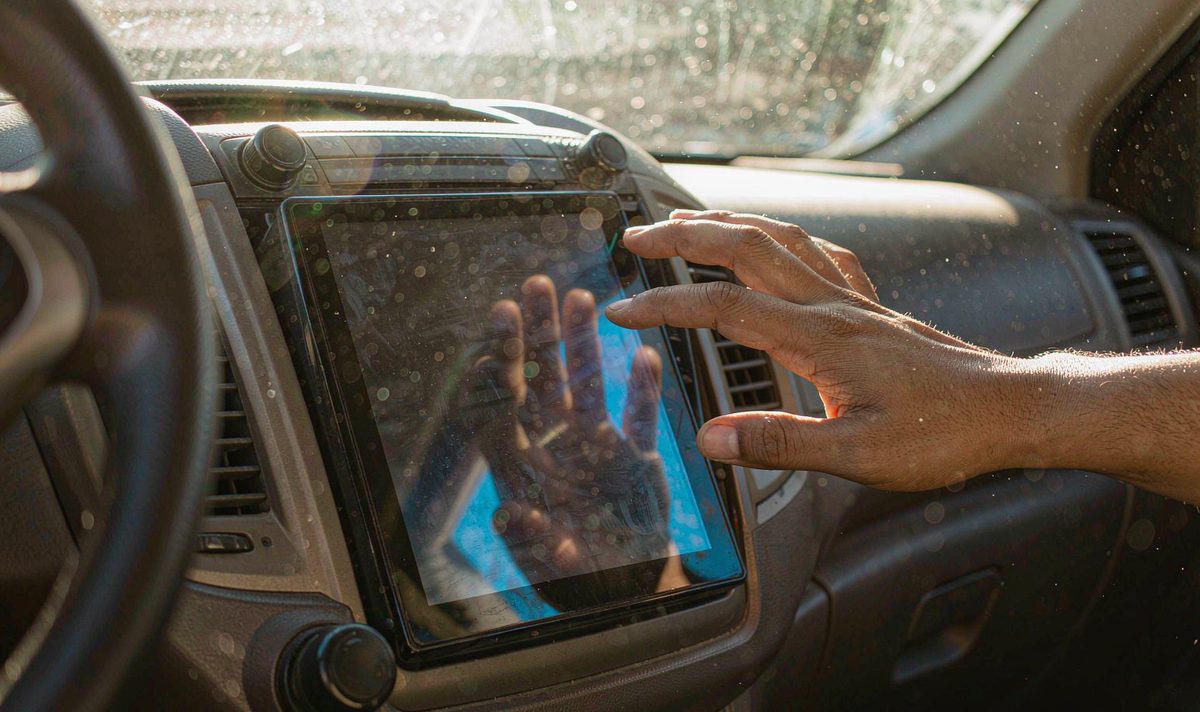
There's no overheat protection switch on a car screen, and that surprises people, because a phone has one. On a head unit the protection is automatic and invisible. The platform cuts its own performance as the temperature climbs, so a dim screen and a laggy touch layer are reports from that system, not settings you reach in your own menu. What you can change is how much heat reaches your glass and whether any of it gets out.
Why does a screen that behaved all spring start misbehaving in July? Because cabin air isn't the number that matters. Surfaces are.
A 2018 study from Arizona State University and UC San Diego, published in the journal Temperature, parked six cars through days above 38C (100F) and measured air and surfaces separately. After an hour in the sun your cabin air reaches 116F (47C). The dashboard under your screen averages 157F (69C). Shade helps, but less than you'd expect, and the full figures sit in the table below.
Jan Null's measurements, which the US National Weather Service quotes, show the same shape from the other end: about 20F (11C) in the first ten minutes, then another 25 to 28C inside the first hour. A dark dashboard in direct sun can pass 180F (82C).
Now put a screen in the middle of it. Your unit sits against the hottest surface in the cabin and makes heat of its own: the backlight and the processor. In a closed car, what the sun adds has nowhere to go.
Here's what usually turns out to be the problem. A screen that dims on a hot afternoon is reporting heat, not damage. I hear it called a dying screen more often than it is one. So if your unit behaves normally on a cool morning, the panel isn't the suspect.
| What it is | Parked in sun | Parked in shade |
|---|---|---|
| Cabin air | 116F (47C) | About 100F (38C) |
| Dashboard | 157F (69C) | 118F (48C) |
| Steering wheel | 127F (53C) | 107F (42C) |
| Seat | 123F (51C) | 105F (41C) |
Read the dashboard row first, since that's where your unit lives, then compare it with the air row. Shade still leaves your dashboard at 48C.
Start with what costs nothing, because that's usually where your answer is.
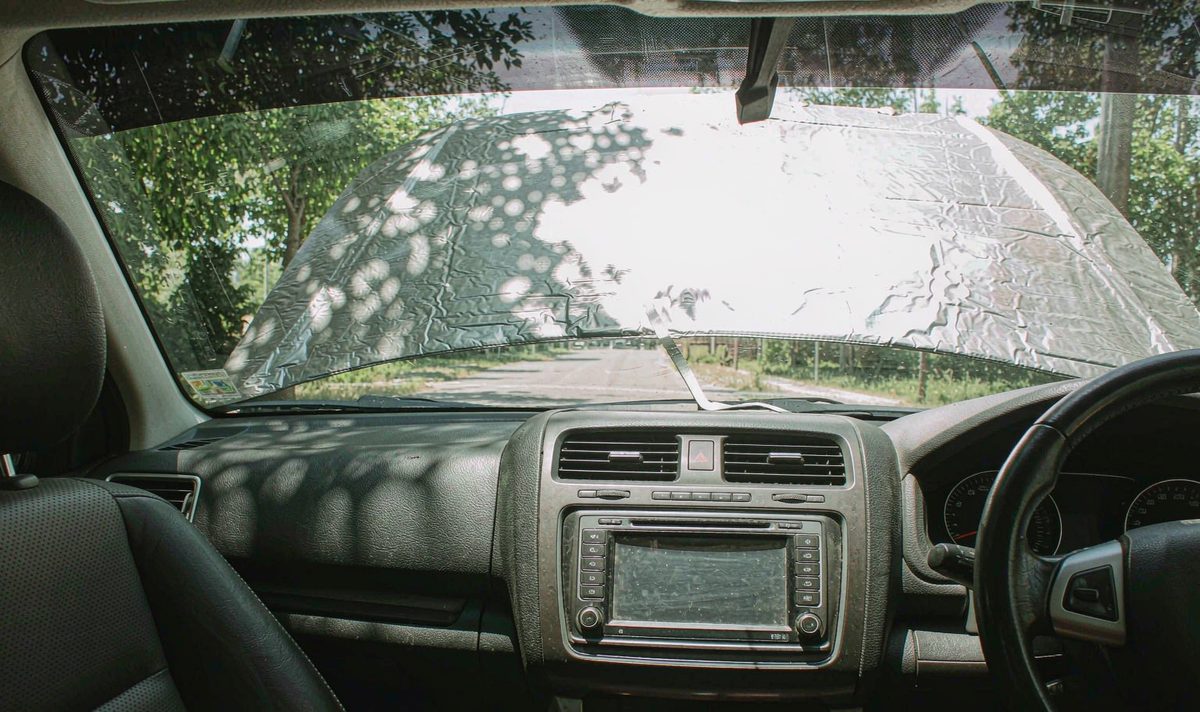
Change where you park. Shade is the biggest single cut in heat you can make, and a windscreen sunshade takes the load off your dashboard.
Turn the screen brightness down. The backlight is one of the two heat sources inside your unit, and running it flat out in a cabin that's already sitting at 45C adds heat you don't need.
Give the display somewhere to stop. A screen-off timer that blanks the panel after a few minutes keeps a backlight from burning while the car sits. It's the closest thing to an overheat setting these units carry.
Then unload the machine. A hotspot, an animated wallpaper and a second app beside navigation all keep the processor busy, and a busy processor runs hot. Run maps and video side by side on an android car radio with split screen multitasking layout and that's a load you chose. A unit held online all day by an android head unit with 4G SIM card slot runs warm for no reason.
Finally, feel it and note when it happens. Is the glass hot while the back of the case stays cool, or the other way round? Only in traffic, with the air conditioning off? Notes like these narrow the cause faster than any menu.
How do I know whether the fault is your panel or the air around it? Park in shade for an afternoon and try again. If the behaviour goes away, the unit is hot rather than failing. Should it happen on a cool morning in shade too, you're chasing something more annoying than the sun.
Shade, brightness and a screen-off timer are the cheap layer. The next is where the power arrives and where the air goes.
A loose or badly placed ground is a classic source of local heat. A stud bolted onto painted metal, or one worked loose over a few winters, adds resistance, and resistance turns into warmth at the connector. After a drive, put your hand on the plugs behind your unit. If one feels warmer than its neighbours, your connection is poor, and it's a tedious thing to find.
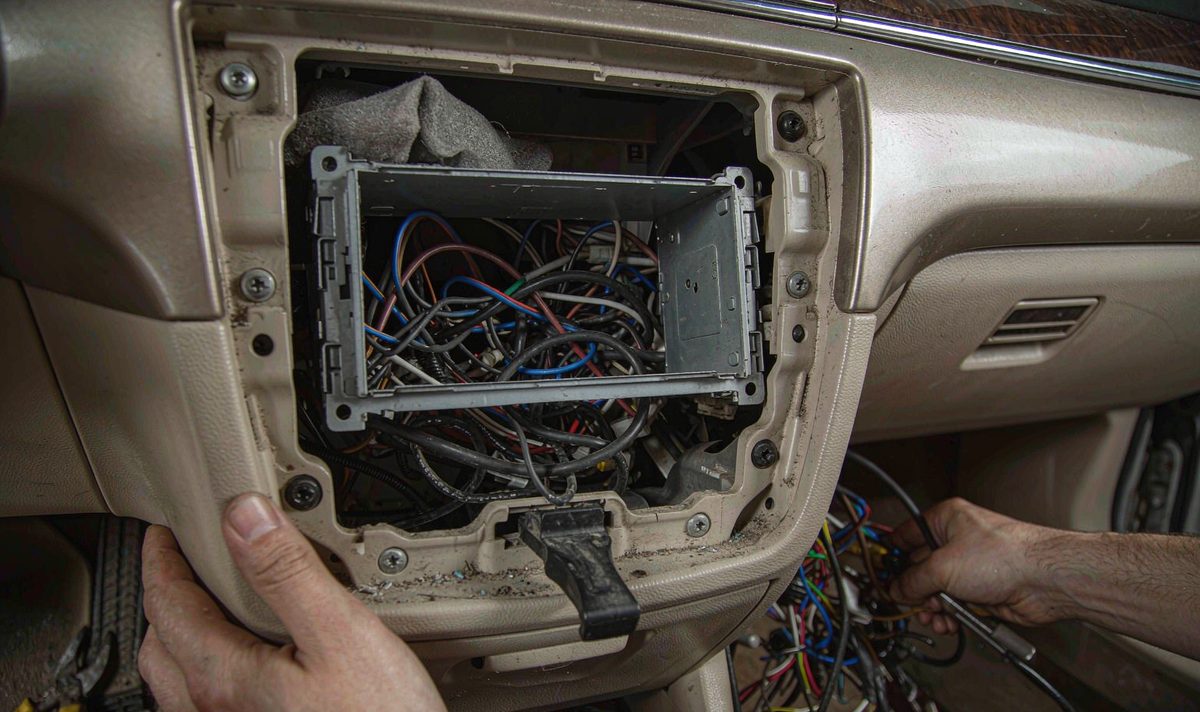
The double din android head unit dash kit is the other half of it. Behind the fascia you'll find a metal cage, a wiring harness, and often a bundle of spare cable coiled up behind it. Foam and loose cable draped over the back of the chassis work like a blanket. A unit with fins or vents needs a path for cool air in and warm air out.
I hear the heater story a lot in winter. A unit that only misbehaves with the heater on usually isn't faulty: warm air from a duct behind the chassis is being drawn through it. Run one drive with the climate control off and see whether the behaviour follows.
If the chassis has active cooling, the fan is often powered from the remote output, so it only spins when that output is on. A fan sitting silent is worth a look at that setting before you blame the fan.
Some units are built for a different climate than the one they get parked in.
Panels are graded by temperature. A commercial-grade panel, which is what plenty of aftermarket screens carry, is rated to run between 0C and 50C (32F to 122F). Industrial parts stretch from -20C to 70C. Automotive-grade panels are rated from -40C to 85C. Above roughly 60C the liquid crystal itself can stop switching, so that's where a screen goes dark or milky.
Then there's the platform. Android rates thermal state in steps, from light throttling through moderate and severe to shutdown, and the middle of that range is where foreground apps slow down. That's the frustrating part.
So the useful thing to record is the version your unit reports, not a setting. Note the Android version and build number, then ask the seller whether a newer build exists. A firmware change won't cool the sun down, but it can shift how early the throttling starts.
Memory and storage work the same way. An android car stereo 4GB RAM 64GB storage head unit doesn't collect more heat from the sun than any other spec, but memory pressure changes how hard the processor works.
If the unit carries an internal battery, heat matters twice. Lithium cells are charged between roughly 0C and 45C and aren't charged above that, so a unit sitting at 50C in the sun can refuse to charge until it cools down. Check your model.
The platform throttles itself in steps as the temperature climbs, and a unit that carries a battery stops charging it once the cells pass about 45C. You can't switch either one on or raise the limit.
Shade, a sunshade, a lower backlight setting and a shorter list of running apps decide how much heat gets in. Moving foam and spare cable off the back of the chassis decides how much gets out.
Once the free checks are done and you know the grounding and the version, the list is short. Most overheating complaints don't end with a purchase, which is awkward if you came here to buy.
A windscreen sunshade is the item I'd buy first, because it blocks the load before it reaches your glass. If the chassis has a fan header, a small 12V fan on the backplate is a reasonable addition. If the back of your unit is buried under spare cable, ten minutes of tidying beats a part. This is the common mistake in its most expensive form: a cooling gadget for a screen whose real problem is a loose ground.
| What you notice | What is really happening | Stop-gap | Real fix |
|---|---|---|---|
| Screen dims and touch lags on hot afternoons | The platform is throttling because the unit is hot | Park in shade, drop brightness, close the second app | Restore airflow behind the fascia and check the panel grade |
| Unit restarts within minutes of starting | A poor ground or a hot plug is dropping the supply | Let it cool, then check the plugs by touch | Re-ground to bare metal and replace any corroded fuse |
| It only overheats when the heater is on | Warm air from a duct is being drawn through the chassis | Run one drive with the climate control off | Move the duct or the harness away from the back of the unit |
| Screen goes milky and never recovers | The panel has been past its operating range | None, and more heat will not help | Replace the panel or the unit |
I read this by finding your row, then looking left at the stop-gap. The top three rows are recoverable; only the last is a hardware failure, and that's the one owners assume they're in.
Before you order anything that mounts in the dash, confirm whether your car is left-hand drive or right-hand drive, because the fascia, the vents and the harness connectors differ between the two. Send the model year, the factory system you're replacing and a photo of the centre console, and we'll check what fits. We ship to Australia, North America, Middle East and Europe.
If you'd rather compare the specification first, the whole range is listed model by model: universal one and two DIN head units. What a spec sheet can't tell you is how your dashboard behaves at 50C.
Because the unit is hot, and the platform protects itself by cutting performance. Android rates thermal state in steps, from light throttling up to shutdown, and the middle of that range is where foreground apps slow down. That's what we see on a dashboard at 60C. It's a heat report rather than proof that the panel has failed, so a unit that behaves normally on a cool morning in the shade is telling you the same thing.
It helps, and it costs nothing, because the backlight is one of the two heat sources inside the unit. It isn't a complete answer, since the sun on your dashboard is the bigger share.
Sometimes. If the chassis has a fan header, a small 12V fan on the backplate is the usual route, and it can run from the remote output so that it stops with the ignition. If there's no header and no vents, moving foam and spare cable away from the back of the unit is the practical step.
Pulling a unit out of the dash isn't a job I'd do for heat. Blocking the sun at the glass is the move that pays.
More from this series: How to export navigation route history from car Android system.
Heat is one of the things a build has to survive before it leaves the line. Four details let us answer properly on fitment and on what a unit is tested against: model and year, left-hand or right-hand drive, the factory system being replaced, and a photo of the centre console.
How each unit is tested before it shipsThe standards a WITSON unit has to pass before it is packed. Control proceduresWhat is checked at each stage of a production run.Zhuhai WITSON Industrial Co., Ltd. - Tel: +86-756-8120312, 8120211, 8120212.
