
Car infotainment - video input
An HDMI socket on a retrofit head unit does one job, and it isn't usually the job the label beside it suggests. Half the black-screen questions I get are people feeding a signal into the port that sends one out. Settle the direction first, then check what your source can actually do, and the rest of the list falls into place.
The letters HDMI turn up twice on a retrofit head unit, and they do opposite things. One takes a picture in. The other pushes the deck's own picture out to a second display. Read the marking on the pigtail before you order an adapter, because getting it wrong leaves you staring at a dead screen with no clue why, which is a frustrating afternoon to spend on a plug.
| Marking | Direction | What it is for |
|---|---|---|
| HDMI IN | Into the head unit | Putting an outside player onto the head unit screen - a console, a streaming stick, a laptop, a camera with a live output |
| HDMI OUT | Out of the head unit | Sending the deck's own image to a second panel, such as a rear-seat screen |
| Neither fitted | - | Plenty of decks carry no HDMI at all. Whether a given model has the port is a check per model, not something to assume from the range it belongs to |
Direction is worth confirming first, because no adapter or menu setting turns an output into an input.
The reverse camera is a third input again, and HDMI has nothing to do with it. On an android head unit with reverse camera input, that feed is normally analogue - composite or AHD - and the deck switches to it by itself when you select reverse. Leaving the HDMI side unplugged doesn't disturb it at all.
Where a model does carry an HDMI input, the family it sits in is the universal one and two DIN head units. Whether yours has the port, and which formats it accepts, is a question for the specific model. Does your unit have one? Confirm that against the deck you're buying before you order an adapter.
People ask me for a list of brands. That's the common trap, because the useful sort is by behaviour - nothing about a name tells you whether the thing in your hand pushes video out of a port you can reach.
| Device | Outputs video on its own? | What it still needs |
|---|---|---|
| Phone or tablet over USB-C | Only where the port carries DisplayPort Alt Mode. Plenty of USB-C ports are wired for charging and data and send no picture at all | A USB-C to HDMI adapter that carries video, plus power if you want to charge while it plays |
| Game console with a TV dock | From the dock, not from the handheld's own USB-C port | Power to the dock. Nintendo's Switch Lite has no TV output at all |
| Streaming stick or TV box | Yes, straight out of its HDMI plug | Its own 5V supply, and a Wi-Fi network it can see |
| Laptop or mini PC | Yes, from an HDMI port or a USB-C port that carries video | The output resolution set to something the deck will take |
| Camera or action camera | Only models with a live, clean HDMI output. Some blank the on-screen icons when you plug in, and some send nothing live at all | A micro or mini HDMI adapter, and a supply that lasts a whole drive |
| Single-board computer | Yes | 5V and a resolution the deck accepts |
Each row describes a behaviour, not a brand. The first row catches people out: a USB-C socket looks identical whether or not it carries video.
Wireless mirroring is a different route. android head unit screen mirroring from phone runs over Wi-Fi and skips the cable entirely - fine for a map or a clip, but it adds lag that gets annoying the moment you're watching anything with movement in it, and it won't help a console or a camera.
Is that socket really HDMI, or a camera input? Android 9 and later can enumerate a plug-in USB camera through the Camera2 interface, so a deck built with that support can treat a webcam as another camera source. That's a camera in the camera list, not an HDMI signal, and it's down to the build.
A version number is a revision of a specification, not a list of what a device implements. HDMI Licensing Administrator tells buyers to check the advertised features and the link rate rather than trust the number, and that advice bites harder in a car than on your desk. The HDMI 1.4 ceiling is 10.2 Gbps, HDMI 2.0 raises it to 18 Gbps, and HDMI 2.1 goes to 48 Gbps. Those are ceilings, not floors. Underneath them sit three things your port may or may not do: read what the display can accept, authorise protected content, and carry audio. None of that is settled by the letters on the pigtail.
A black screen, a no-signal message, or a picture that flickers and dies - those are four separate faults wearing one face, and the common mistake is to guess between them, which is a tedious way to spend a Saturday. Sort them in this order and you won't end up buying cables at random.
Start with the device, not the car. Plug it into a TV with the same adapter and cable - if the TV shows nothing either, you've found your culprit.
The deck advertises what it can accept - that exchange is EDID - and the source picks a format off that list. Leave a source at 4K and an input that tops out lower can send nothing at all. Drop your source to 1080p and try again.
HDCP guards protected content, and it's the classic cause of a black picture with the sound still playing, because the audio stream isn't protected. A version mismatch between the two ends, or a splitter you left in the path, breaks that chain.
A streaming stick fed from a head unit's USB socket can brown out at boot and restart in a loop. Amazon's guidance for a low-power warning is a 5V supply rated at 1A, not the host's USB port. Check your supply before you blame the stick.
Two moves, in this order, give you a clean handshake:
Start the car's display and let it settle before you plug anything in. Connect HDMI with the deck already awake, and take any splitter out of the path while you test.
Power the source once the cable's seated. Ask it for 1080p, then swap in a short known-good cable and verify the picture holds.
What I hear most often is that a console plays fine on the lounge TV and shows nothing in the car, and by then the owner has decided the head unit is rubbish. We'd check the dock's power supply first - it's almost never the screen.
You'll find another fix suggested elsewhere: a box that strips the copy protection out of the chain. Using one to defeat it is a legal problem in many markets, and it doesn't make an incompatible port compatible anyway. Lower the resolution, shorten the run, or choose a source that doesn't ask for protection instead.
HDMI carries a picture, some control data and audio. It doesn't carry power to your source device, and that one detail is where car installs go wrong.
Feed the source from the car's 12V rather than from the head unit's USB socket. Your factory charge port is often rated at half an amp and shared with everything else on that circuit, fine for a phone, hopeless for a streaming stick that wants a steady amp while it boots. A small 12V-to-5V converter on an ignition-switched feed settles it.
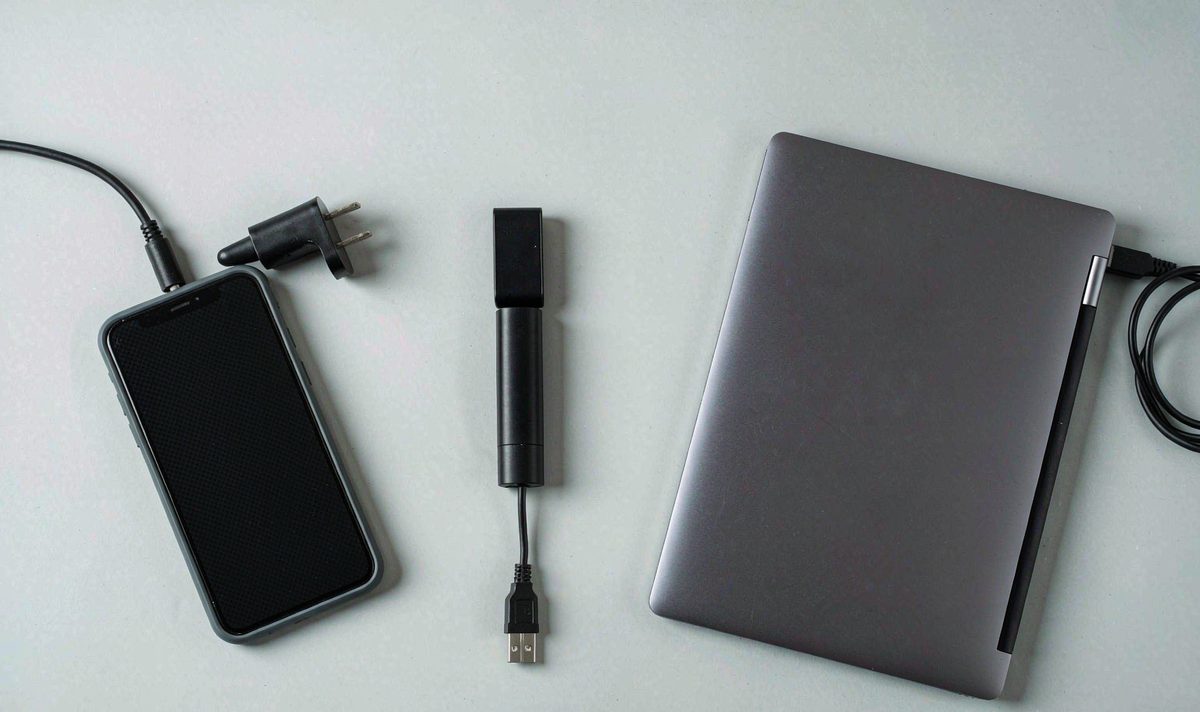
Keep your HDMI run short. A cable that behaves at one metre on a desk can drop the picture at three metres in a car, because the link has less margin once the resolution goes up. Route it clear of the amplifier and its power loom as well - a thin cable lying alongside a supply line is a common reason a picture sparkles in one car and is perfect in the next. If you want to check a suspect cable, compare it against a shorter one.
Heat is the other car-specific problem, and it's the one I see get misdiagnosed again and again. A stick living behind the dash in a metal cavity gets cooked in summer, and streaming devices throttle or reboot when they get hot, which looks exactly like a handshake fault. Amazon ships a short HDMI extender with its sticks for this reason: it moves the device out of the hot recess into moving air. If your source is hidden, give it a gap and don't stack it on the amplifier.
Audio is the last thing to confirm, and the one I'd check before you commit to a layout. HDMI carries audio along with the picture, so the sound should follow, but whether a deck routes that audio through its own amplifier or DSP is a model question. Test it parked with a known clip: if the picture arrives and the sound doesn't, that's routing rather than a cable fault.
Even with a clean signal, a retrofit deck will often refuse to show video while the vehicle is moving. That isn't a fault, and it isn't an Android setting you can flip from the launcher.
The trigger is normally a parking brake input on the harness, sometimes combined with a speed signal. Wire it as intended and the deck allows video parked and holds it back once you're rolling. What people search for as car head unit video in motion is usually this exact moment - the picture vanishing as the handbrake comes off. In a market that restricts what a driver can see, that's the intended result rather than a bug.
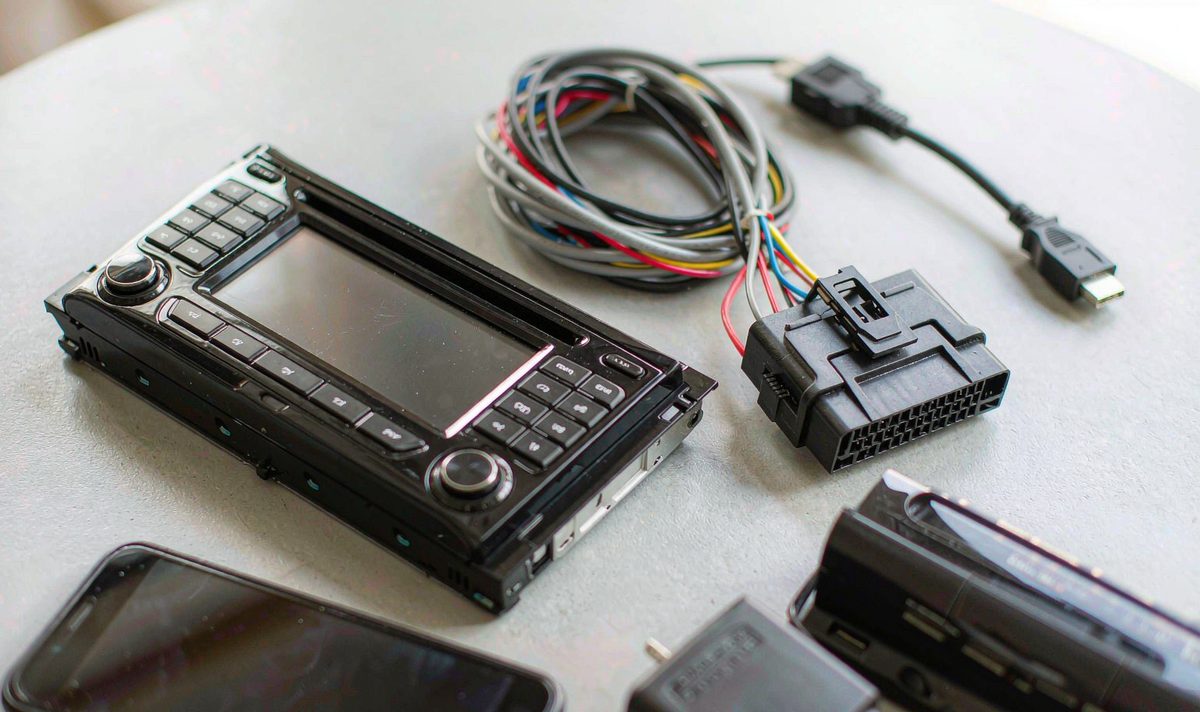
So test your HDMI source parked. If the picture dies the instant you release the brake, the lock is doing its job. If it dies while you're still parked, the fault belongs in section 03.
A second screen is the compliant way to keep passengers watching. An android car stereo passenger screen video setup puts the picture on a display facing the rear seats - the arrangement the rules tend to allow - and it uses the HDMI output your deck already has. Check what's permitted where you drive, because the restrictions aren't identical from one country to the next.
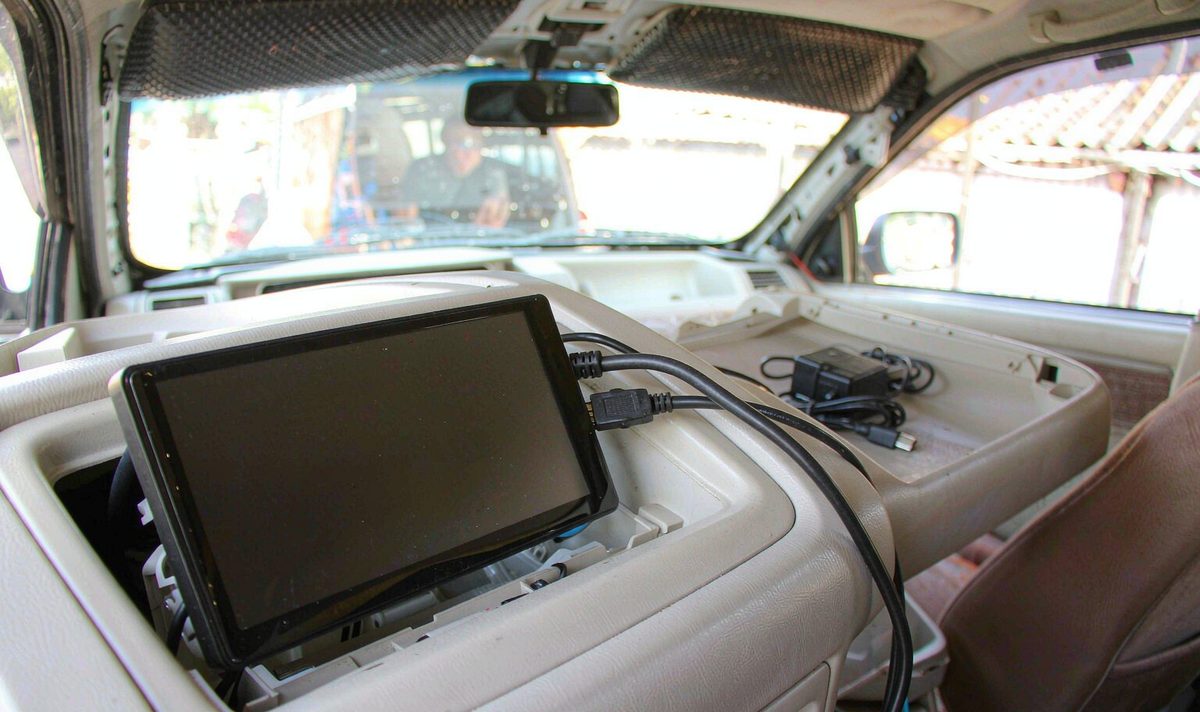
Curious how a retrofit deck gets built and tested before it ships? See who builds these units - and if you'd rather read the engineering side first, what we hold ourselves to sits on the same site.
Zhuhai WITSON Industrial Co., Ltd. - Tel: +86-756-8120312, 8120211, 8120212.
Sometimes, and it's the wrong bet. Give the stick its own 5V 1A supply and the reboots usually stop.
Usually neither. A dock that isn't getting enough power, or one fed through a splitter, will fail the handshake while the same console works perfectly at home. Test the dock on its own supply and with the splitter removed before you suspect the screen, and try a second cable as well.
Often not, and it isn't a setting you can unlock. Parked, the same input behaves normally.
You need a short, speed-rated one, not an expensive one. HDMI cables are graded by rating rather than by version number - Standard, High Speed, Premium High Speed, Ultra High Speed - and the rating is what you match to the resolution you're asking for. Length is the bigger enemy in a car, and a one-metre cable that behaves on a desk can start dropping frames at three metres with a long run beside a power loom.
If it has an HDMI port, yes. Set the output to 1080p before you plug in, because a laptop handing over a resolution the deck can't accept will leave you with the same no-signal message as everyone else.
