
Car infotainment - driving rules
Maps, calls, music and voice keep working. Video, typing and the deeper setup pages don't, and that's deliberate rather than broken. The car android system while driving block comes from three places: the deck on your dash, the phone in your pocket, or the car's own operating system. Knowing which one holds the door shut saves an evening of menu hunting.
A dark video file is the easiest thing on the car to misread, and it isn't the deck crashing or a corrupt file: something upstream told it to hold a door shut.
Which of your annoyances belongs to that one lock? Get that wrong and you'll spend an evening in a settings tree that rarely helps. Does your video freeze, or does the keyboard refuse?
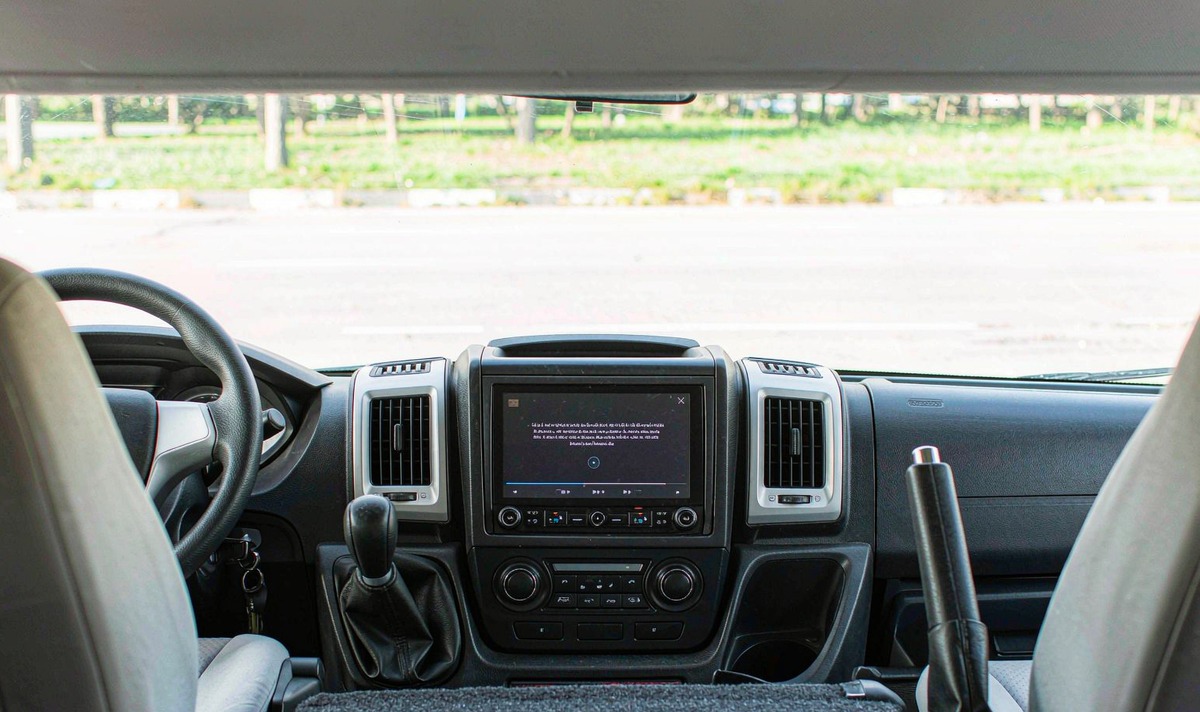
Live traffic and turn-by-turn keep running, because a map counts as driving-related information. That's why it stays when a film won't.
Hands-free calling, voice search and dictated replies are the route I'd take. Voice does the typing you're not allowed to do.
Audio carries on as normal, and the camera picture appears when you select reverse. Neither one asks you to read a sentence.
Video files and discs, the on-screen keyboard, long list scrolling, and the deeper setup pages. Hand-typing a destination sits on the locked side on purpose.
I hear this complaint a week after a deck gets fitted, from someone convinced the player is rubbish. Then they read me the warning, and it's clear the lock is doing its job. Annoying, yes. Broken, no.
I see this mix-up on retrofit decks far more than on factory screens, and the common mistake is a single one: nobody told the owner which part of the car is doing the blocking.
Three systems can refuse you on one drive, and they don't compare notes about which one is in charge, because that depends on where the picture comes from rather than on screen size.
| Layer | Who enforces it | What it holds shut | How you'd notice |
|---|---|---|---|
| Retrofit Android deck | The deck's firmware, reading a parking brake input | Video, plus extra menus on some builds | A warning appears when you press play |
| Android Auto or CarPlay | The phone, over the projection link | Hand typing and long list scrolling while moving | The keyboard won't open until you stop |
| Factory Android Automotive car | The car's own Android build, from gear and speed | Video and setup screens from idling upward | Menus grey out as soon as you leave park |
The last row is a factory car, not a deck you fitted. If your unit arrived in a box, that row isn't yours.
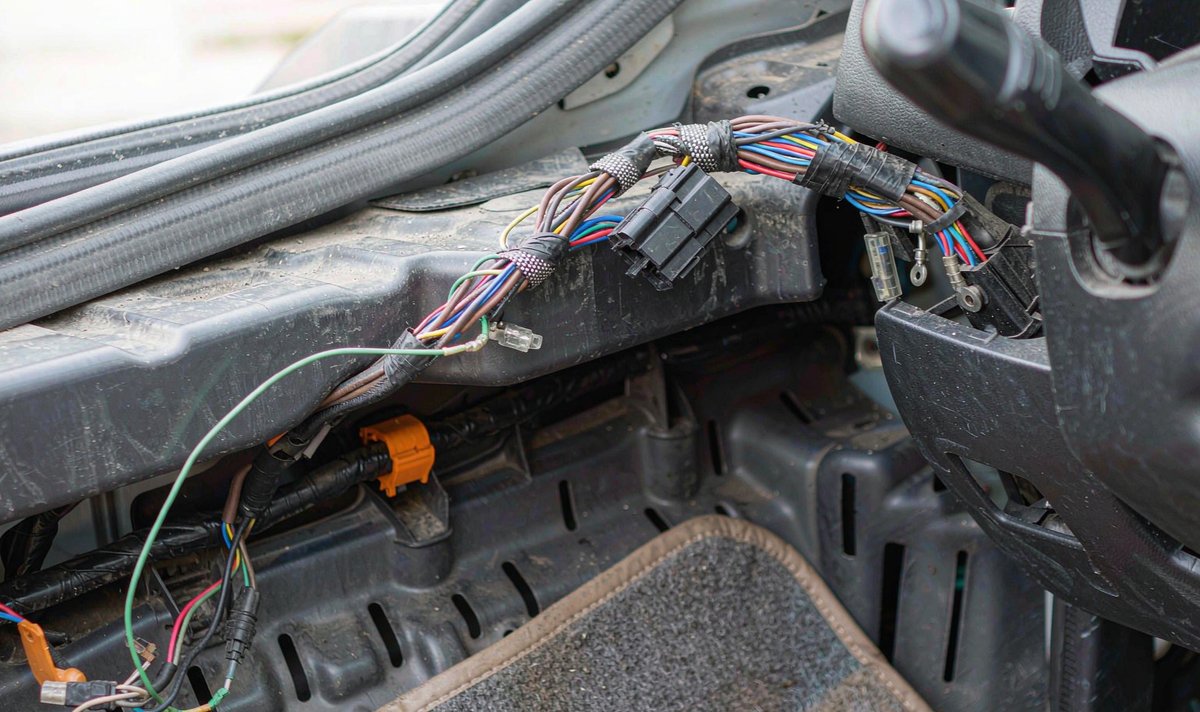
This is where the android head unit parking brake wire comes from, and it's the usual suspect when video plays in your driveway then refuses two streets later. A retrofit deck can't ask the engine politely. It reads one signal: a wire from the harness to the parking brake switch. Set the brake and the switch grounds it, which your deck reads as parked.
On the harness side the lead is light green on a lot of decks, and the manual is blunt about where it belongs: the power supply side of the switch. Land it on the wrong side and your deck will go on believing the car hasn't stopped.
What people call car head unit video in motion is mostly that wire, plus a timing quirk. Some decks want the brake set, released, then set again before the picture returns, and Pioneer's AVH manual spells that order out. If you pressed play once, saw nothing and walked away, don't dismiss the deck: confirm the sequence first.
Then your deck is just a display and the lock lives in your pocket. Google's support pages name a safety lock over particular features while the car is moving, and they list text entry and long list scrolling. Honda's owner information adds that keyboard entries aren't possible in motion, so stop somewhere safe first.
That's why android auto restrictions while driving can look inconsistent in two cars with one phone. Your phone decides, but what it knows about the car arrives over the connection, and that connection isn't identical everywhere. That inconsistency is the frustrating part, and no reset fixes it.
Factory systems do this in software, and the Android documentation on it is unusually readable. Driving state comes from gear and speed and lands in one of three buckets: parked, idling, moving. Parked is unrestricted. Idling brings in a no-video rule along with a no-setup rule, and moving is fully restricted. Video is defined narrowly too, as animated frames above 1fps, so it bites on animations as well as films.
The same page warns that the exact set varies by manufacturer and market, so two cars of one model year can differ. Your app reacts to the restriction it's handed rather than to the gear lever, and it's worth knowing on an older car too: it explains why factory screens and retrofit decks misbehave differently.
A rear screen and a front screen aren't the same problem, and this is what people misremember. The US guidelines aim at devices the driver can see or reach, so a screen fully behind the front seats sits outside their scope, and driving-related images such as a rear view aren't what the recommendation covers. That's why android car stereo passenger screen video is treated as a separate case.
Android's own car documentation agrees: extra displays don't inherit the front screen's restrictions by default, and the configuration supports a separate mode for passenger displays. Software half, settled. The hardware half is yours to check. Video on a second output is a feature of the unit you own, not of the category. Some decks pass it to a rear monitor output, and some don't offer it at all.
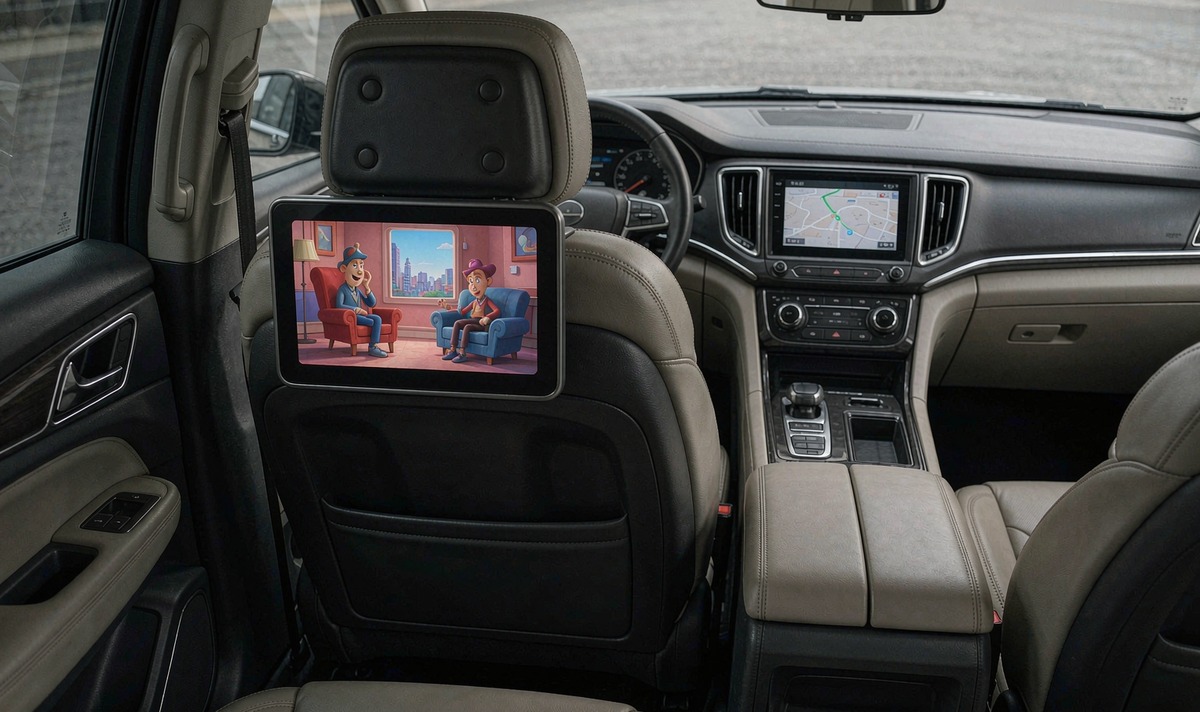
Then the catch. The guidelines leave passenger devices alone if you can't see them, but that's guidance for car makers, not a licence. Pioneer's manual warns that in some countries viewing video on a display inside a vehicle may be illegal even for people other than the driver. So your rear screen is a wiring question on Saturday and a country question by the afternoon.
Neither document below is a manual for your deck.
In the UK the one with teeth is regulation 109 of the Road Vehicles (Construction and Use) Regulations 1986. It makes it an offence to drive while in a position to see a display showing anything other than information about the vehicle's state, its location, the road around it, or the route to your destination.
"No person shall drive, or cause or permit to be driven, a motor vehicle on a road, if the driver is in such a position as to be able to see, whether directly or by reflection, a television receiving apparatus or other cinematographic apparatus used to display anything other than information about the state of the vehicle or its equipment; about the location of the vehicle and the road on which it is located; to assist the driver to see the road adjacent to the vehicle; or to assist the driver to reach his destination."
Road Vehicles (Construction and Use) Regulations 1986, regulation 109, legislation.gov.uk (excerpt, condensed at the start).
Spot the phrase about seeing it directly or by reflection: a screen angled away from your eyeline that still lands in your mirror sits inside that sentence, and the wording is older than Android and survives on its test rather than its vocabulary. What can you see while moving?
The American document is voluntary. NHTSA's distraction guidelines for in-vehicle electronics set a glance budget, not a banned app list: individual glances of 2 seconds or less, and 12 seconds of eyes-off-road time in total. Tasks that can't meet it get locked unless you're stopped and in park, and video entertainment sits on that list.
Voluntary is the word to hold on to. It binds car makers through pressure rather than fines, so the next car you buy probably won't follow it, and your state may add its own rules. Two countries, two instruments, one idea: the driver's eyes are what gets protected.
Nothing here needs a workshop, and shops often skip all three when a customer complains about video, because nothing here asks you to defeat a safety circuit. Three checks, and the car stays parked for every one of them.
Engine off, parked, brake released. Open a video file. If it plays, your build isn't wired for the lock. If a warning appears, the lock is live and that lead is the key.
Find the light green conductor at the harness plug and follow it. It should reach the parking brake switch, not a bolt on the body.
Set the brake, release it, set it again, then press play. Decks that want that order look faulty until you follow it.
Leave the interlock alone. Grounding that lead modifies a safety system, and the maker's own manual warns you against tampering with it. It's also the sort of thing that turns a short roadside chat into a long and tedious one.
Set things up before you move. Type the address while parked, pair the phone while parked, then let voice carry the rest. To know how a particular build behaves, the models on the WITSON universal one/two DIN page list screen size and system version. The video lock is a firmware question, so send the model and software version and we'll check the build.
Everything above holds for any deck, factory or retrofit. If you want to see the units these checks were written around, the universal one/two DIN range is where to start.
Not on the screen, and the block isn't your deck being awkward. Google's support pages name a safety lock over text entry and long list scrolling while moving, and Honda's owner information says keyboard entries aren't possible in motion. Type it before you pull away.
Because your deck isn't seeing the ground it expects. That lead is either unconnected or on the wrong side of the switch.
It sits outside the reach of the US guidelines when you can't see it, and Android's car documentation leaves extra displays unrestricted unless a build says otherwise. Check local rules too.
On a factory Android Automotive car, yes: the operating system does it, starting at idling. A deck you fitted relies on firmware and that brake lead. A projected phone relies on the phone.
People hunt for one because a forum post once mentioned it. On retrofit decks the answer runs through the harness, not the menu tree, which is why your search comes up empty.
