
Car cameras - 360 surround view and parking surveillance
You walk back to the car and there's a fresh scrape across the rear quarter - and nobody left a note. A 360 system already watches every side of the car while you drive. The part most owners never switch on is that same view after the doors are locked: parking time recording. On a retrofit kit it comes down to one menu setting and one power decision, not a new camera. I'll walk you through both.
A 360 system is four cameras: one at the front, one by the rear plate, and one in each side mirror. They stitch into the top-down view you see in reverse, and parking recording reuses that same hardware.
Three recording modes turn up on most retrofit kits, and they behave differently overnight. Time-lapse drops to roughly one frame per second, which stretches a card a long way. G-sensor mode sleeps and only wakes when something bumps or moves near the car. Low-bitrate continuous records the full view at a reduced rate. Which one suits you depends on where the car sleeps.
Can a 360 system keep recording after you lock the car? It can, but only when two things are true: the parking mode is on in the menu, and the unit still has power with the ignition off. Miss either one and the cameras shut down. That's why your plain android head unit front and rear camera recording setup off the switched circuit goes dark the moment you pull the key.
One thing to settle before you order: the two mirror cameras and the stitching are laid out for a specific steering side. Confirm whether your car is LHD or RHD and get the matching kit, or you'll chase a fault that was never there. The mirror housings, cable lengths, and calibration all differ between the two layouts.
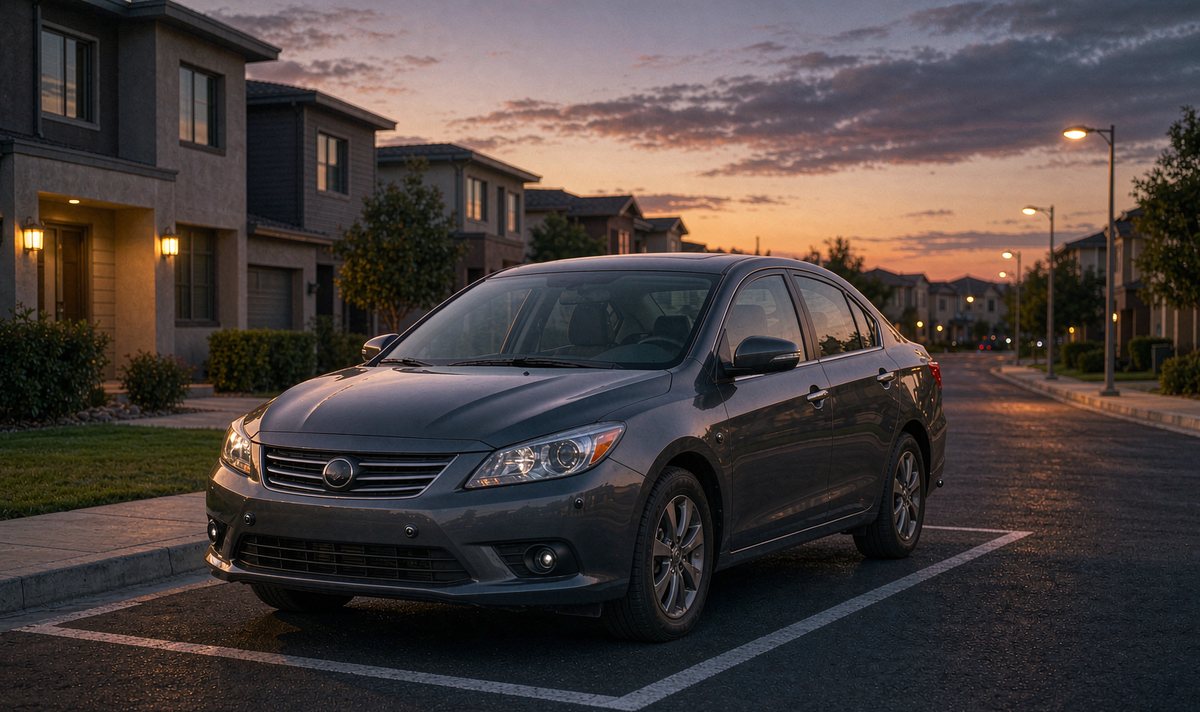
This is the part that decides if it works. An aftermarket stereo cuts power seconds after you switch off - nobody wants a lit screen in your parked car - and your 360 module shares that supply and dies too. Parking recording needs a second, always-live feed: a tap on the constant battery side of the fuse box, a tap on the switched ACC line so the kit knows you've left, and a clean ground.
The switched line matters more than you'd expect. When ACC drops, the kit tells the module the car is parked and the recording mode takes over. When ACC returns, the unit wakes into normal driving, and you're back to a normal screen. Get those two wires backwards and the module sits awake all night doing nothing, or stays asleep when it should be recording.
I've fitted more of these than I can count, and the switched wire is the one people mix up first. I see this confuse first-time fitters every week, and it's annoying to chase after the fact.
Follow that chain and it makes sense: the battery holds the energy and the kit protects it. Break a link and you get no recording or a flat battery by morning.
This is the free step, and it's the one that gets skipped. Open the camera or DVR app on the unit, find the parking setting - it's called parking monitor, parking guard, or parked recording depending on the firmware - and turn it on. Then pick the mode that matches how your car is parked, and set a sensitivity if the kit offers one. It takes two minutes. It costs you nothing.
The common mistake here is fitting the cameras, admiring the bird's-eye view, and never opening that menu. The kit does exactly what it's told to do, which is nothing, and you decide it's a gimmick. So check it twice: reboot after you set it and confirm the toggle is still on, because some firmwares reset it after a power loss.
Honestly, that menu reset is the cause more often than any real hardware fault, and it's the first thing I'd check before you start pulling the dash apart to chase a problem that was a toggle all along.
Here's the same choice in one place, so you can match it to where the car actually sleeps.
| Mode | What it does overnight | Suits | The catch |
|---|---|---|---|
| Time-lapse | One frame per second, all night | Long unattended stays | Slow contact can fall between frames |
| G-sensor | Sleeps, wakes on impact or motion | Quiet streets and garages | Misses slow scrapes entirely |
| Low-bitrate | Full view at a reduced data rate | Proof you can scrub through | Uses the most card space and battery |
The way I read it: start with time-lapse for a driveway, add the G-sensor for street parking, and only use low-bitrate when you need to review the whole night.
If the menu is on but the unit is dead each morning, this is the wiring step. A hardwire kit taps three points: constant battery positive (B+), the switched ACC line, and ground. Its voltage cutoff protects you - it cuts the cameras before the battery drops too low to start the car. That cutoff is usually set between about 11.8 and 12.4 volts on a 12-volt car; too low risks a flat battery, too high wastes recording hours.
Do not skip the cutoff. The last thing you want is a dead battery on a cold morning. In our experience, that cutoff is the step people skip. A direct battery tap with no protection works fine until the first cold week, and then you're calling for a jump start. I've seen more than one install where the kit went straight onto the battery because it was quicker, and every one ended the same way.
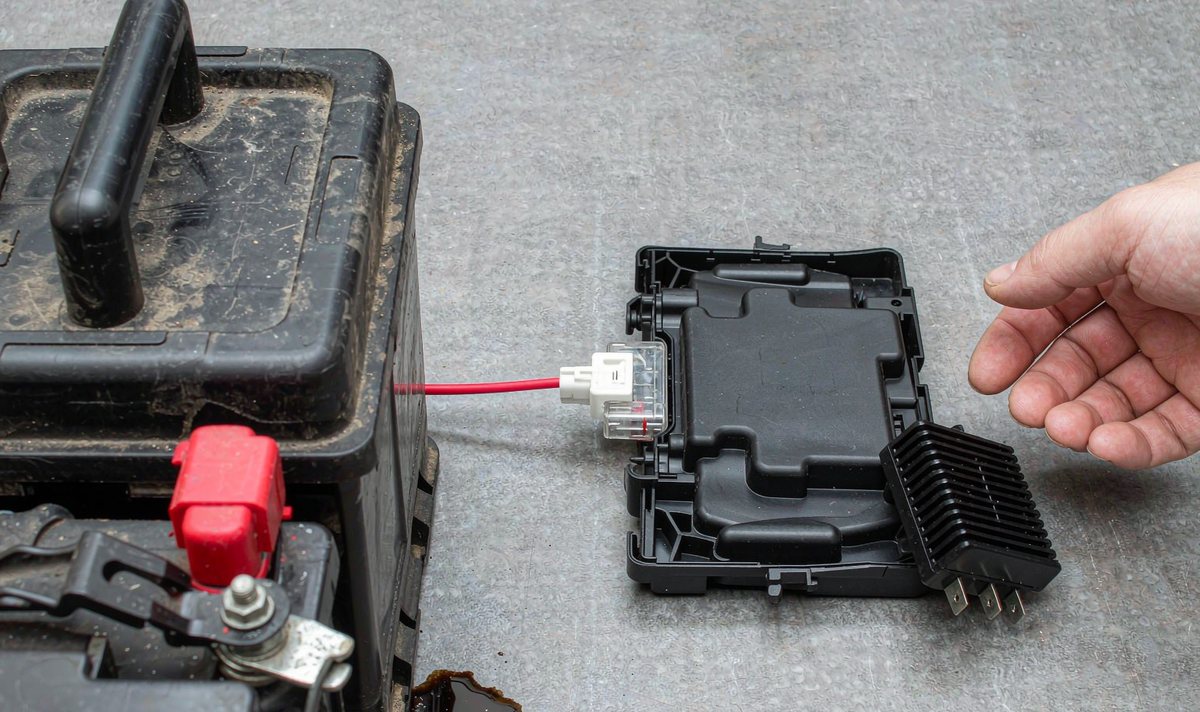
Wiring quality decides the rest, and you'll feel it most at 2 a.m. An android car stereo wiring harness adapter on the constant circuit keeps the cameras awake; the same adapter on a switched circuit won't. Check the ground lands on bare metal, not paint - a paint ground reads fine on a bench and drops out overnight. A clean ground is a relief: it rules out the most common cause. Bad grounds are awkward to find. And a retrofit android head unit for older car often has no constant feed behind the dash at all, so the hardwire run isn't optional there - it's the only way the cameras see power with the key out.
Storage is where cheap kits fail first, and it's frustrating to fit a full 360 kit yet watch the one feature that pays for it fall over. A camera card is built for bursts like photos and a map update; hours of writing need a high-endurance card rated for that duty. Loop recording overwrites the oldest clips when the card fills, so you never empty it by hand.
How to size it: time-lapse at one frame per second stretches a modest card across several nights, low-bitrate continuous usually covers a night or two, and full-bitrate can fill a card in hours. The exact numbers depend on the bitrate your firmware uses, so you shouldn't trust a fixed hours figure. Can you record all four sides at full quality overnight? No - not on ordinary storage. The card and the battery cutoff both give out before sunrise, and that's why the modes exist.
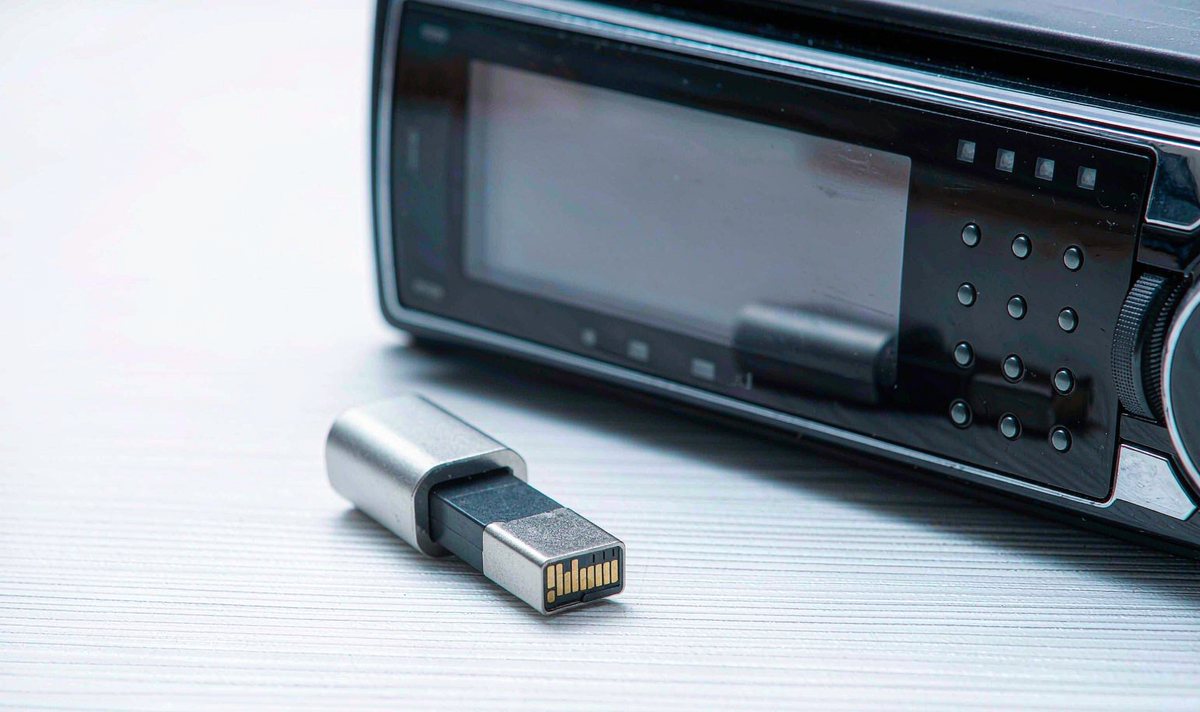
Why does footage so often stop a few hours after parking? The usual suspects: the battery cutoff cut in early because the threshold was set high, the card filled with loop recording off, or the unit's heat protection shut the cameras down. All three are things you can check, which brings us to the orderly way to do that.
I hear this from owners all the time: the menu's on, the wiring's right, and still nothing saves. Work through the checks in order and you won't spend money before it's justified.
First, the free test. Open the camera app, confirm the parking mode toggle is still on after a reboot, and confirm the card shows its real capacity. A wrong card size or a toggle that keeps resetting is your fault already.
Second, the wiring. With the car off, measure the constant feed at the kit itself - it should read battery voltage. Check the ground lands on bare metal; a feed through paint or a sagging line passes a bench check and still drops out at 2 a.m.
Third, the hardware parameters. Look at the cutoff threshold, confirm the card is a genuine high-endurance type rather than a generic one, and confirm loop recording is on so a full card doesn't stop the capture. A fake card is maddening, and you lose a night.
Only after all of that comes the hardware conversation. If power is verified, the settings are right, and the kit still drops the clip, the limit is usually heat or power margin inside the unit - and that's a buying decision, not a settings one.
That's where hardware capability matters. WITSON units use an aluminium heatsink and a cooling fan to survive long recording sessions, so if your current unit runs hot while the cameras stay live, tell us your car and what you're fitting and we'll confirm what works. If you're choosing a unit to host the kit, the universal one and two DIN head units page is the place to start. We ship to Australia, North America, the Middle East and Europe.
Parking recording is a wiring job as much as a settings job. If you're not sure which feed your dash provides, or which kit suits your car, our support desk will walk through it with you before you order anything.
Ask our support deskMostly, yes. Once the mode is on and the hardwire feed is in, the system runs on its own and loop recording handles storage. Check it after the first few nights, and re-check after any firmware update, because that's when settings tend to reset.
The factory or cigarette plug dies with the ignition, so it can't power parking recording. A hardwire kit on the constant battery feed is what keeps the cameras alive after you lock the car. If your dash has no constant feed at all, the kit is how the cameras get power.
Usually the voltage cutoff cut in early, the card filled with loop recording off, or heat protection shut the cameras down. Check the cutoff threshold first.
Not on ordinary storage or an unprotected battery. Full-quality recording fills a card fast and drains the battery, which is exactly why the time-lapse and G-sensor modes exist. Pick the mode that matches the risks where the car sleeps.
Zhuhai WITSON Industrial Co., Ltd. - Tel: +86-756-8120312, 8120211, 8120212.
