
Car infotainment - firmware recovery
A firmware upgrade that ends in a restart loop doesn't usually mean the board is gone. It means the unit can't finish reading the image it was told to boot. Two things tell you how much trouble you're in: what's on the screen while it loops, and whether you wrote down the build you flashed. Get both before you press anything.
A boot loop is three different faults wearing one name. Sit in the car with the power on and you'll watch them take turns. The unit freezes on the maker's logo, backlight on, and stays there. Or it restarts on a slow, steady beat, dark between attempts. Or it parks on a progress bar that stopped at some percentage and never moves again. One complaint from your seat, three different places on the board.
So which one have you got? Watch it for sixty seconds before you press anything, because the answer decides your first move, and the wrong first move turns a recoverable unit into a bench job. You followed the update instructions exactly, and now the dash is dark with no clue which of the three you're looking at. That's the annoying part.
| What you see | Which layer it points at | Your next move |
|---|---|---|
| Frozen on the logo, backlight on, no restart | The system image is there but won't finish mounting | Look for the offline menu, then treat the package as the suspect |
| Restarts on a steady beat, dark between attempts | The new image boots part way and gives up | Same two moves as the row above |
| A progress bar that stops and stays stopped | The write itself ran out of road | A second write on a better medium, with steady power |
| A plain menu you can drive with the buttons | You're in the offline environment, not in the loop | Good news - start there |
That last row matters more than it looks: a menu you can scroll with the volume buttons isn't a fault - that's where I'd start.
The usual suspect is not a dead board. A unit that lights a backlight, draws a logo and answers the power button is doing real work. What it can't do is mount a system partition that no longer agrees with itself, and that is a software problem in the ordinary sense: something you can write over.
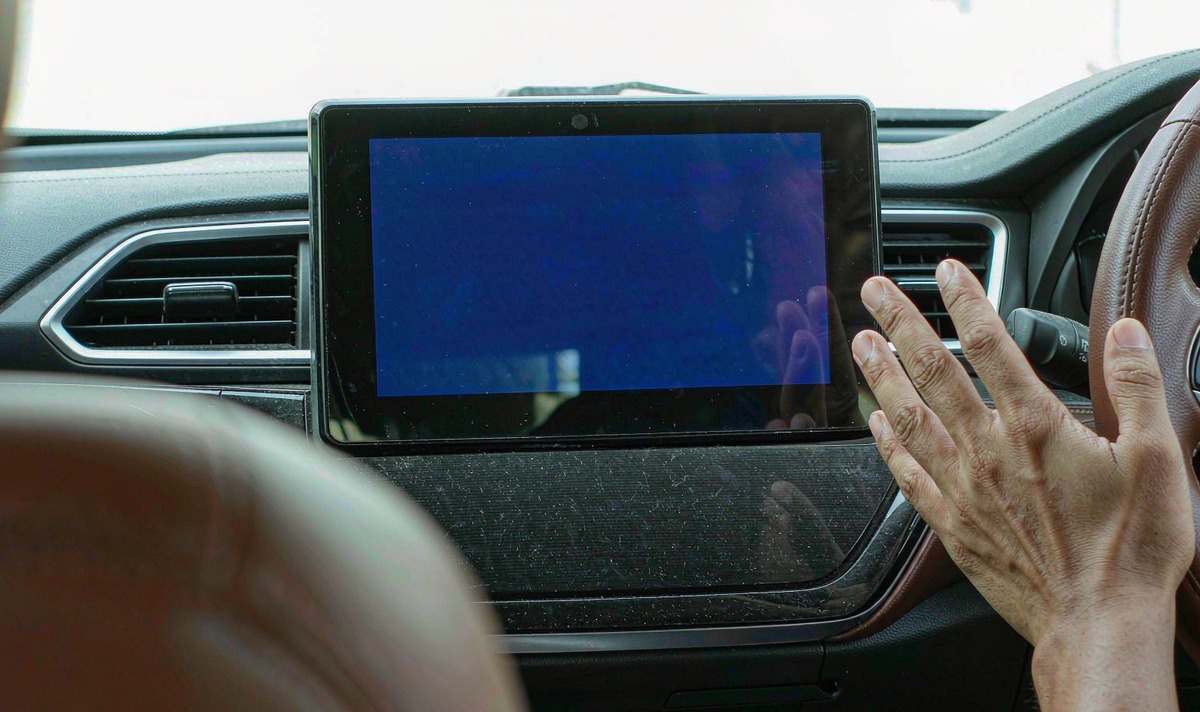
Android can't overwrite its own system partition while it's running from it, so the job gets handed elsewhere. A small environment lives on its own partition, the bootloader chooses between booting the operating system and booting that environment, and the package is written from there. The Android Open Source Project calls this recovery mode.
Why should that matter in your driveway? Because the partition layout decides whether a failed update is survivable, and two layouts behave nothing alike.
In a single-slot build, the new image goes over the one copy of the old image, so a write that stops halfway leaves no old copy left to fall back on. In a two-slot build the image goes to the unused slot, and AOSP documents the fallback: if the update applies but the new slot fails to boot, the unit boots the previous slot instead. Which layout your unit runs is a model and firmware question, not something you can read off the front of the box.
The other thing working against you is the integrity check. Read-only partitions carry a hash tree and a signature chain, and the boot image holds the top of that tree. Change one byte on the system image and the check fails, so the machine refuses to mount it and loops rather than running code it can't vouch for. Verified boot is doing its job; you're feeling the side effect.
Which is why blaming the file is the common mistake. Downloads do go wrong, but a package that unzips cleanly and copies at the same size twice is rarely what broke. What actually breaks is the write - a stick the unit reads slowly, a connector that drops for a moment, a car that cuts power mid-way. What I see more often is a second attempt made with the same stick in the same port, which is the frustrating part.
One more layer to straighten out before you go hunting for files. Ask whoever sent you the package which firmware it replaces. The Android image and the car-side controller are separate, updated by separate files, and a package built for one does nothing for the other.
Order matters more than the step itself, and I hear most of these stories after someone already started at the far end of the list. Work from the cheap, reversible end.
Pull the update stick or card out first. A unit that finds a package on the same medium at every power-up will keep re-running the install you're trying to interrupt. Then power the car down properly rather than yanking the connector, and give it a minute so a stuck write isn't restarted mid-block.
Get into the offline menu and clear the cache partition. That deletes temporary files, touches nothing personal, and costs nothing to try. If the loop survives, wiping user data is the next rung: it clears apps and settings, leaves the read-only system image alone, and can't repair a bad image by itself.
Put the package the maker sent you, unpacked, at the root of a freshly formatted card, with no folder around it. Keep the ignition on or a charger on the battery for the whole write. A write that loses power part way is the one failure here that's hard to undo.
The first start after a wipe takes longer than usual, because the system rebuilds its app caches before it hands you a home screen. Keep power steady and let it get there; unplugging during that stretch is a silly way to land back where you started.
When it does come back, check the things that live outside the Android image: car-side controller settings, touch calibration, steering wheel buttons, phone pairing. Some builds come back with a different Bluetooth address, so your phone may sit there doing nothing until you pair it again.
A second attempt fails the same way when you repeat the same setup. These are the five checks I'd run first, and none of them costs anything.
The build number and the version of the car-side controller, both read off the unit's own information screen. Photograph the screen. Those two lines are what a replacement file has to match.
A listing name is marketing. What has to line up is the platform inside the unit and the build the package was made for, so ask for the file by those two numbers, not by the product name on the invoice.
It gets edited, renamed and reissued. What matters is the build the package was compiled against, which is usually printed in the file's own version notes.
A freshly formatted card in FAT32, with one file at the root and nothing else on it. Long extension leads and tired sticks are where your write goes wrong for no visible reason.
No camera module, no second USB device, no adapter hanging off the harness while the write runs. Take the load off the port before you start.
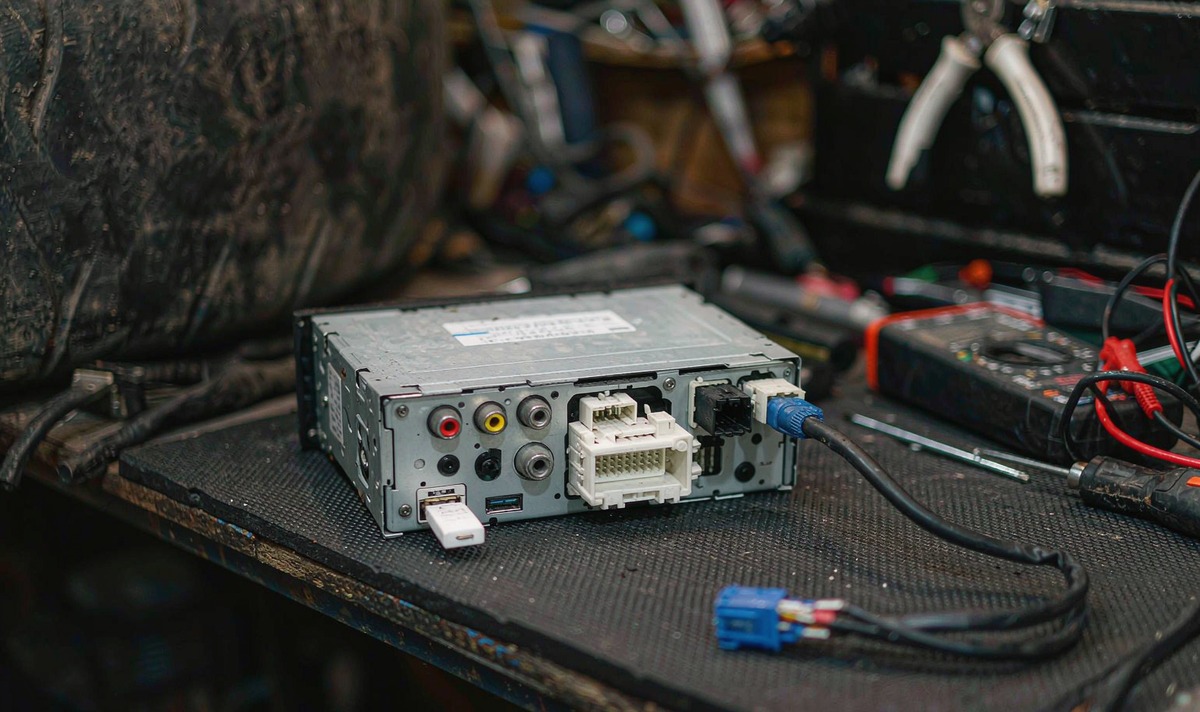
Two situations put this back in the trade. One is a unit with no backlight, no logo and nothing showing up on the USB port - at that point the bootloader itself needs attention, and the tools for that talk to pads or test points on the board. The other is a unit that takes its package from a computer over a service cable.
Those tools are platform-specific, they're built for engineers, and their error output reads that way. A wrong file at that stage can take the bootloader down with it, and then you aren't repairing a head unit, you're replacing one. Treat that as a driveway job and a twenty-minute fix becomes a parts order.
Here's where I'd draw the line for you. Menu work, a formatted card and a battery charger are yours. Pads, a service cable and a flashing tool belong to whoever wired the dash, and the maddening part is that you can't tell which side of that line you're on until the cheap moves have been tried.
If you hand it over, bring four things: the unit's model, the two version numbers you photographed, how the update was applied, and what the screen does now. A ten-second video of the loop says more than a paragraph describing it.
Matching a package to the board it was built for is the part of this trade that never reaches a specification sheet: platform revision, harness pins and the build signed for a particular model, checked one unit at a time before it ships. That work is where WITSON spends its time here. If you're choosing a unit rather than rescuing one, the retrofit decks we build are listed by vehicle in the universal one and two DIN head unit range, and for a specific model our support desk sends the matching file rather than a link to guess from.
Not sure which of the three you're looking at? Send us the model, the build number you photographed, how you applied the update, and a photo of the screen right now, and we'll tell you whether this is a menu job or a bench job.
Ask our support deskHave the unit model, the build and car-side controller versions, the update method you used, and a short video of the loop.
Zhuhai WITSON Industrial Co., Ltd. - Tel: +86-756-8120312, 8120211, 8120212.
Not on its own. A wipe clears user data and leaves the read-only system image untouched, so it can't repair a bad image.
Longer than you'd like, and it varies with how much is installed on the unit. Give it ten minutes on steady power before you decide it failed, and don't pull the plug while it's obviously still working.
Two likely reasons. The package may have been built for a different board revision, which is exactly why those two version numbers matter, or the write stopped again on the same weak medium. Copy the file to a different card, read its size back, and compare it with the size the sender quoted.
On a unit with two system slots, yes, and you don't have to do anything: the bootloader falls back to the old slot when the new one won't boot. On a single-slot unit there's no old copy left on the board, so the way back is a full package rather than a rollback.
For the menu work and the card, no. You'll be reaching for power and the update port, and on many retrofit units that port sits on the back of the chassis, so freeing the deck is often part of the job even when nothing has failed at board level.
