
Car infotainment - fault finding
Charging a phone shouldn't kill the map, and on plenty of cars it doesn't. When it does, three things are at work and they look the same from the driver's seat: a handover, a hot battery, and your phone's own rules about a Wi-Fi network with nothing behind it. Time the drop and you'll know which one you've got.
Push a plug into a car and you're not doing one thing, you're doing three. Power starts moving up the lead. Your phone works out what kind of host it's just been attached to. And on plenty of cars the head unit takes that moment to move the projection off the wireless link and onto the cable. Any one of them can end the session you were happily using thirty seconds earlier.
None of them announces itself. That's the annoying part. So get one number before you open a settings menu: how long the session holds after the plug seats, and whether the phone is warm when the map goes. Two minutes in, or twenty?
| What you see | What it points at | Test it with |
|---|---|---|
| Dies as the plug seats, back within seconds | A handover that didn't settle | Pull the lead, wait, push it back. If the map returns and holds, you've found it. |
| Fine for ten or twenty minutes, then dies with a warm back | Heat, and a radio being switched off to protect the battery | Move the phone out of the sun and repeat on a cool morning. |
| Dies on the same stretch of road, phone cool | The phone leaving the car's Wi-Fi, or local radio interference | Run that route again with the network-switching helpers turned off. |
That third column is a direction, not a diagnosis. Two of these can run at once, and the order you test them in is what saves an afternoon.
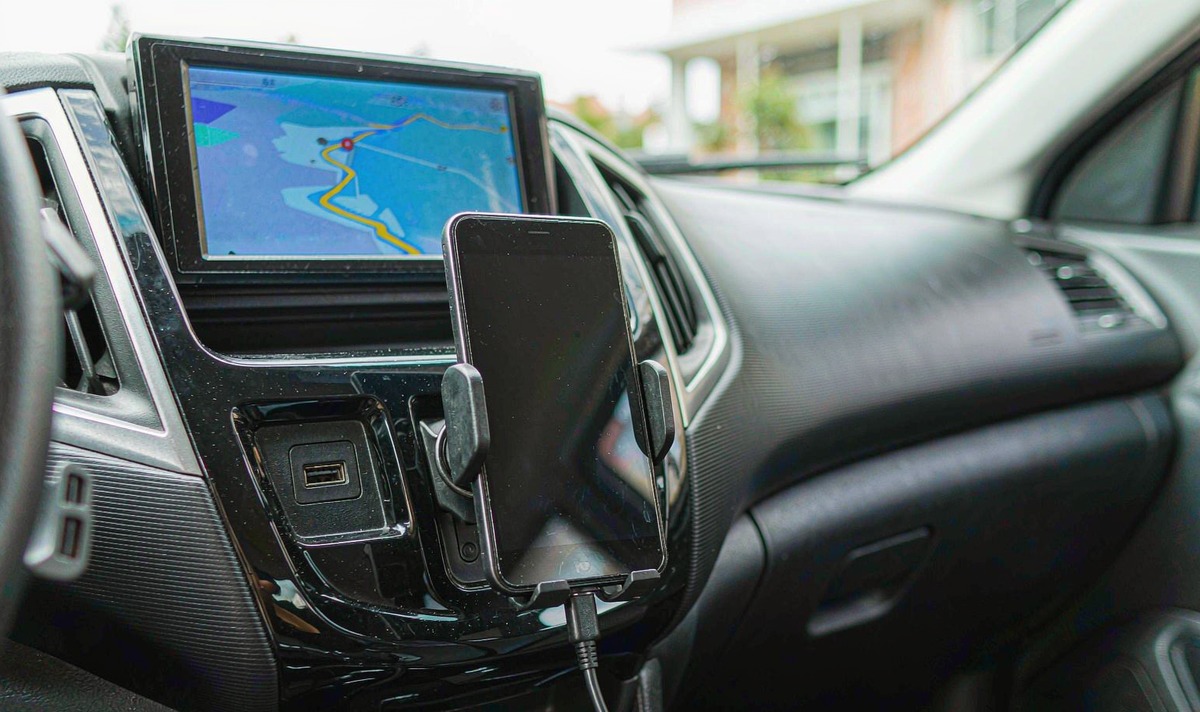
A USB socket in a centre console is rarely just power. On a car that runs wired Android Auto, that socket is a data port, and a data port is an invitation. The moment the connector seats, the head unit offers your phone a wired session and Android Auto takes it. Projection moves onto the cable. The Wi-Fi link is surplus. When it goes well you don't notice: the map blinks and comes straight back.
Two things get missed here. The handover is car-specific, and it can lose its footing half way through. Porsche's own Android Auto help page tells drivers to remove the phone's Bluetooth pairing and delete the phone from the car's device list before plugging in, because on that hardware the switch isn't automatic. That's a published procedure for a job drivers reasonably assume the car does by itself. The second thing is the socket. Plenty of cars carry more than one, and the one wired Android Auto needs is the data socket, usually the one marked with a phone pictogram, so verify it against your manual before blaming the lead. What I see most often is the lead getting blamed for a socket that never carried data, which is the silly part.
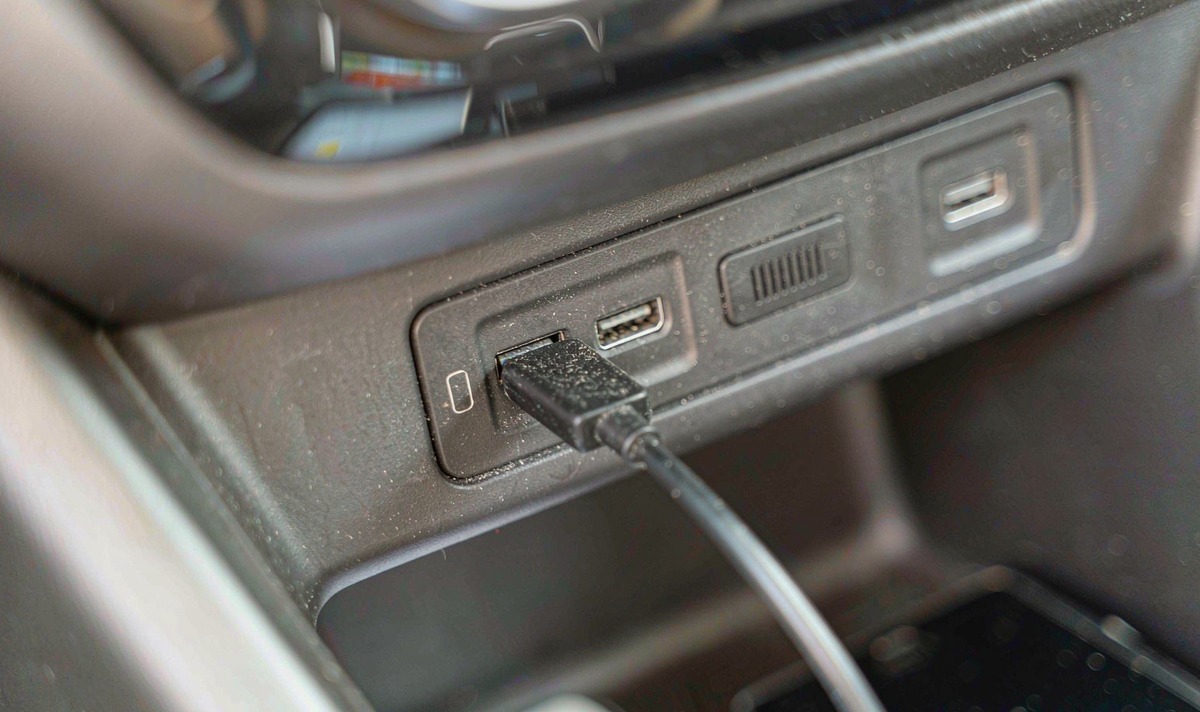
Which is why a charge-only socket makes such a useful test. Plug in there and nothing hands over. The wireless session keeps running and the battery fills. So if the map still dies from a socket that can't carry data, your cable was never in charge of it. Stop shopping for cables and check your socket.
A drop that lands the second the plug seats is a handover. A drop that lands ten minutes later is heat. Same symptom, opposite fix.
Wireless projection isn't one radio, it's two. Bluetooth opens the conversation, handles pairing, and carries the call audio. The picture itself rides a peer-to-peer Wi-Fi link between phone and head unit, and the requirement on the car side is specific: the head unit runs its own 5 GHz access point, because Bluetooth hasn't the bandwidth for a live dashboard. Google's setup page for wireless Android Auto asks you to keep Bluetooth, Wi-Fi and Location switched on while you complete the pairing - three switches, not the one you think you're using.
Now the awkward part. That access point has no internet behind it, and your phone works that out within seconds of joining. Android's network selection treats a Wi-Fi network it can't validate as a poor connection, unless you've approved it for offline use. That's why the head-unit guidance asks the car to advertise its network as metered, so the phone stops treating it like a data line. Put an aggressive helper on top - smart Wi-Fi, adaptive Wi-Fi, switch to mobile data, switch to a better Wi-Fi network - and the car's access point is exactly the network your helper wants to leave.
There's a physical version of the same argument. The head-unit requirements warn against publishing two access points under one network name, because a phone can roam from the 5 GHz link down to the 2.4 GHz one and interrupt the live session while it does. If your unit shows one name for both bands, a roam can end your projection with nothing visibly wrong. That one gets blamed on the head unit often, and I hear it more on wireless-only setups than anywhere else.
So where do you switch those off? It depends on the phone. They usually sit in the Wi-Fi advanced menu, and the wording changes with the brand, so check the words rather than the position. Turn them off for a test drive, and set Android Auto itself to unrestricted battery - a restricted app can be paused mid-drive and take the link with it.
Two radios running, a live map, a bright screen, and current going into the battery. Your phone reads that as a thermal event waiting to happen. It isn't wrong.
Google's Pixel support pages are unusually blunt here. Charging a phone while it's also running resource-hungry features is listed as a cause of overheating, and once your phone decides it's too hot it may slow the charge, drop into low-power mode, and partially or completely switch off mobile data or Wi-Fi. Read that list again. One item on it turns Android Auto off. The phone isn't broken, and it isn't flat. It's protecting the cell, and your map is what it chose to spend.
The phone would rather lose your map than cook its battery. Once you know the order it protects things in, the drop stops looking random.
Sun through the windscreen, a cradle in front of a vent that isn't blowing, a case holding heat in, and a fast charger pushing current into a warm battery. Four loads stacked on top of a projection load. Feel the back of the phone the next time it dies. A phone that's genuinely hot, dying in the same ten-to-twenty-five minute window trip after trip, is thermal and nothing else, and it won't be fixed by anything you find in the head unit's menu.
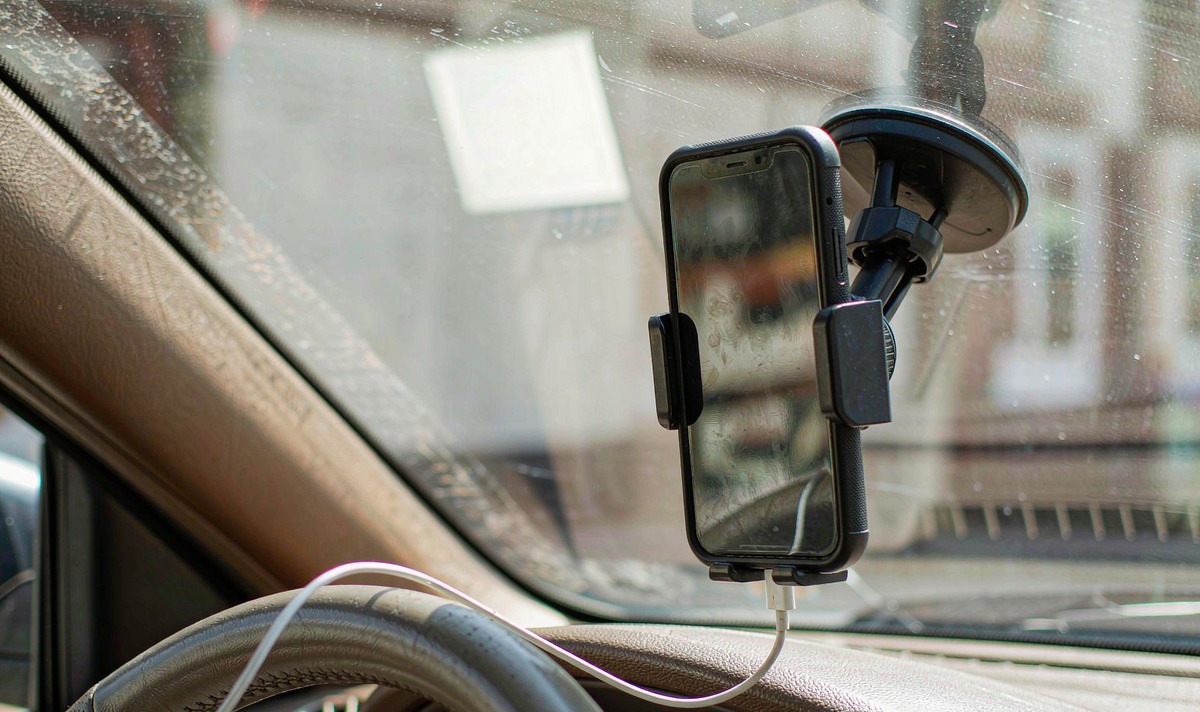
Work down this in order, parked, and stop the moment the drop stops. Start with the usual suspects, because both are free to rule out. Time the first failure so you know which branch you're in, then run the same trip with the phone on a separate 12 V charger, so a handover can't happen. If it still dies, your socket was never the cause.
Next, move the phone out of direct sun, take the case off, drop the screen brightness, and repeat on a cool morning. If the map survives, you've confirmed heat without spending anything. After that, switch the Wi-Fi helpers off, set Android Auto to unrestricted battery, and re-run the route. Last, borrow a second phone and try the same car, then compare that with a run on the cable. If a second handset is unstable too, the car moves up the list.
Here's where I'd stop and hand it over. If a second phone holds a cable connection solidly while wireless keeps dying, the phone's software and the car's wireless link are your suspects, and swapping the lead won't change that. If both phones die on the cable as well, wireless was never the problem. That's a port, a power or a head unit fault, and it belongs with whoever wired the car.
The common mistake I see is buying a wireless adapter before step two. An adapter is a real answer for a car that only does wired projection. What it can't do is fix a phone that's shutting its own radio down, or a socket that never carried data. Paying for one, then getting the same drop three journeys running, is the frustrating part of this whole subject - and it's how people end up deciding the wireless idea is rubbish.
The layer all of this sits on is the link between the phone and the retrofit deck, and the retrofit family those decks usually come from is the universal one and two DIN head units group. Whether a particular unit publishes its own 5 GHz access point, and whether it announces one network name or two, is a model and firmware question rather than something you can read off the box. What we see in the spec sheets is silence, so we list that per model.
Not sure which of the three you are up against? Tell us the phone, the head unit, and how long the session lasts after the plug seats, and we will point you at the branch that fits.
Ask our support deskHave the head unit model, your Android version, whether the drop follows the cable or the heat, and how long the session holds after you plug in.
Zhuhai WITSON Industrial Co., Ltd. - Tel: +86-756-8120312, 8120211, 8120212.
Usually not. Your socket matters more than your lead: USB power and USB data run on separate paths.
Then heat is off the list. The interesting suspects are the network-switching helpers on your phone and the car's own wireless link. Run the trip again with the phone on a separate charger so a handover can't happen, and watch whether the drop follows the road or the clock. If it follows the road, you're looking at radio conditions rather than settings, and the settings menu won't help.
Repeatable geography points at radio conditions, not settings. Busy traffic, a car park full of access points, or a stretch where your phone hunts for a stronger signal can each interrupt a live session.
It costs more than a cable does, because Bluetooth, Wi-Fi and GPS are working at once. That's why people plug in mid-drive, and it's why the heat branch gets worse rather than better once your charger goes on.
Yes, from a socket that doesn't hand over: a charge-only port, or a separate 12 V charger. Expect the phone to run warmer than it would parked, so keep it out of direct sun and out of a closed case while it works. If it still drops, you're in the heat branch, and your fix is a cooler phone rather than a different menu.
