UIS7865 Android Car Stereo by WITSON | Features, Specs & Configurations Explained
Many drivers still deal with dim factory screens, sluggish menus, outdated maps, and missing smartphone projection in older daily vehicles. Upgrading to a modern Car Multimedia System solves those bottlenecks while keeping cabin controls intuitive.
In our video walkthrough, we break down the UIS7865 Android Car Stereo by WITSON and compare its three main configurations—DHGS (4GB+64GB), DHFS (6GB+128GB), and DHES (8GB+128GB)—so buyers and installers can pick the right tier for their car and budget.
Core Feature Highlights
Screen Display
Designed for crisp daytime visibility and wide viewing angles, the display delivers sharp menu text, clean map rendering, and responsive touch feedback across popular dash sizes.
System Performance (UIS7865 Platform)
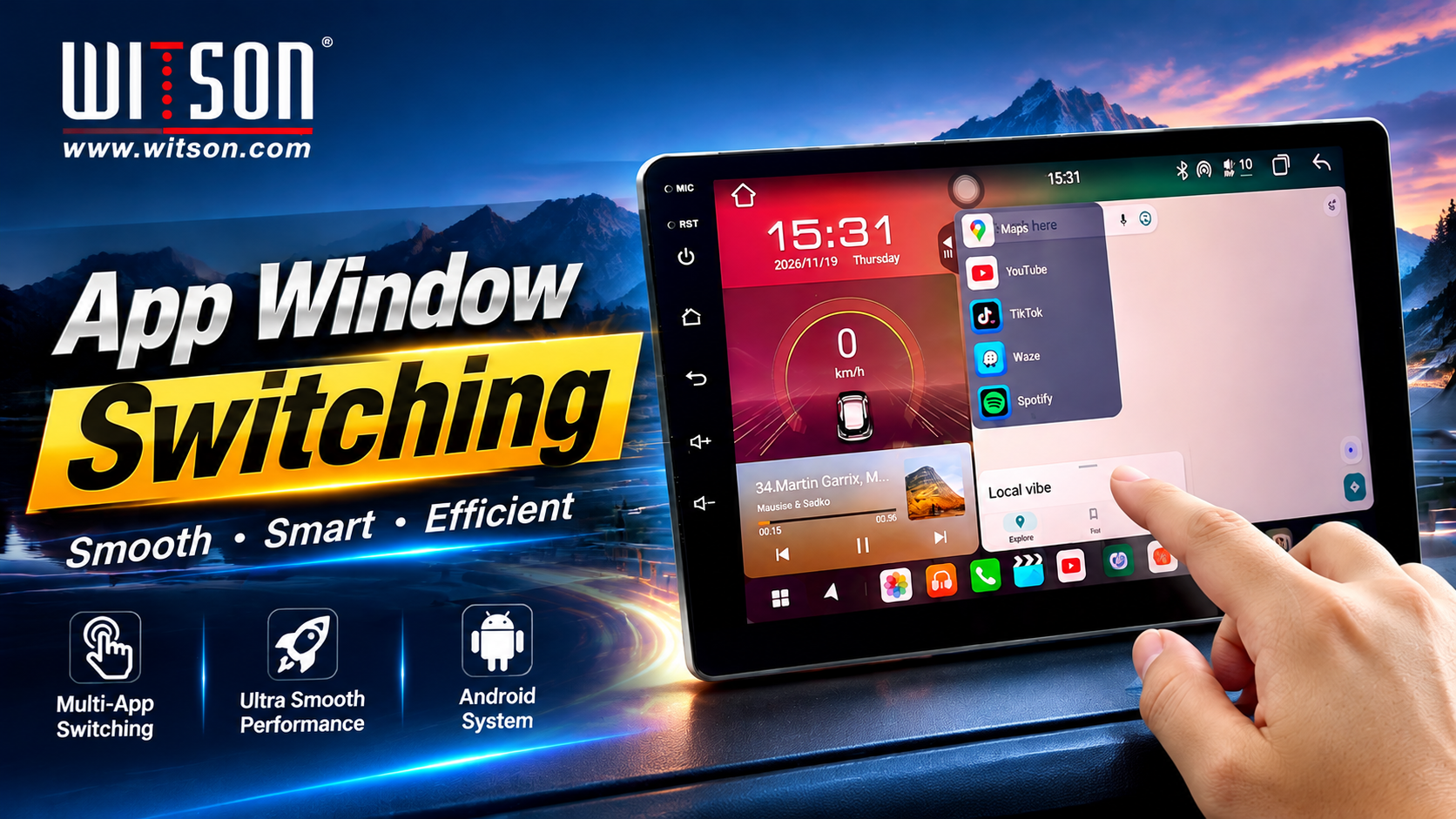
Powered by an octa-core architecture on the UIS7865 platform, the unit runs modern Android software smoothly with faster app launches, split-screen navigation and media, and dependable RAM/ROM scaling from 4+64GB up to 8+128GB.
Connectivity
Wireless CarPlay & Android Auto: Seamless phone projection for maps, messaging, and playlists.
4G / Wi-Fi & Bluetooth: Quick internet access for live traffic, streaming, and hands-free calling.
Audio & DSP Sound
Built-in DSP audio processing and multi-band EQ tuning let you shape soundstage clarity, bass punch, and vocal balance tailored to your cabin speakers.
| Configuration | Memory & Storage | Best Fit | Key Advantage |
|---|---|---|---|
| DHGS | 4GB RAM + 64GB ROM | Everyday navigation & media | Cost-effective entry tier |
| DHFS | 6GB RAM + 128GB ROM | Frequent multitasking & apps | Balanced speed and storage |
| DHES | 8GB RAM + 128GB ROM | Heavy apps & long-term use | Maximum headroom for smooth operation |
Vehicle-Specific OEM Design
A true (vehicle-specific Android screen) blends into the dashboard without bulky universal brackets or messy wiring. When paired with the matching harness and CANBUS decoder for your model, it supports steering wheel audio keys, reverse camera triggers, and original car status readouts.
Whether you need an Android Head Unit for your specific vehicle model or a dependable (in-car navigation upgrade) for fleet or retail sales, matching the exact dash frame and connector pinout keeps installation clean.
Installation & Performance Walkthrough
During installation and bench/in-car checks, focus on matching the factory power harness, verifying CANBUS protocol selection, and testing GPS lock, reverse signal, steering wheel keys, and wireless CarPlay/Android Auto pairing before locking the trim panel in place.
In live operation, switching between maps, music, and system settings remains responsive across the DHGS, DHFS, and DHES tiers, with higher RAM giving extra breathing room when multiple background apps stay open.
Frequently Asked Questions
Choose DHGS for standard daily navigation and radio/Bluetooth use, DHFS for extra app storage and smoother switching, and DHES if you want maximum RAM for heavy multitasking over several years.
Yes, on supported trims when connected properly with the right harness or CANBUS decoder and camera input adapter. Always confirm your exact car year, trim, and factory amplifier/camera type before ordering.
Yes, it supports wireless Apple CarPlay and wireless Android Auto so you can access navigation, calls, and audio directly on the main screen.
Check Compatibility & Request Pricing
Want to confirm fitment for your car model or compare wholesale/retail options for DHGS, DHFS, and DHES? Visit the official WITSON platform page or contact our team with your vehicle make, model, and year.
View WITSON UIS7865 Platform Details